AI Co‑Creator
From a raw recording to a published episode, with a creation companion at every step.
- Co‑Creator AI agent
- Web editor
- Creators podcast and video
Creators who used Co‑Creator published more. Too few found it.
We knew that creators who edited with Co‑Creator were more likely to publish the episode and come back to record again. Yet even though it sits high in the editing panel, less technical creators rarely came across it, and those who opened it didn’t know how to make the most of it.
Co‑Creator works
Creators who edited with it published more and came back to record again.
Hard to discover
Less technical creators rarely opened it, or didn’t know what to ask.
More creators who publish
If we make Co‑Creator more visible and its abilities easier to reach, more creators will publish their episodes.
Who we designed for
Content creators
Podcasters and video creators who record on Riverside and want to publish what they record.
Not professional editors
Creators with every level of experience with AI tools, from first-timers to daily users.
Focus on the content
They want to spend their time on the content they love. Editing and preparing assets to publish and promote it slow them down.
A creation companion at every step.
I wanted Co‑Creator to feel like the creator’s companion, present on the home page, in the editor and at publishing. One that knows the show and does the heavy lifting, to get creators from a raw recording to a published episode, with everything they need to promote it, as fast as possible.
- 01Home
- 02Editing
- 03Publishing
- 04Promotion
Theme, guests, highlights
The podcast’s theme, who the guests are, and what’s worth highlighting in each episode.
From cut to promotion
Reels for social media, an eye-catching thumbnail, the best caption and a blog post.
Part of the creation
It suggests and does the work, and the creator chooses the story and approves every change.
Faster every episode
Once it knows the creator’s style and preferences, the next episode gets easier and faster.
One loop for every task.
Every task, from the rough cut to promotion and publishing, runs the same loop, and the creator can always see into it. Two sub-agents do the thinking: one asks only what it needs, the other turns the answers into a plan. Nothing runs before the creator approves, and everything that ran can be reviewed.
Ask
The creator asks, or Co‑Creator suggests the next task.
Clarify
A few questions to understand the creator’s needs, only when necessary.
Clarifying sub-agentPlan
Co‑Creator shows the suggested plan.
Plan mode sub-agentApprove
The creator approves the plan or asks for changes.
Act
Actions run visibly in the editor.
Review
Every action taken is listed for review.
Next
Co‑Creator suggests the next step, and the loop repeats.
A complete design system for the chat.
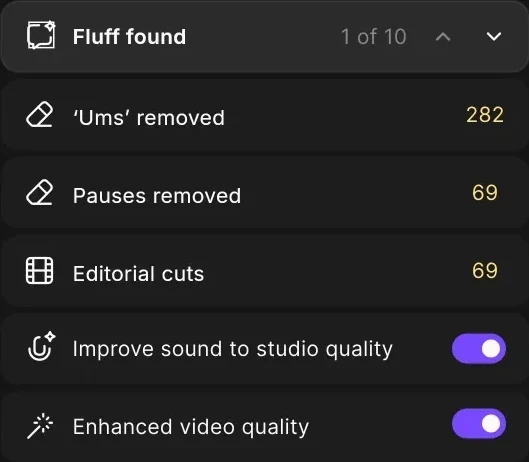
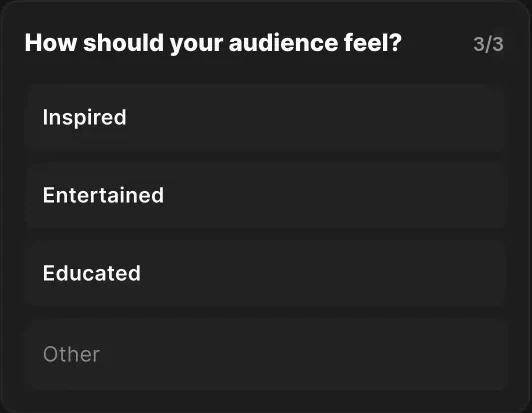
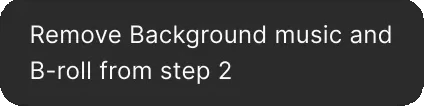
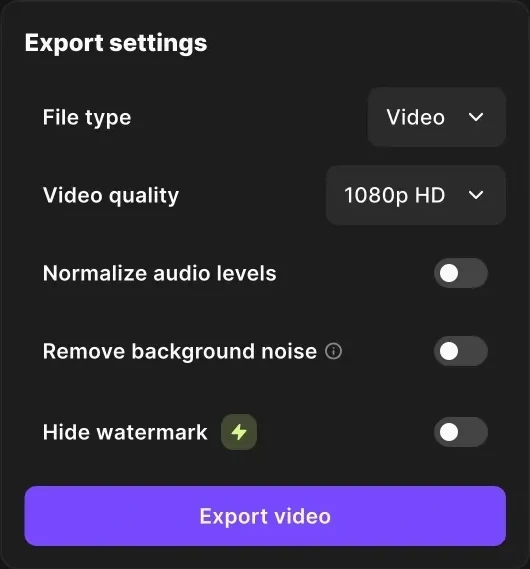
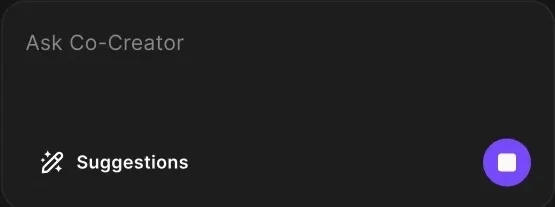
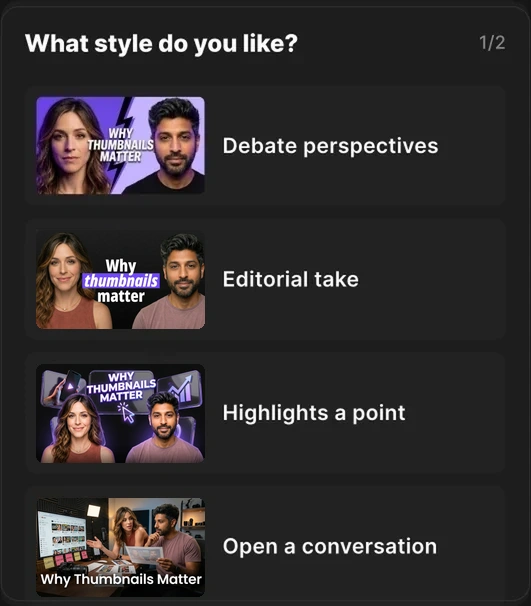
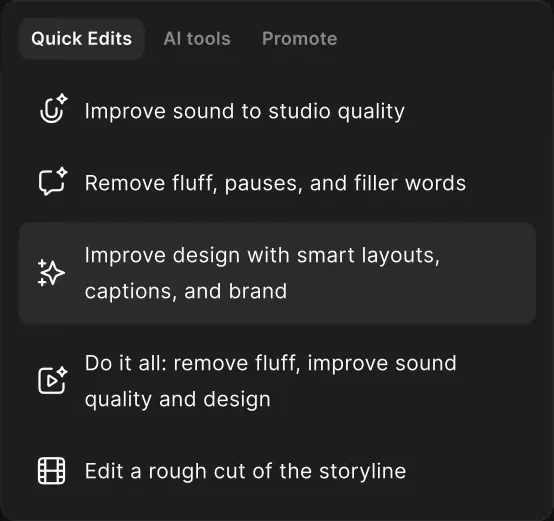
I built the text styles and components that cover every product need in the conversation: questions, plans, review lists, chips, files and settings.





A companion from the front door.
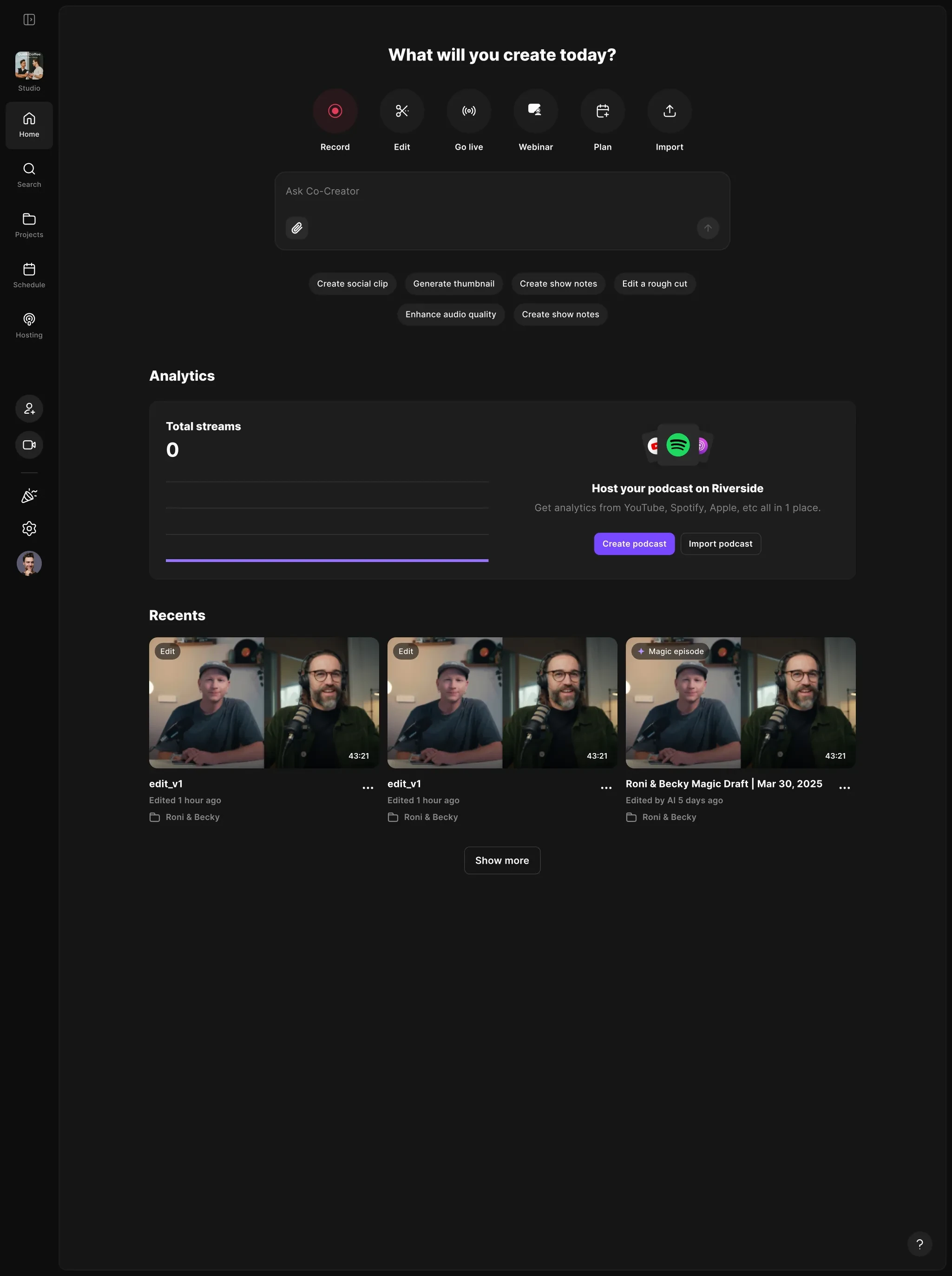
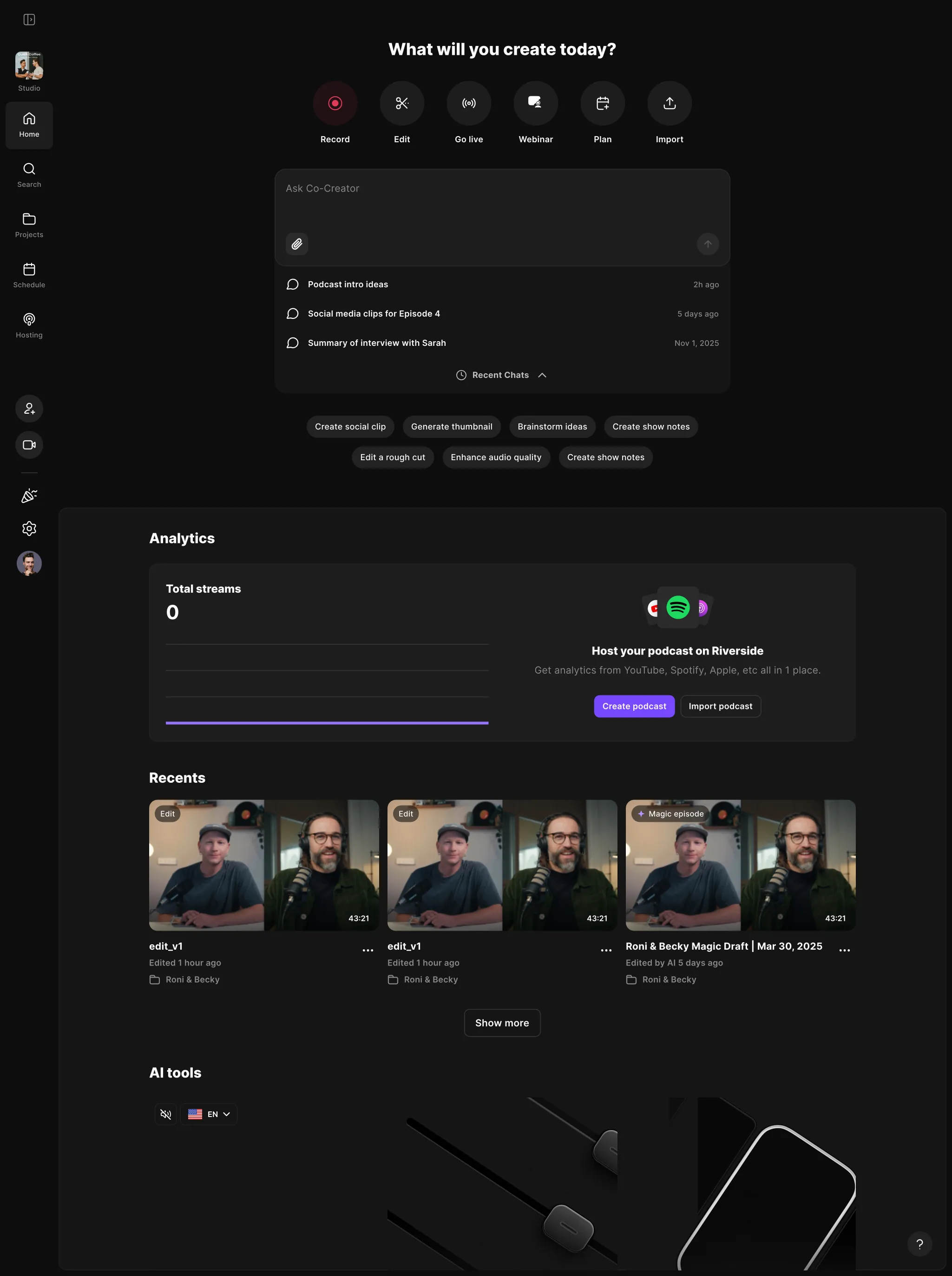
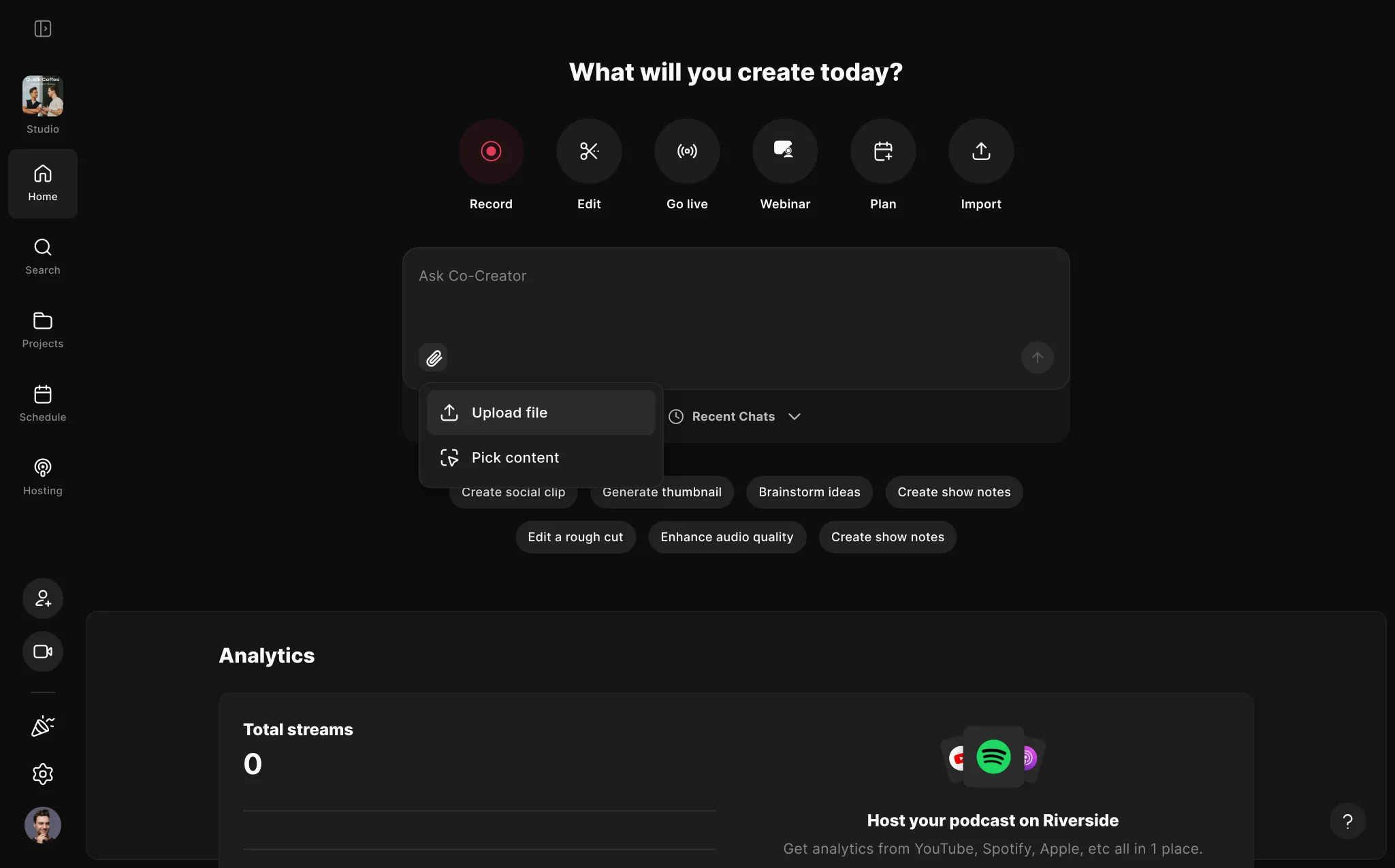
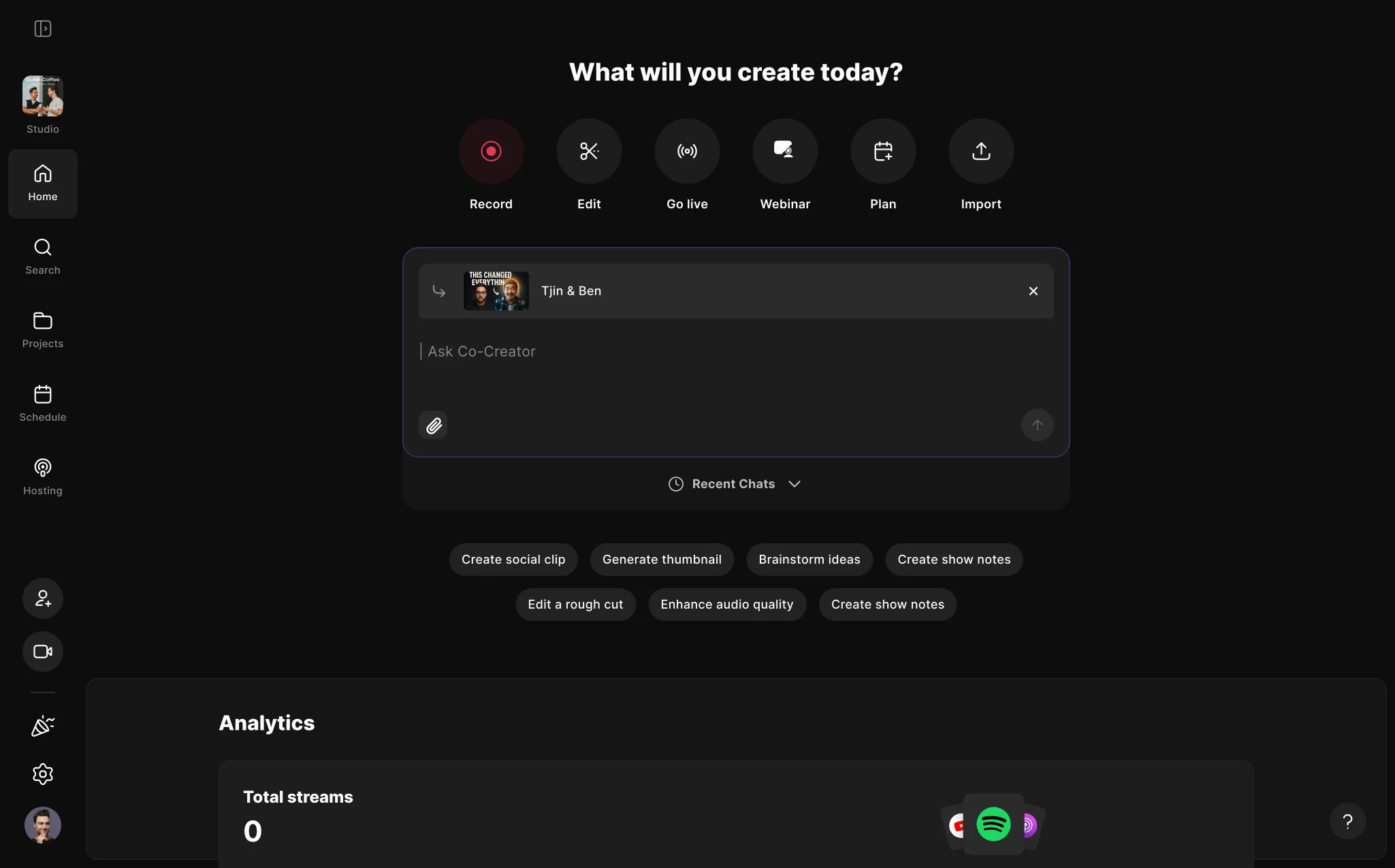
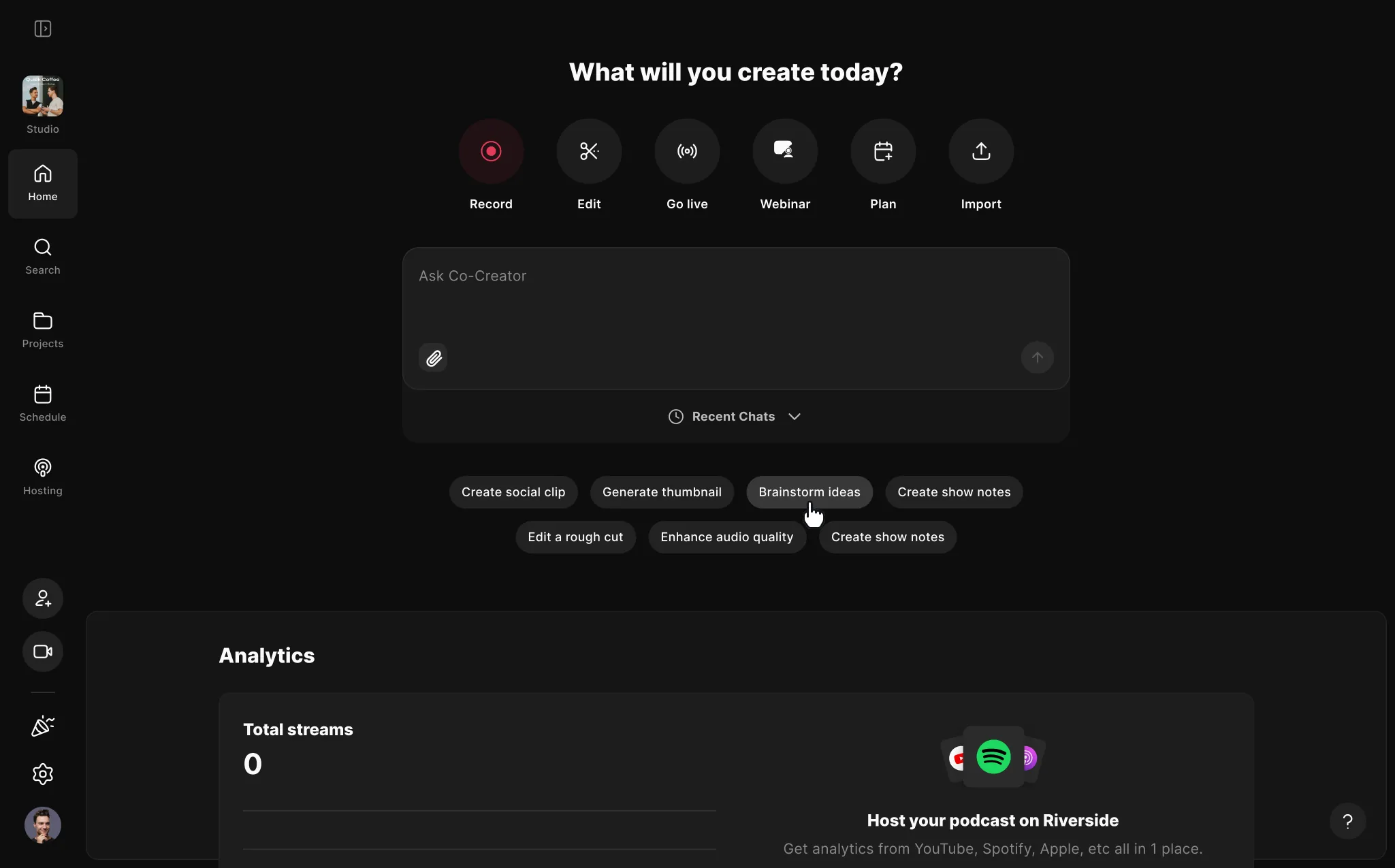
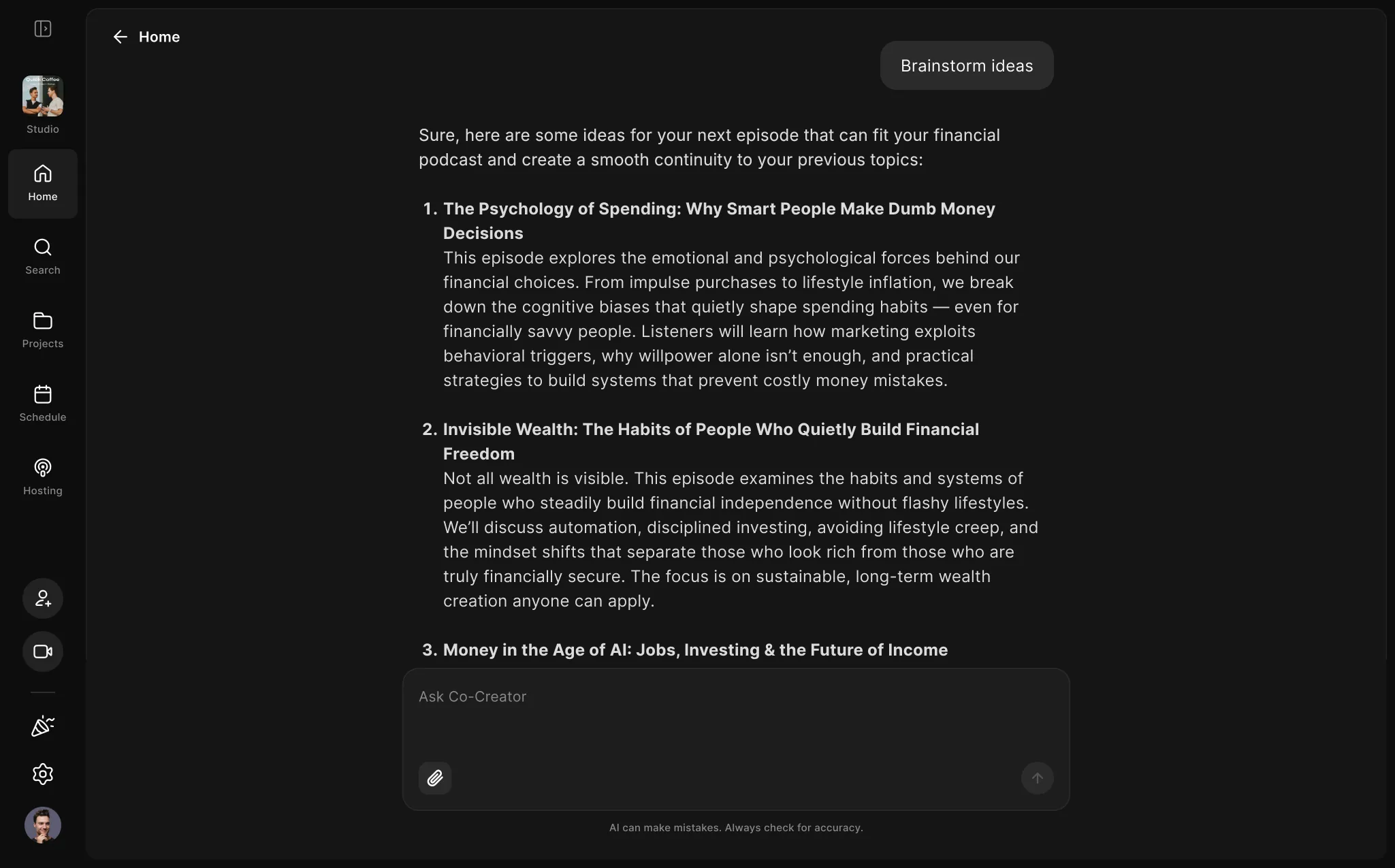
Co‑Creator meets the creator at the front door. A chat box sits on top of the home page with quick suggestions that can change with the file type, subscription and behavior, and conversations open full screen.
A proactive Co‑Creator.
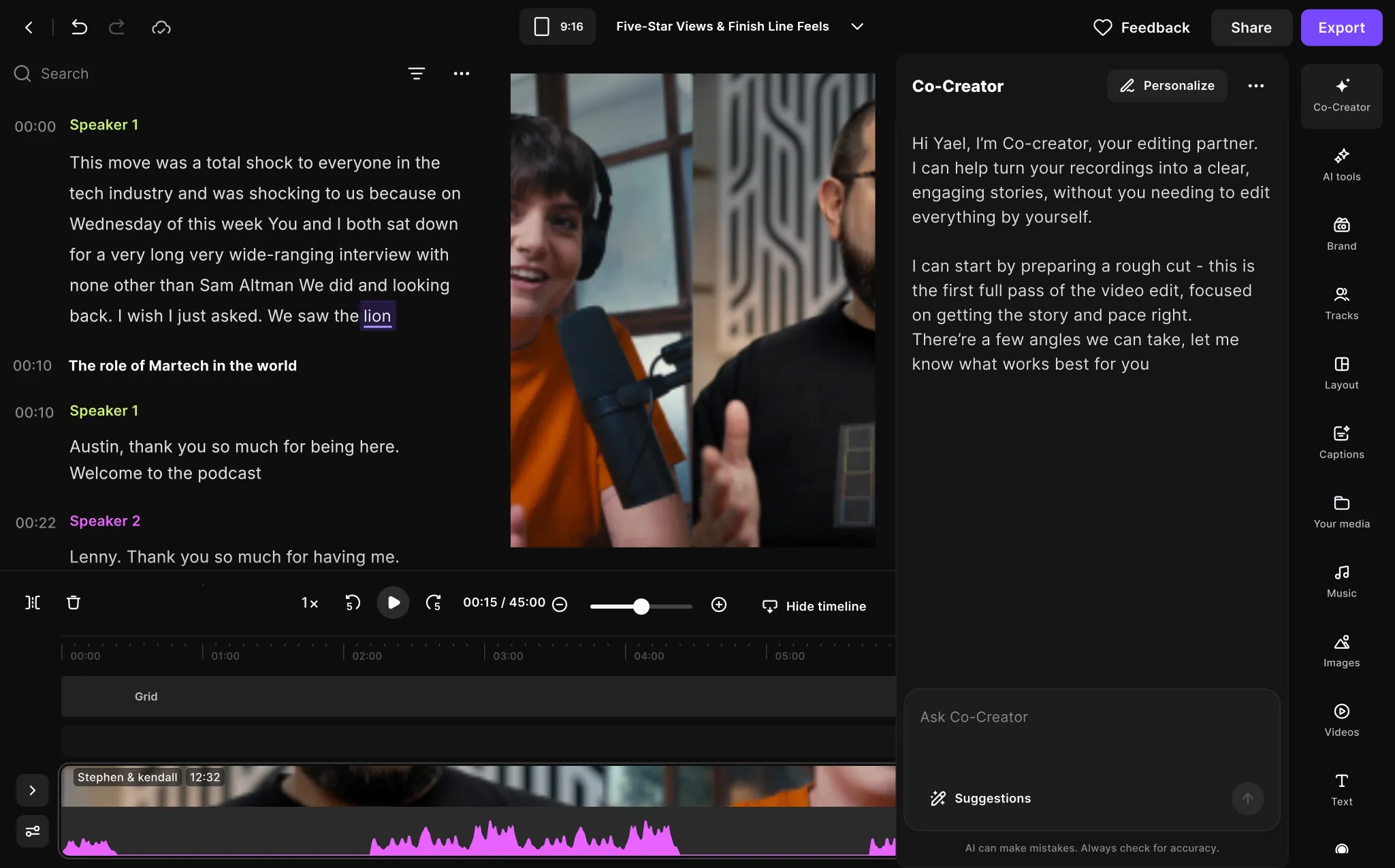
Waiting in the panel to be found wasn’t working. So the first time a creator opens the editor after their first recording, the Co‑Creator panel opens on its own with a short intro animation, and Co‑Creator starts the conversation by saying what it can do for them.
It knows the episode, so it asks less.
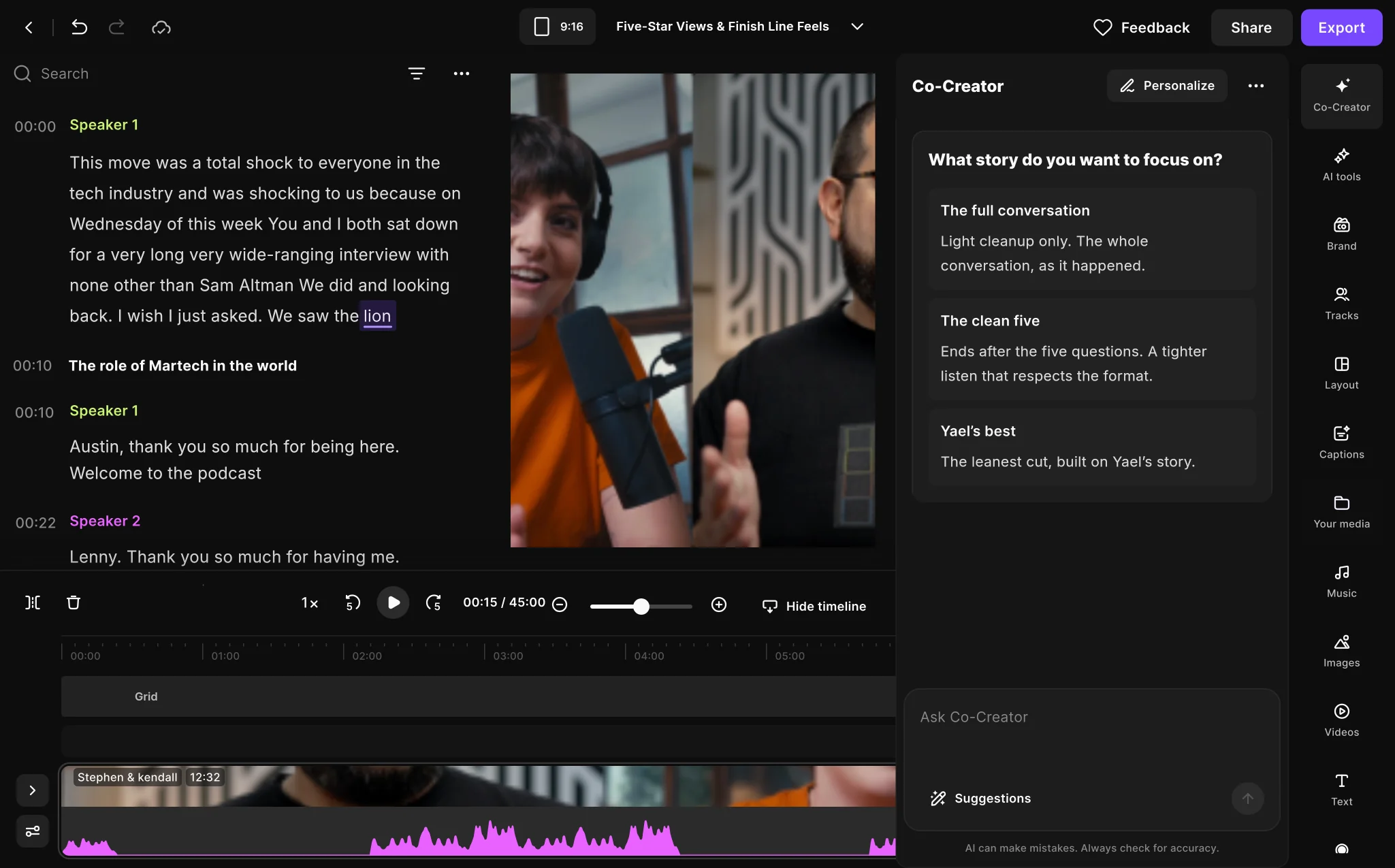
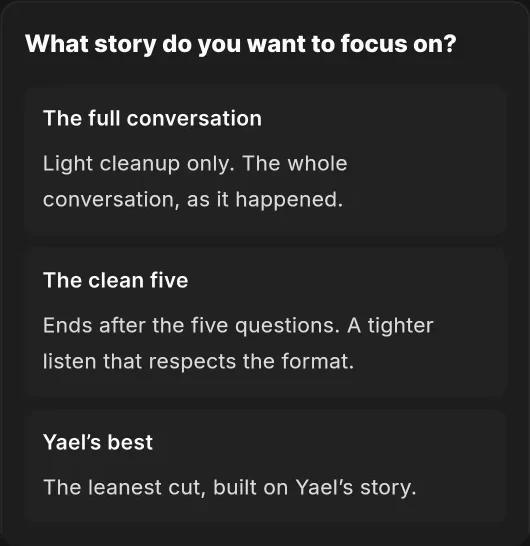
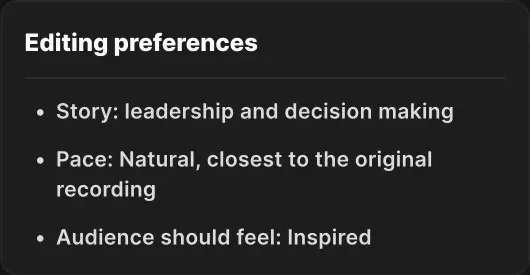
Co‑Creator already knows a lot about the creator and the episode: what it’s about, who was hosted, how it was recorded. Based on what it knows, it suggests different angles the story could focus on. Pace and feeling shape the result too, from the choice of background music to the editing style. Every choice helps create the most accurate episode, closest to what the creator imagines.
- Story: leadership and decision making
- Pace: Natural, closest to the original recording
- Audience should feel: Inspired
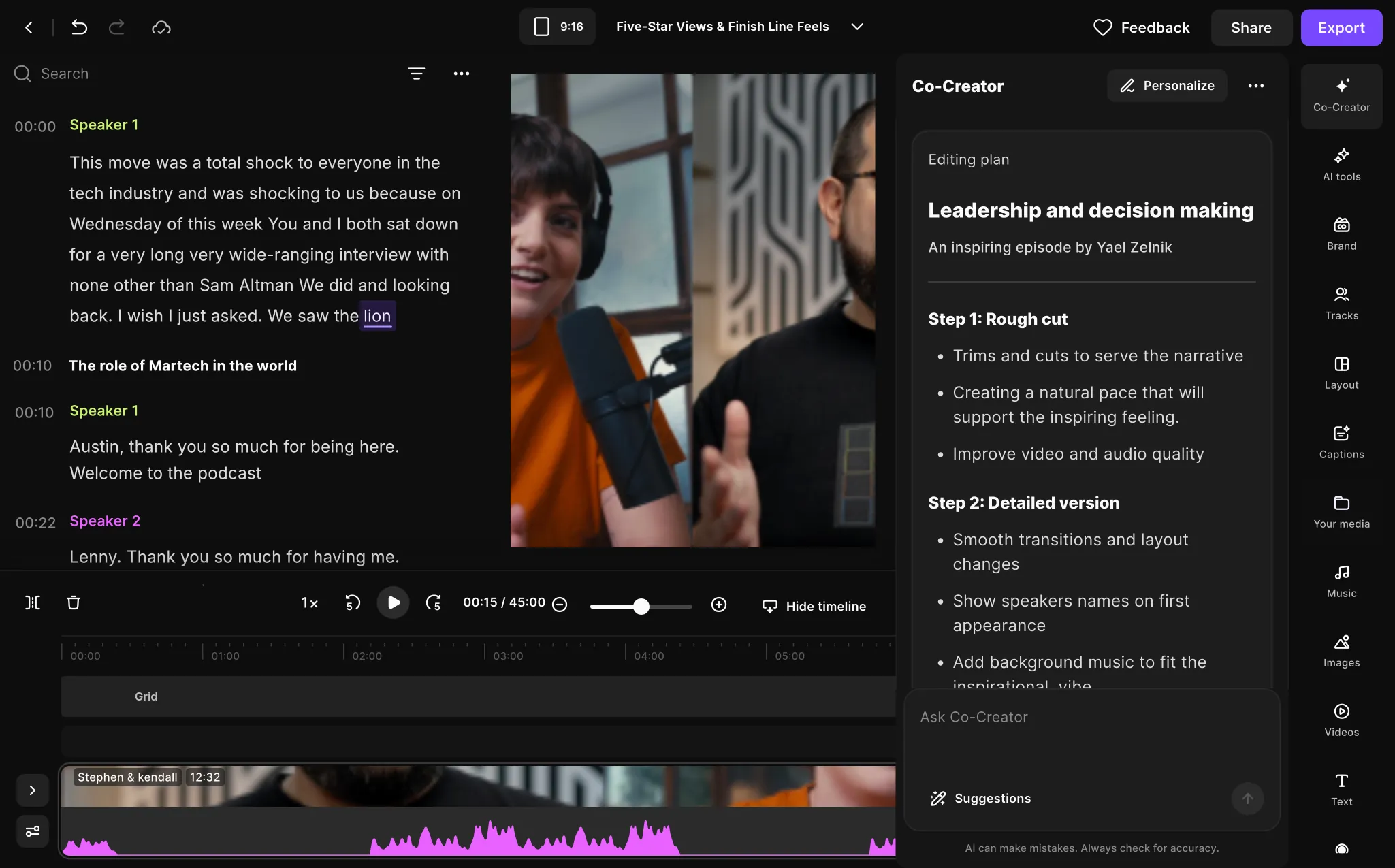
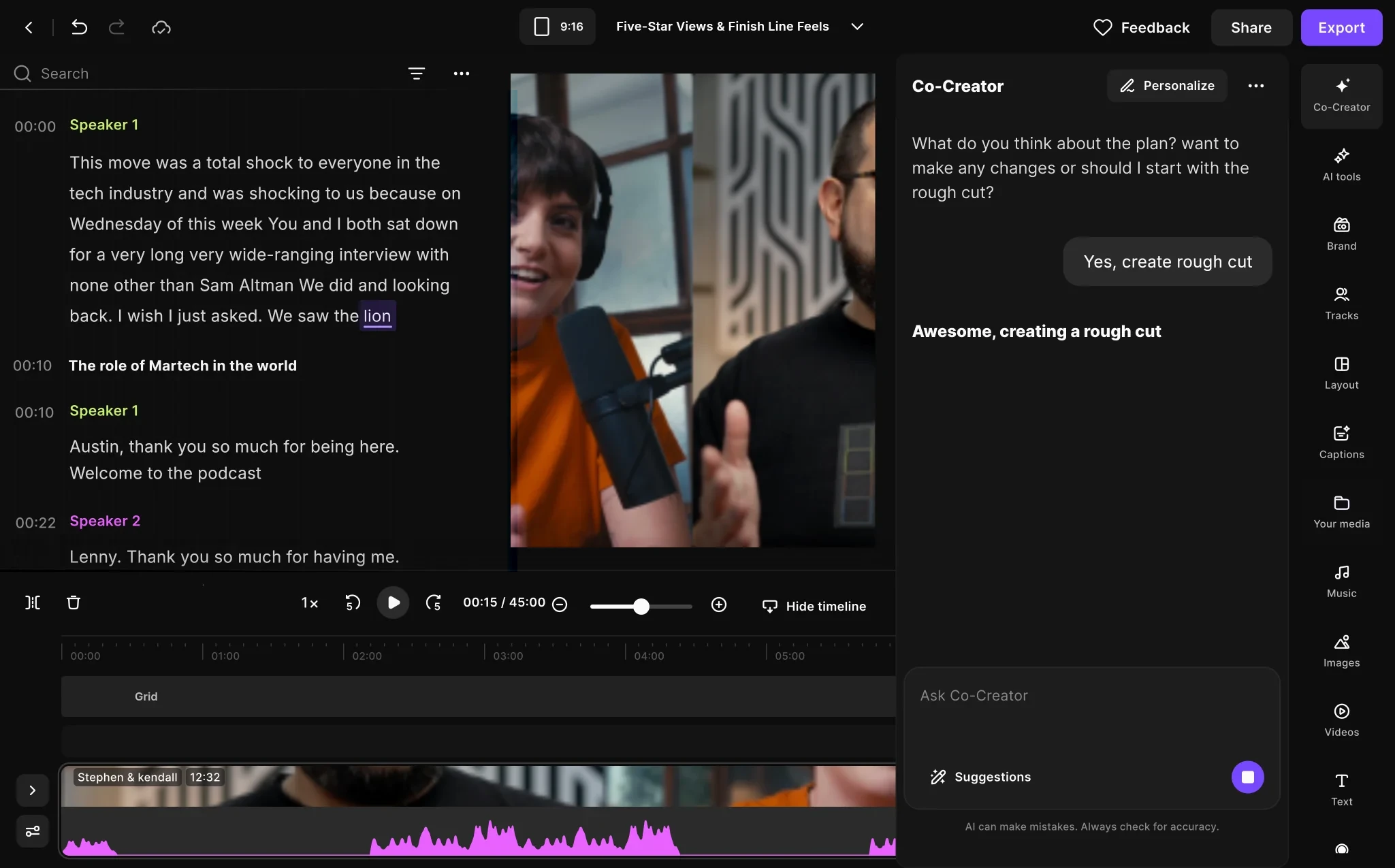
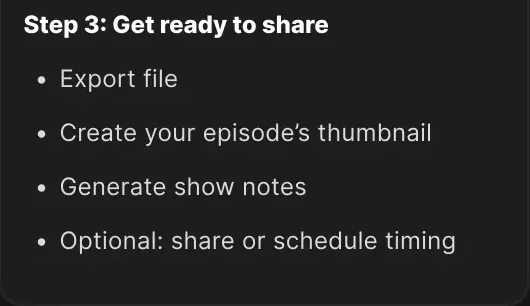
Step 1: Rough cutTrims and cuts to serve the narrativeCreating a natural pace that will support the inspiring feeling.Improve video and audio qualityStep 2: Detailed versionSmooth transitions and layout changesShow speakers names on first appearanceAdd background music to fit the inspirational vibeAdd captionsAdd hook at the beginningAdd intro and outroStep 3: Get ready to shareExport fileCreate your episode’s thumbnailGenerate show notesOptional: share or schedule timing
- Story: leadership and decision making
- Pace: Natural, closest to the original recording
- Audience should feel: Inspired
Step 1: Rough cutTrims and cuts to serve the narrativeCreating a natural pace that will support the inspiring feeling.Improve video and audio qualityStep 2: Detailed versionSmooth transitions and layout changesShow speakers names on first appearanceAdd background music to fit the inspirational vibeAdd captionsAdd hook at the beginningAdd intro and outroStep 3: Get ready to shareExport fileCreate your episode’s thumbnailGenerate show notesOptional: share or schedule timing
- Story: leadership and decision making
- Pace: Natural, closest to the original recording
- Audience should feel: Inspired
Step 1: Rough cutTrims and cuts to serve the narrativeCreating a natural pace that will support the inspiring feeling.Improve video and audio qualityStep 2: Detailed versionSmooth transitions and layout changesShow speakers names on first appearanceAdd background music to fit the inspirational vibeAdd captionsAdd hook at the beginningAdd intro and outroStep 3: Get ready to shareExport fileCreate your episode’s thumbnailGenerate show notesOptional: share or schedule timing
- Story: leadership and decision making
- Pace: Natural, closest to the original recording
- Audience should feel: Inspired
Step 1: Rough cutTrims and cuts to serve the narrativeCreating a natural pace that will support the inspiring feeling.Improve video and audio qualityStep 2: Detailed versionSmooth transitions and layout changesShow speakers names on first appearanceAdd background music to fit the inspirational vibeAdd captionsAdd hook at the beginningAdd intro and outroStep 3: Get ready to shareExport fileCreate your episode’s thumbnailGenerate show notesOptional: share or schedule timing
- Story: leadership and decision making
- Pace: Natural, closest to the original recording
- Audience should feel: Inspired
Step 1: Rough cutTrims and cuts to serve the narrativeCreating a natural pace that will support the inspiring feeling.Improve video and audio qualityStep 2: Detailed versionSmooth transitions and layout changesShow speakers names on first appearanceAdd background music to fit the inspirational vibeAdd captionsAdd hook at the beginningAdd intro and outroStep 3: Get ready to shareExport fileCreate your episode’s thumbnailGenerate show notesOptional: share or schedule timing
The first task: a rough cut with a point of view.
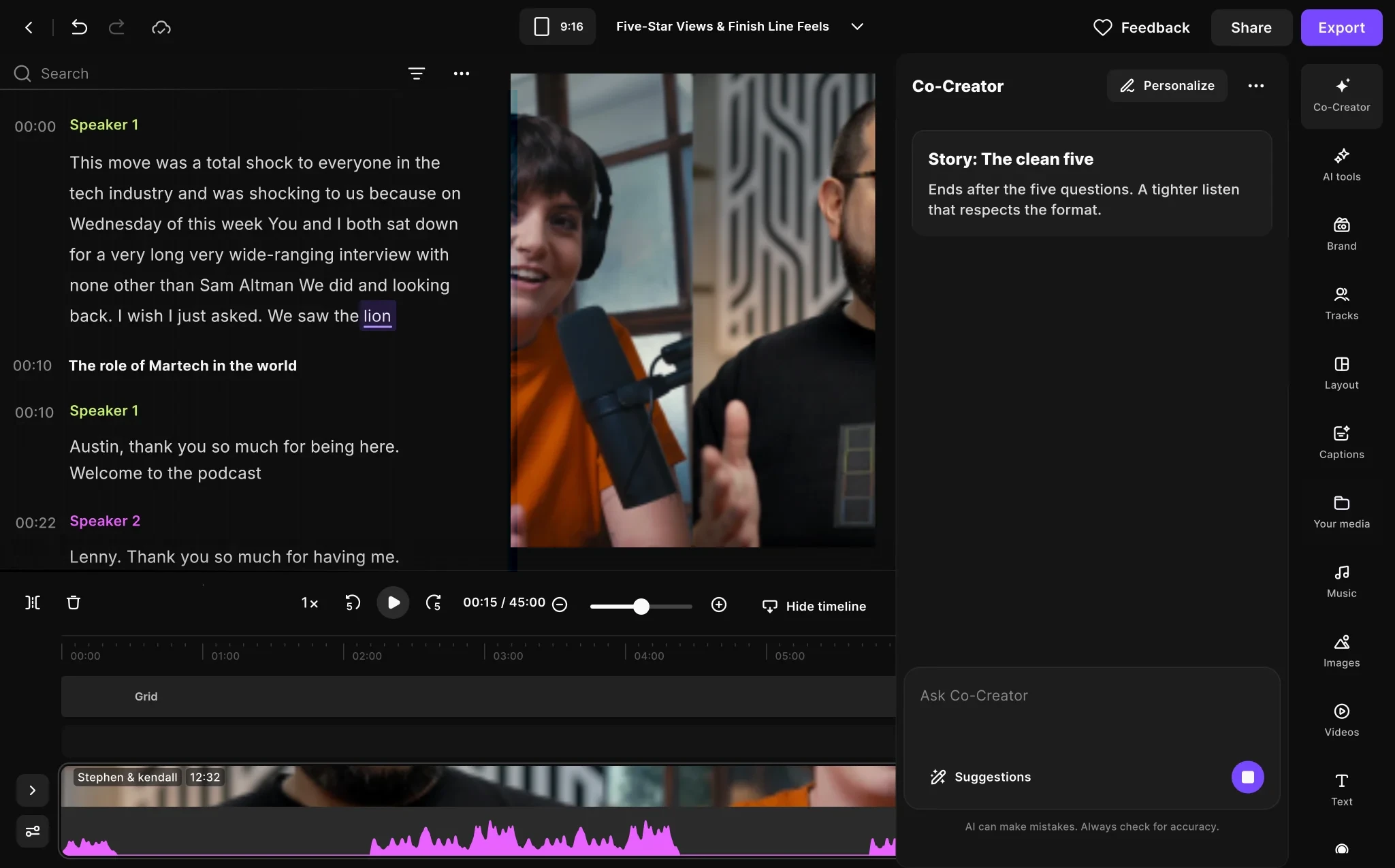
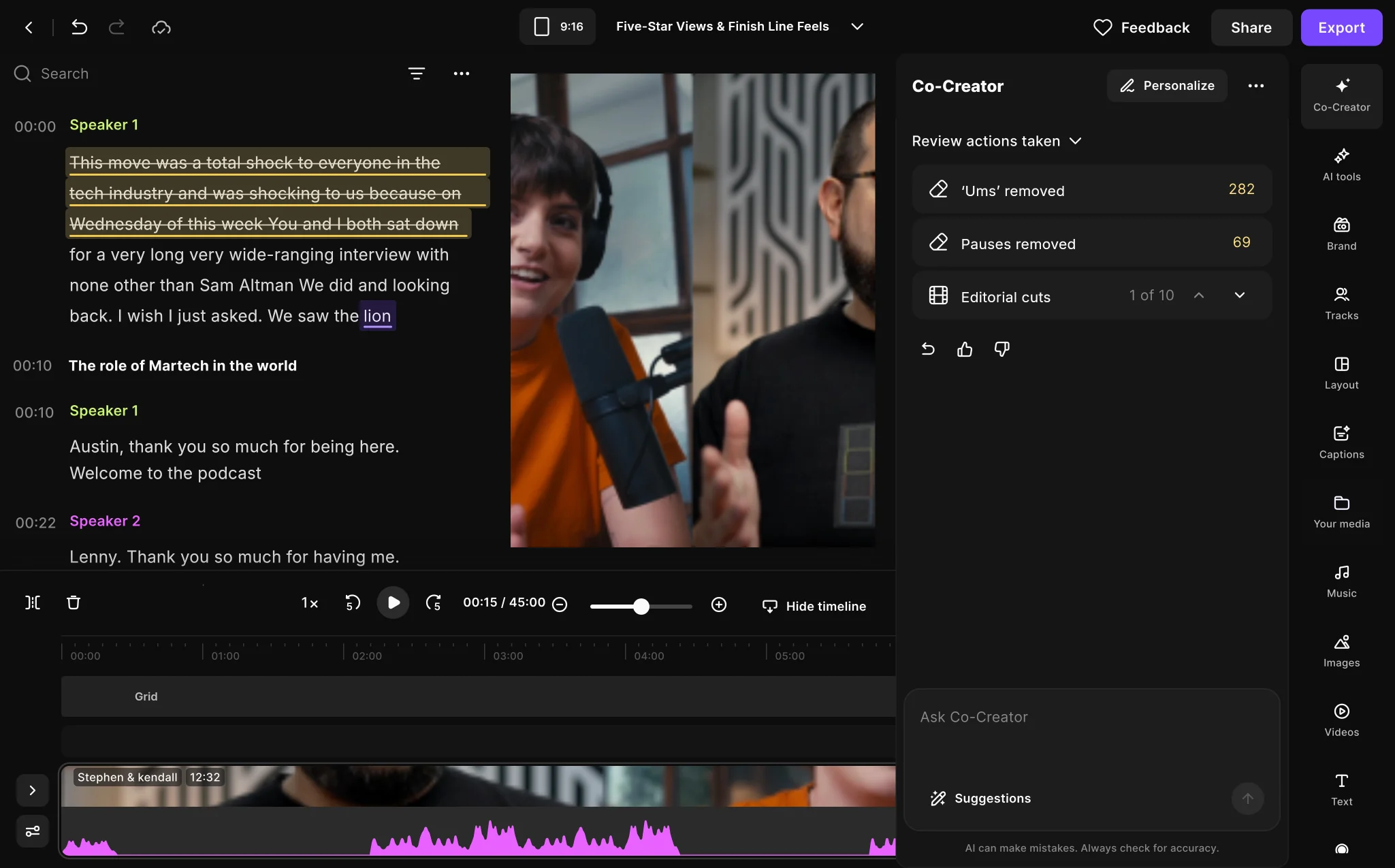
Our audience is content creators. We wanted them to stay part of the creation while Co‑Creator does the heavy lifting. So the first meaningful task is a well-crafted rough cut: the plan runs step by step, and the script shows every action as it happens.
Then the polish, in the creator’s brand.
The detailed version runs the plan’s second step on its own: speaker names, captions, sound and a hook. Captions are made for the vertical cut too, so the same episode is ready for Instagram and TikTok.
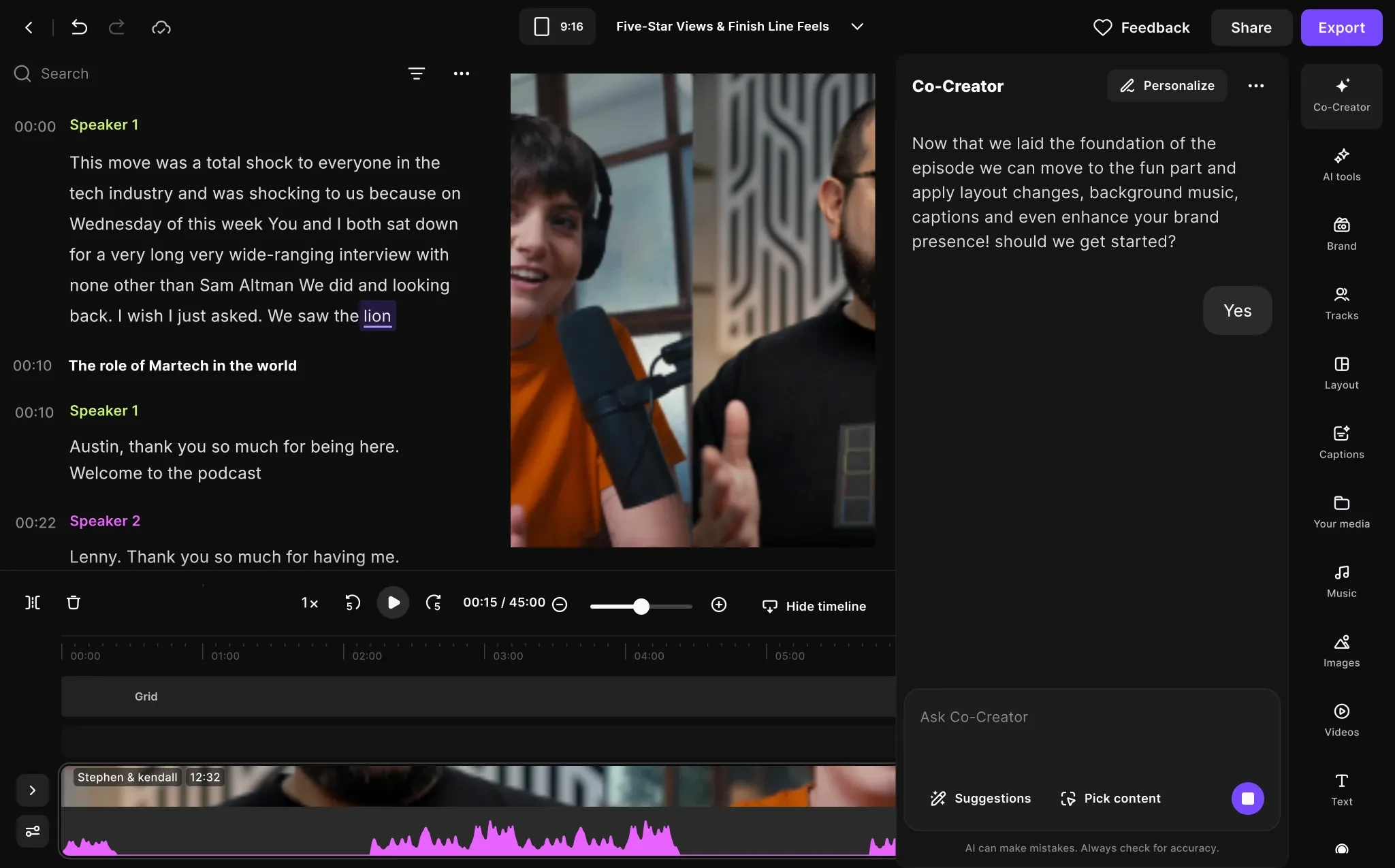
Assets that help the episode travel.
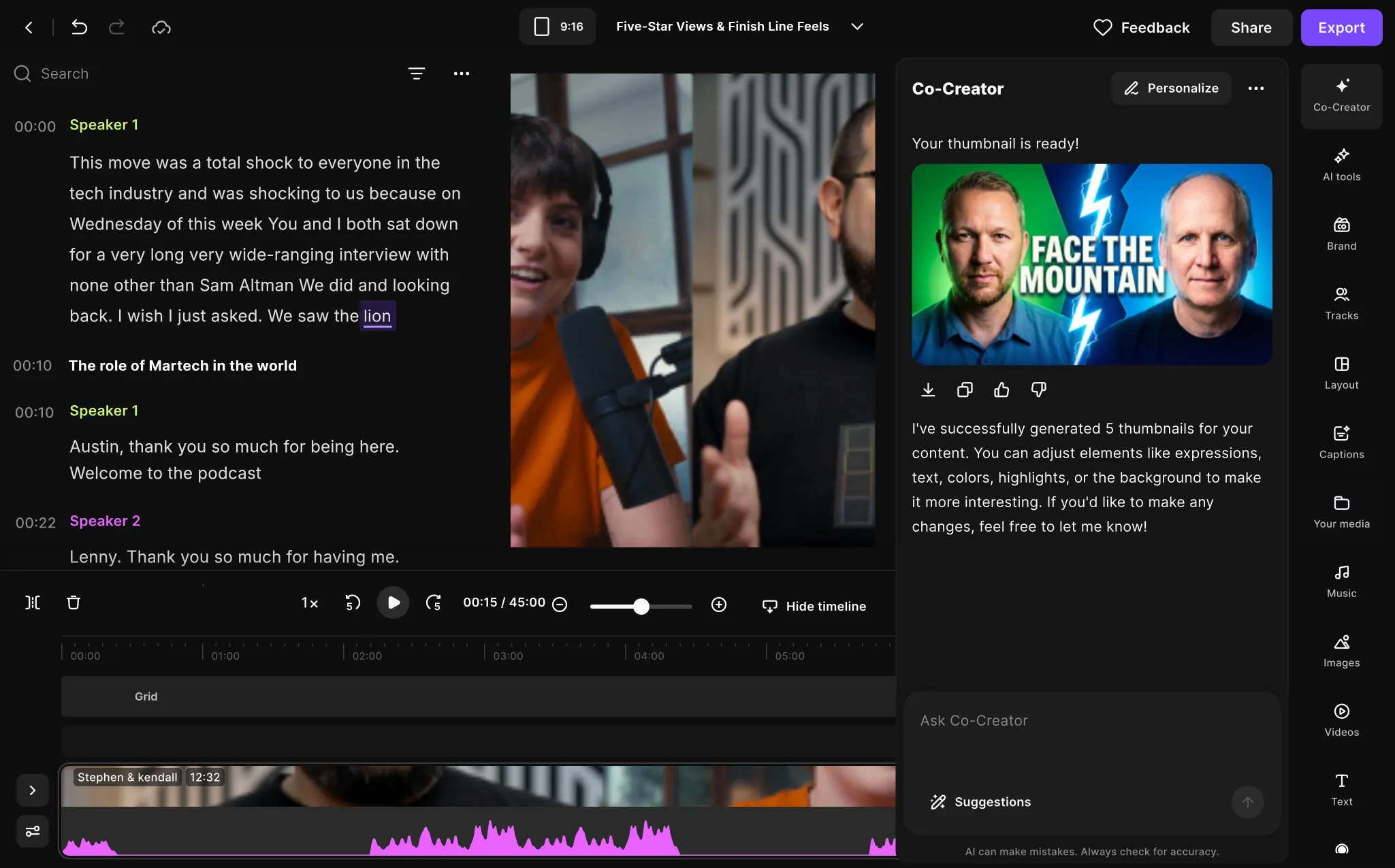
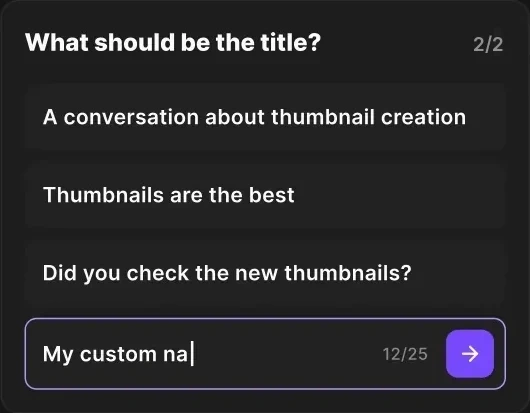
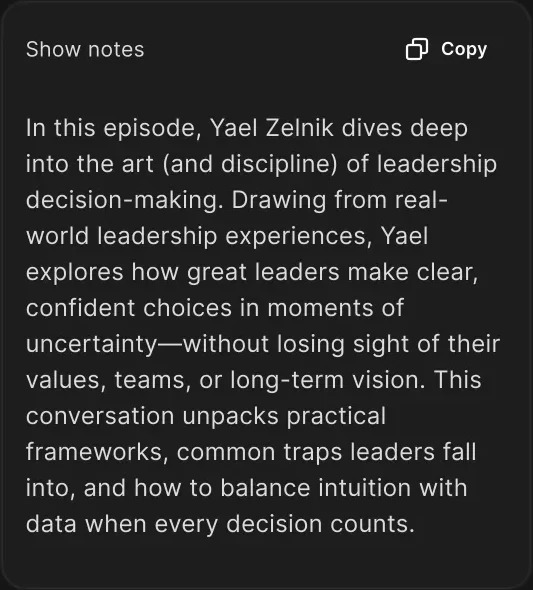
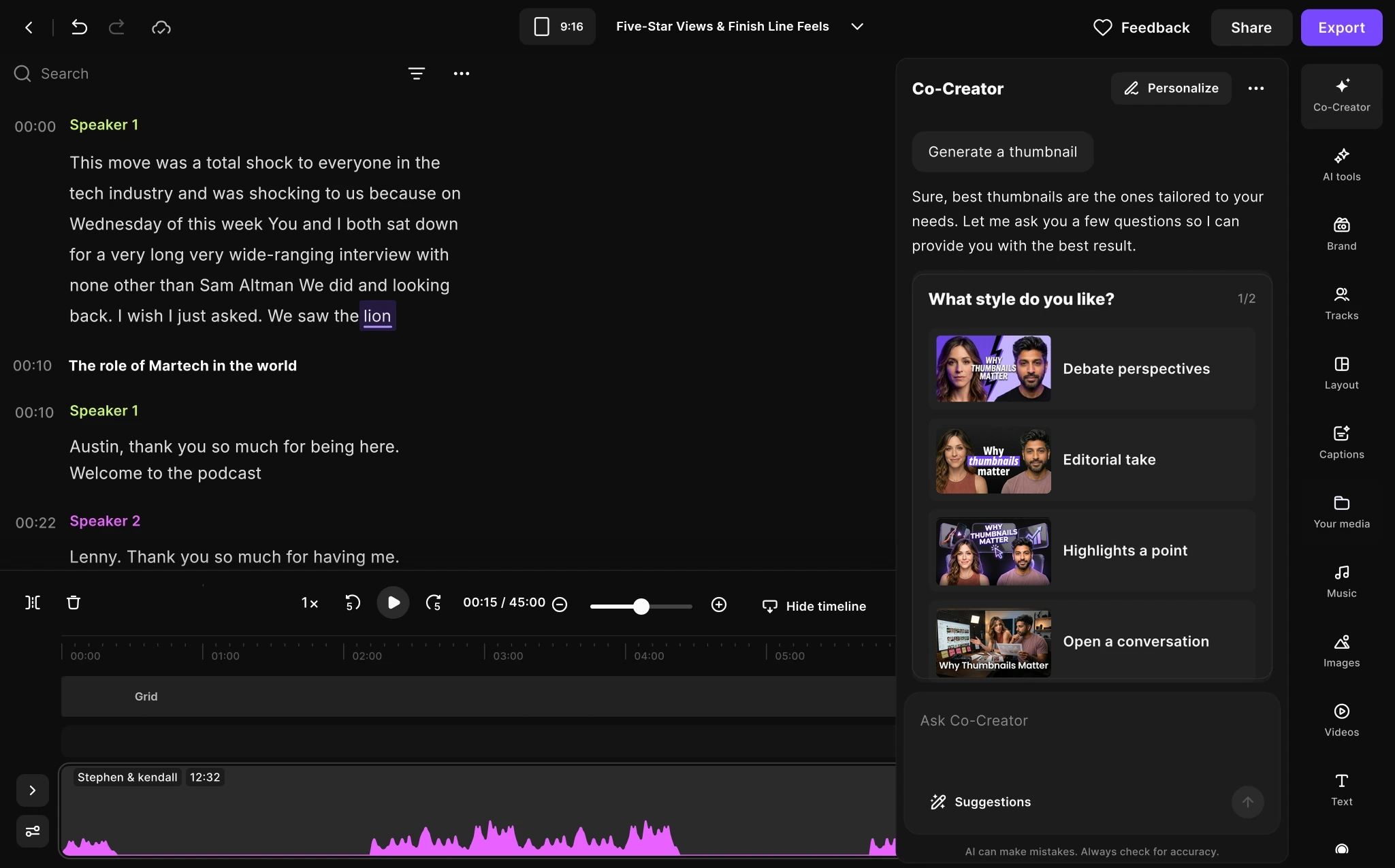
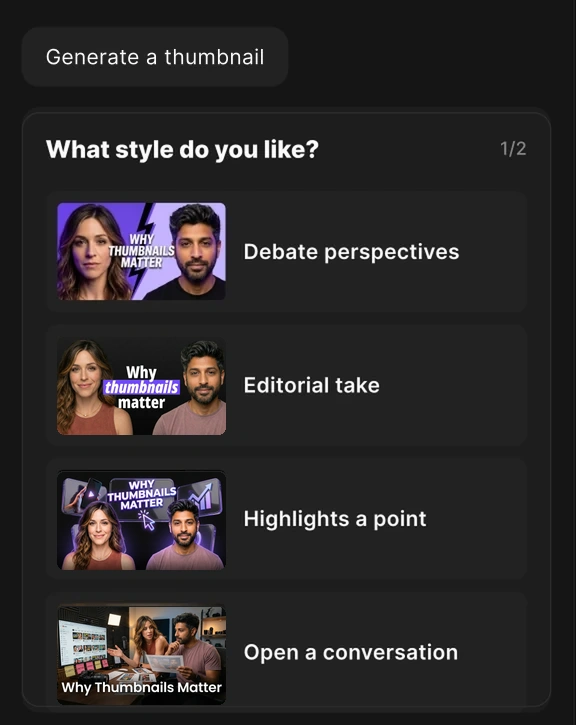
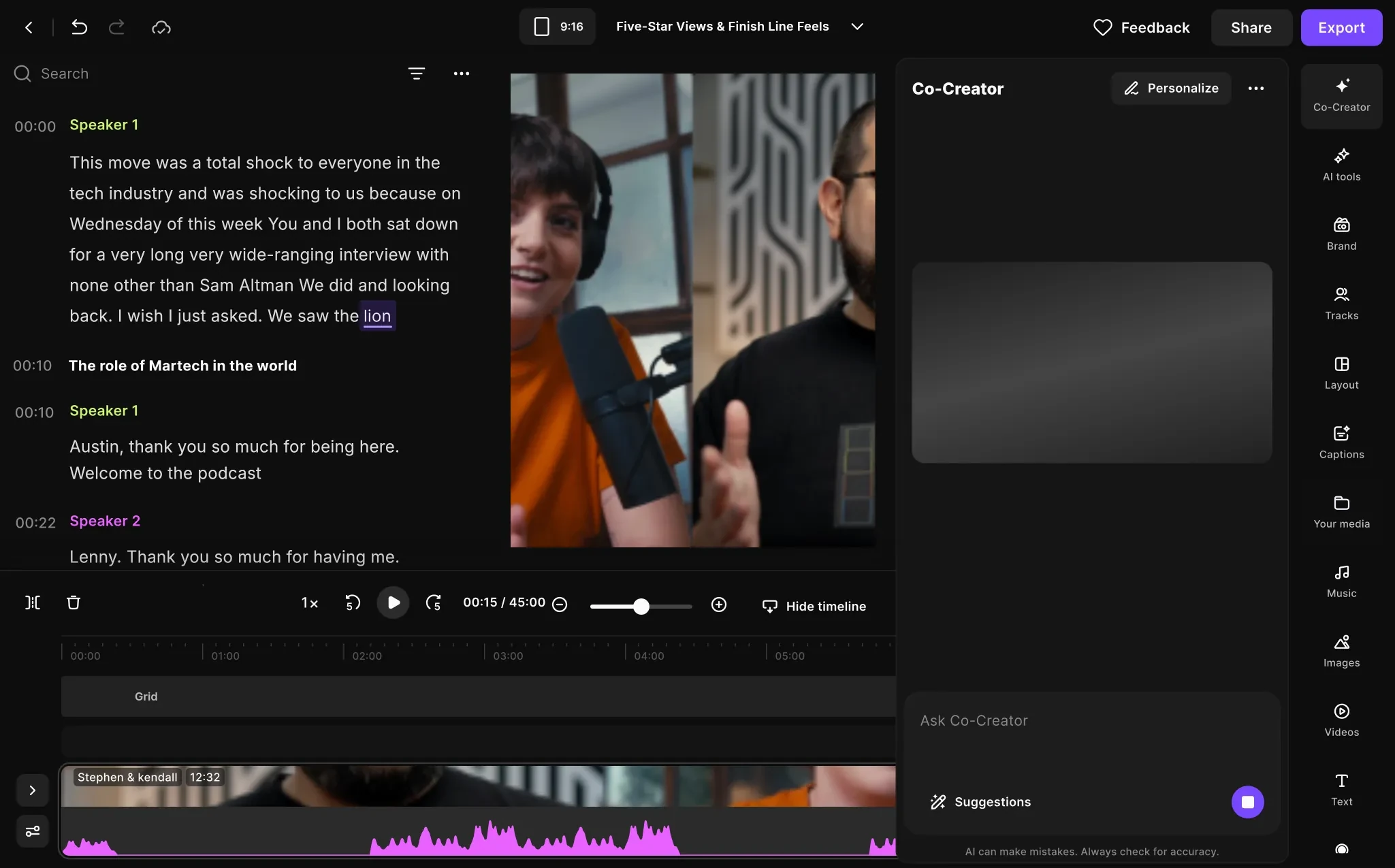
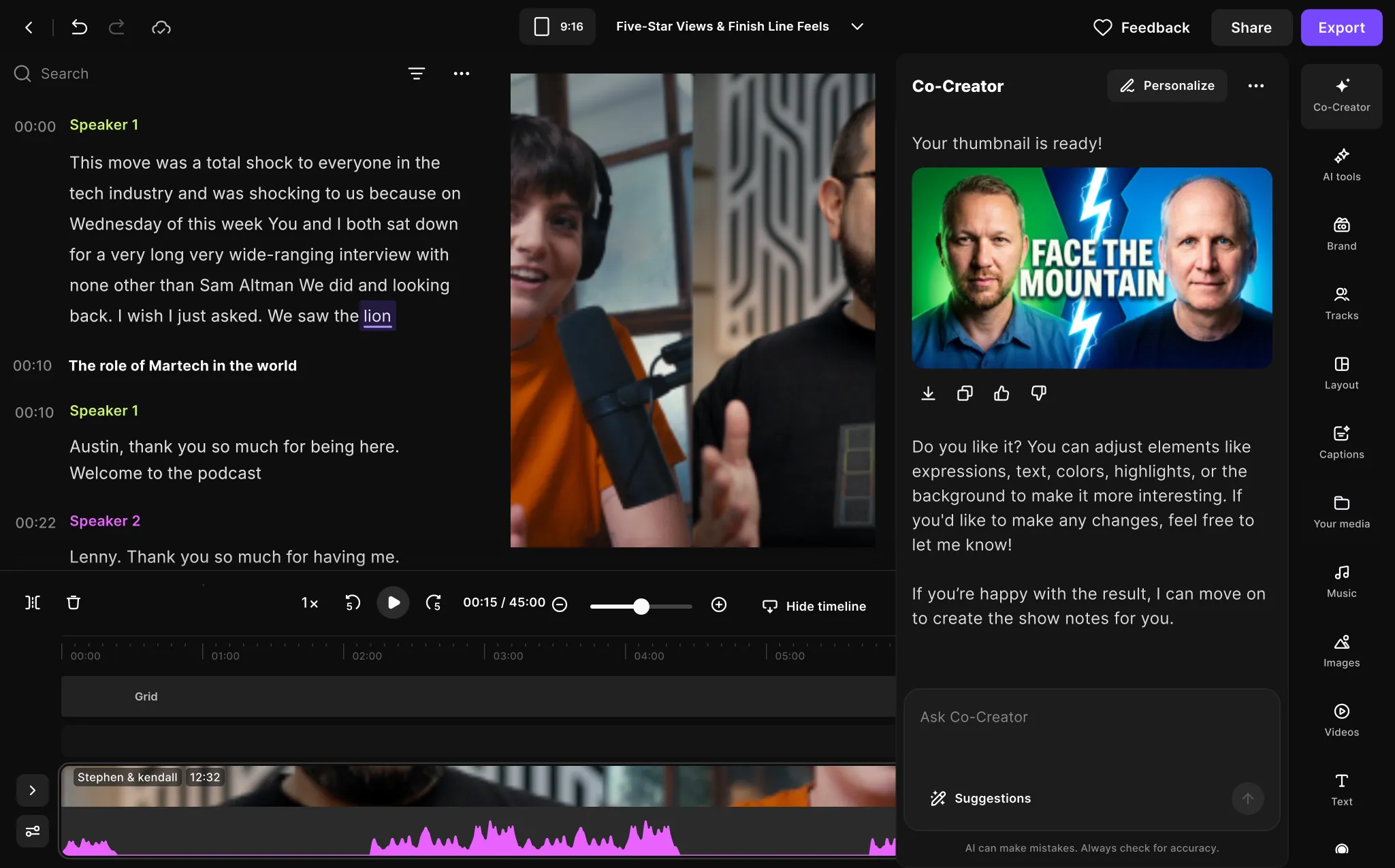
A thumbnail is made the same way as the edit: two short questions, a visible process, then a result the creator can adjust in the chat.
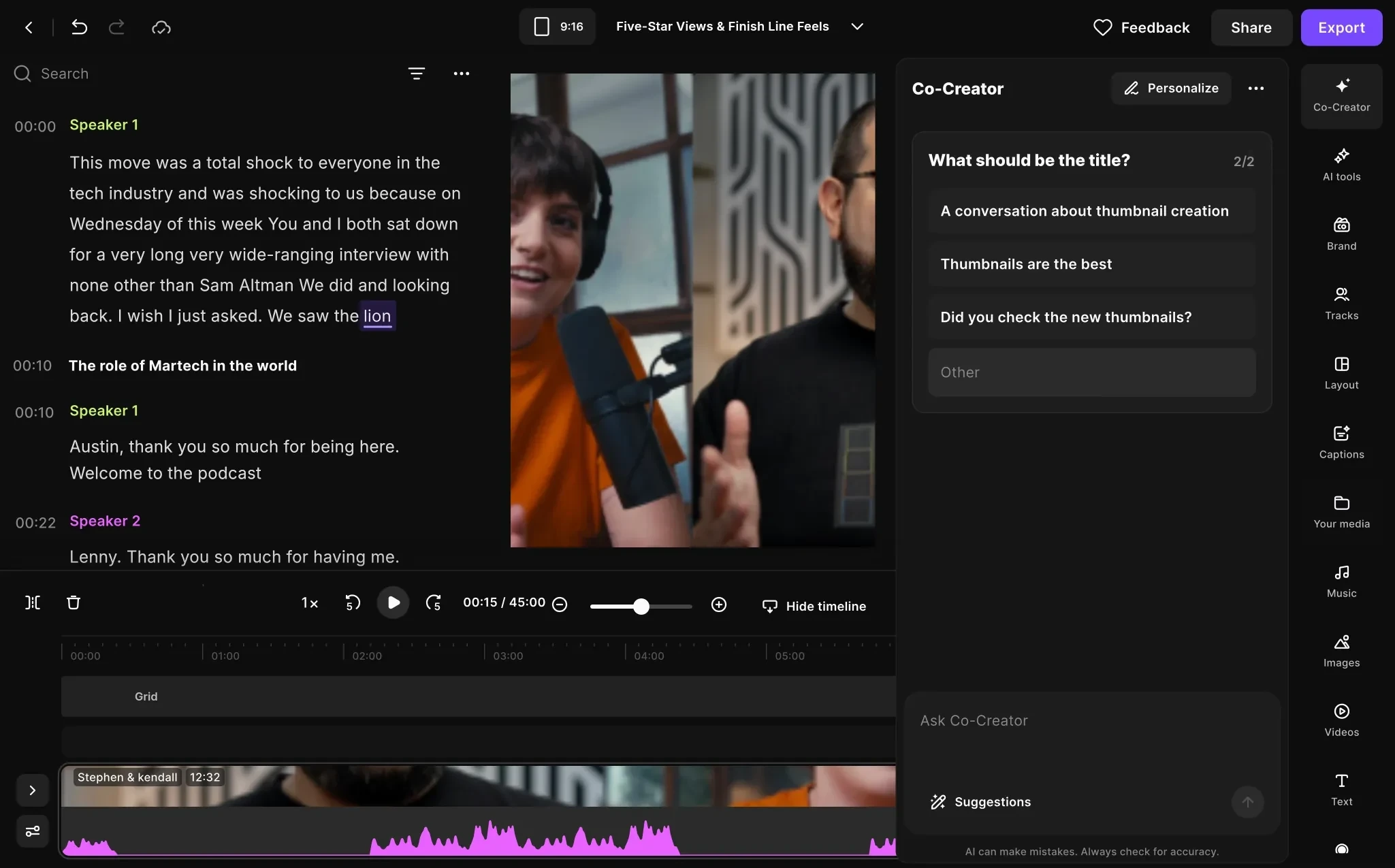

Out the door from the same conversation.
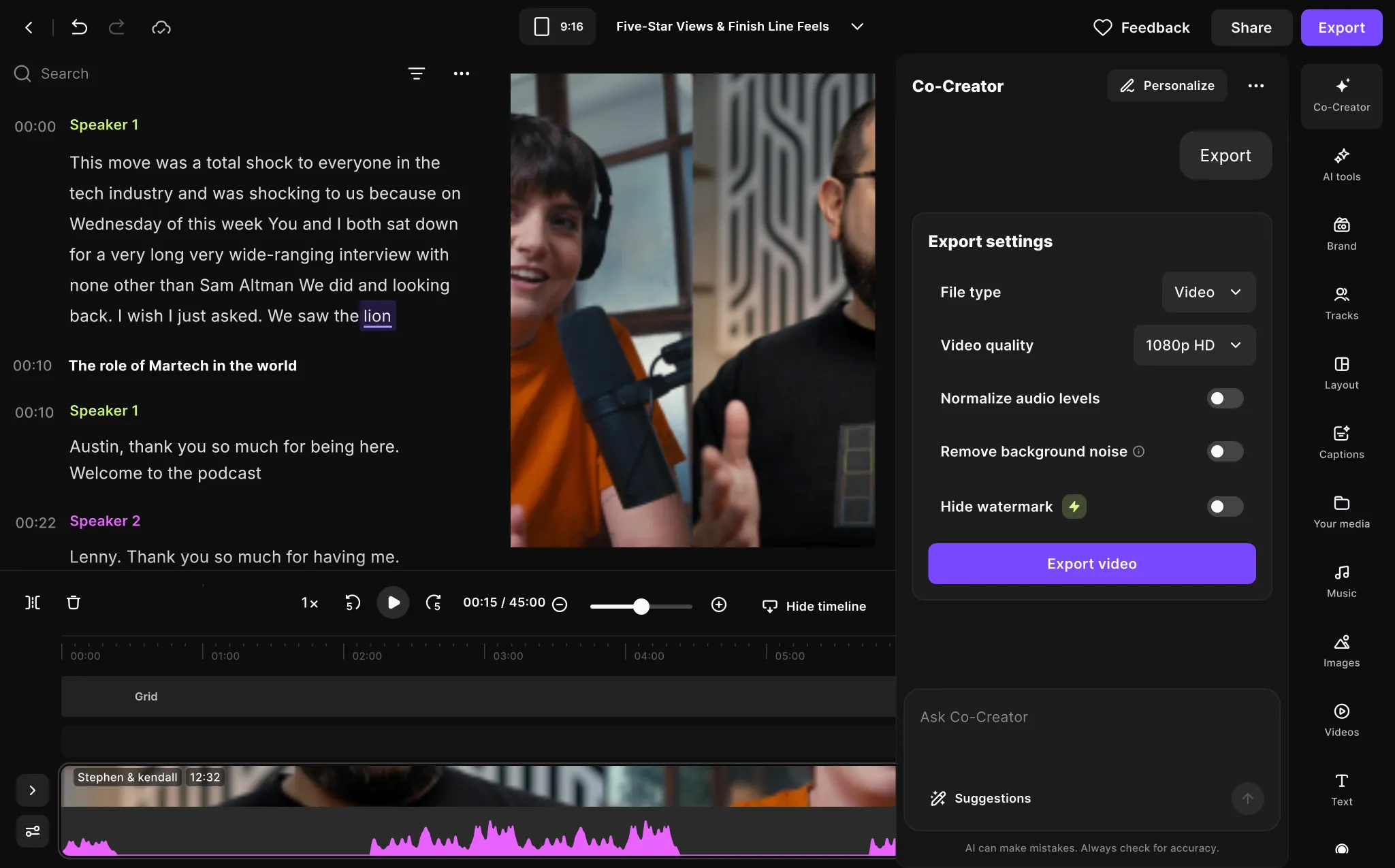
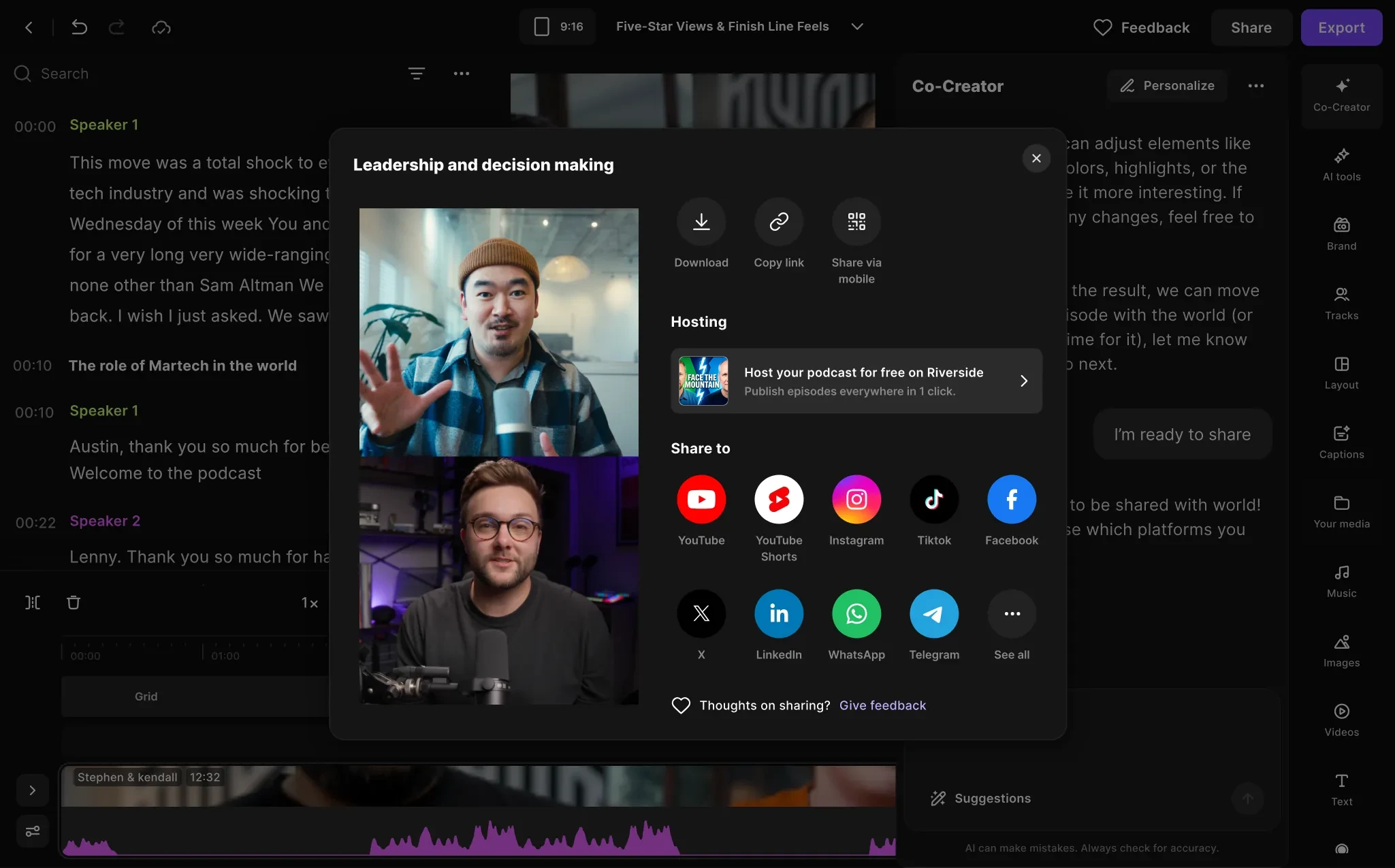
The export defaults are listed in the chat and every one can be changed. Then the creator shares the episode to the platforms they pick.
Every next episode starts faster.
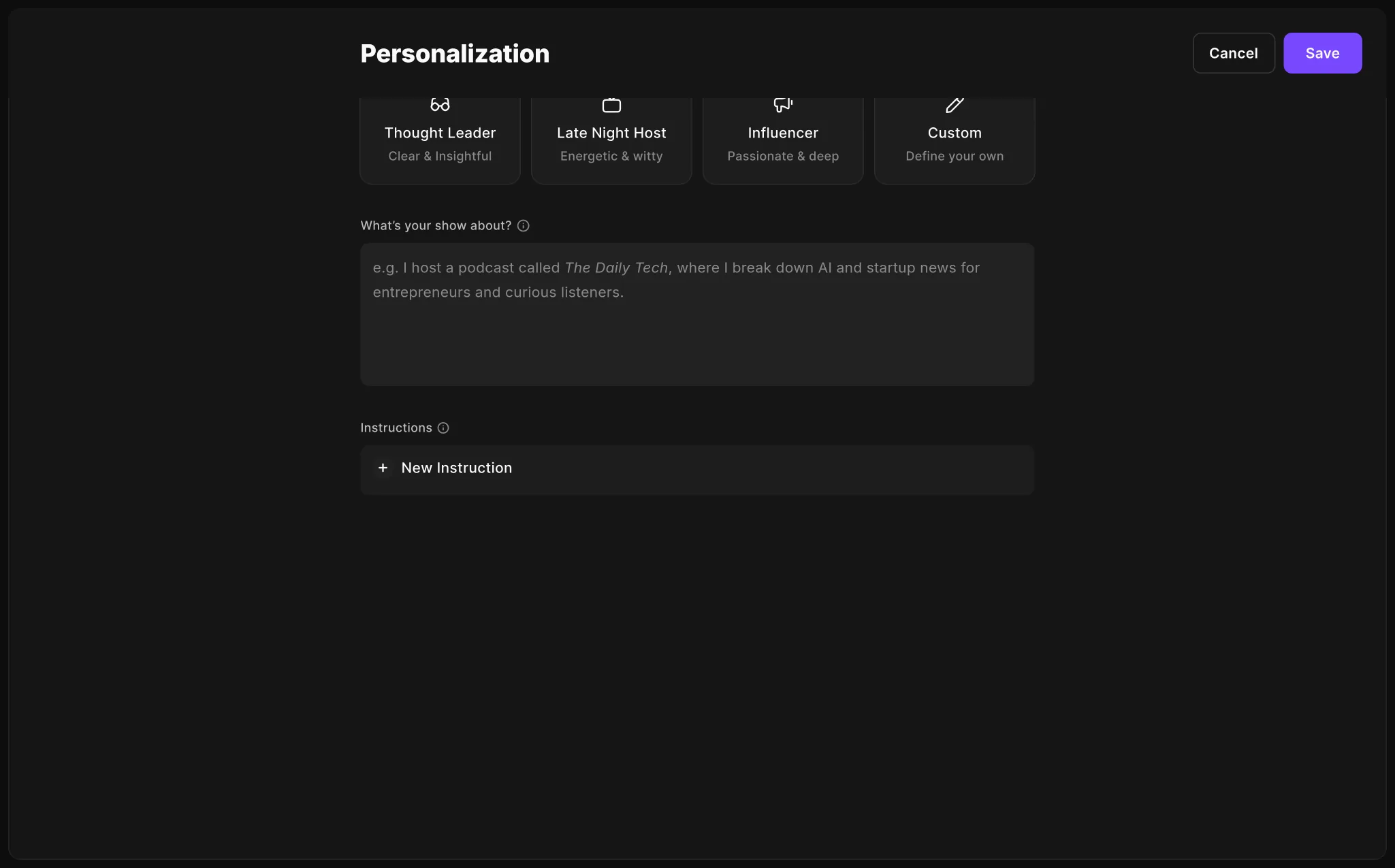
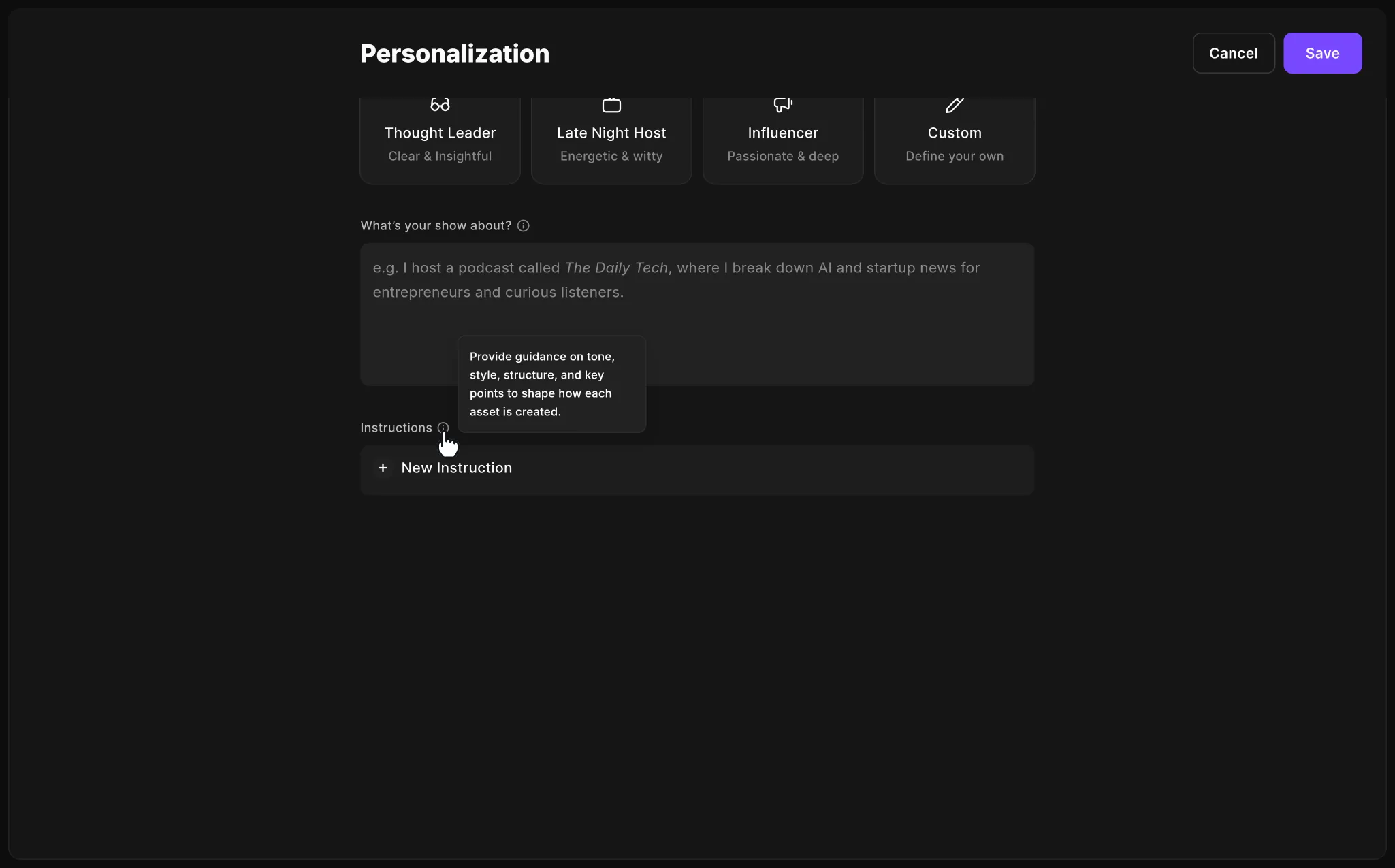
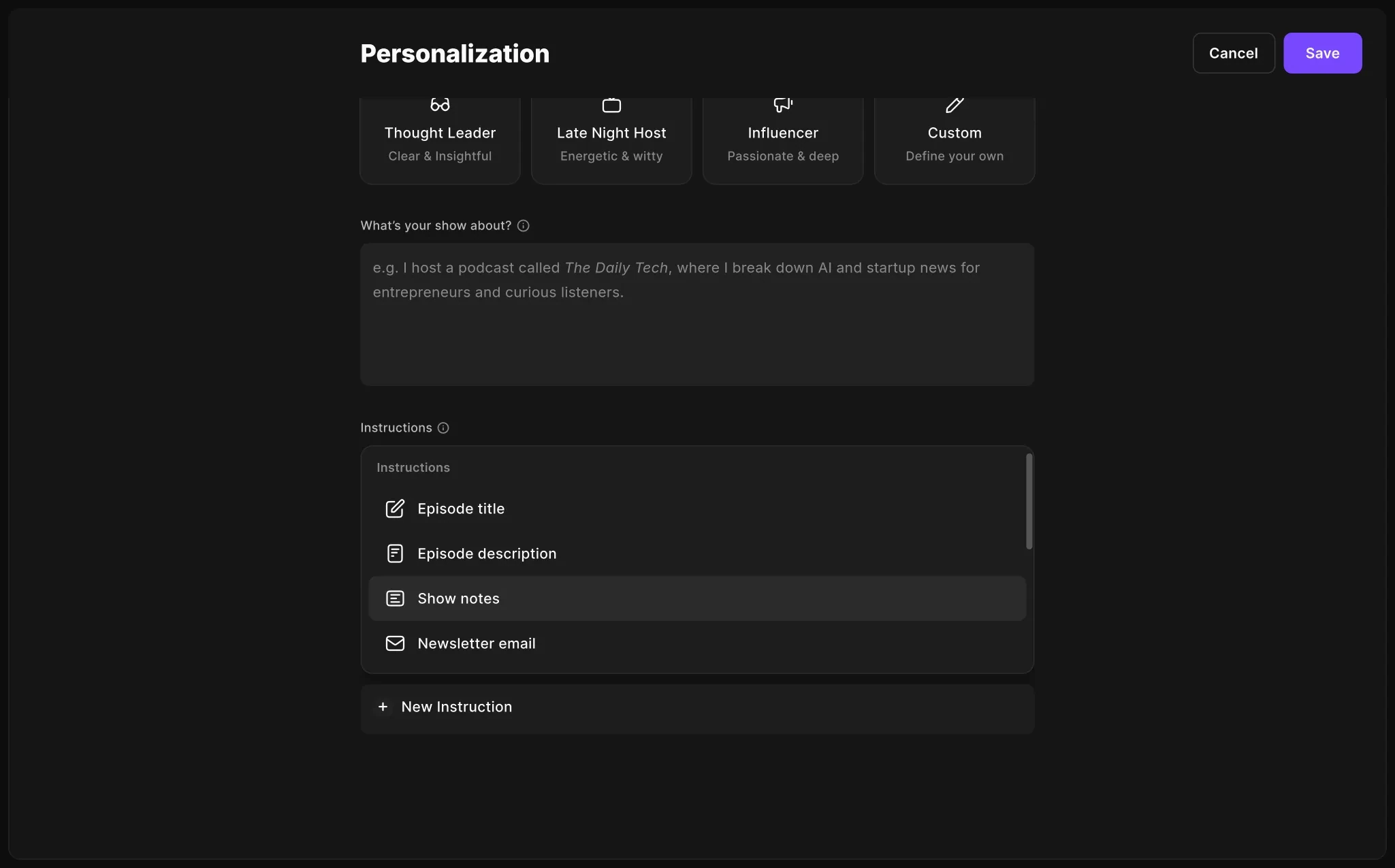
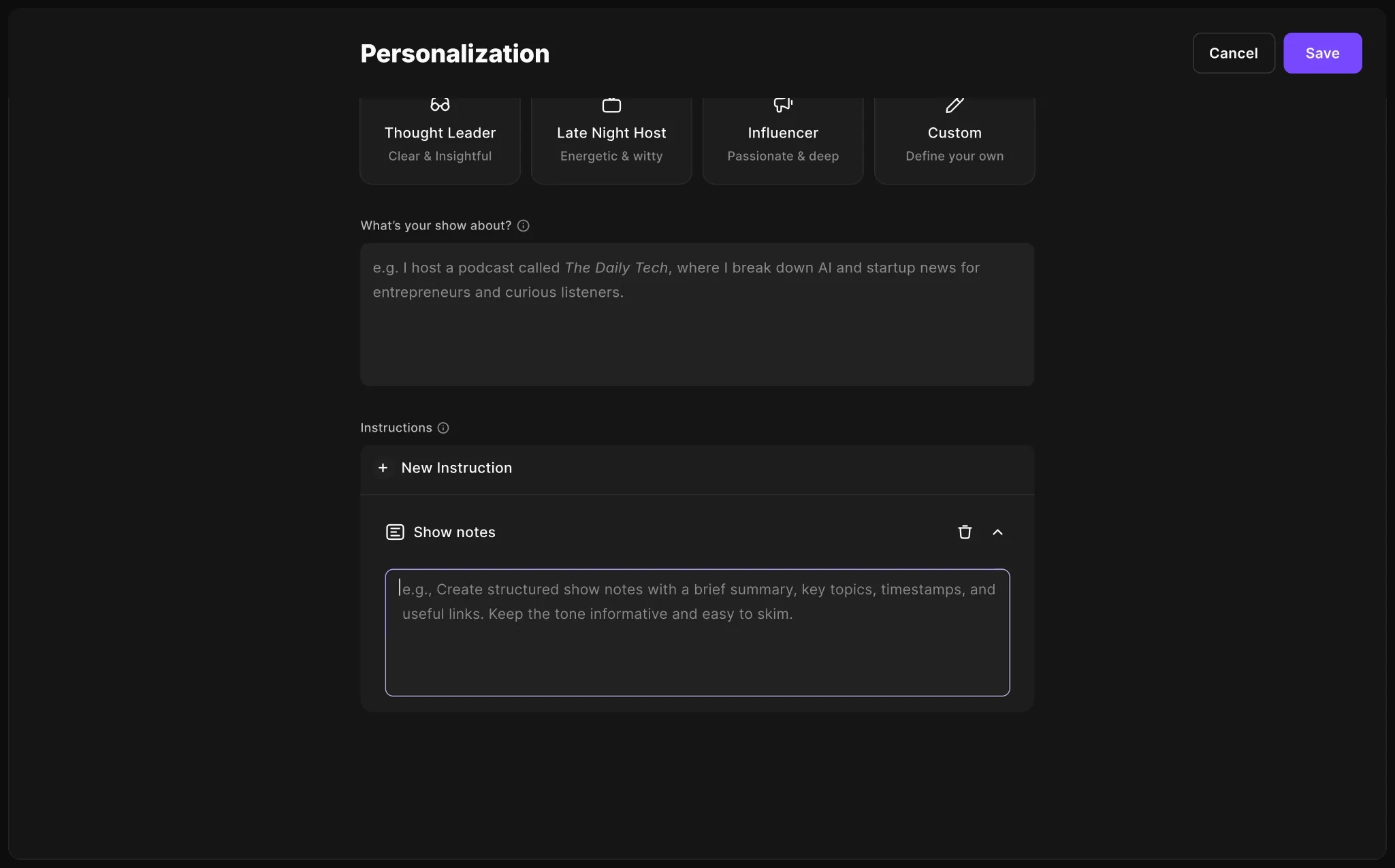
Co‑Creator keeps the creator’s preferences, so each new episode skips the setup. Creators with their own prompts set an instruction per asset in Personalization and get their style every time.
From a panel people missed to a companion they come back to.
Co‑Creator stopped waiting to be found. It introduces itself on the first edit, does the heavy lifting from the rough cut to promotion, and keeps the creator in charge of every change, whether they need guidance or already know what they want.
More creators meet Co‑Creator
More creators interacted with Co‑Creator in their first session, once it introduced itself.
More creators edit with it
Story angles, a plan and visible progress make the first task easy to say yes to.
More episodes go out
What we knew held: creators who edit with Co‑Creator publish more and come back to record.