Digital canvas MVP
First steps in digital drawing, right inside the Simply Draw lesson.

First steps in digital drawing
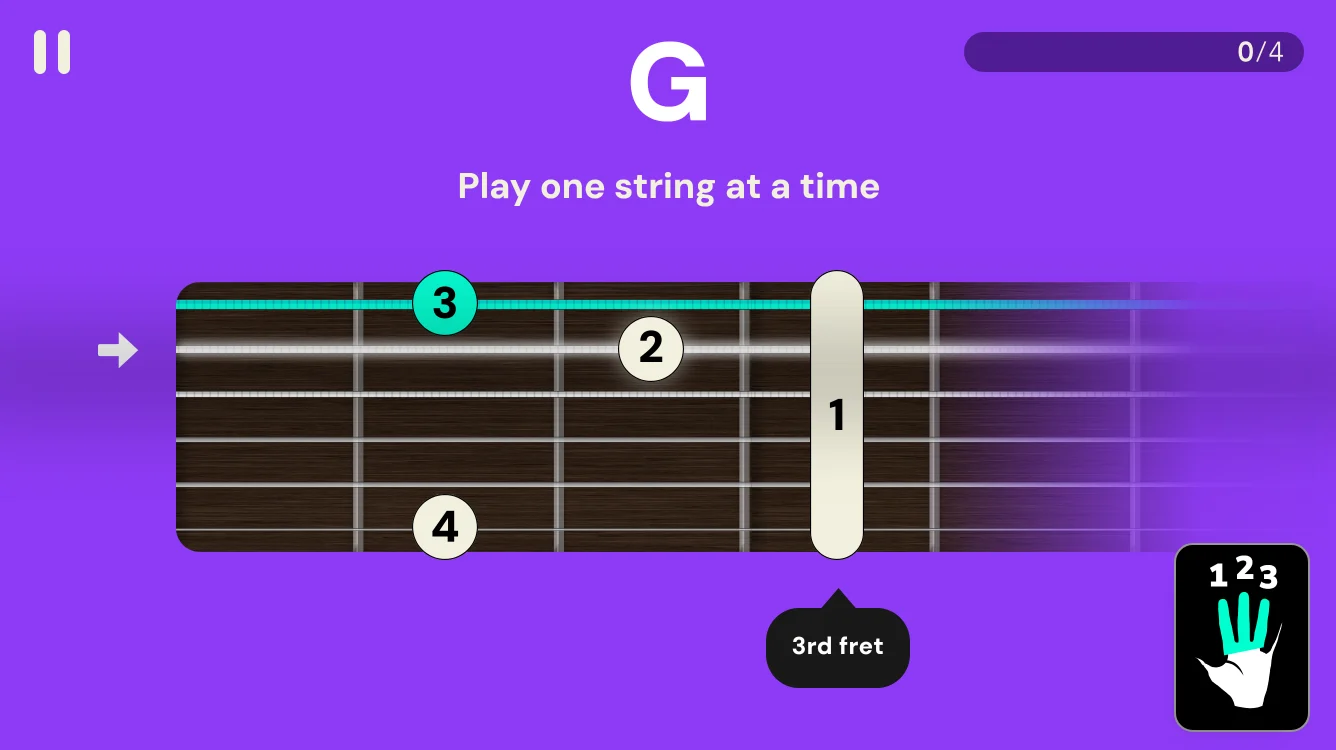
Simply Draw teaches drawing with pencil and paper. The digital canvas adds drawing with a digital pen on iPad, right inside the app. It was never meant to compete with professional drawing apps. Its job is to help learners take their first steps in digital drawing without overwhelming them with technical features.
It also brings a new style into Simply Draw: drawings in full color, something pencil and paper can’t offer.
Who it’s for
Young adults, 16 and up. They’re still beginners in drawing, and some have played with a drawing app, but this is their first real step into digital drawing. Younger kids weren’t the focus. They’re comfortable with pencil and paper, and a digital pen is an expensive tool that parents tend to buy only once a child has shown they’ll stick with drawing.
- My role
- Product manager and design lead
- Platform
- iPad with a digital pen
- Scope
- The MVP of the in-lesson drawing canvas: layout, video, tools, layers and guided steps, plus the digital courses
Ask first, then choose the path
Not every learner has a digital pen, and some who do still prefer paper. So we added one question to onboarding, “What do you prefer?”, and the answer sends each learner to the path that fits them. Learners with an iPad and a digital pen take the digital path, where courses end in a color drawing. Everyone else stays on the paper path, with the iPad as their teacher.
What do you prefer?
A path of drawings, not a list of skills
The digital path keeps what the MVP V2 map is built on: almost no text on screen, with size, movement and sound carrying the message, small drawings that build confidence fast, and skills learned in bite-sized pieces along the way. Every item previews the color drawing the learner will make, so the outcome leads.





The whole drawing in view, one small step at a time
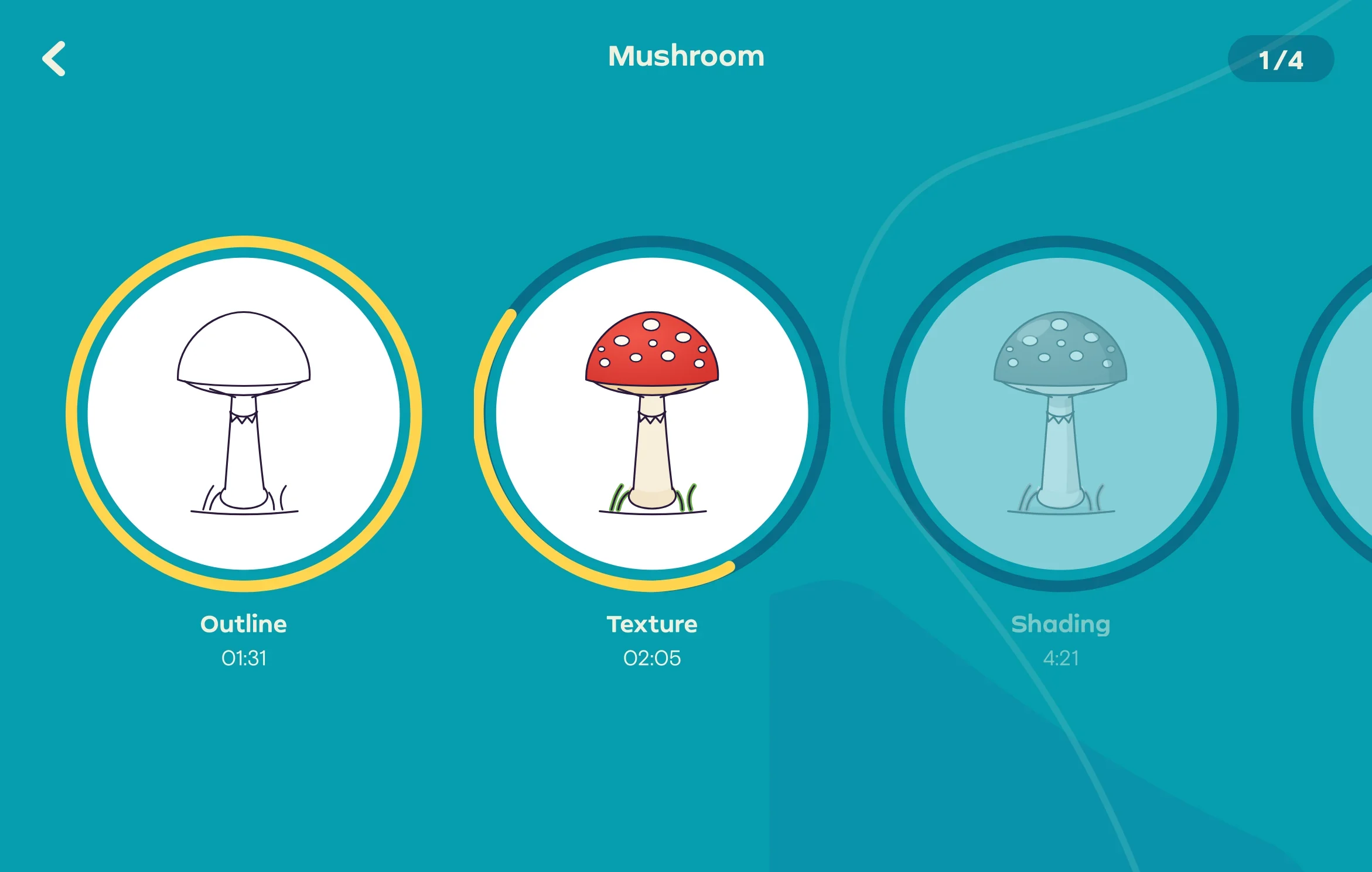
The course screen lays the whole drawing out as a path of steps. Each step is a big round thumbnail of the drawing at that stage, so learners see where they are and what the next few minutes will add. A progress ring and a short duration on every step keep each one small and finishable, and the thumbnails show the color result before a single stroke, which is the reason to pick up the pen.
- One drawing, shown stage by stage
- Short timed steps with a progress ring
- Thumbnails preview the color result

A journal that fills with color
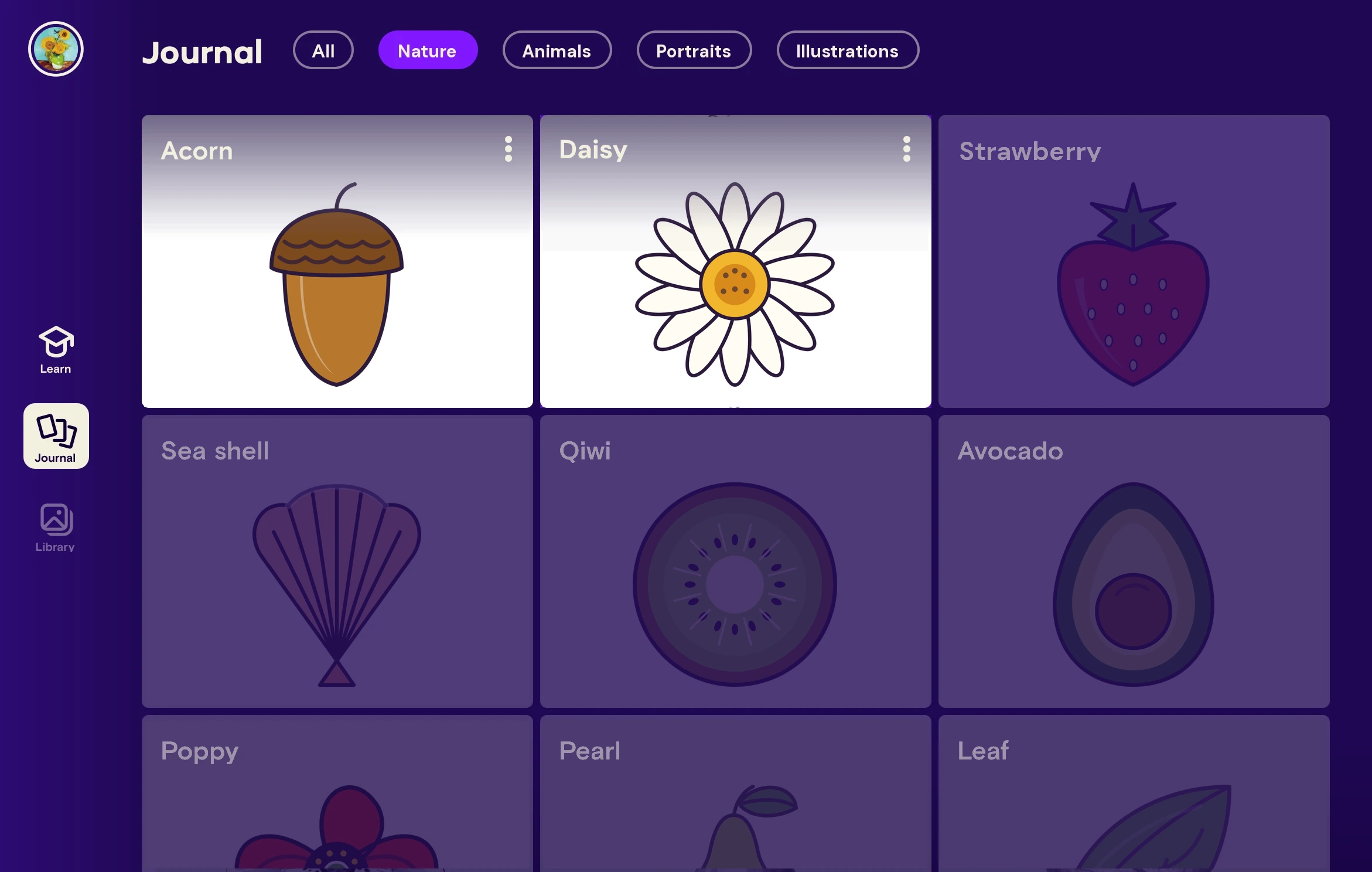
Every finished drawing lands in the learner’s journal, the same one the paper path uses. On the digital path the collection grows in full color, with the drawings still to come waiting faded beside it.
The teacher on one side, your canvas on the other
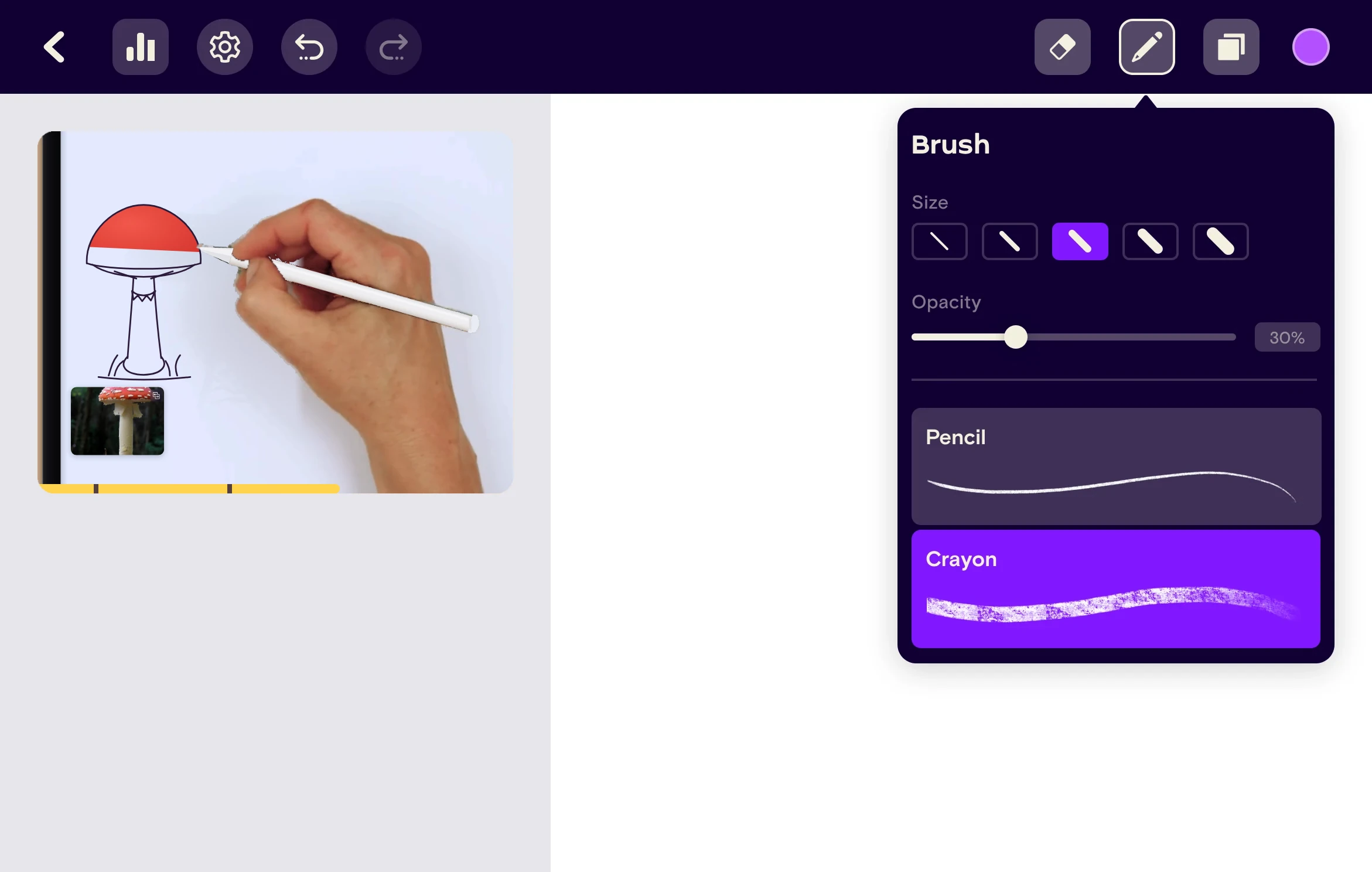
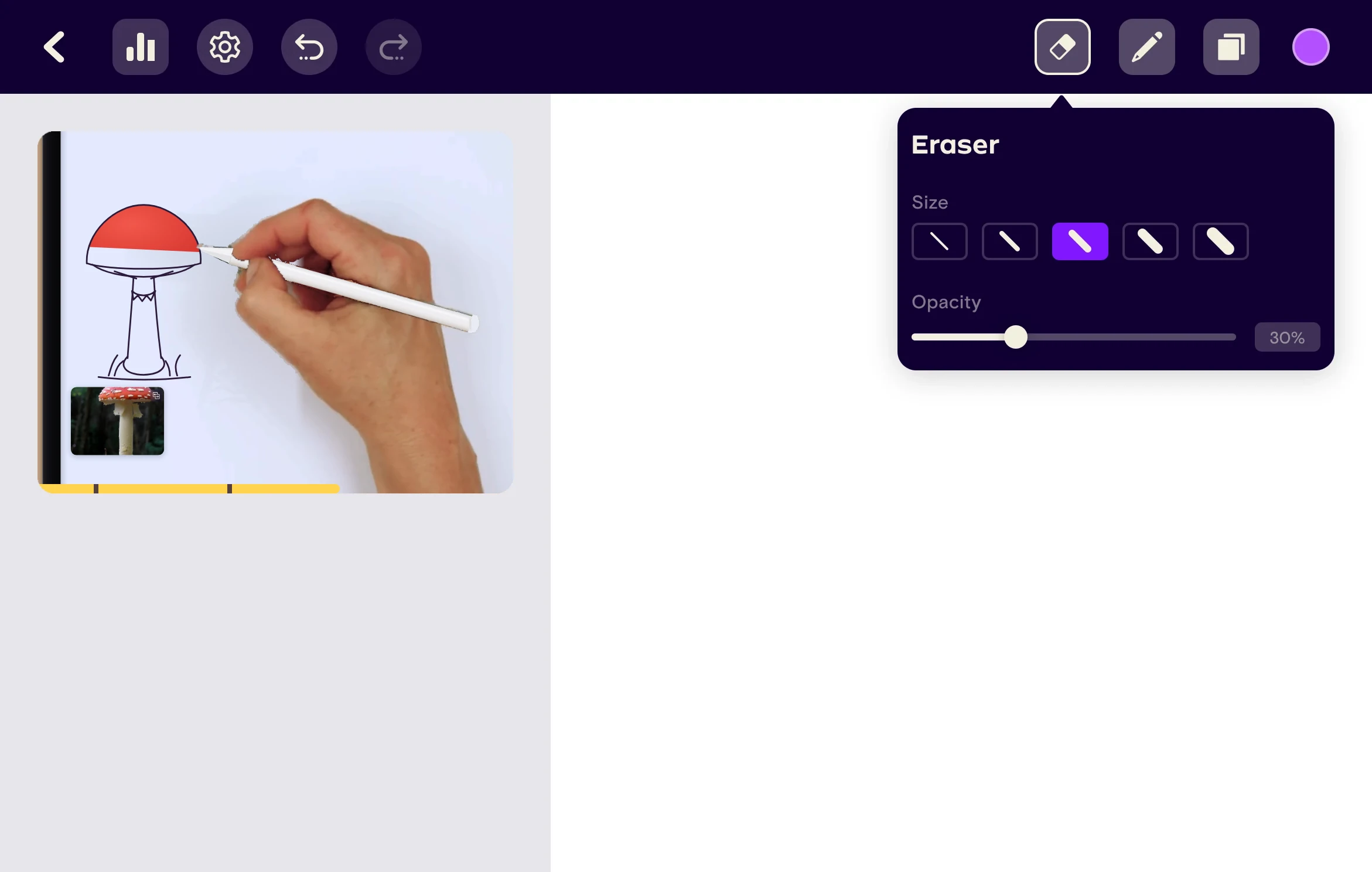
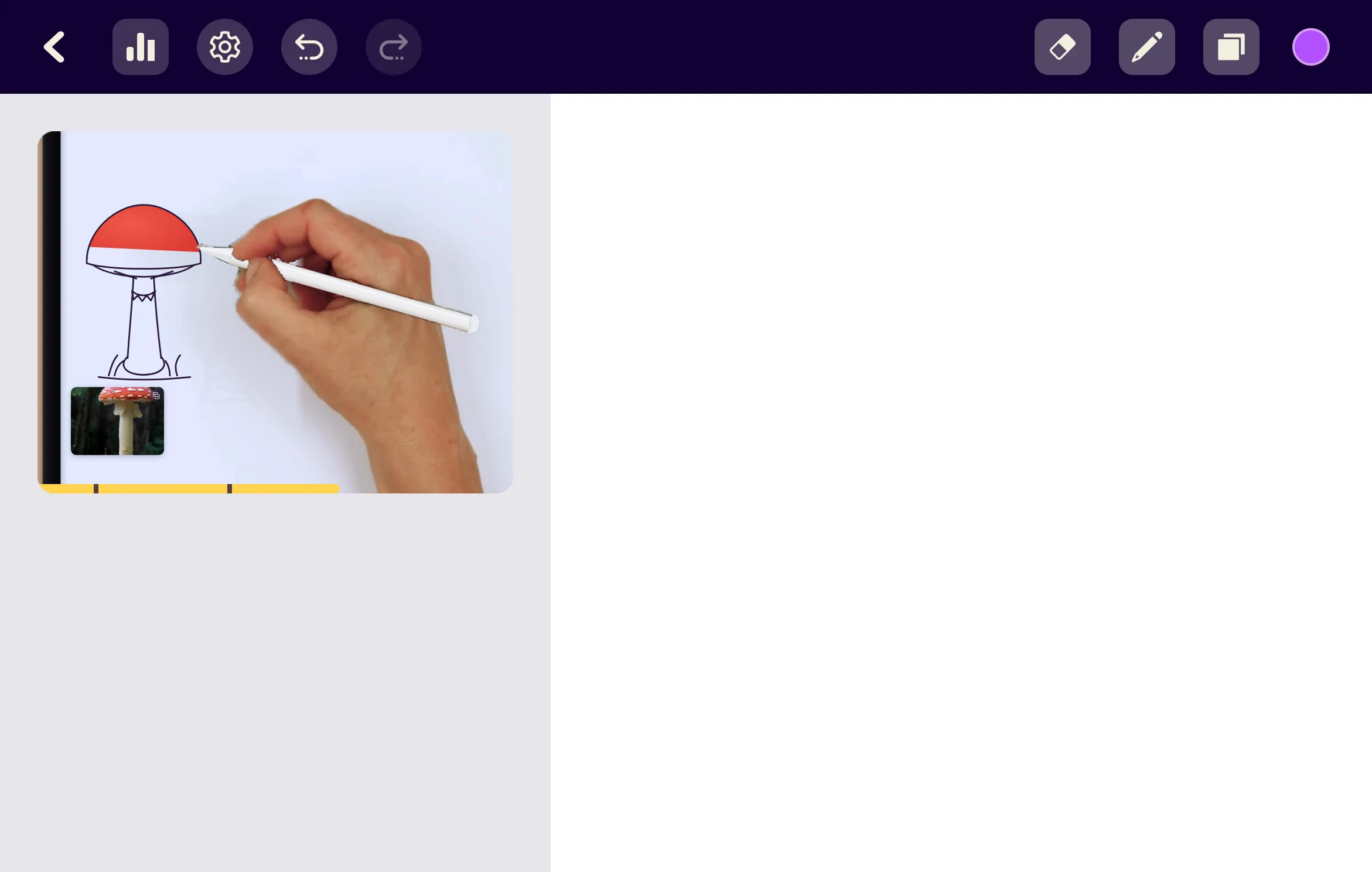
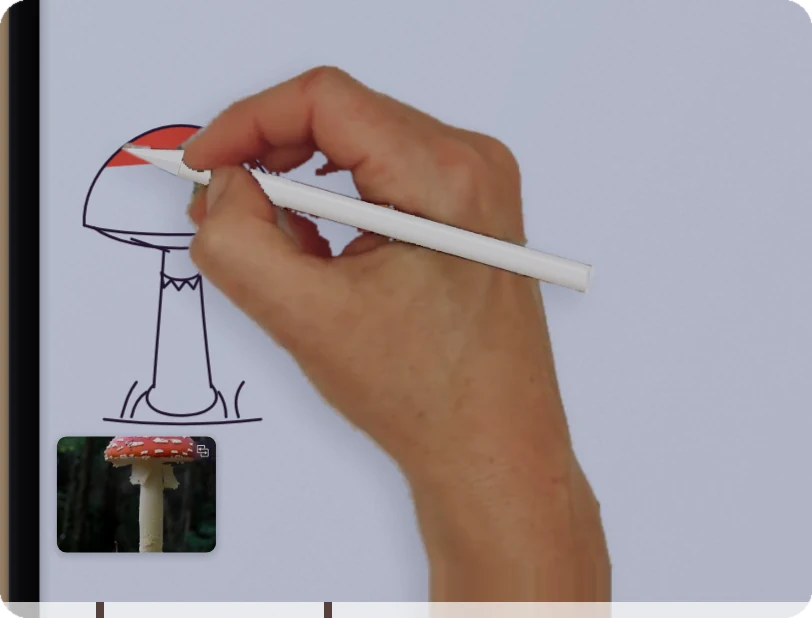
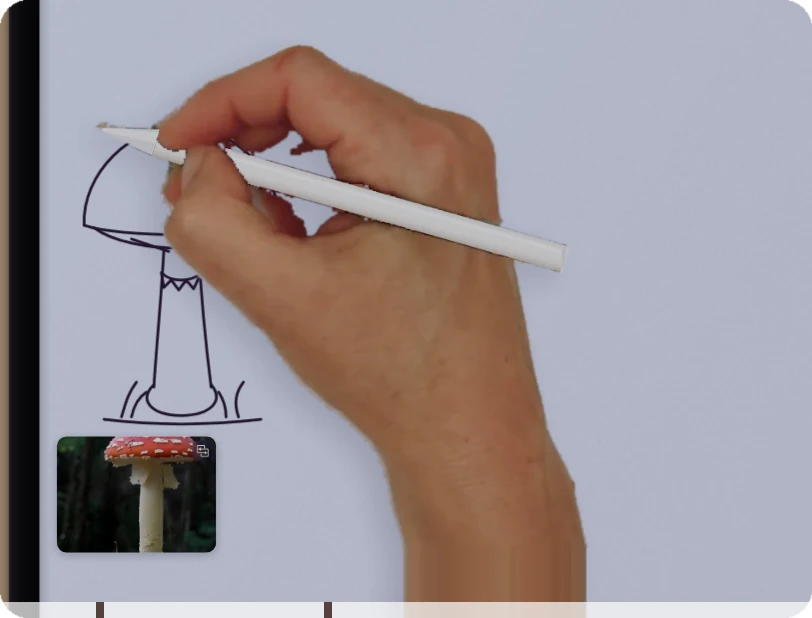
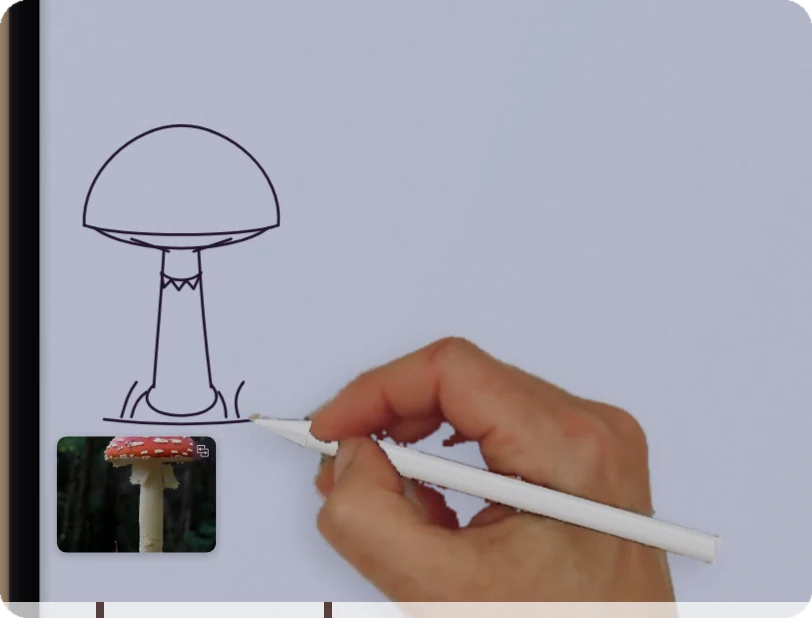
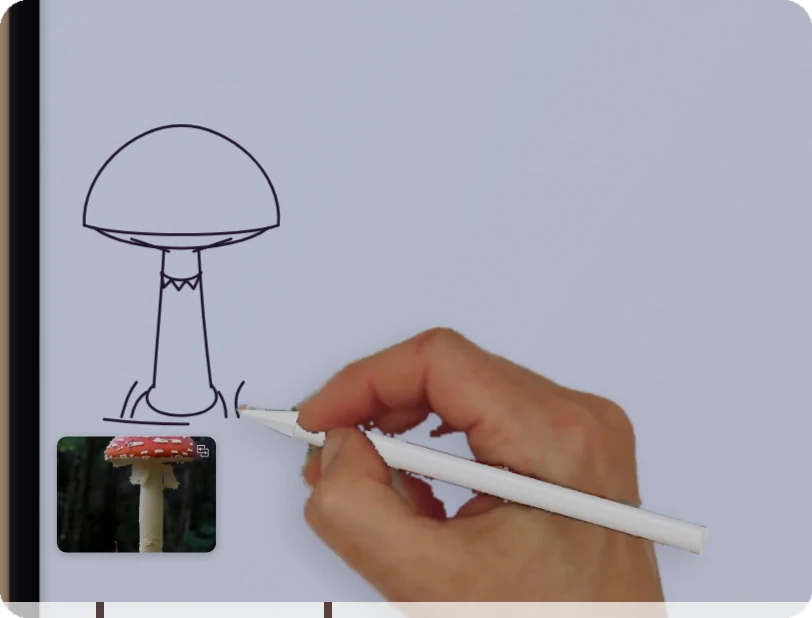
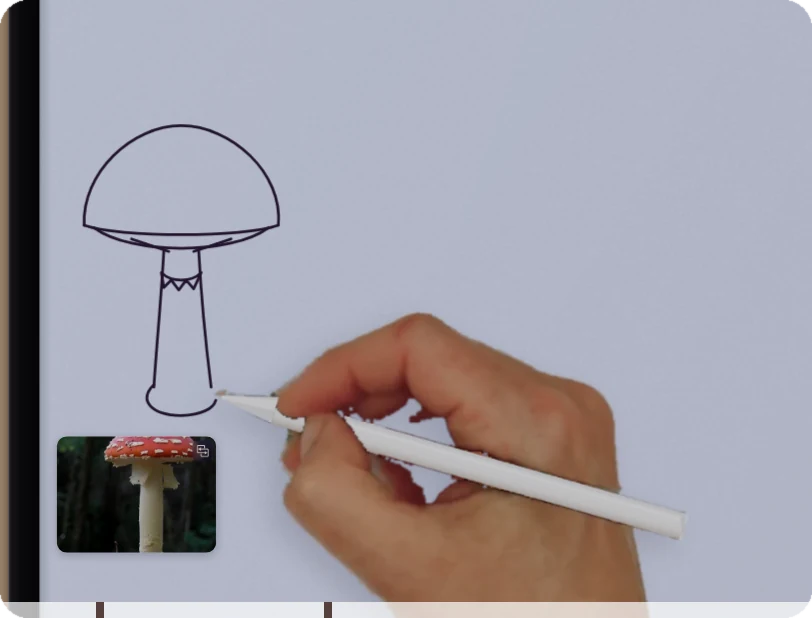
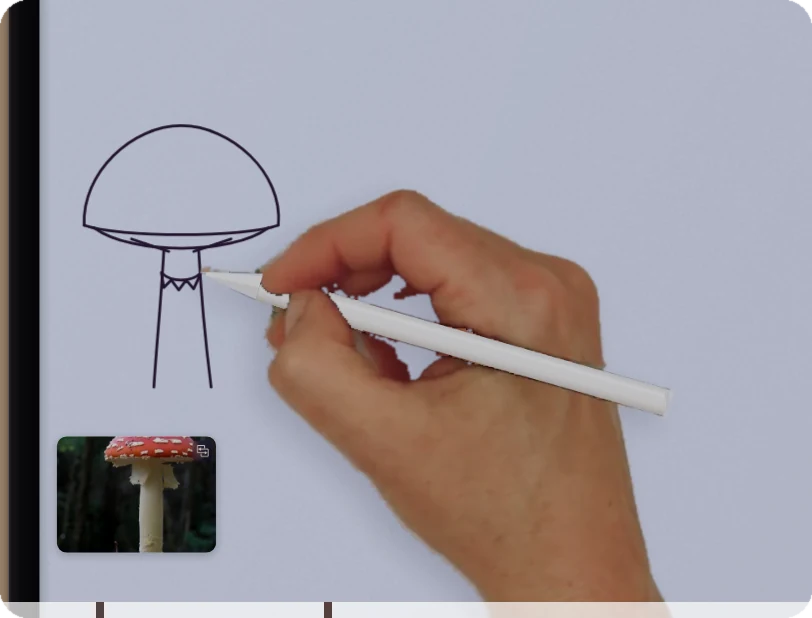
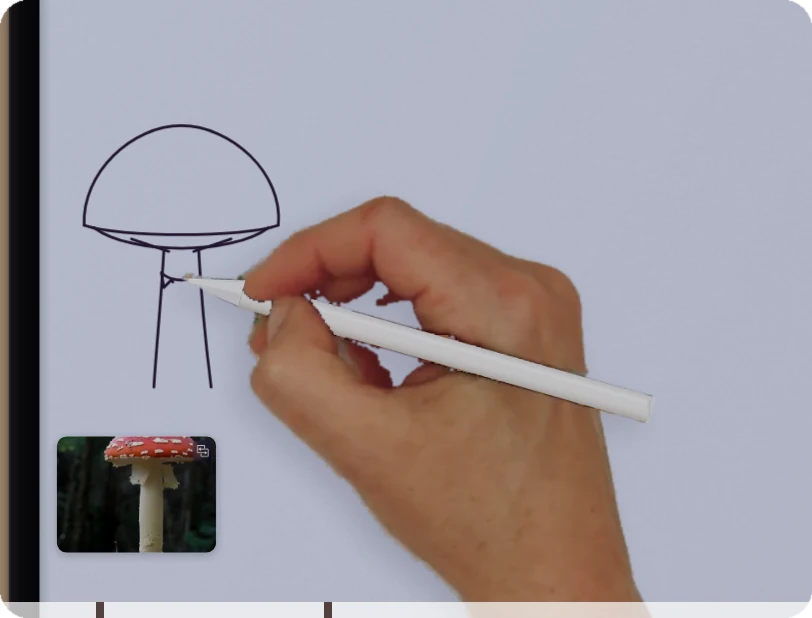
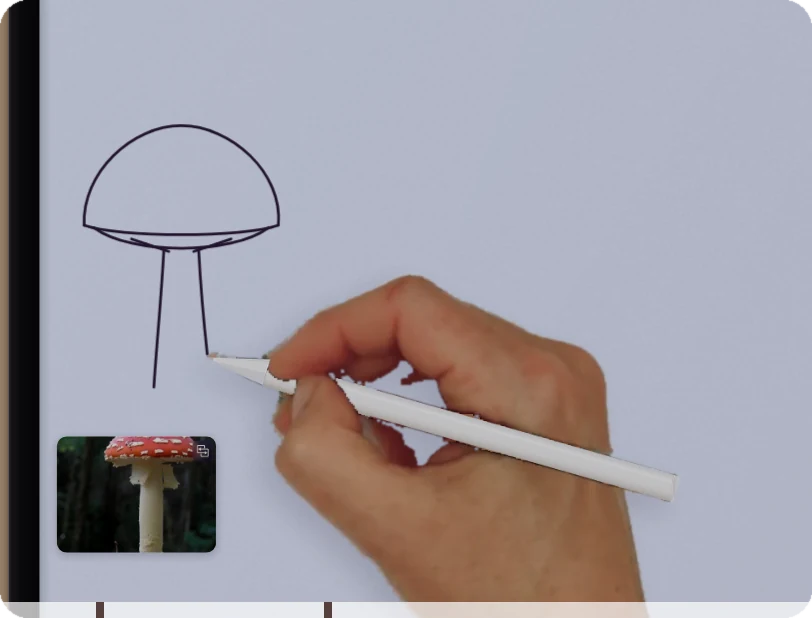
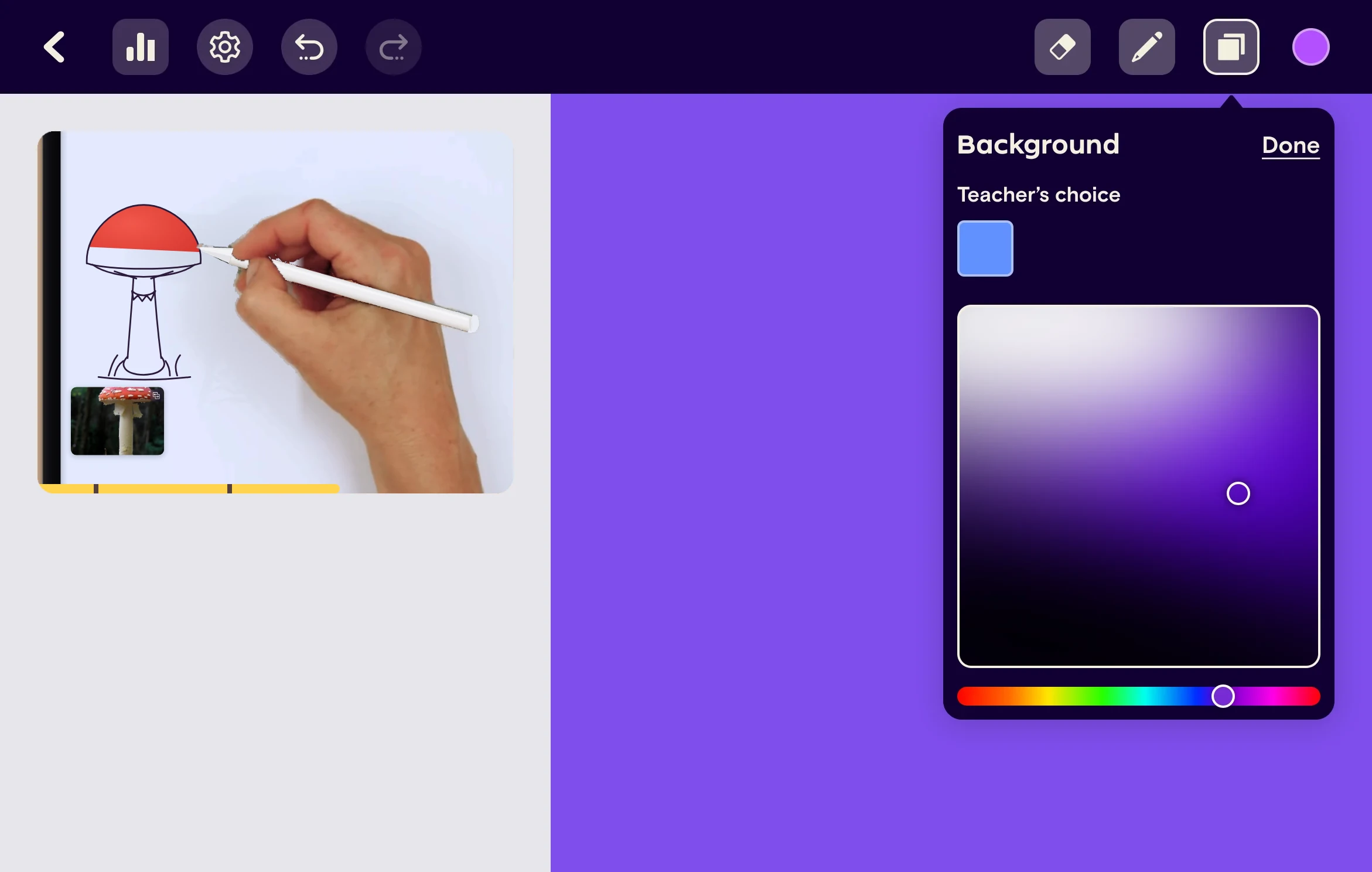
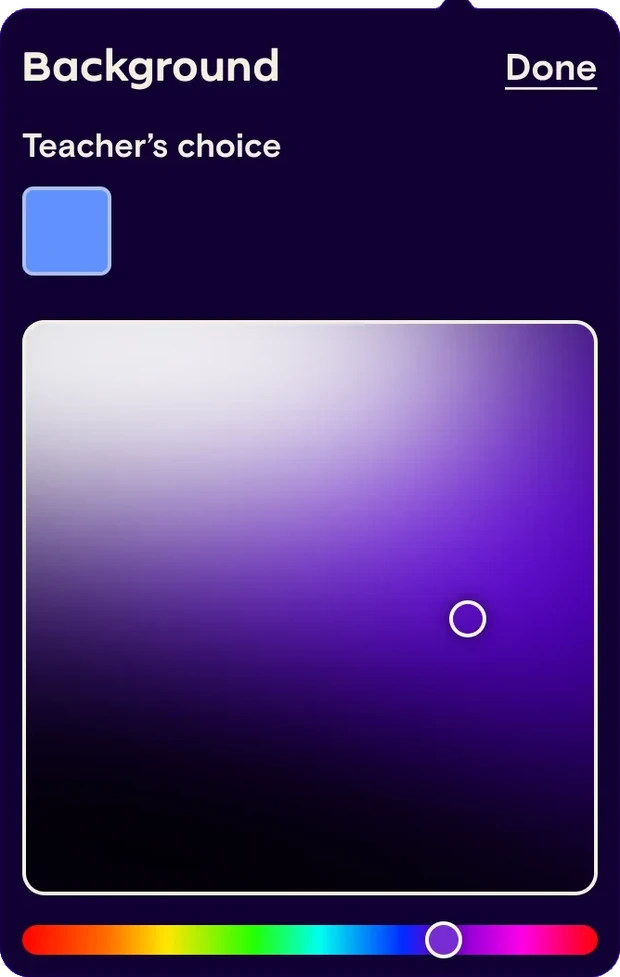
One screen holds the whole lesson. The video keeps playing beside the canvas, so learners never switch apps or lose their place, and every tool sits in one dark bar above the work.
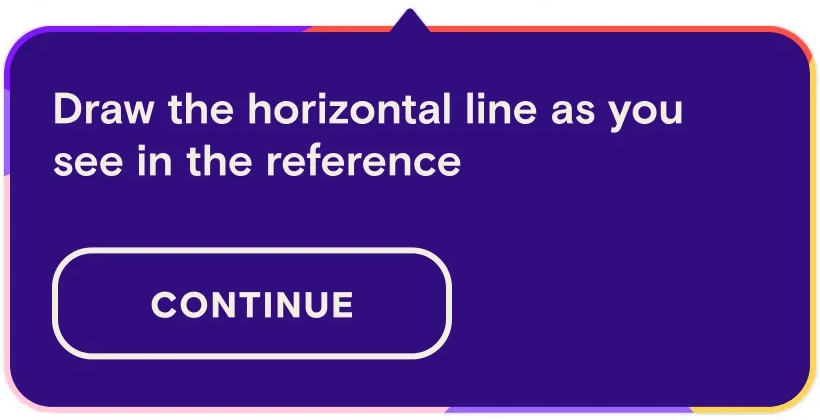
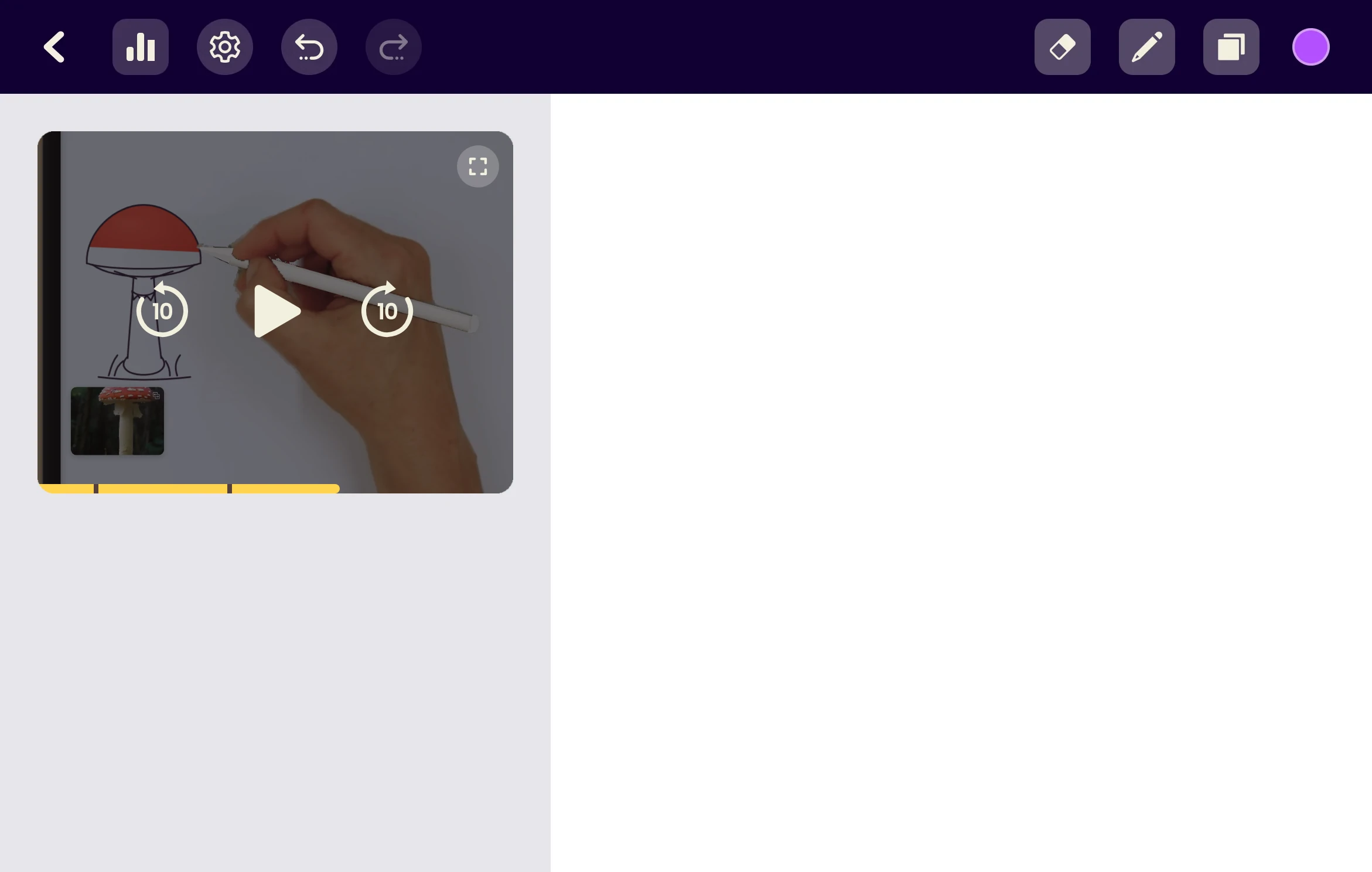
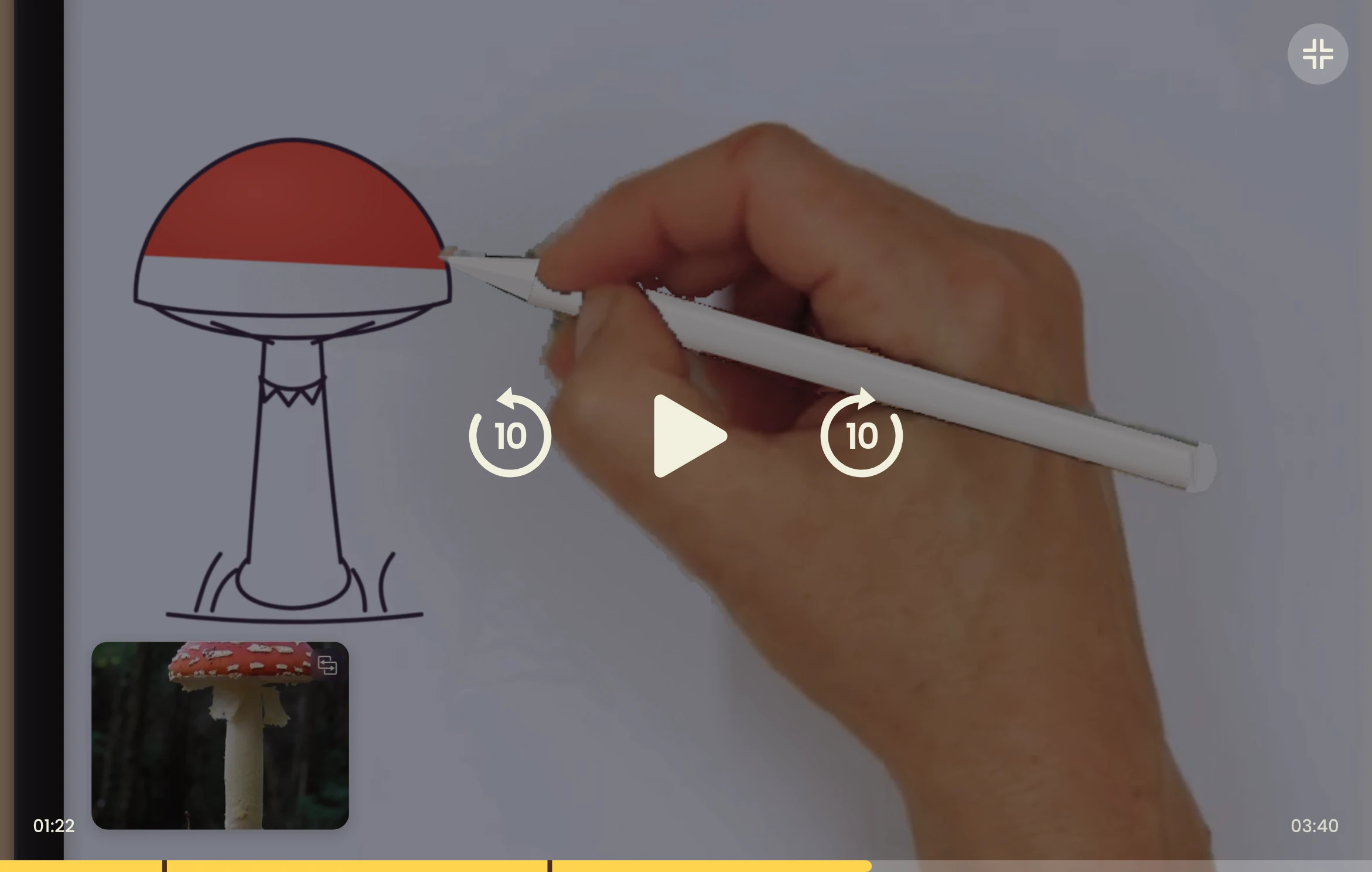
Follow the teacher at your own pace
Drawing takes longer than watching. The player had to make it easy to go back over a step, or wait for the learner, without taking space from the canvas.
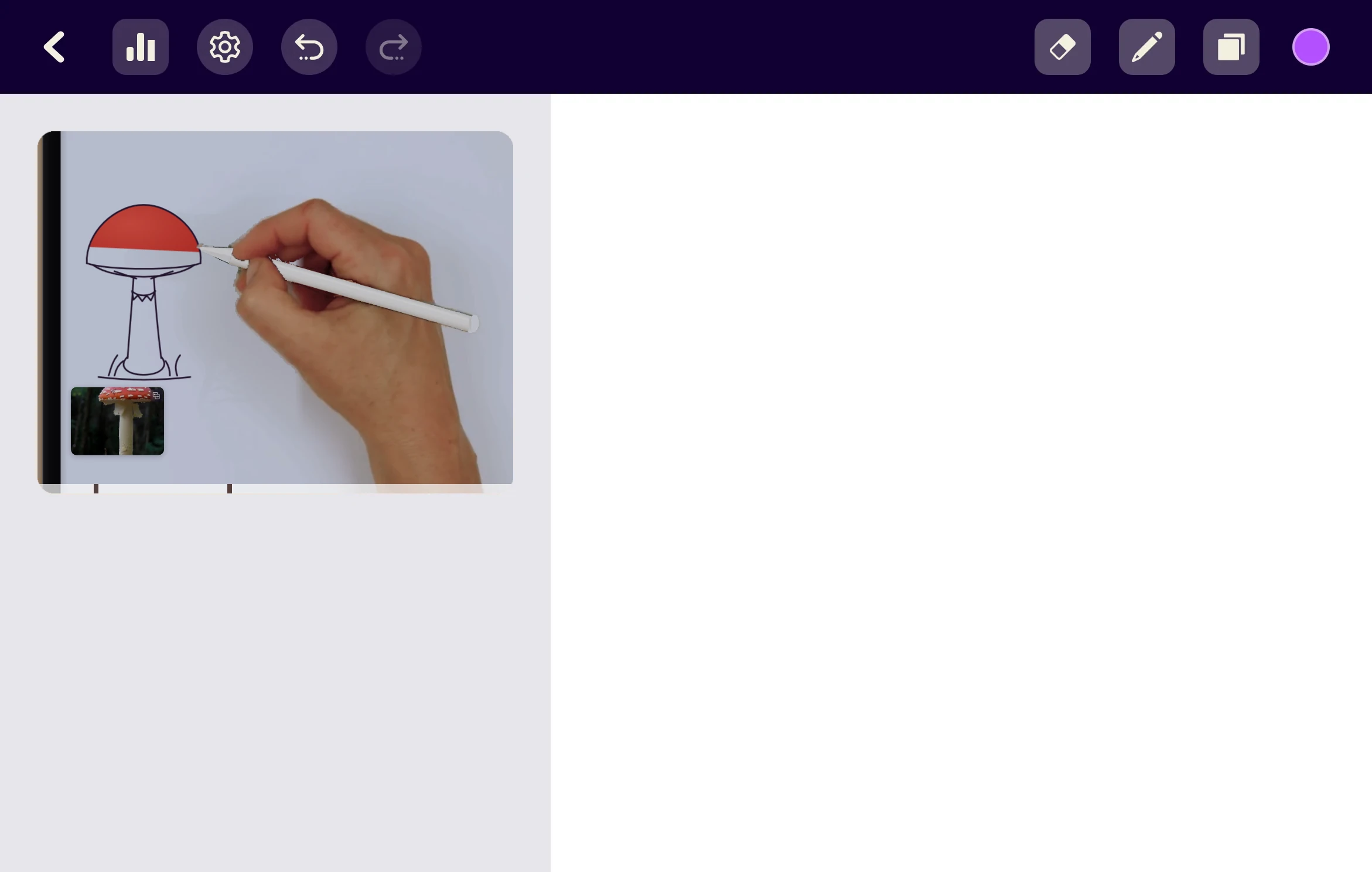
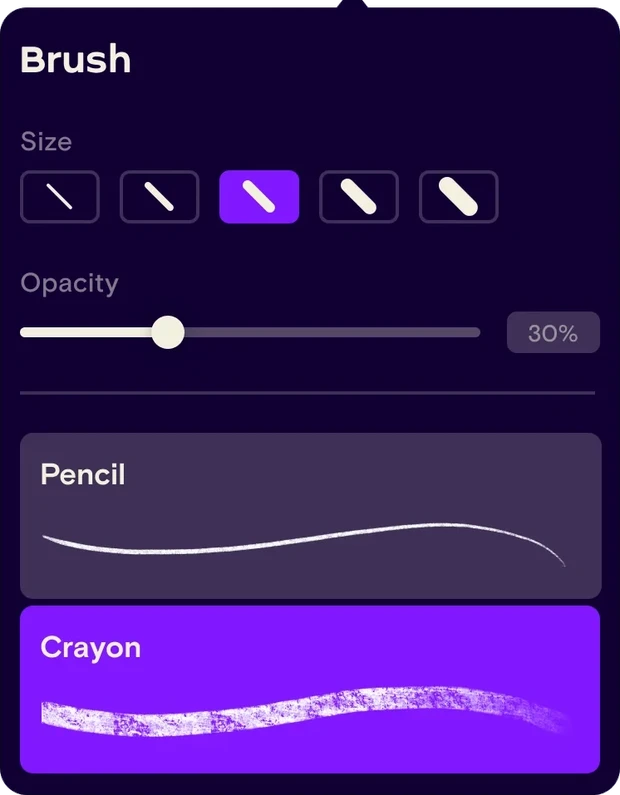
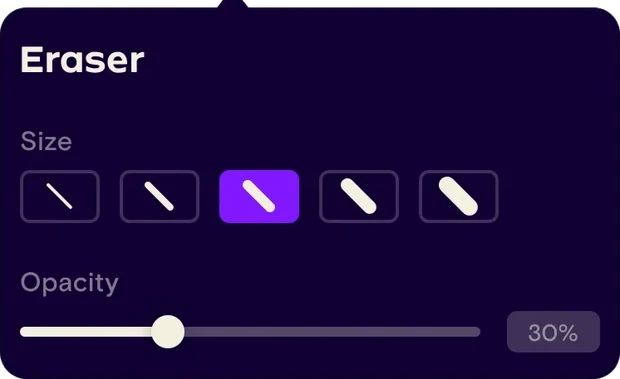
Just enough tools to draw along
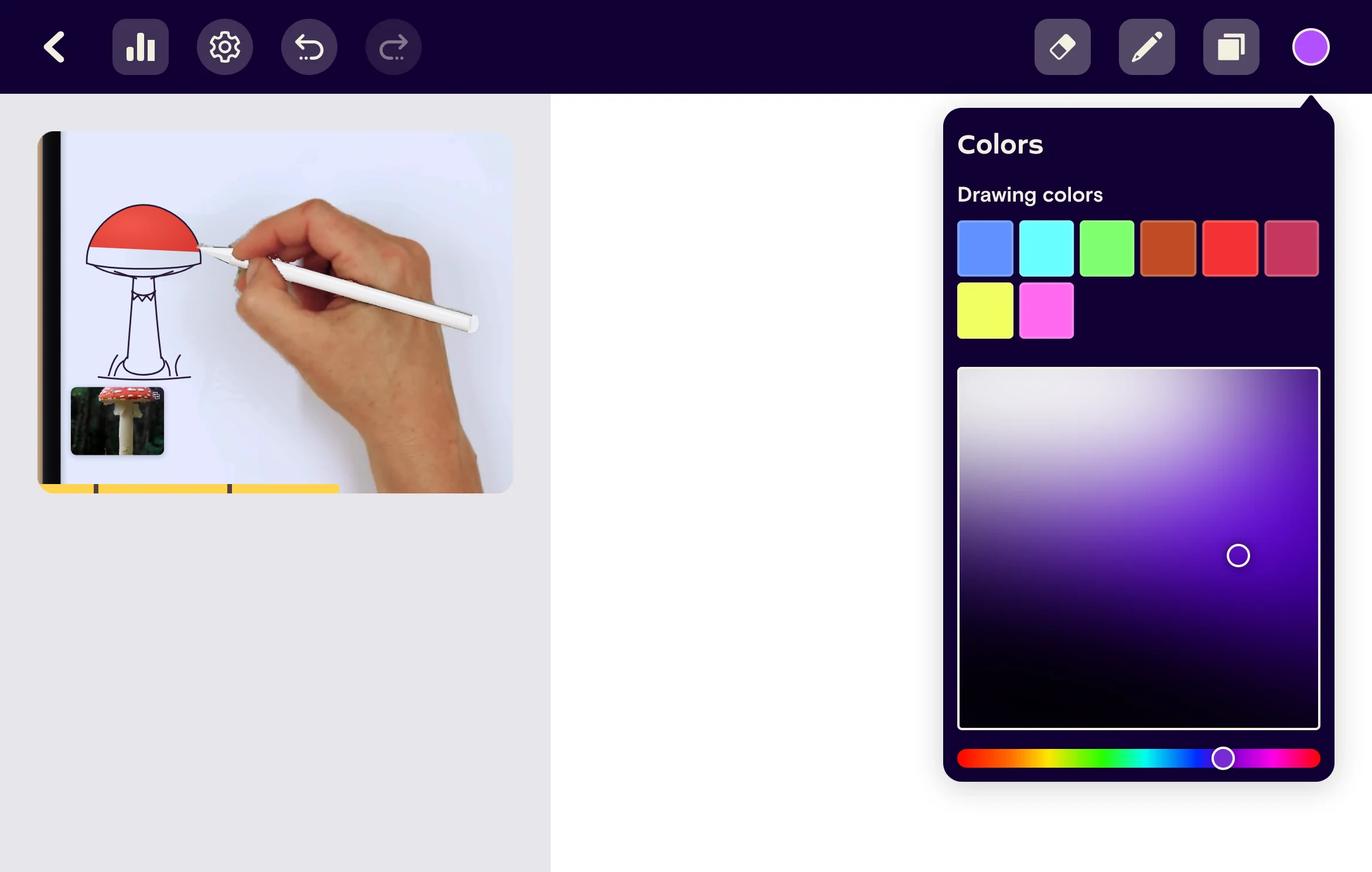
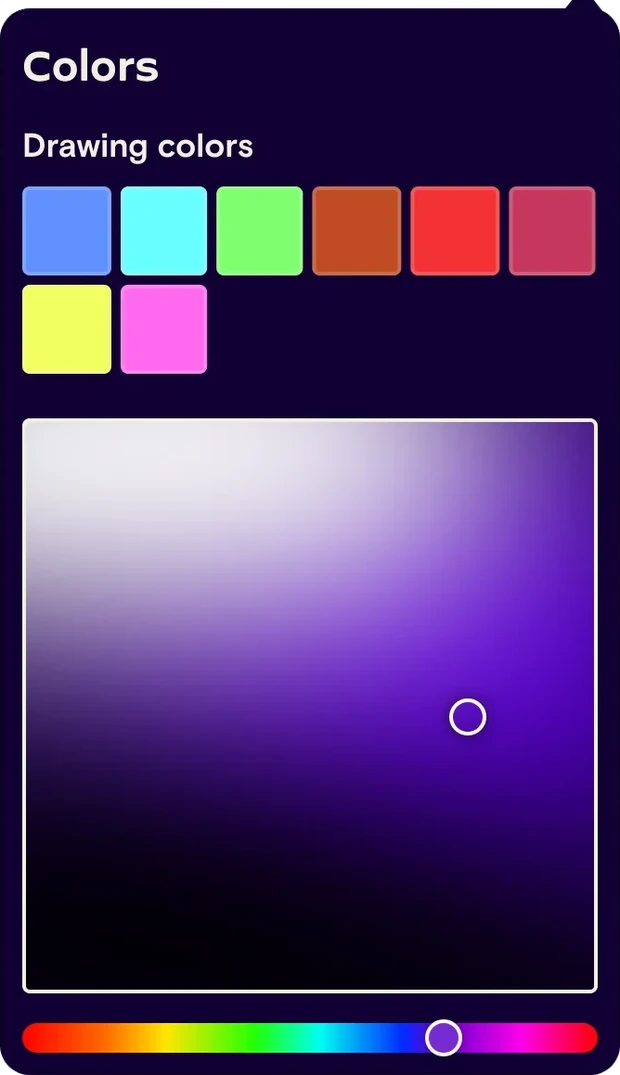
The goal was never to match professional drawing apps. Beginners get a few tools with simple choices instead of a full toolbox, and the lesson’s own colors are always one tap away.
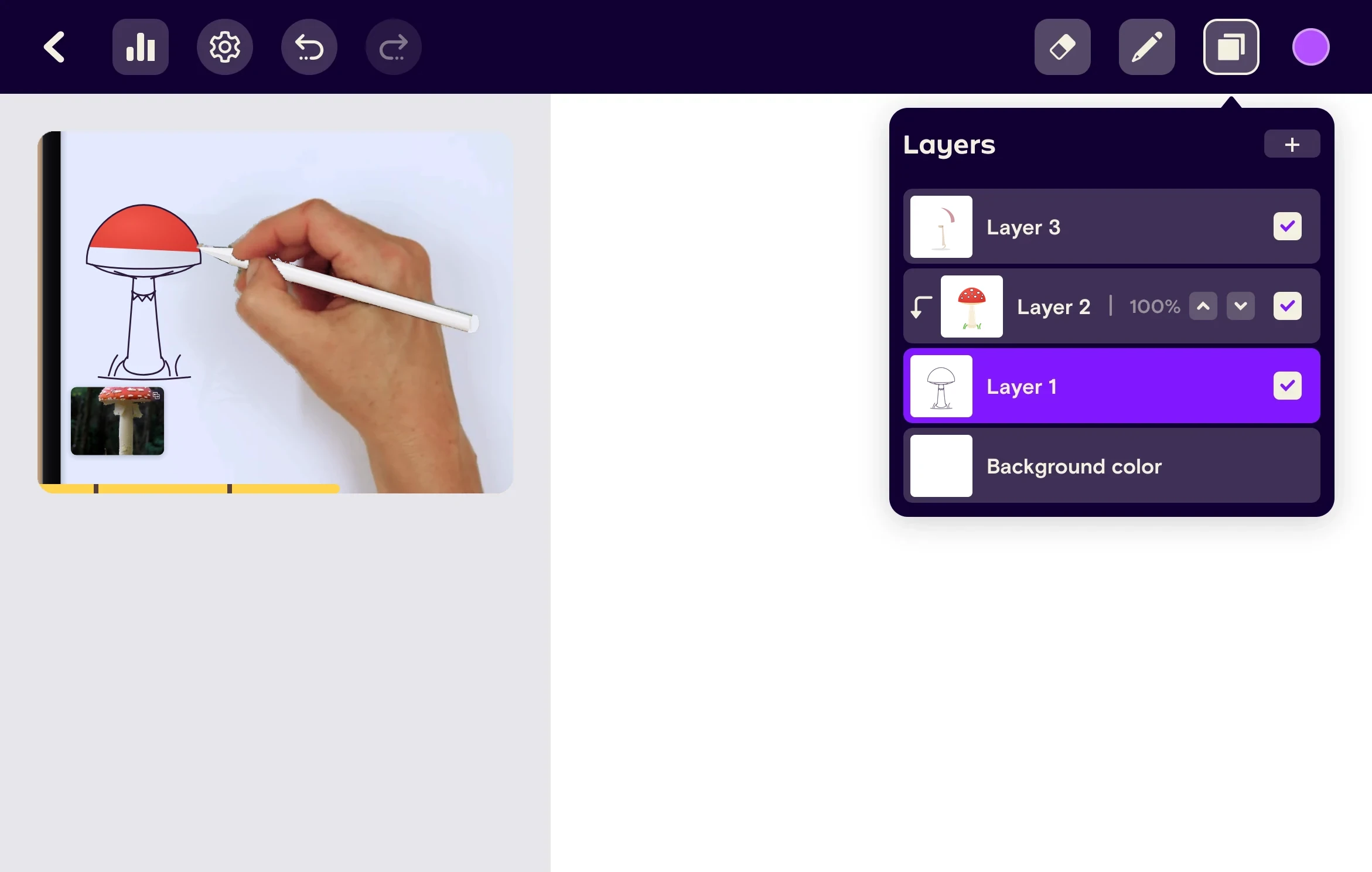
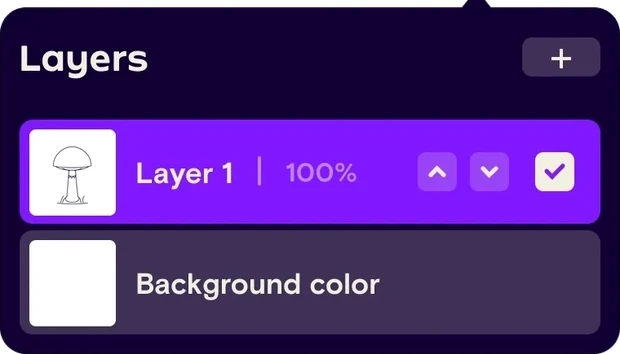
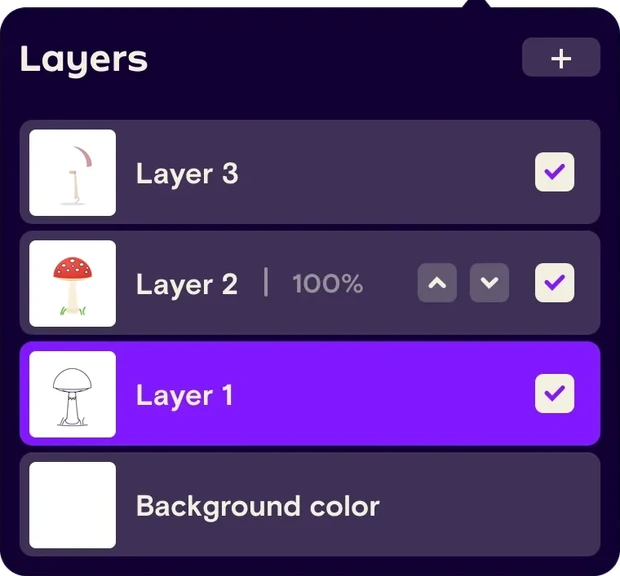
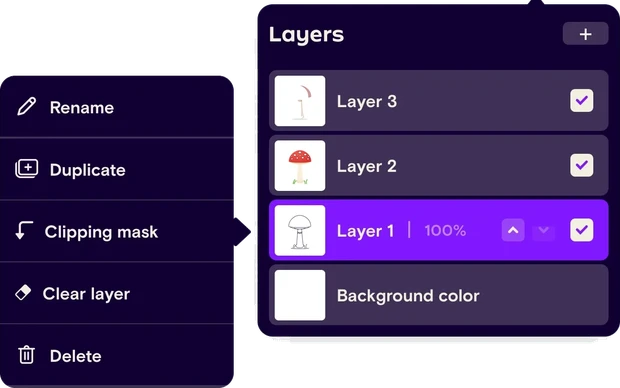
Real layers, introduced gently
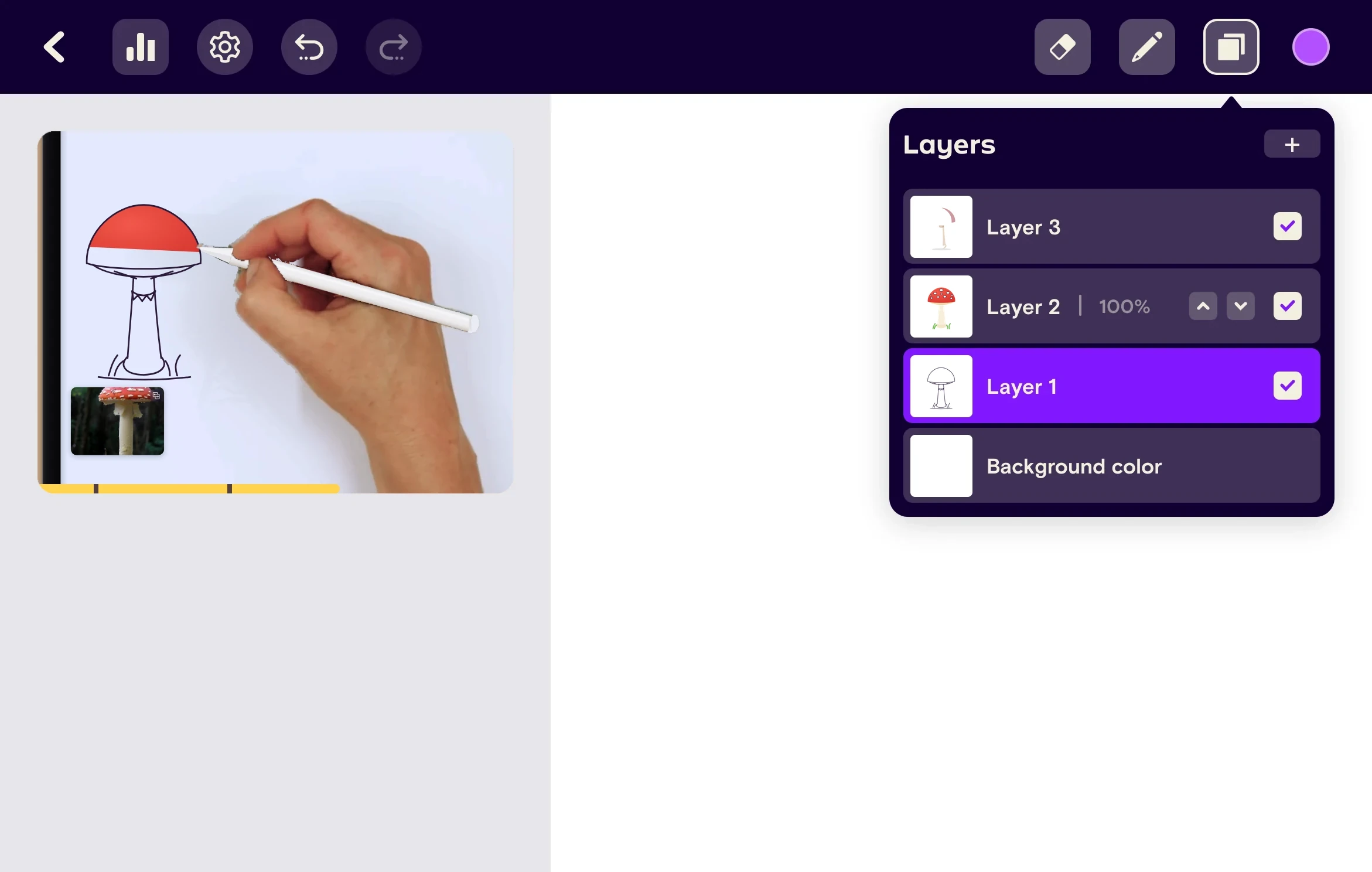
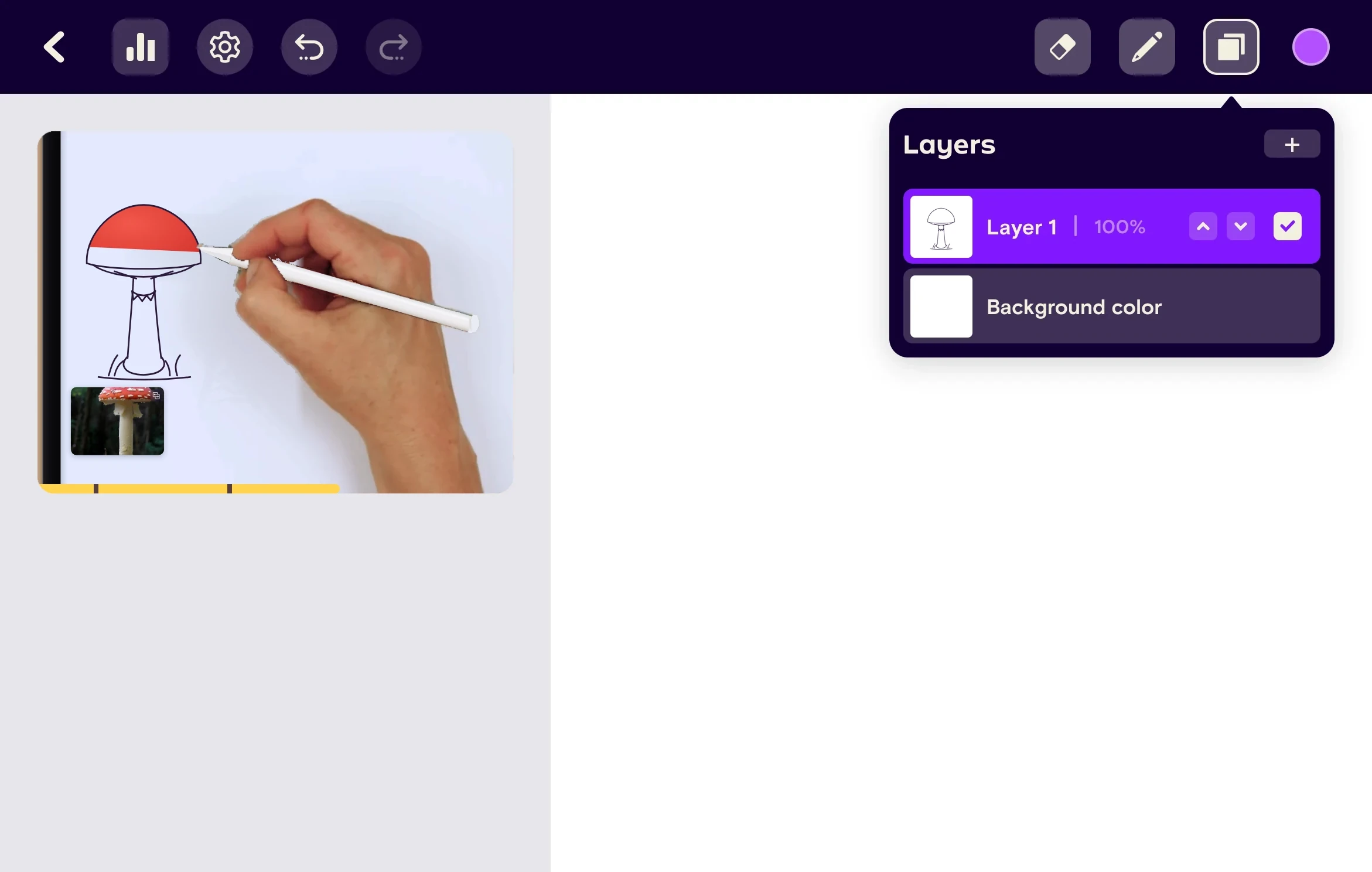
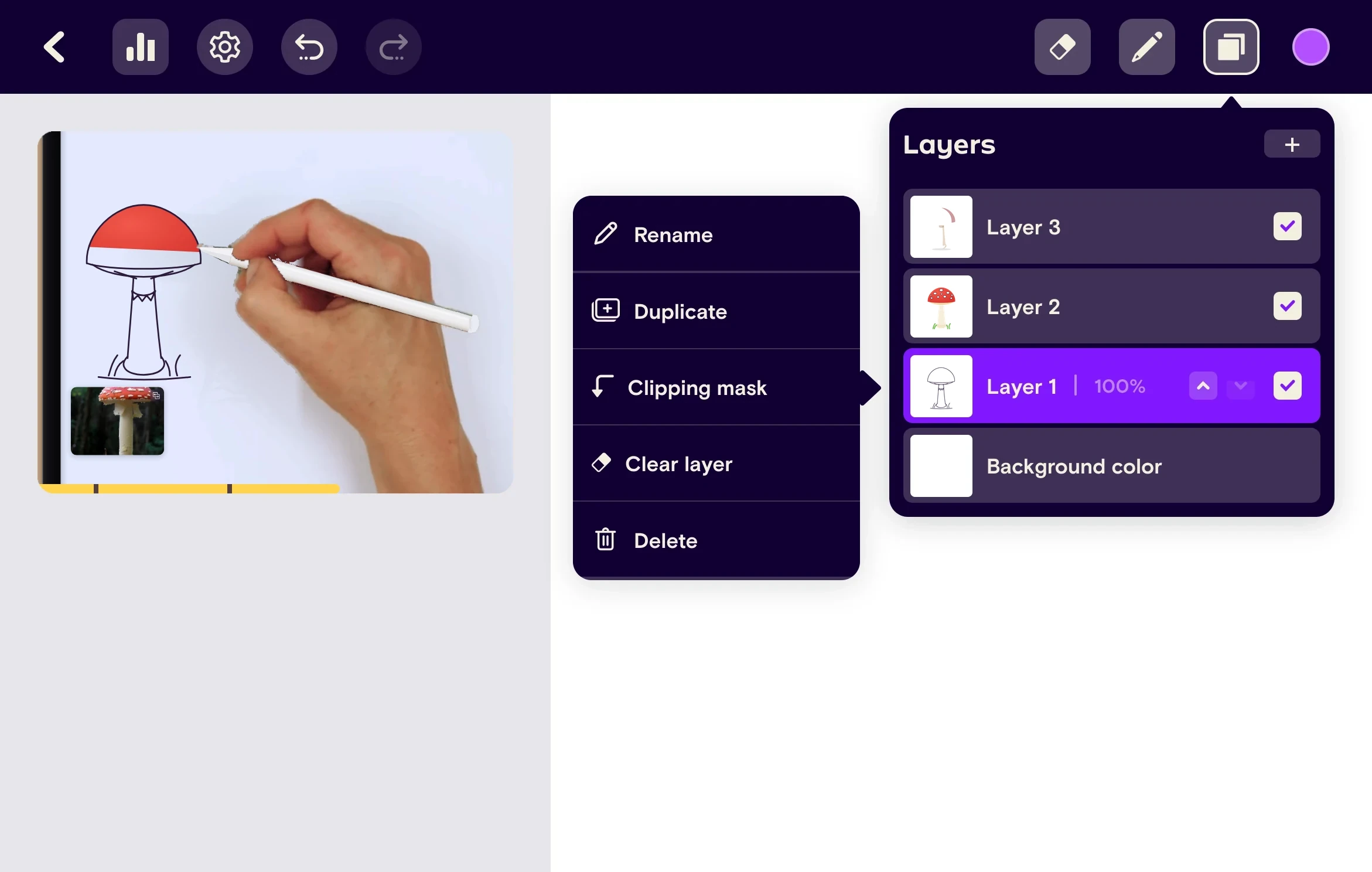
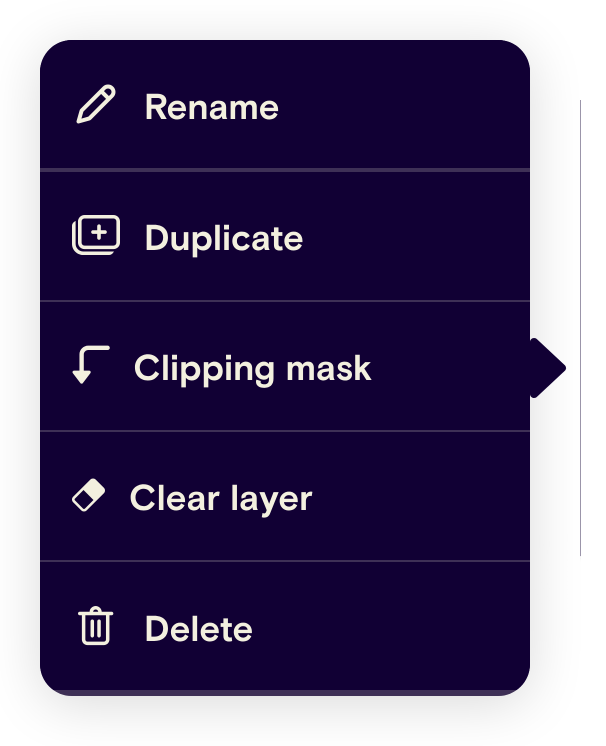
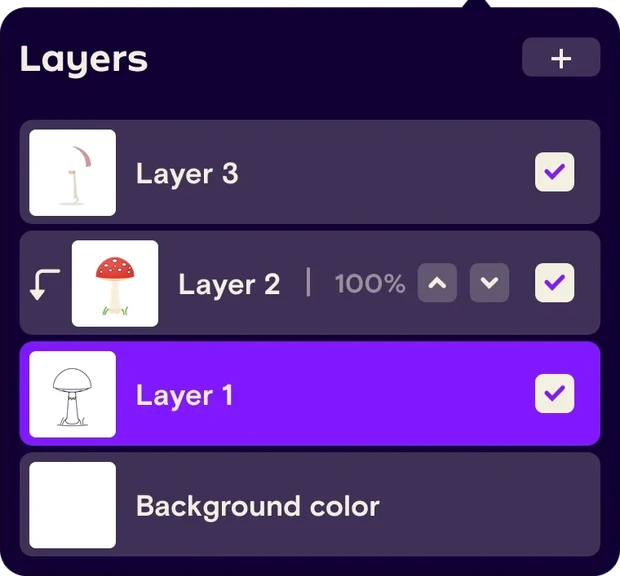
Layers let learners sketch, ink and color without ruining the step before. They start with a single layer and grow into the full set of options as the lessons need them.
Simply Draw’s values, now on a screen
Going digital didn’t change how Simply Draw teaches. The canvas isn’t a blank page left beside a video: the lesson still asks for one stroke at a time, and the iPad still feels like a drawing studio.
- Every step draws from a reference
- The teacher draws right beside you
- The canvas turns like paper on a desk


One step at a time
A catch-up card under the video asks for a single action, like “Draw the horizontal line as you see in the reference”, and Continue moves on when the learner is ready. The canvas turns like paper to find a comfortable angle, and Reset canvas sets it straight again.
Familiar gestures, with feedback
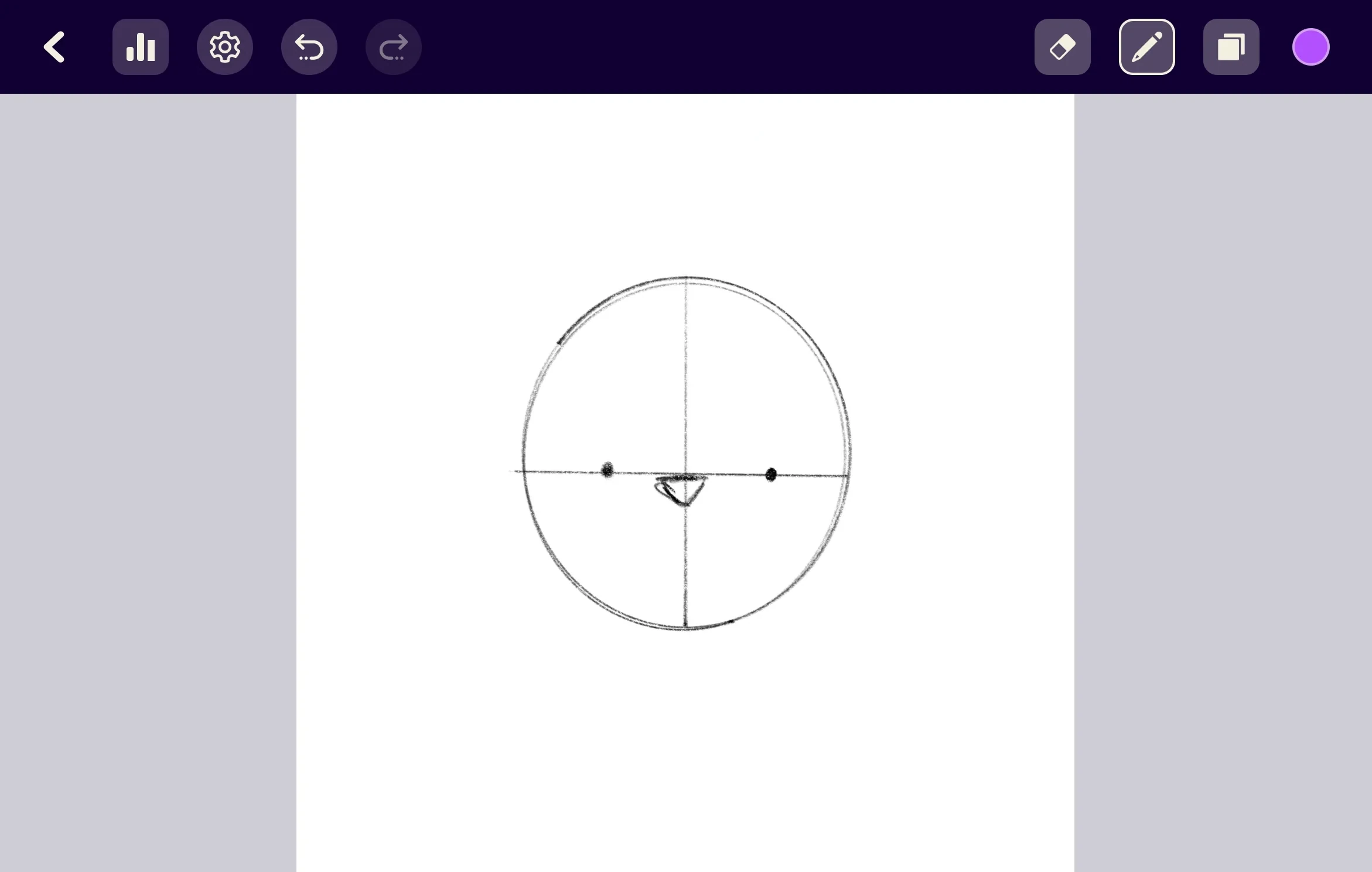
Without the video, the drawing gets the whole screen, and the canvas answers to the gestures people already know: a two-finger tap undoes, three fingers redo, and a pinch zooms. Each time, a small tag names what just happened, like “Undo brush”, so learners always know what the app did.
A strong start for a small audience
More people chose pencil and paper than the digital path. Those who went digital were older than the paper learners, as we had assumed, and their first weeks looked good: a high completion rate for the first drawing, a high rate of starting a second one, and conversion to premium on par with the paper path. Over time, though, they churned faster and were less engaged.
 What worked
- The audience we aimed for. Digital learners were more mature in age than paper learners.
- Quick first wins. High completion of the first drawing, and most went on to start a second.
- The same willingness to pay. Conversion to premium matched the paper path.
 What held it back
- Faster churn. Digital learners dropped off sooner and were less engaged over time.
- A small share of users. Far fewer people chose the digital path than the paper one.
- No lift in adult downloads. The digital path didn’t bring more adults to the app.
 The decision
With a small audience and no growth in adult downloads, a second drawing experience wasn’t worth the cost of maintaining it. We eventually removed the digital path.
What the digital canvas taught us
As product manager and design lead, I scoped the MVP around one idea: help young adults take their first steps in digital drawing without leaving the lesson. The design held up. Learners finished their first drawings, started a second and paid for premium like everyone else. What didn’t hold up was the bet behind it: a digital path on its own didn’t bring more adults to Simply Draw, and the few who came didn’t stay long enough to justify a second drawing experience.
- Keep the teacher in the room. Video and canvas on one screen kept the lesson intact, and it showed in how many learners finished their first drawing.
- Familiar tools, not a toolbox. One bar with panels under their buttons, and layers only when a drawing needed them, was enough for a first step.
- Validate the audience before the feature. Older learners did choose digital, but not enough of them existed. The real question was acquisition, not the canvas.
- Small bets are cheap to end. A tightly scoped MVP made removing the path a clean decision instead of a sunk cost.