Getting through the first weeks
Small wins from the very first session, so beginners keep going past sore fingers and awkward shapes.

From your first chord to your first song, one small win at a time.
I’ve worked on Simply Guitar since its very beginning, from the initial MVP to an app with hundreds of thousands of active and paying users. As lead product designer and animator, I shaped how people learn in the app, and I created and built its design system. My main focus was retention.
 Age: Young adults
 Level: Beginner guitar learners
 Motivation: Playing the songs they love
Small wins from the very first session, so beginners keep going past sore fingers and awkward shapes.
Songs, progress and streaks that turn practice into a habit.
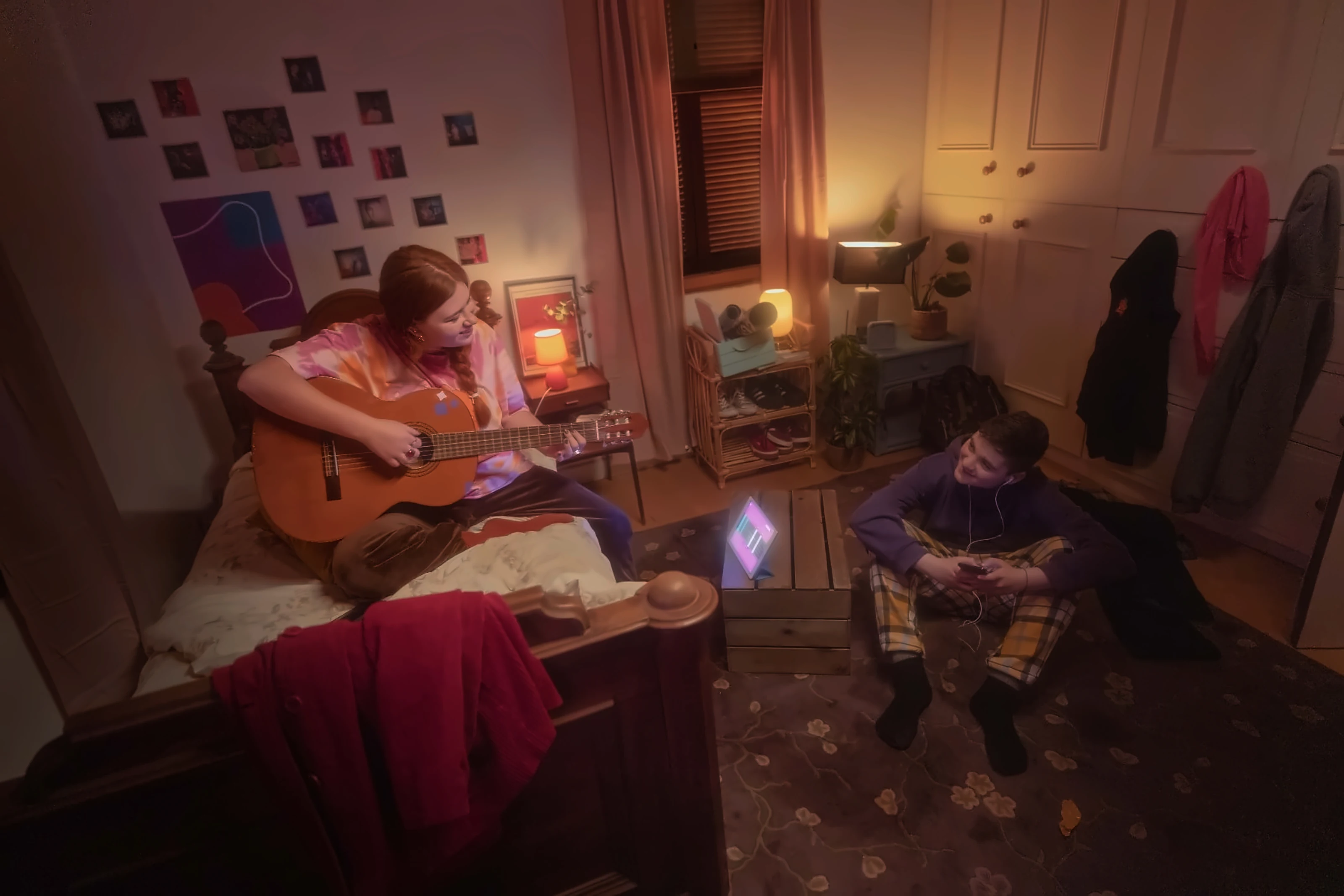
Simply Guitar teaches with a real guitar: the app listens through the microphone and reacts to every note you play. The technology hears you, but beginners still have to push through sore fingers, awkward shapes and slow progress before playing feels like music.
My goal: break every skill into small, winnable steps, show progress at every moment, and keep real songs close from day one.
Three fingers, six strings and no idea which one is buzzing.
Knowing a chord isn’t the same as changing to it in time.
Strumming patterns are hard to read and harder to feel.
The songs people dream of playing feel months away.
I designed a family of trainers that each isolate one skill, then bring them together inside real songs, with features that keep players coming back.
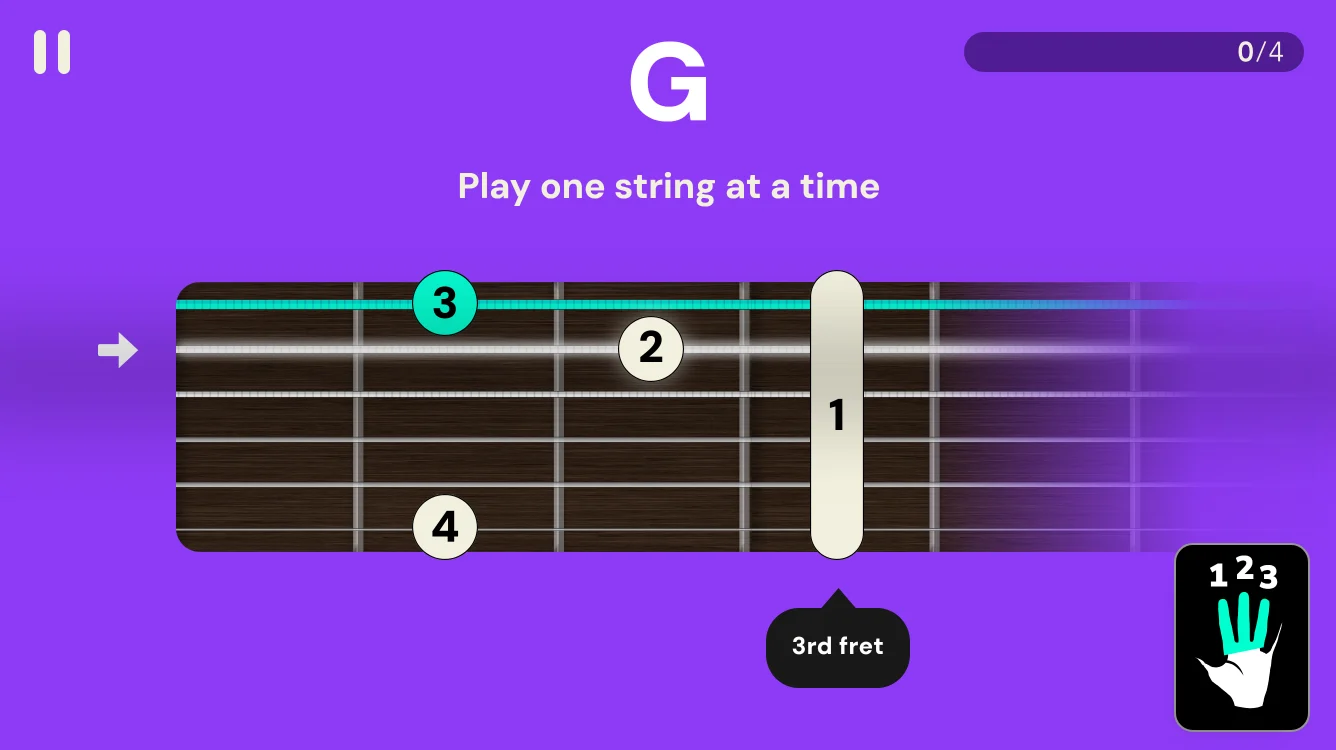
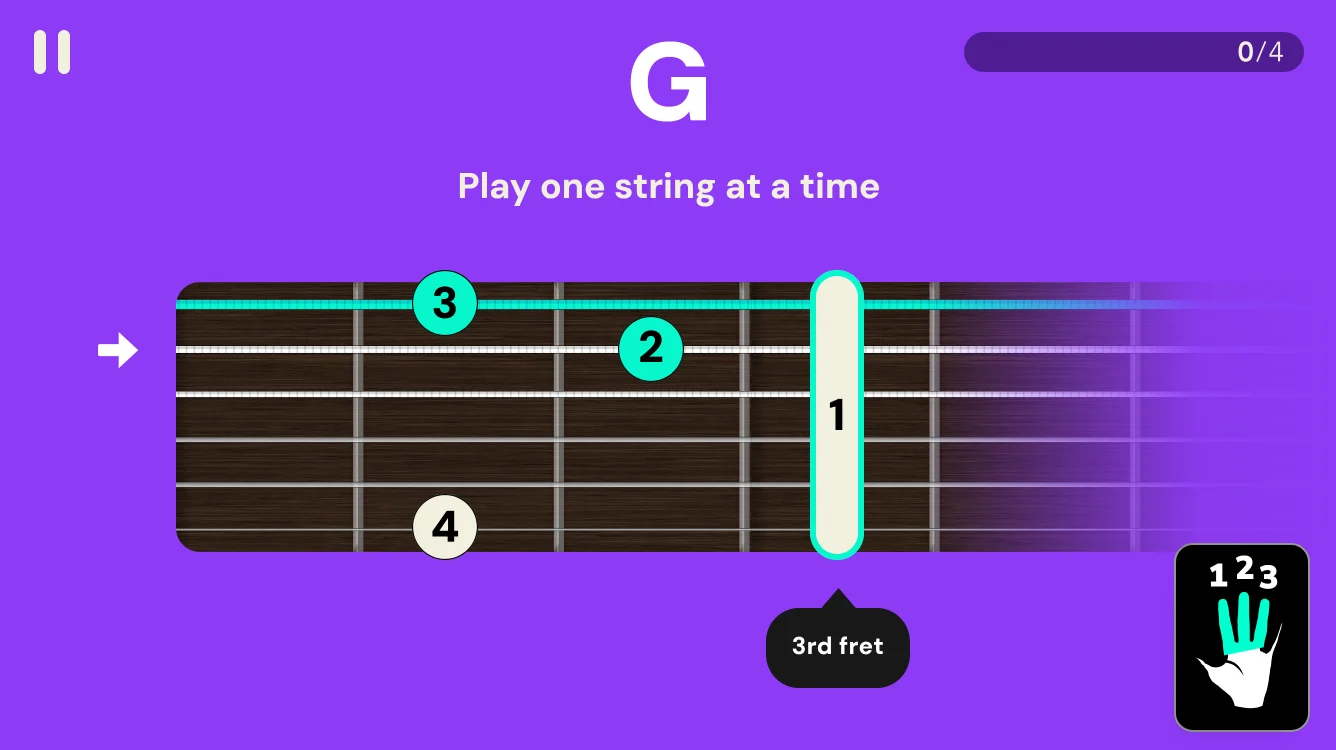
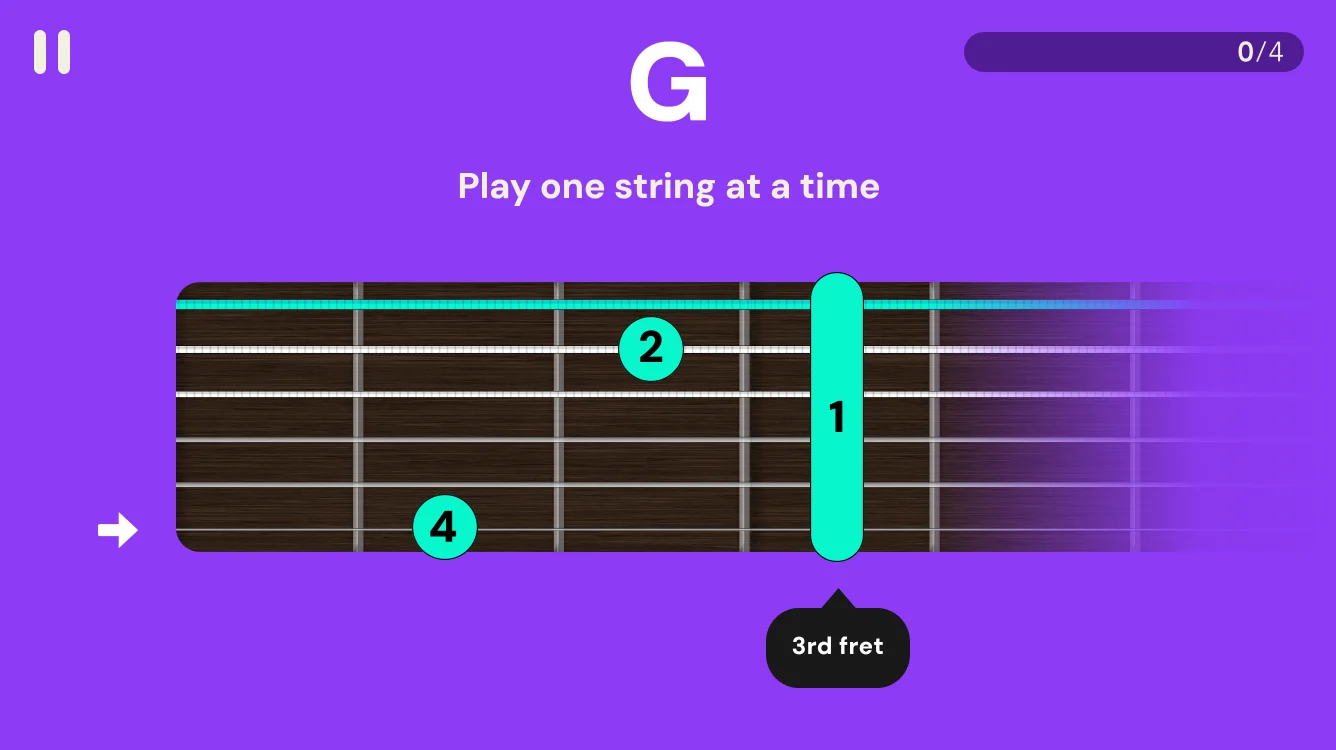
A full chord is six notes that all need to ring. The trainer walks through it string by string, so a buzzing note is caught and fixed on the spot instead of hiding inside a messy strum.
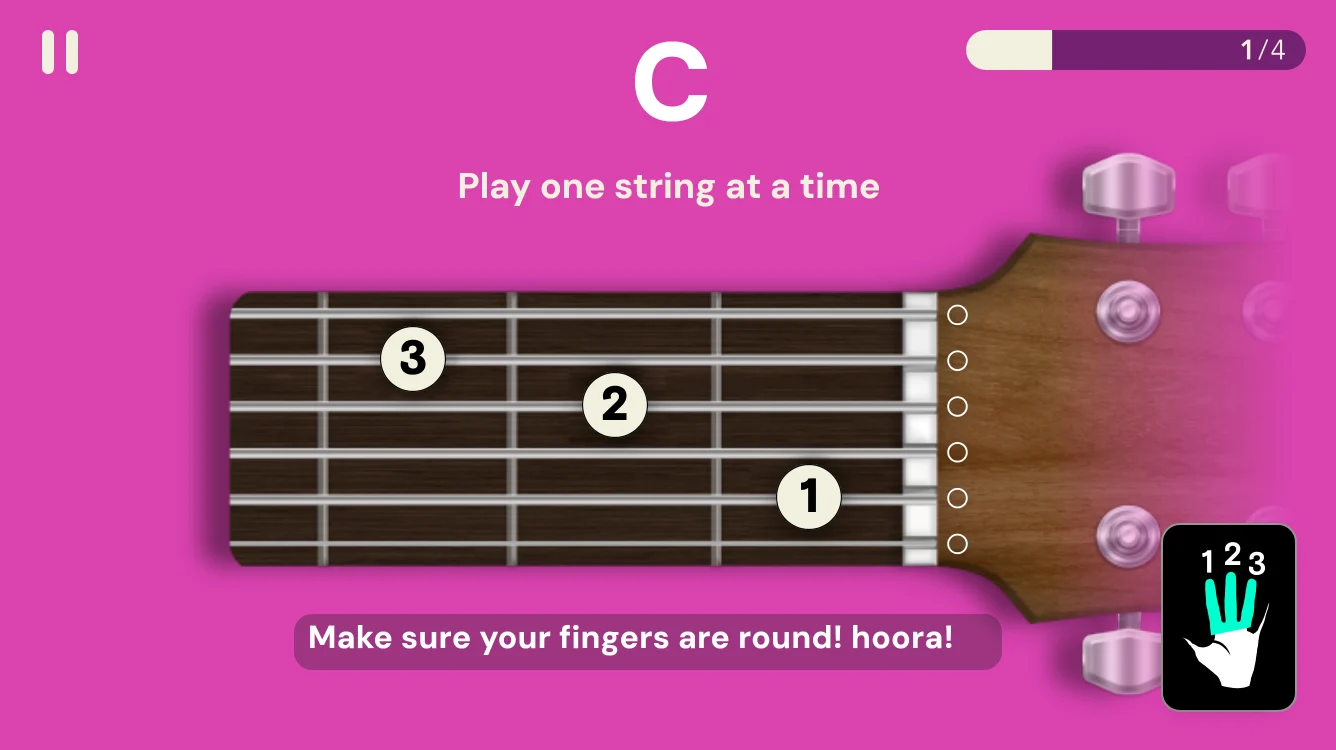
The barre lights up first, then each finger joins it, with the fret number called out.
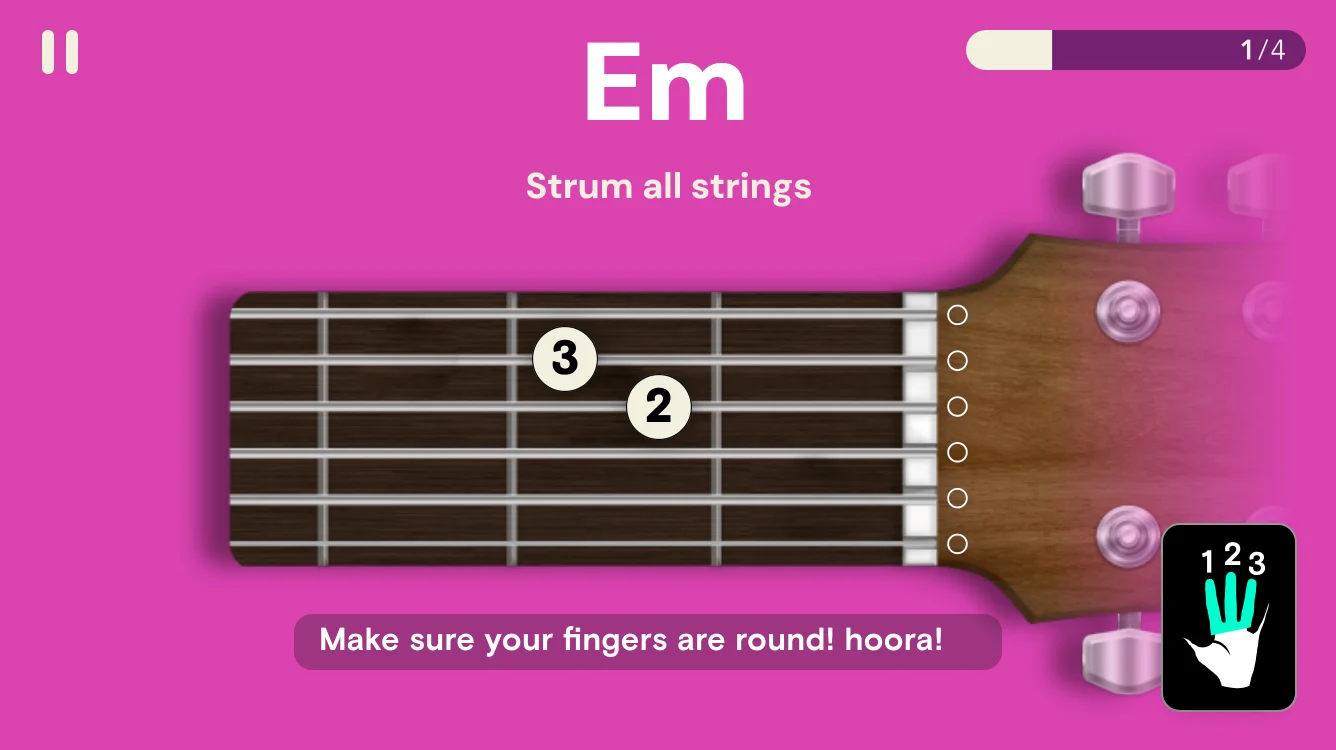
Once every string rings, the arrow turns into a full strum of the chord.
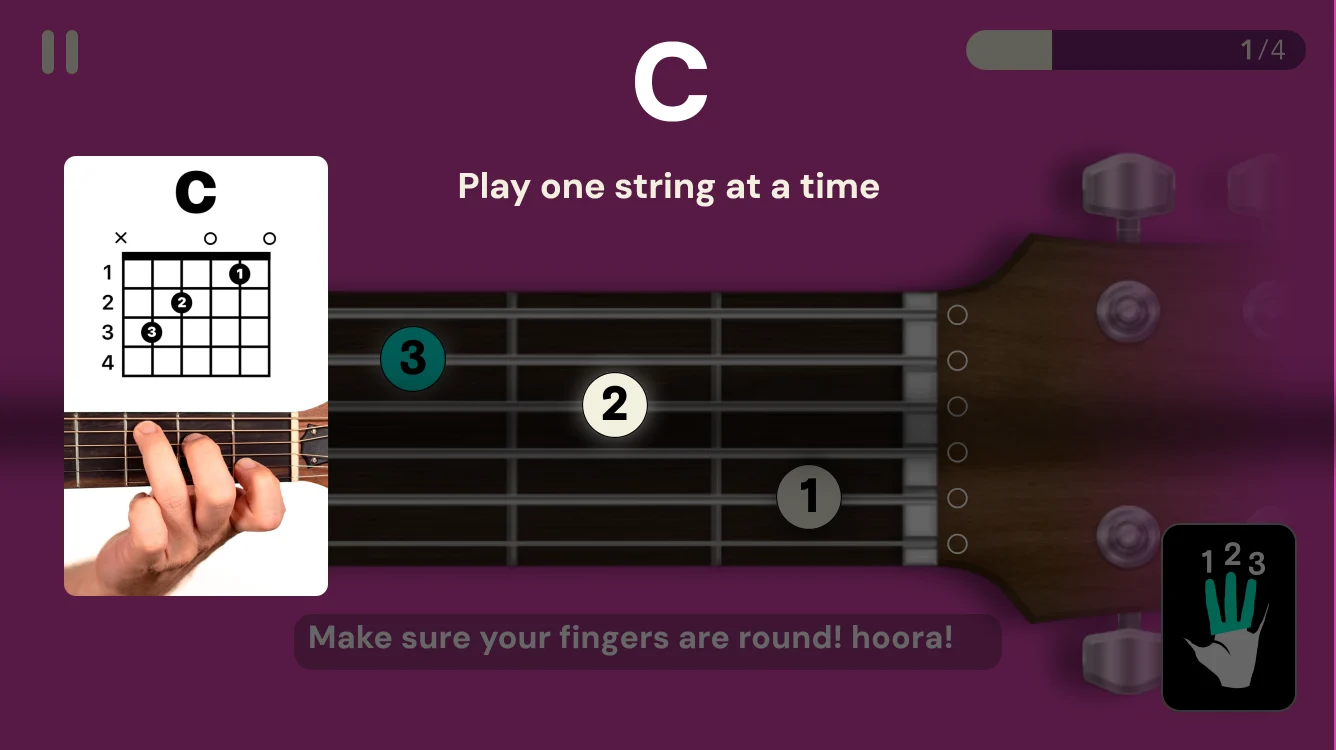
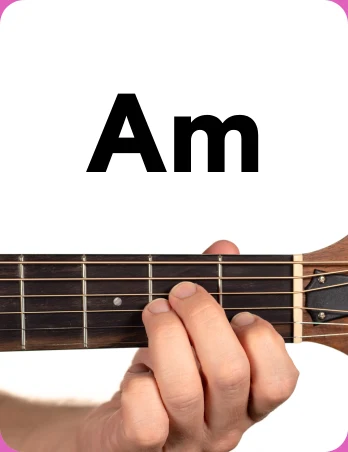
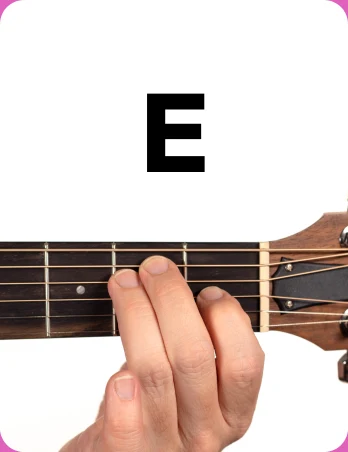
A chord chart and a real hand photo, for players who think better in pictures.
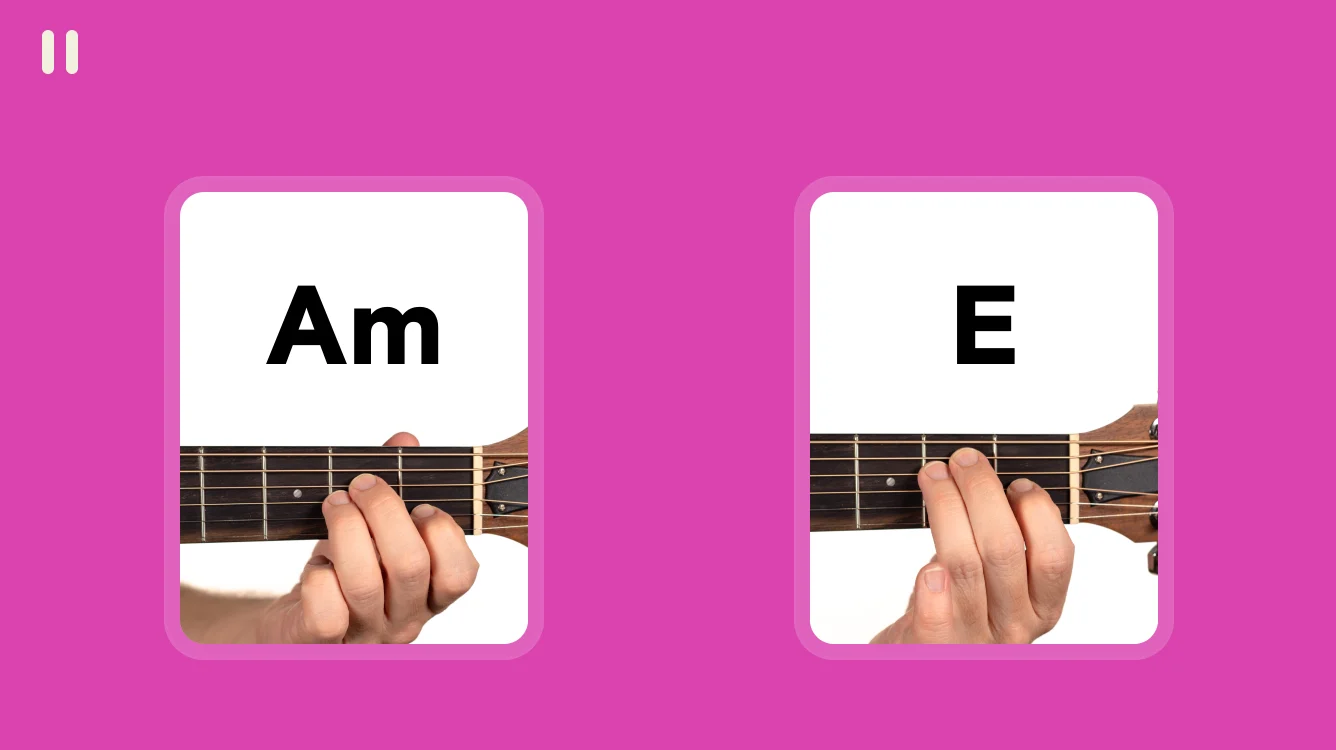
Changing chords in time is where most beginners get stuck. This trainer drills one pair at a time: hold the first chord, count three beats, and land the second one right on time.
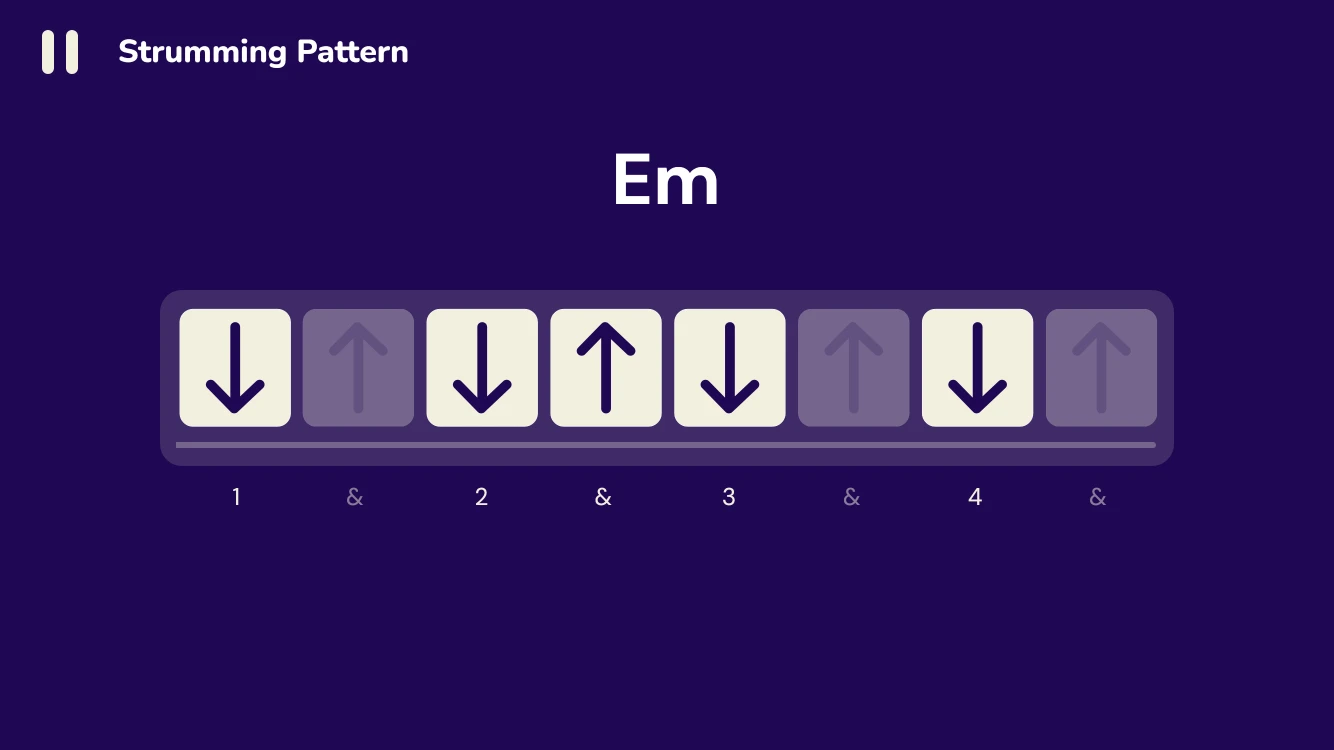
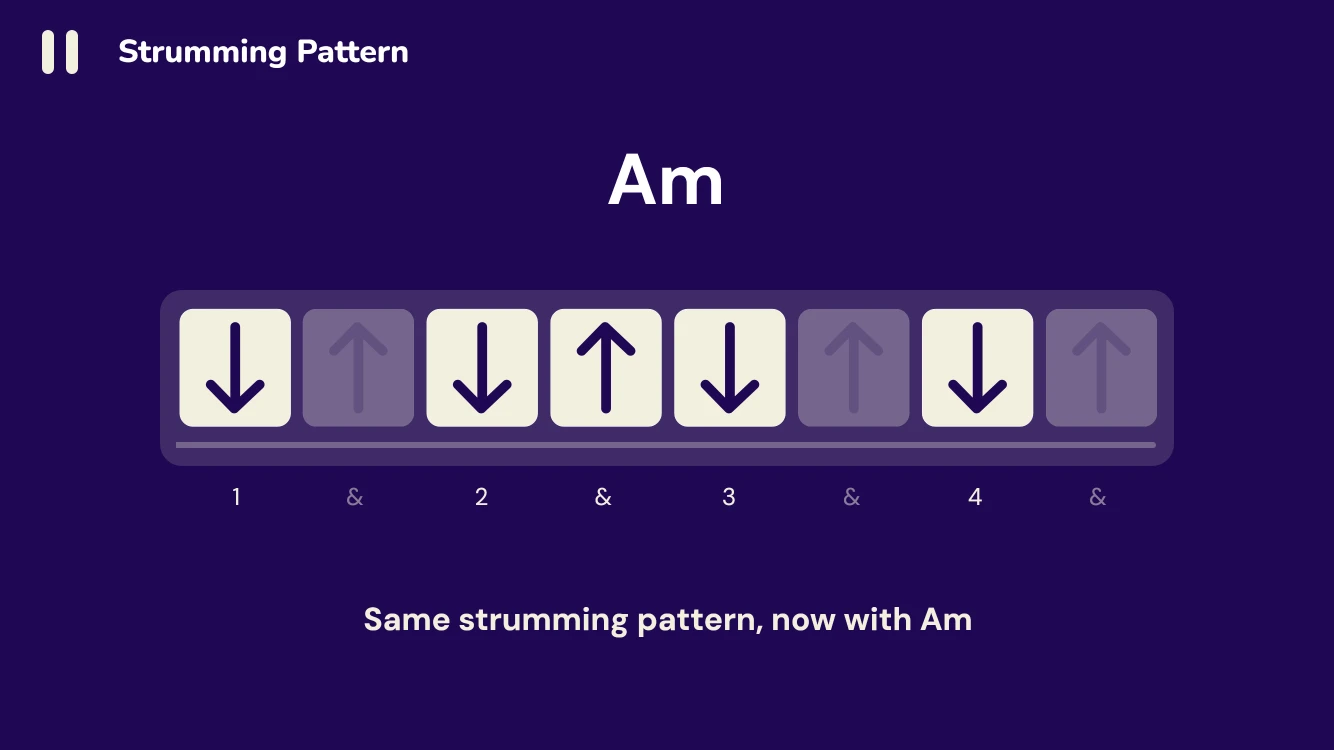
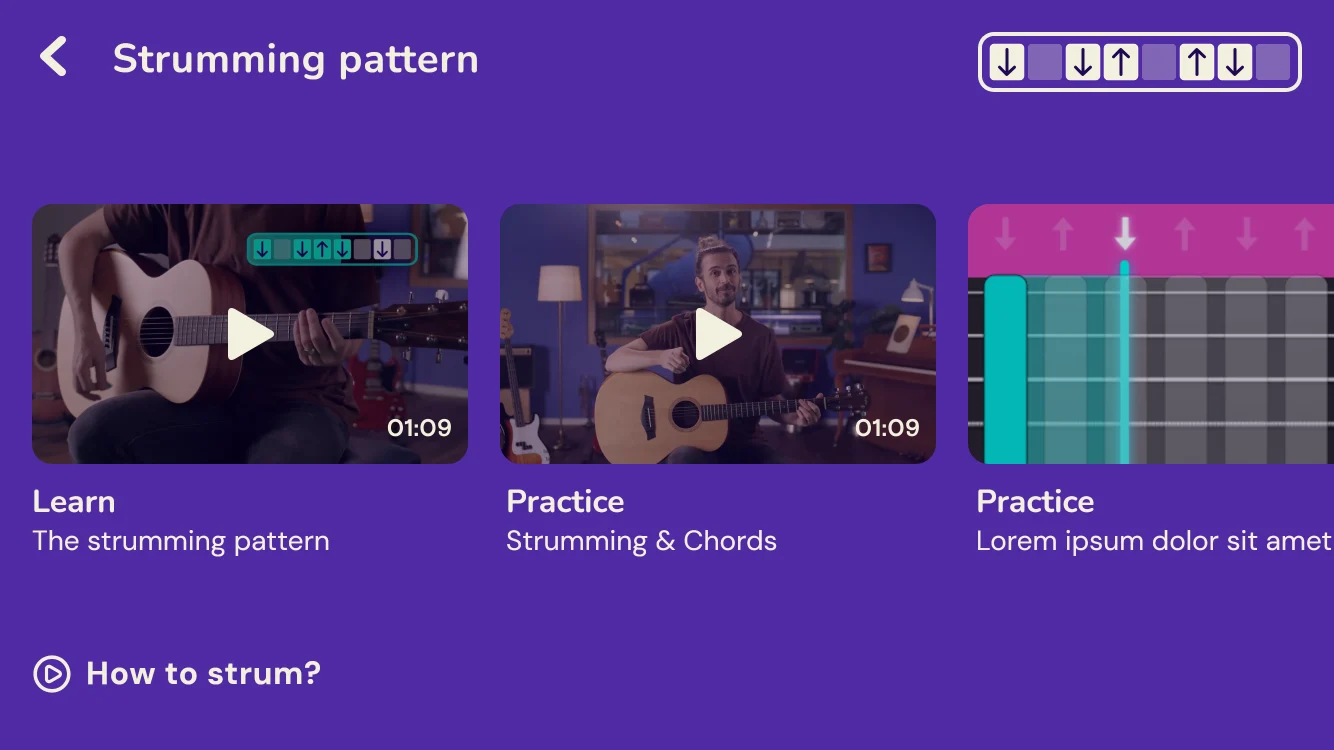
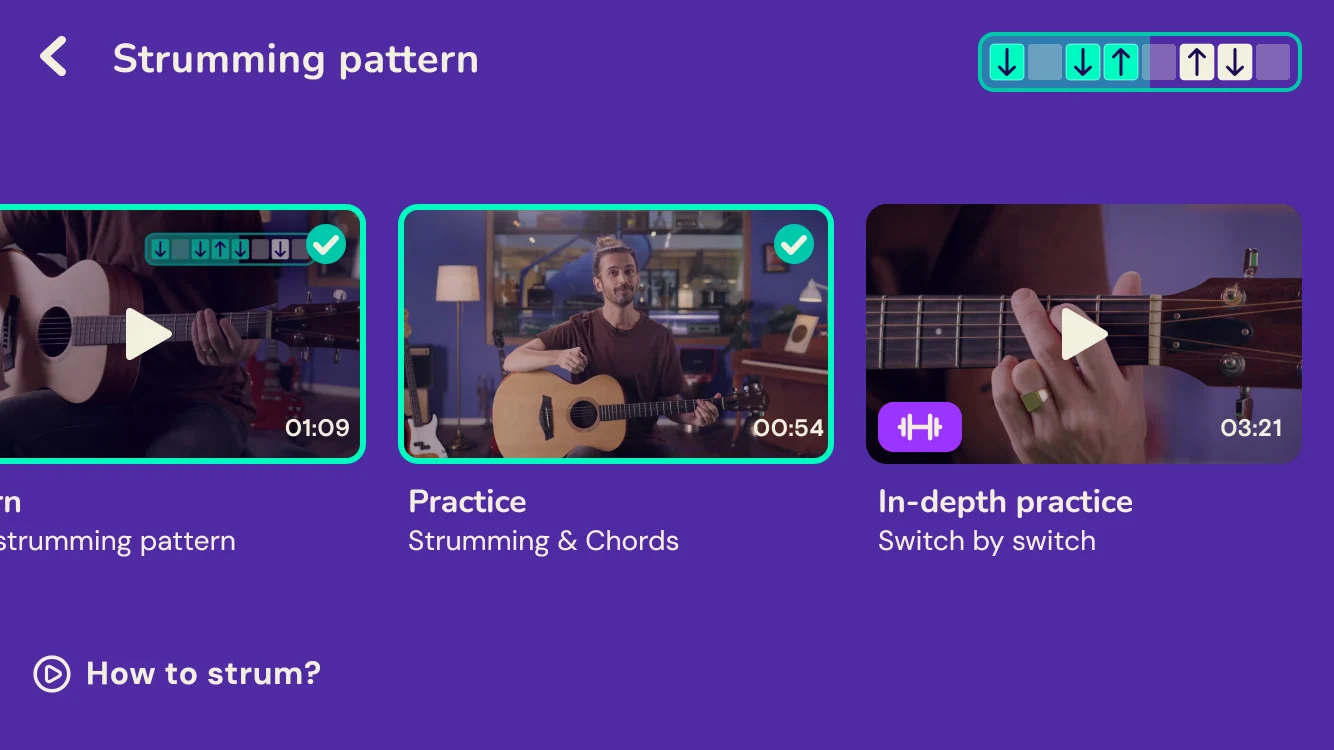
Strumming patterns are usually written as cryptic arrows. Here the pattern becomes a row of cards with a playhead, so players can see the rhythm and feel it at the same time.
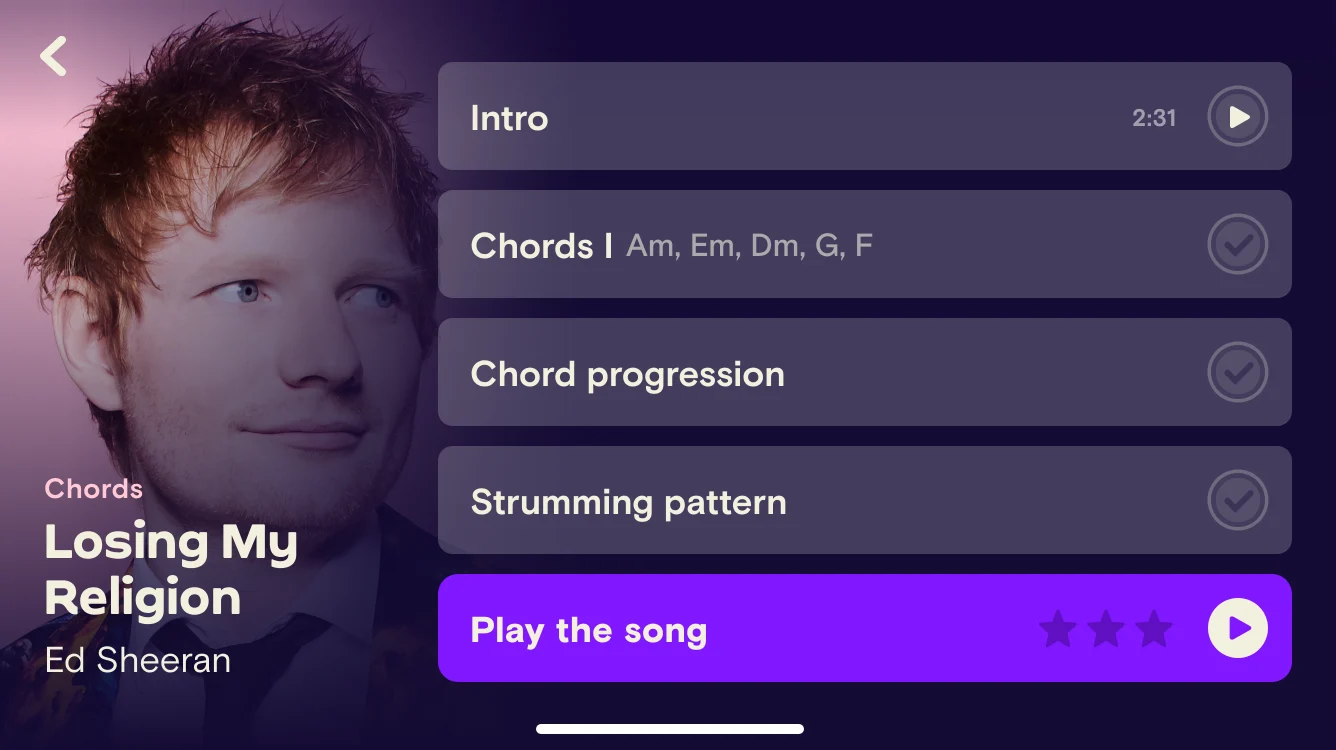
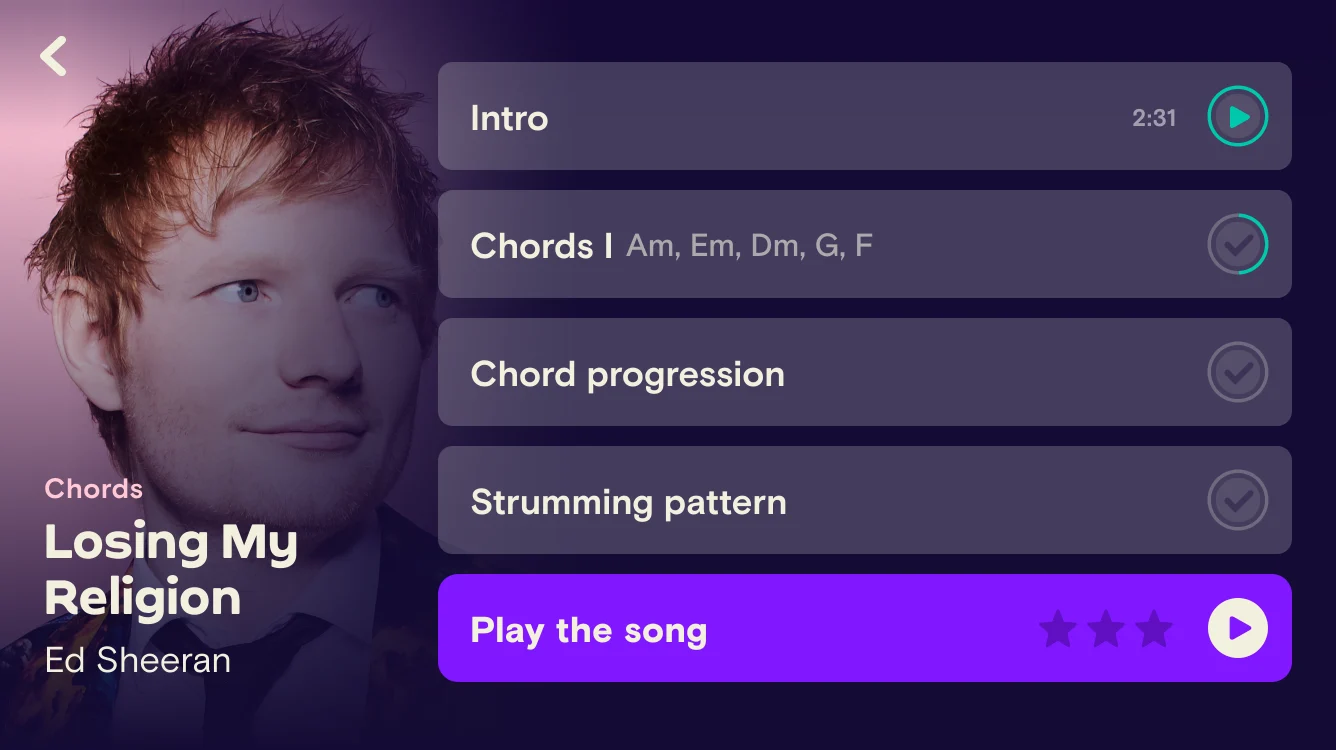
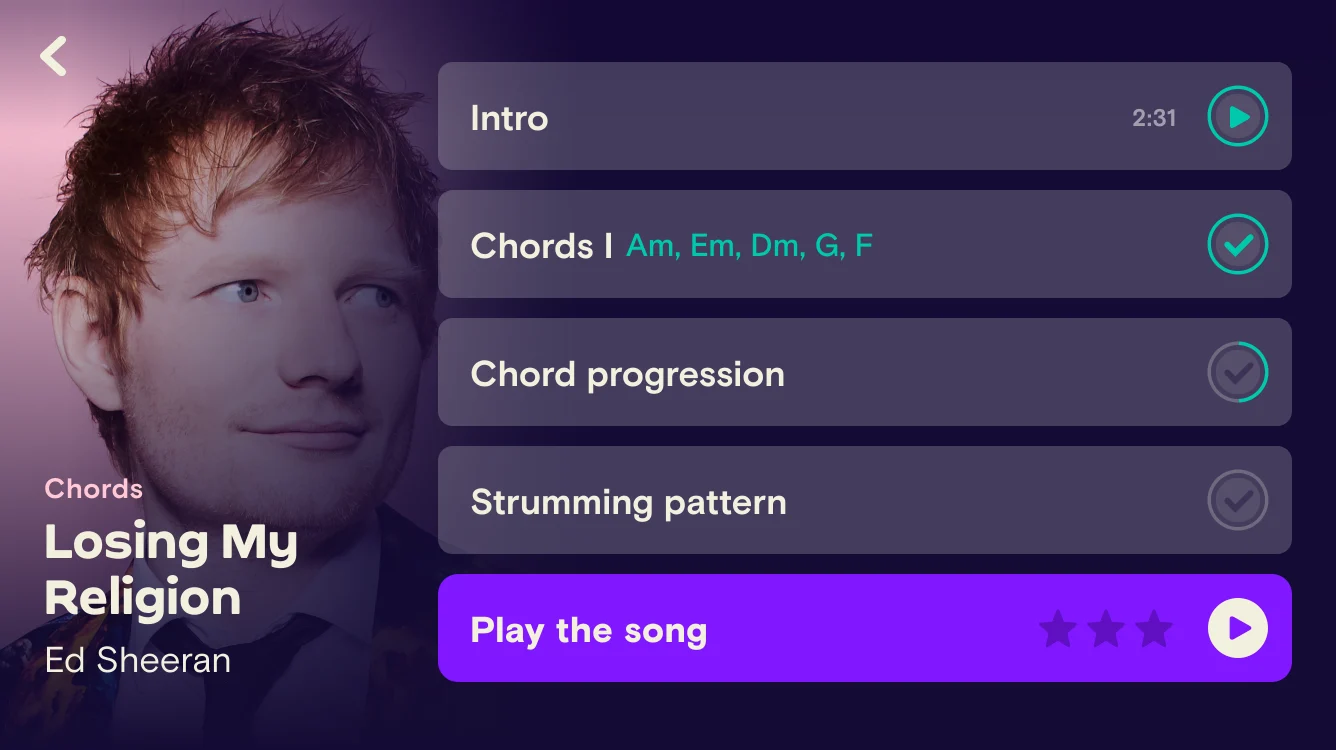
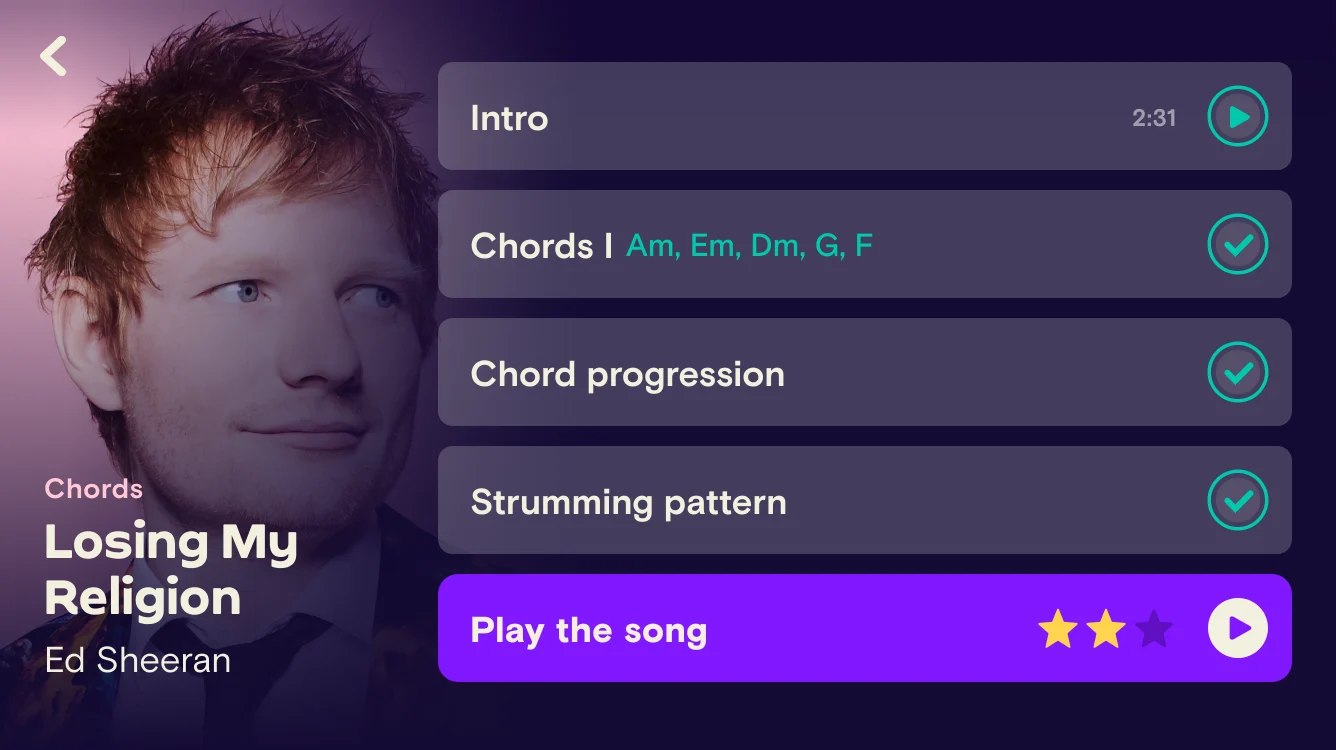
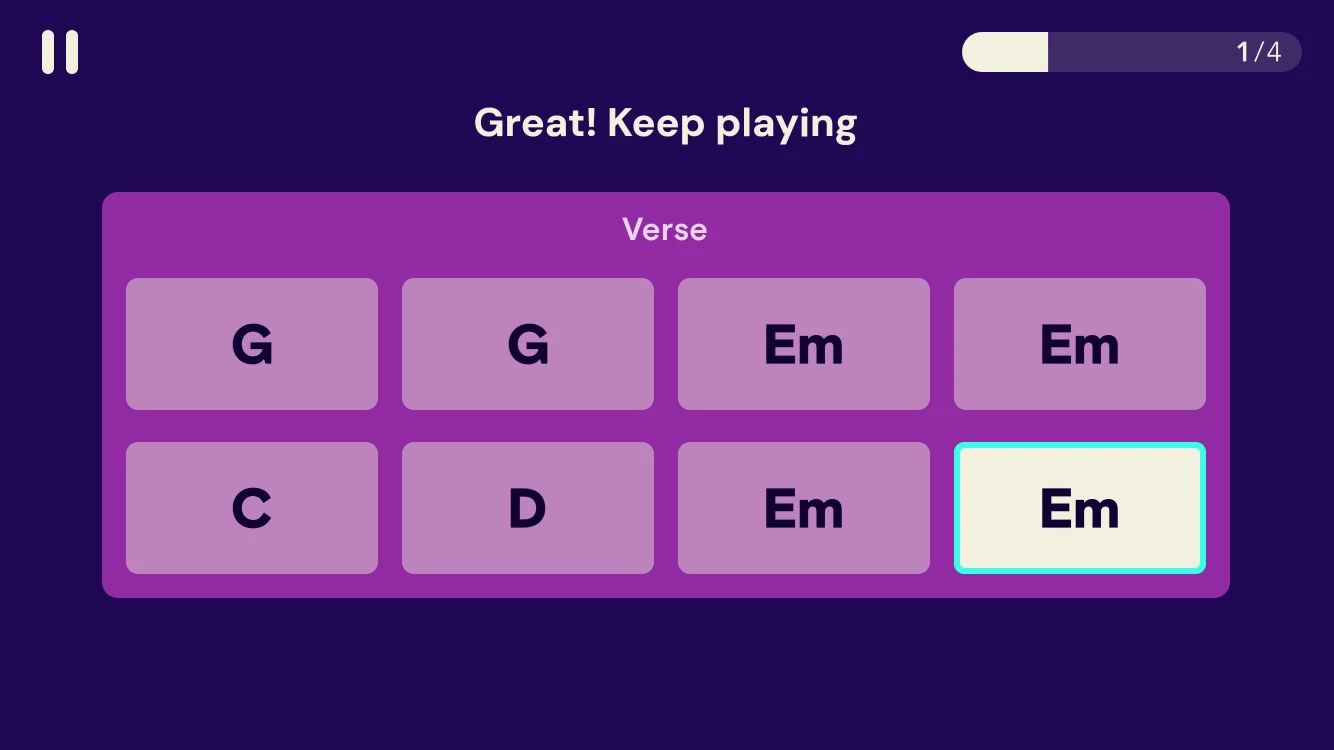
Songs are the reason people pick up a guitar, so they appear from the very start. Each song comes in several arrangements, and a static trainer lets players rehearse a section’s chords before the music starts moving.
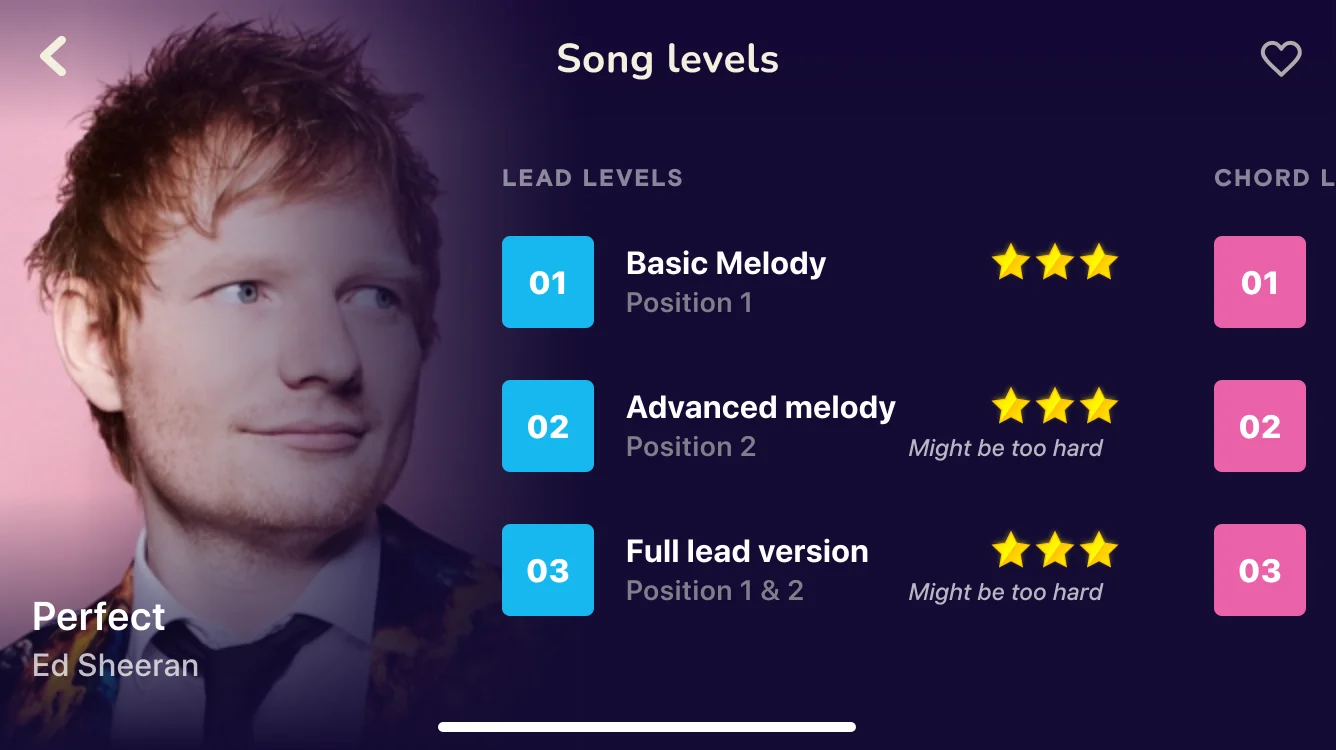
From a basic melody to the full lead version, with stars to earn and a gentle “might be too hard” warning.
Strums scroll toward the line under each chord name. White is coming up, green is a clean strum and red is a miss, so players always see what to play next and how they did.
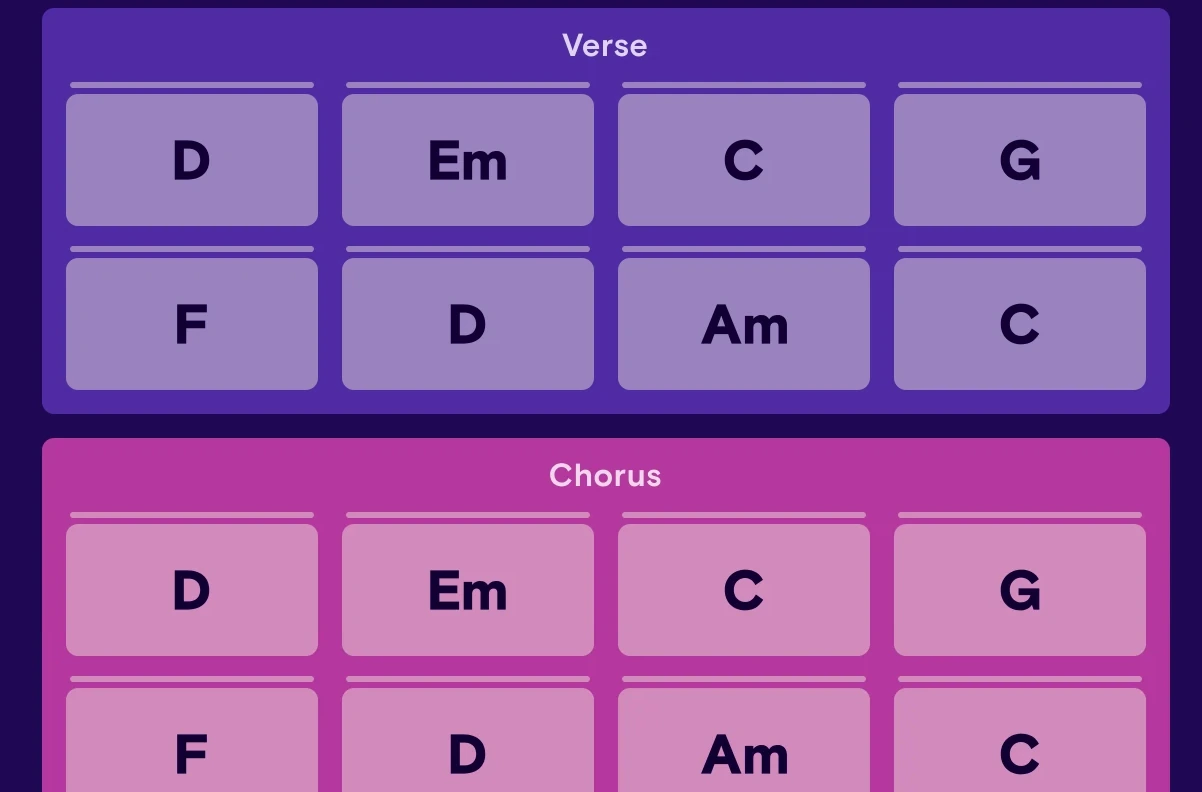
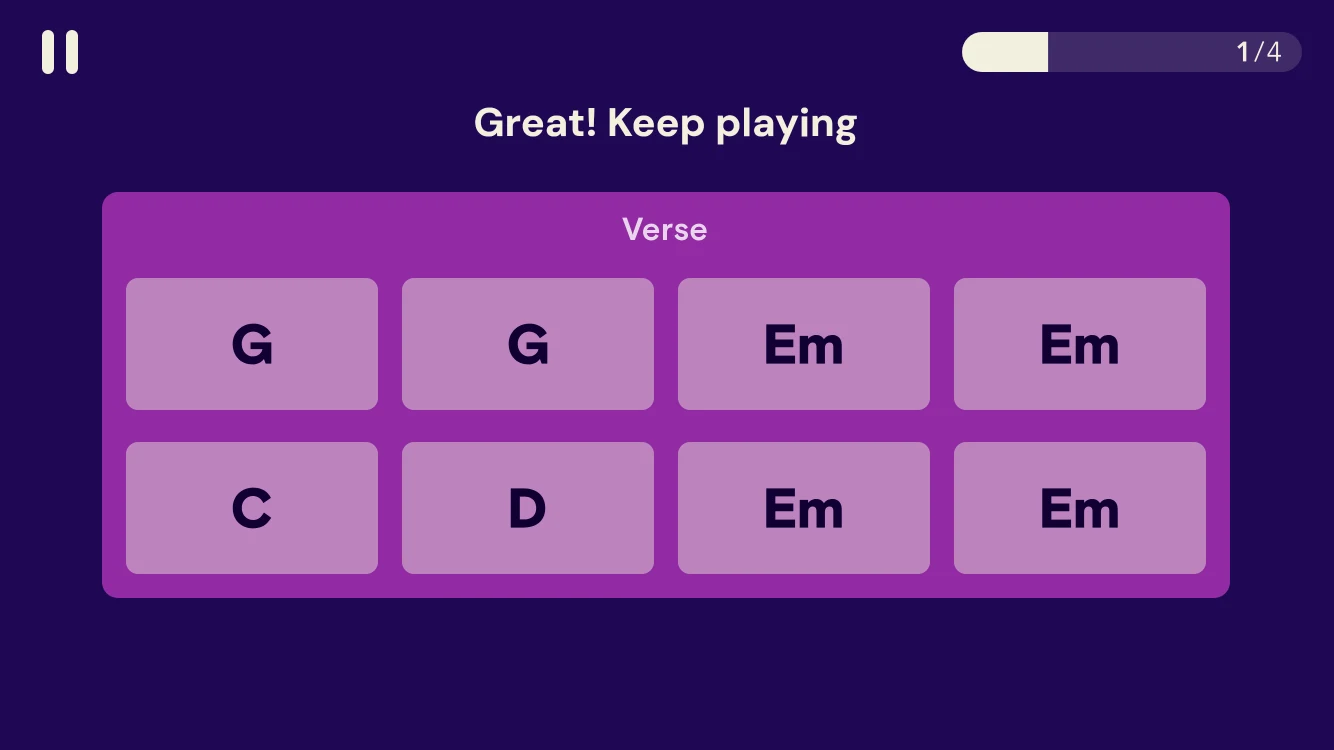
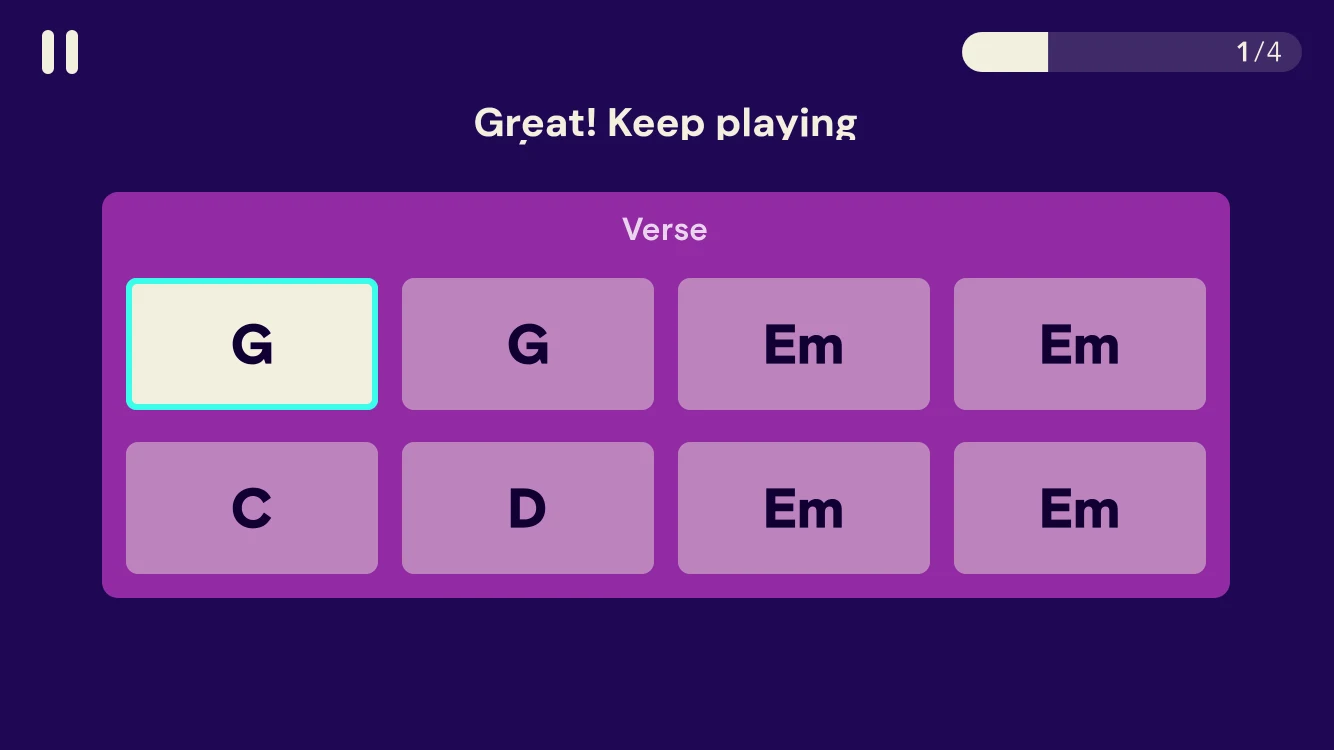
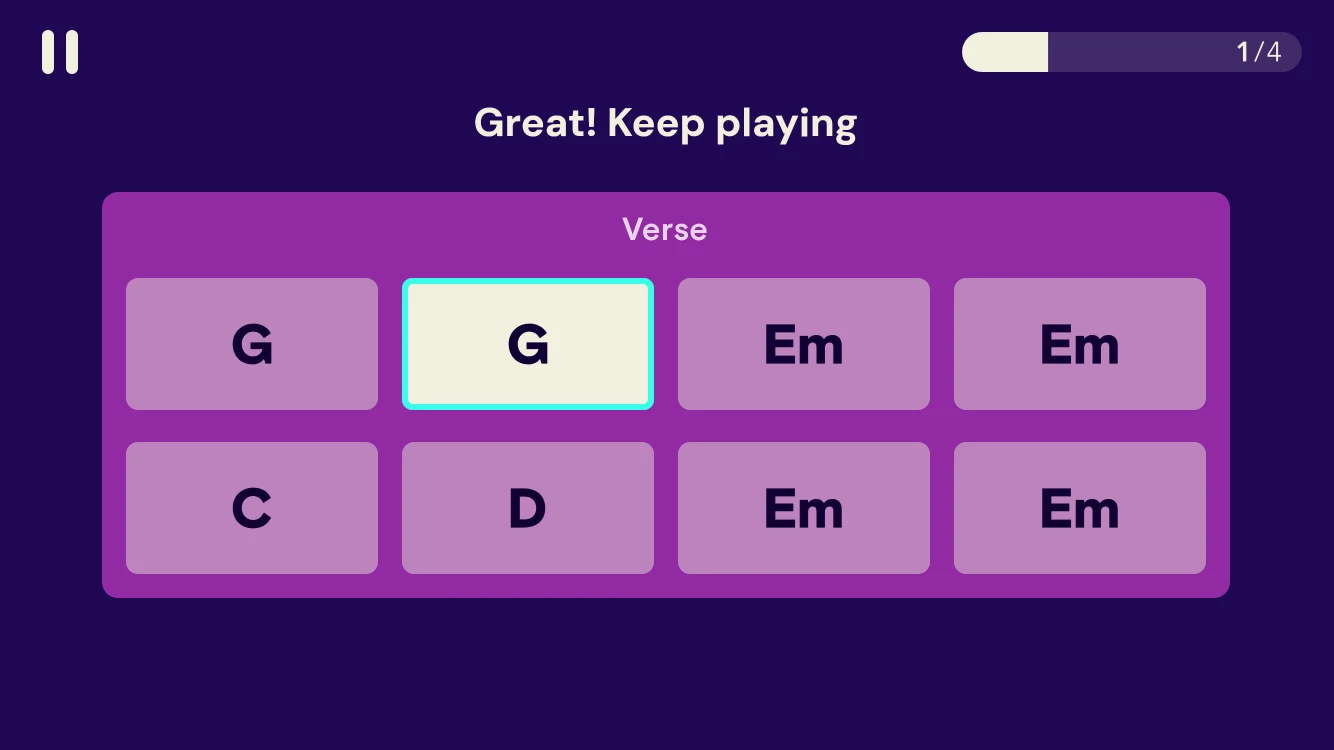
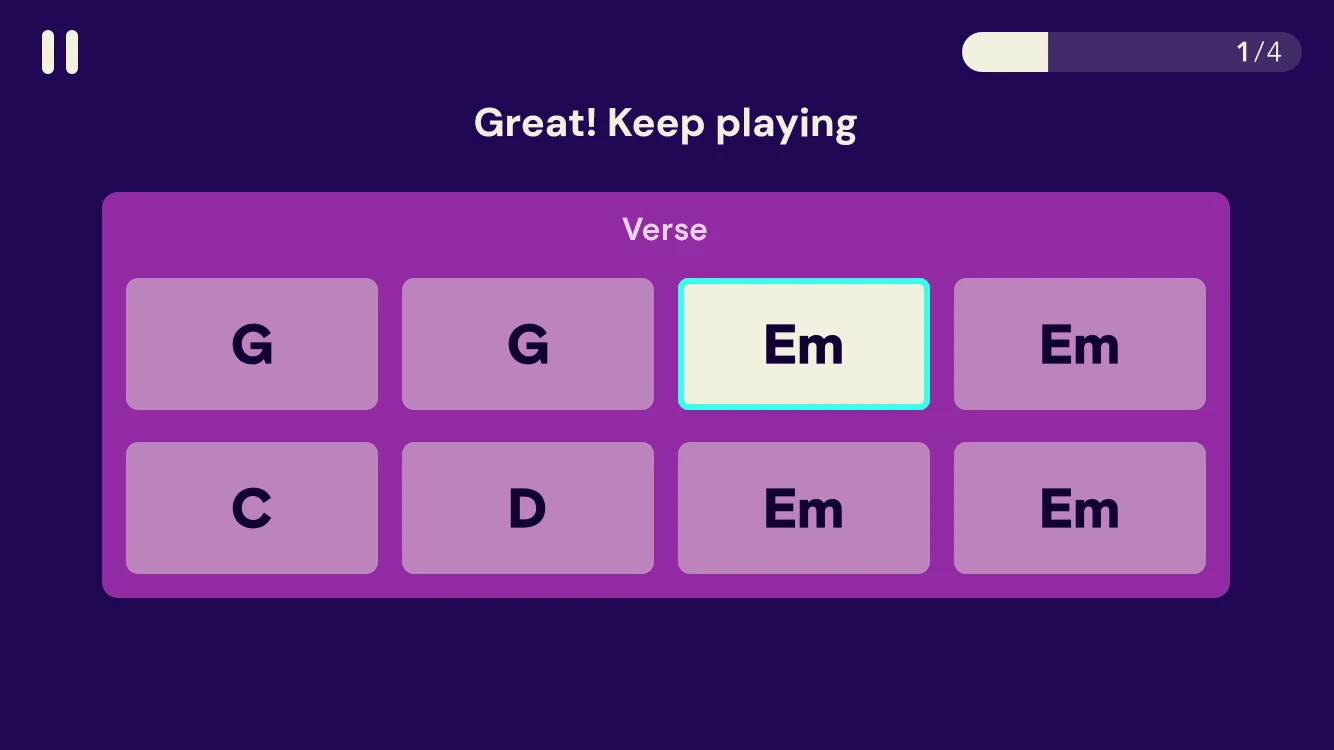
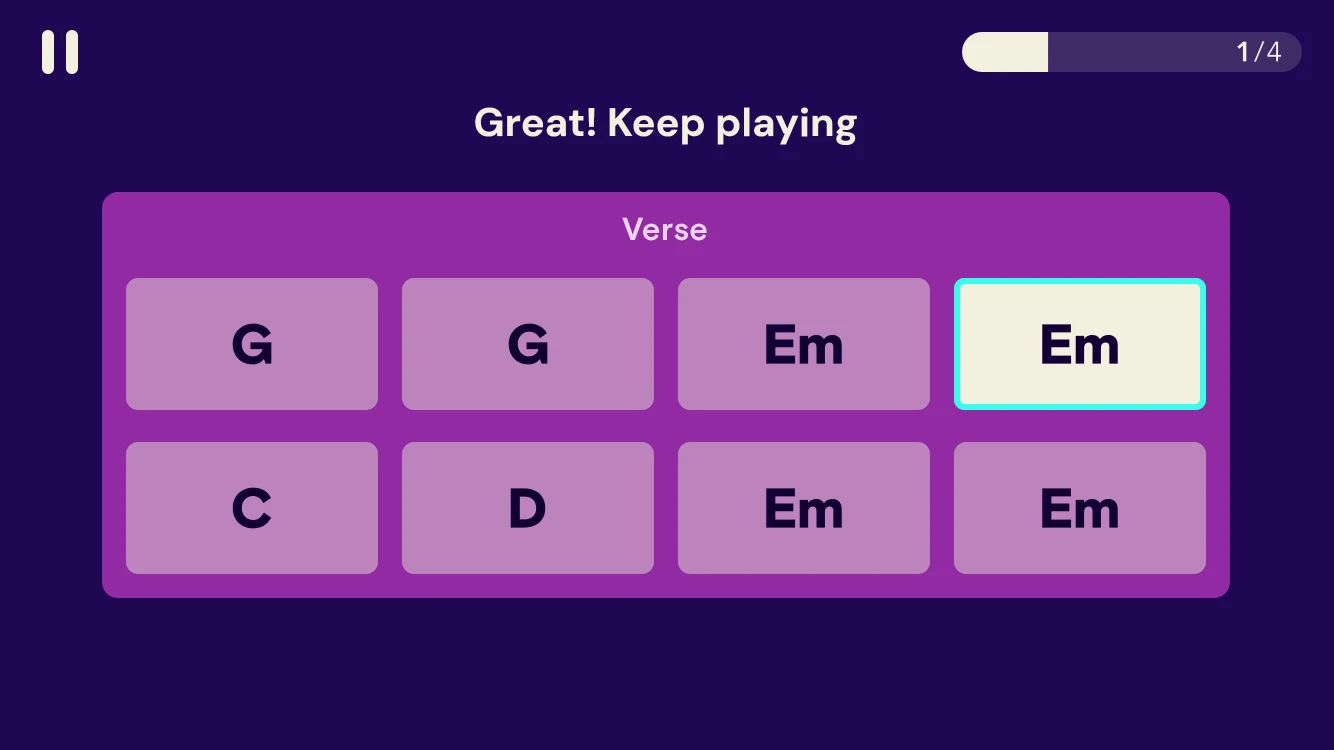
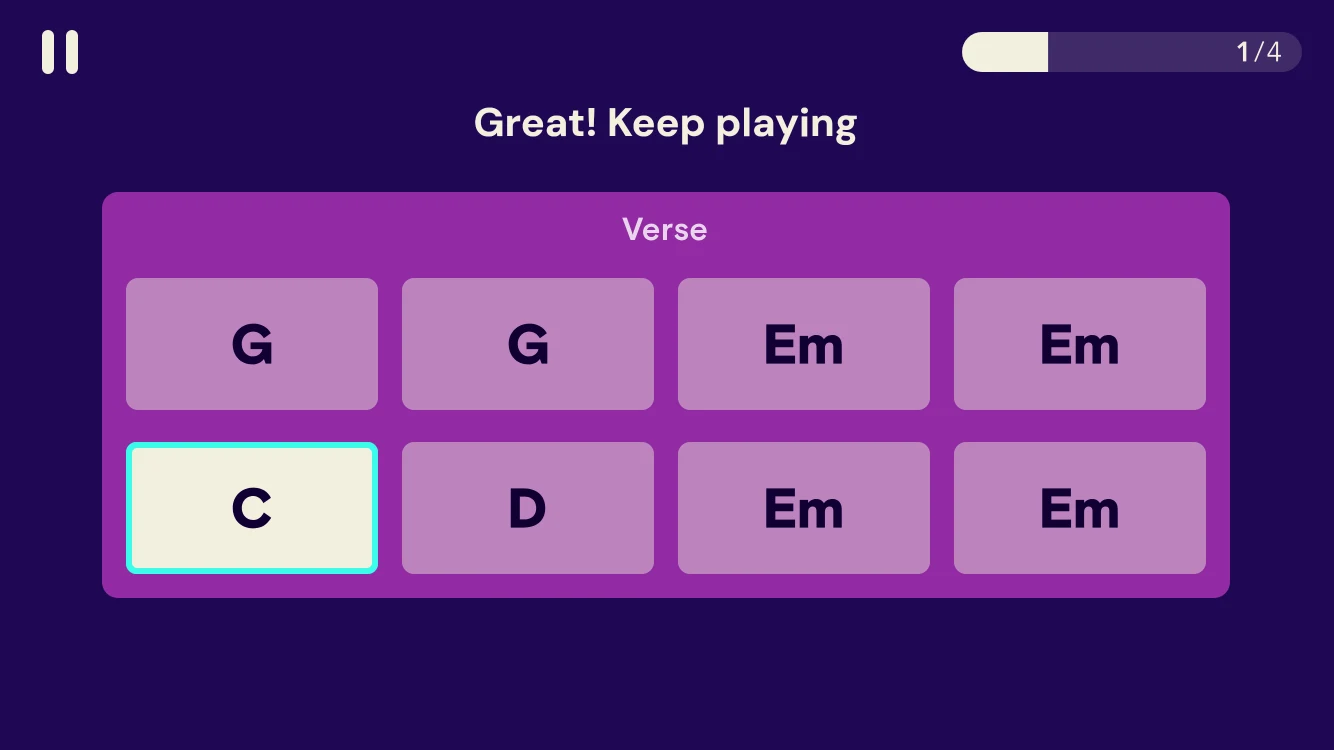
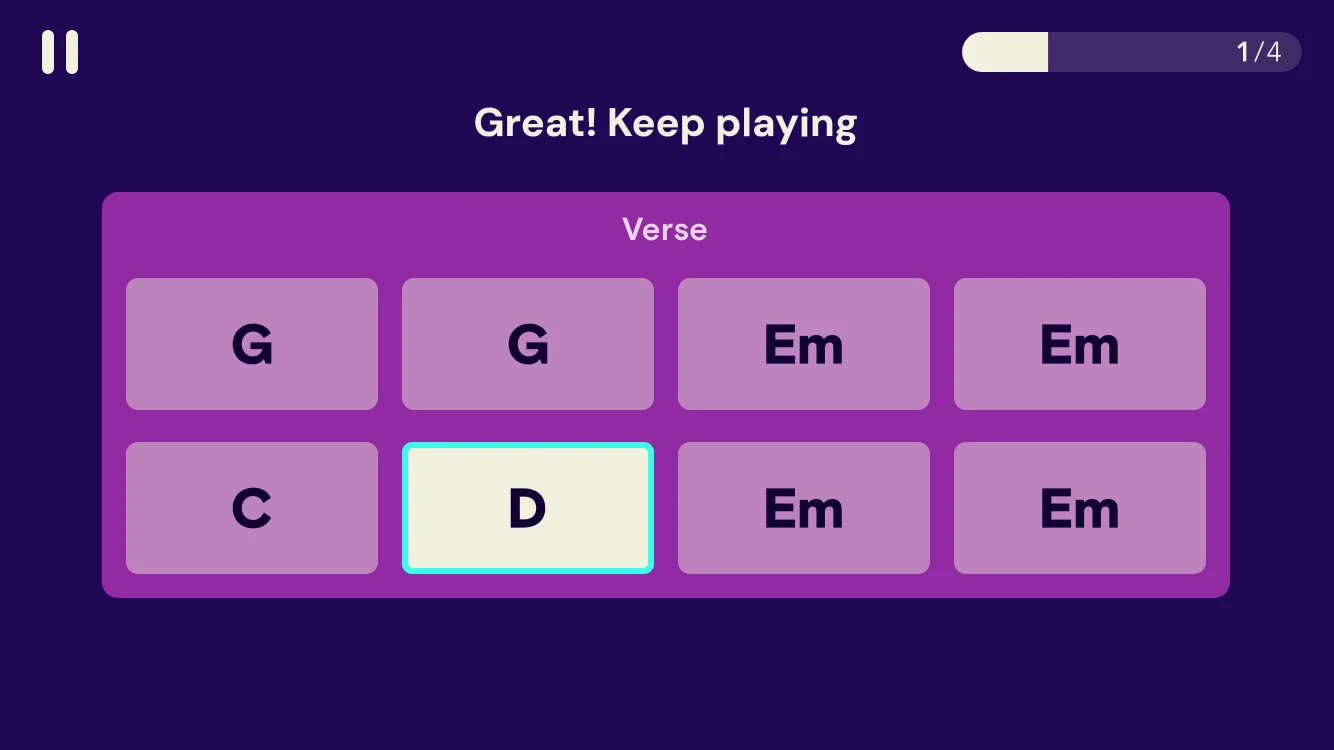
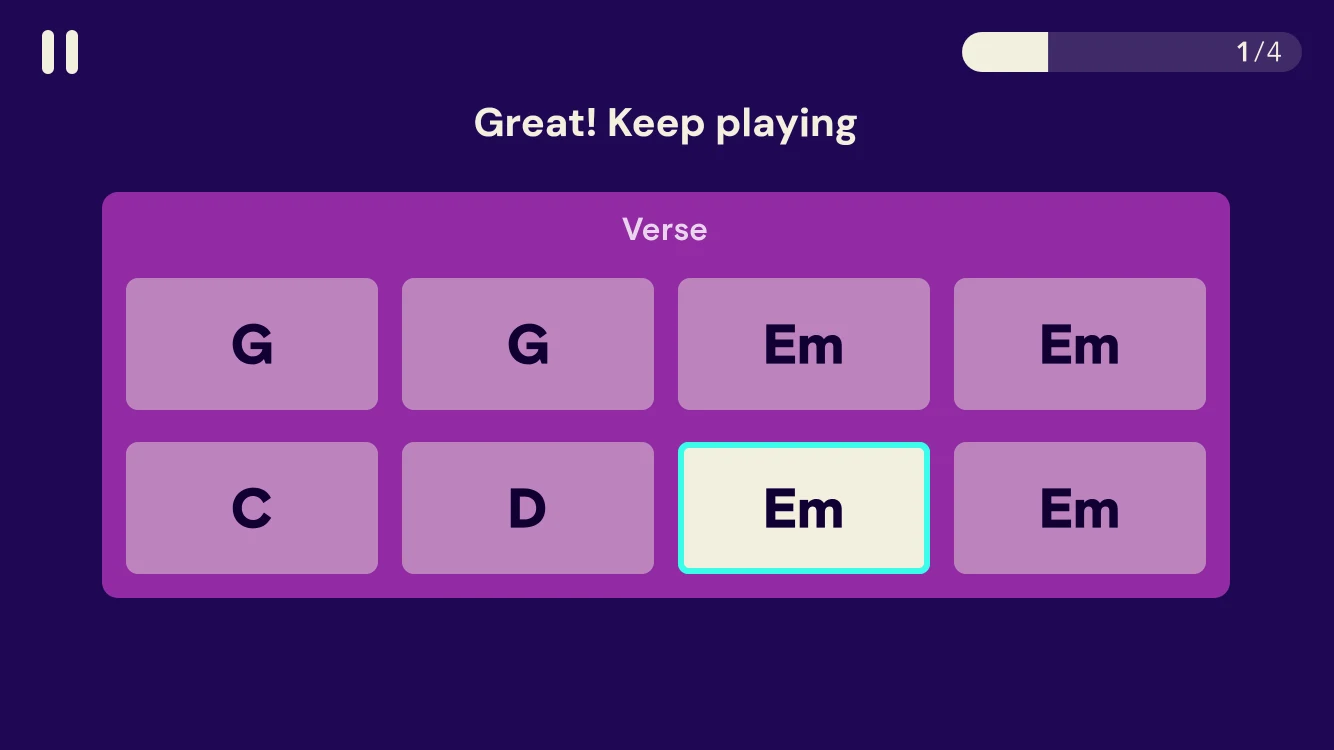
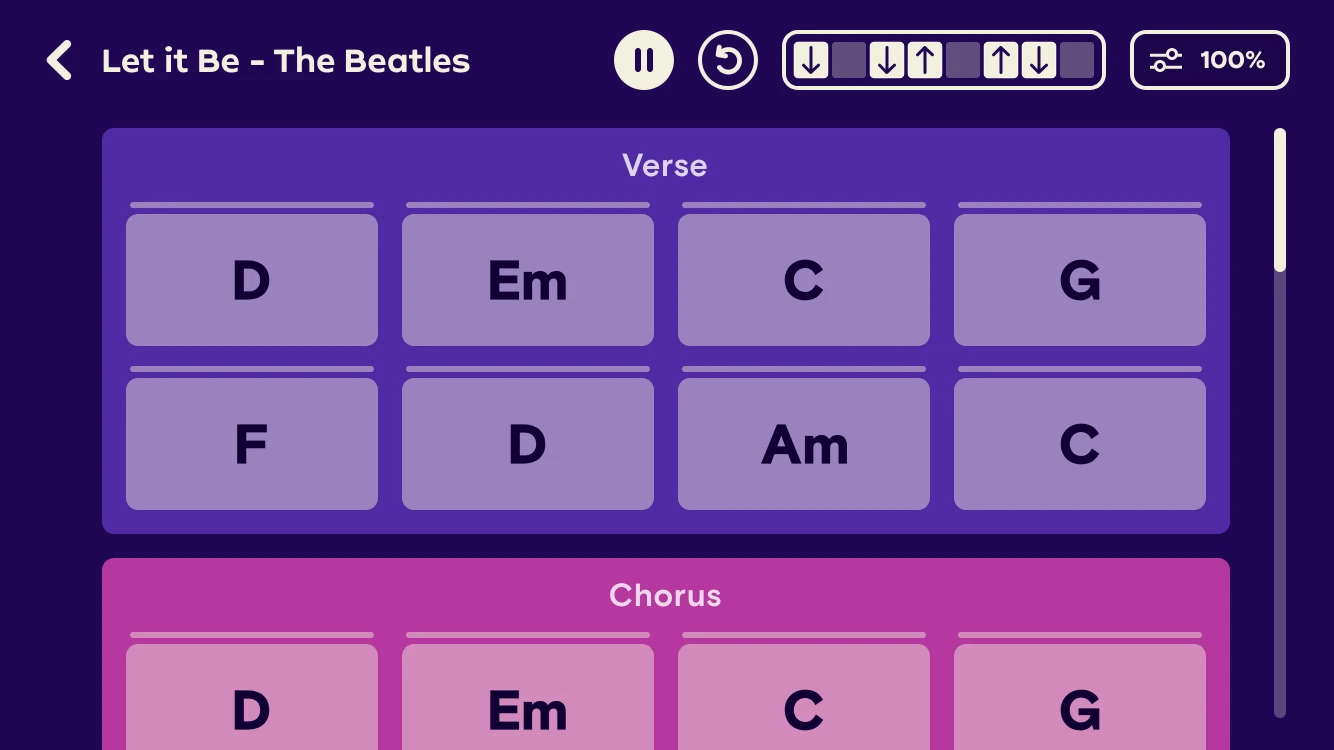
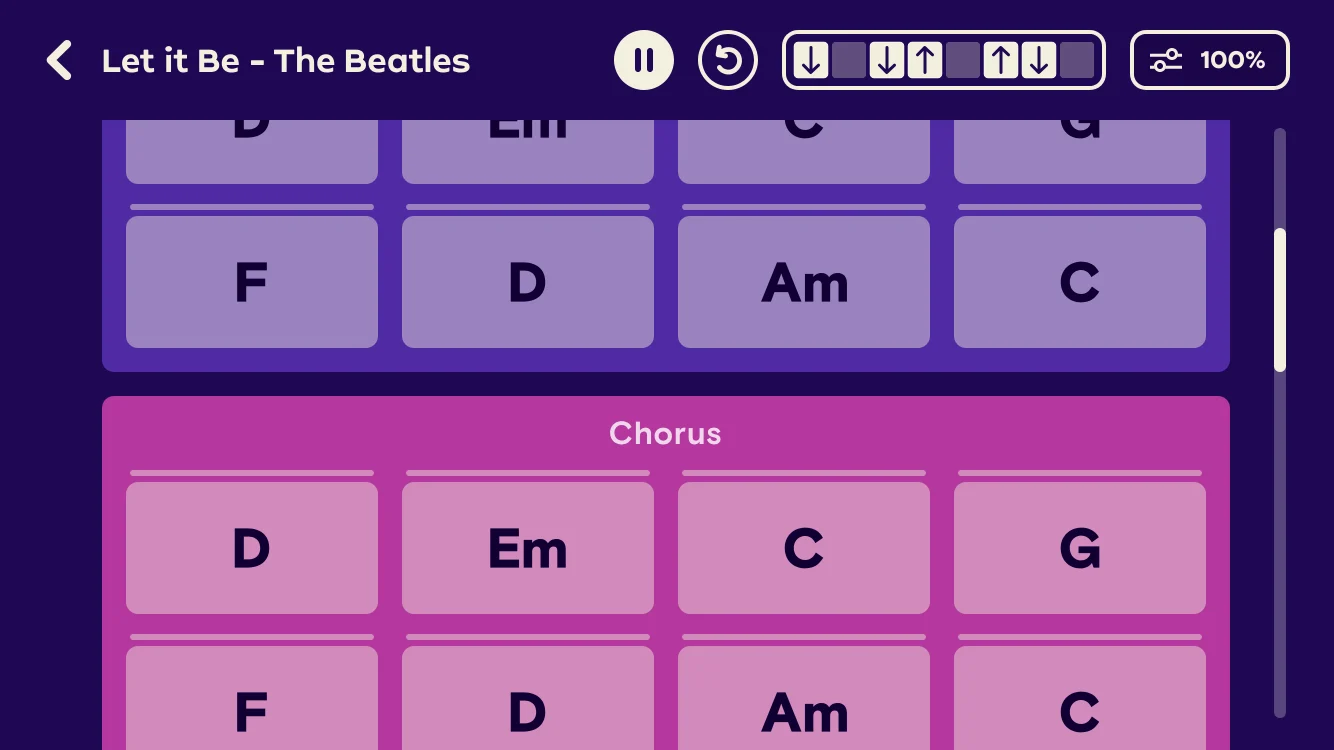
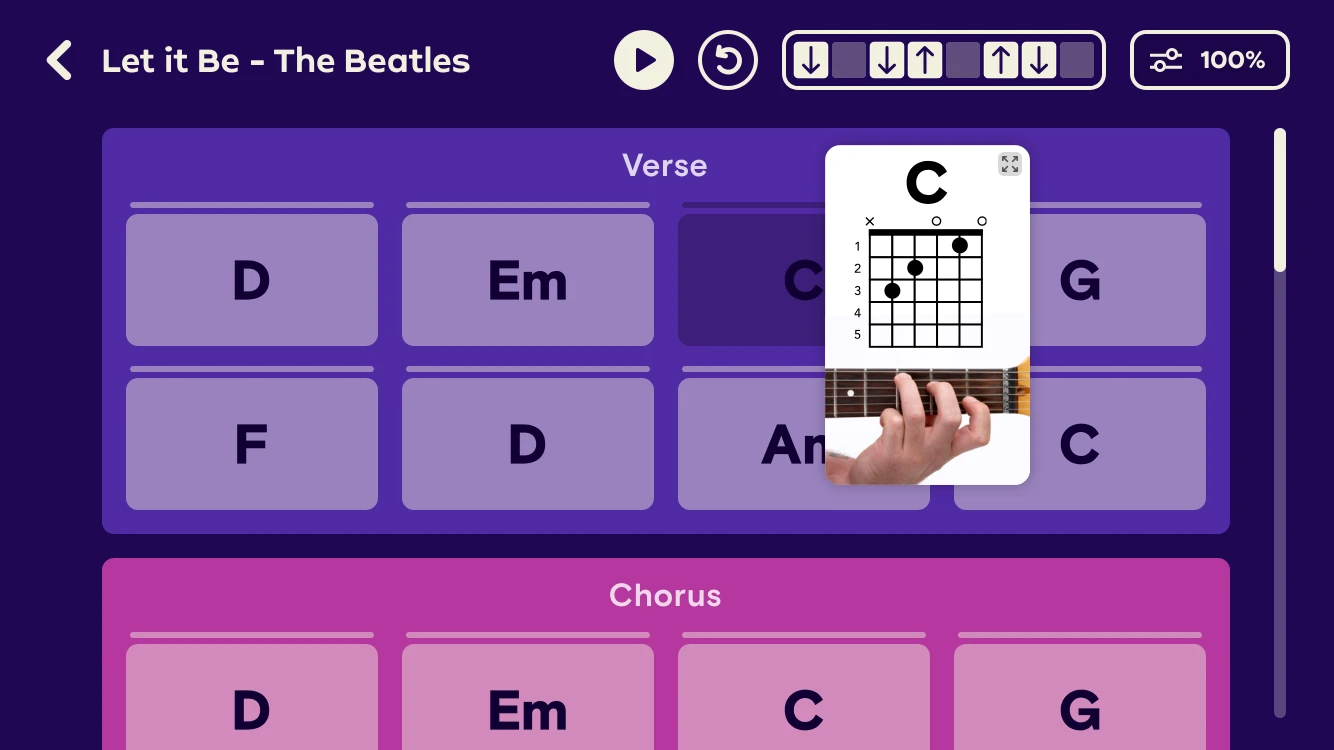
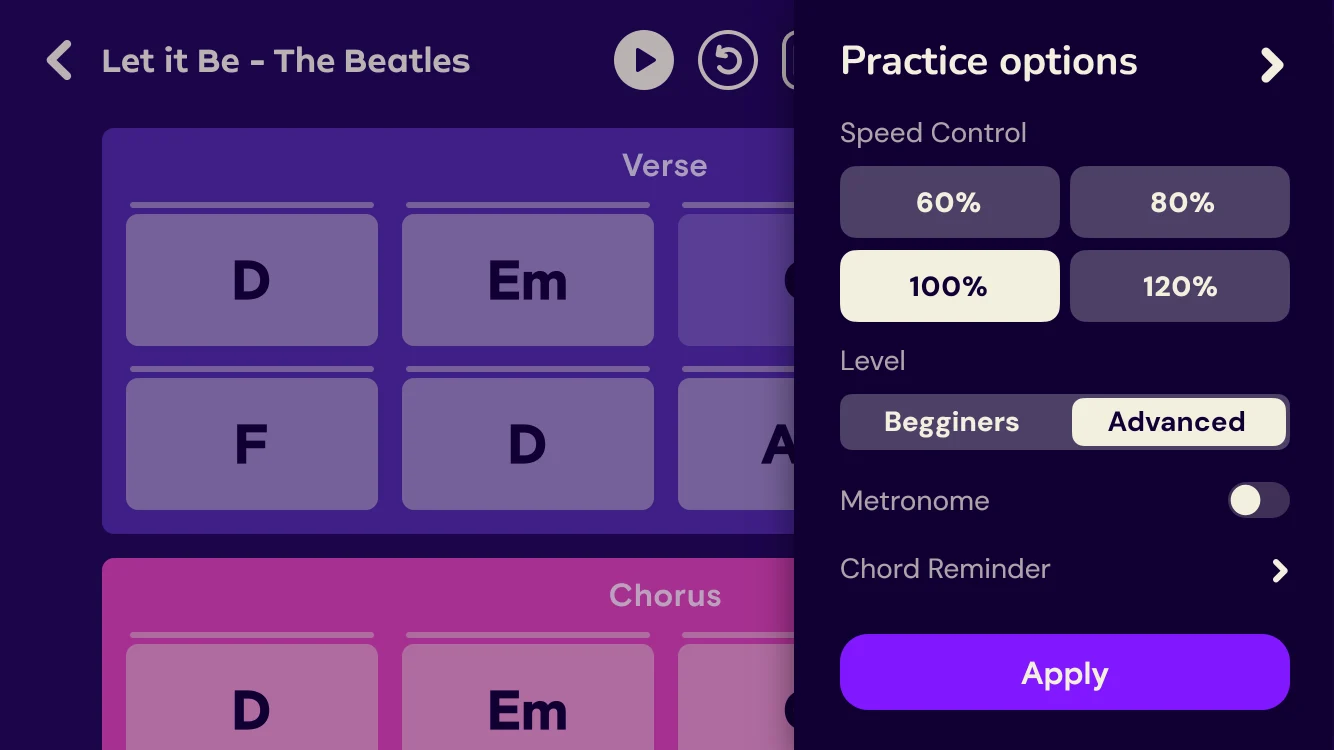
In game, a song is a sheet of chord cards grouped by verse and chorus. I designed it to stay readable mid-strum and to keep players in the flow when they slip.
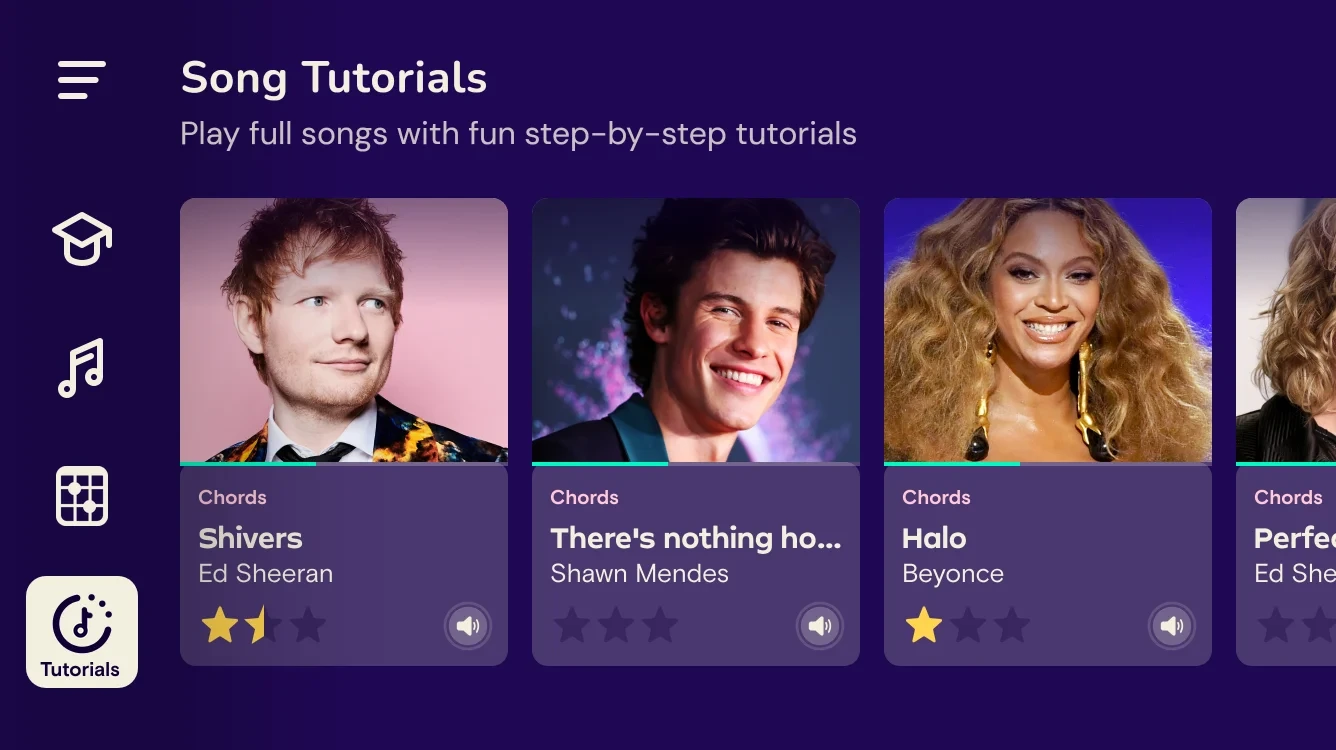
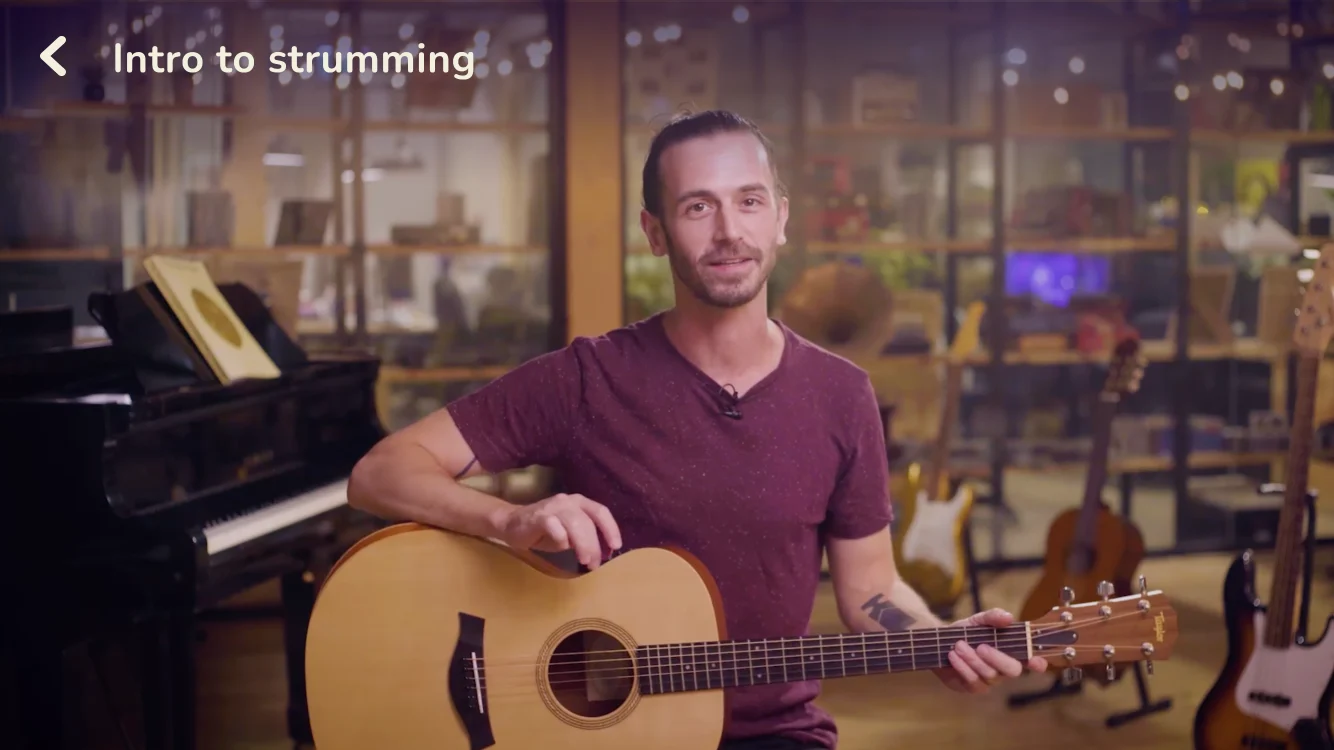
Some songs are worth a little homework. Tutorials split a hit into short lessons with a real teacher, so players learn the parts first and then play the whole thing.
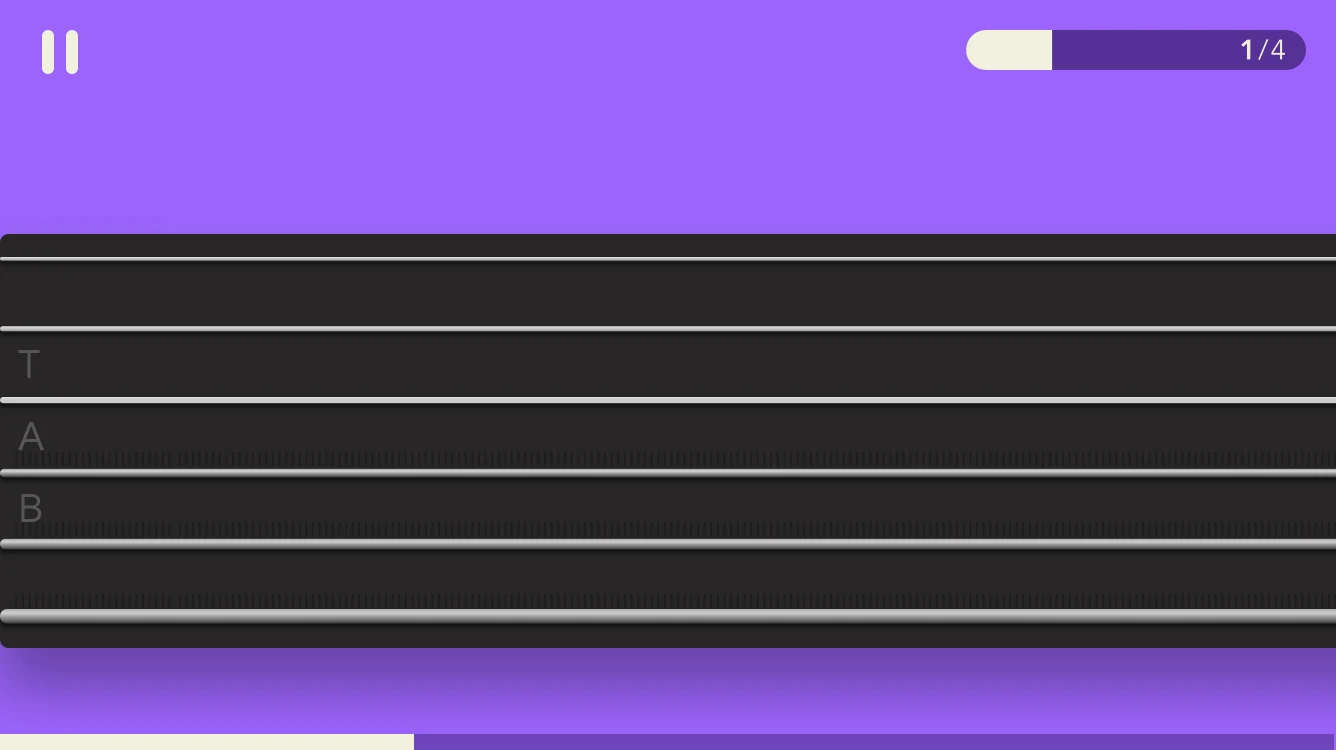
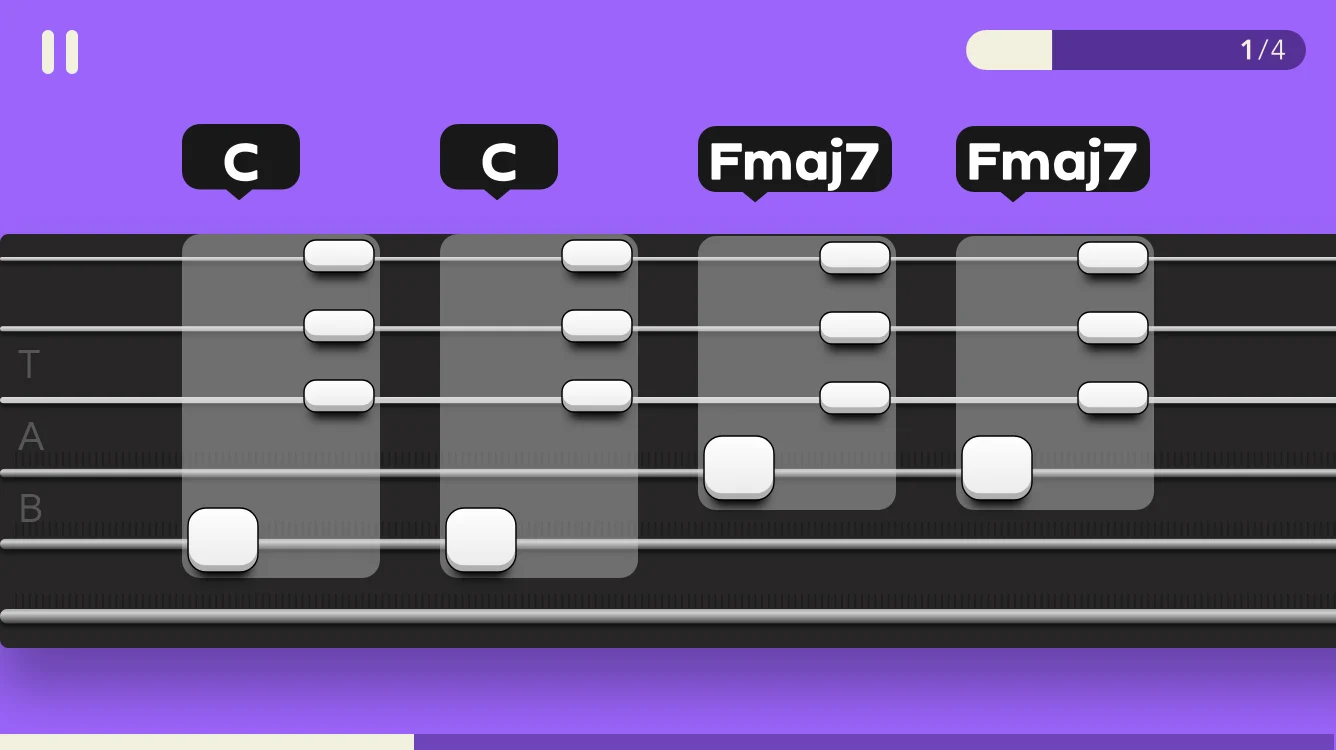
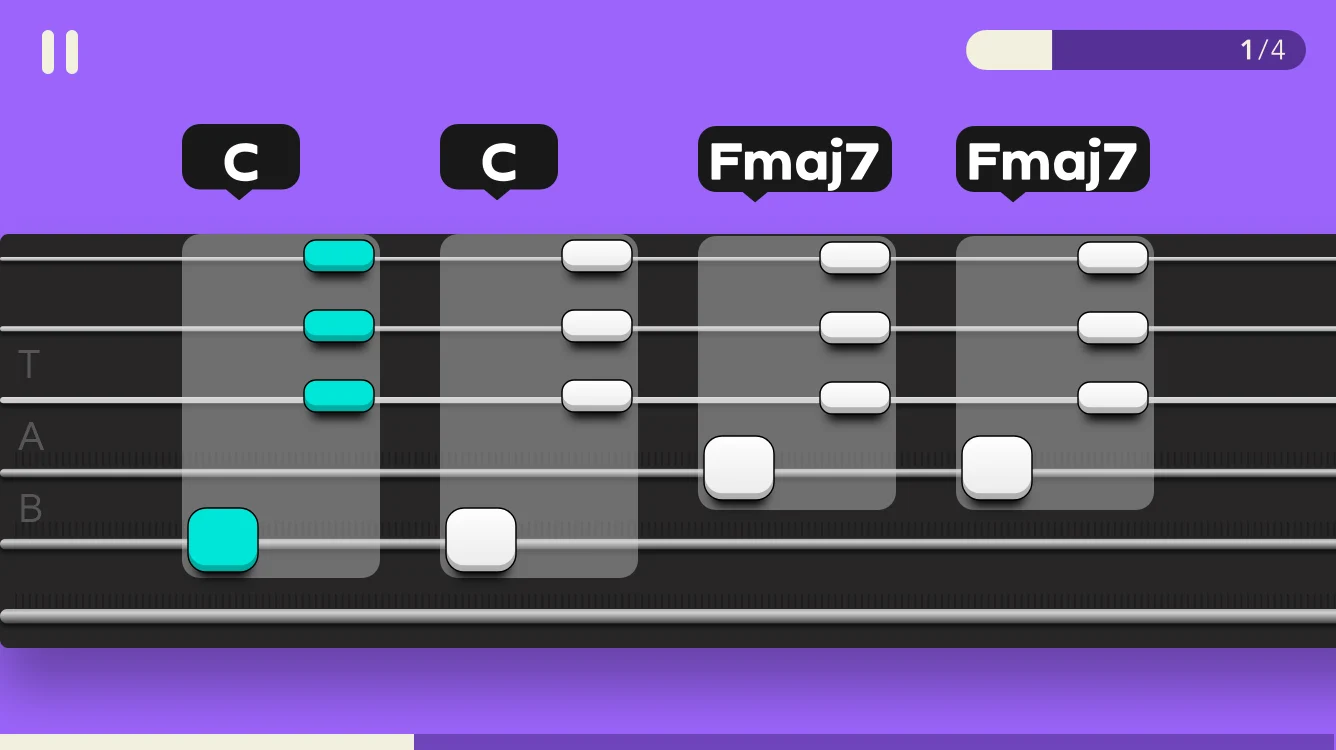
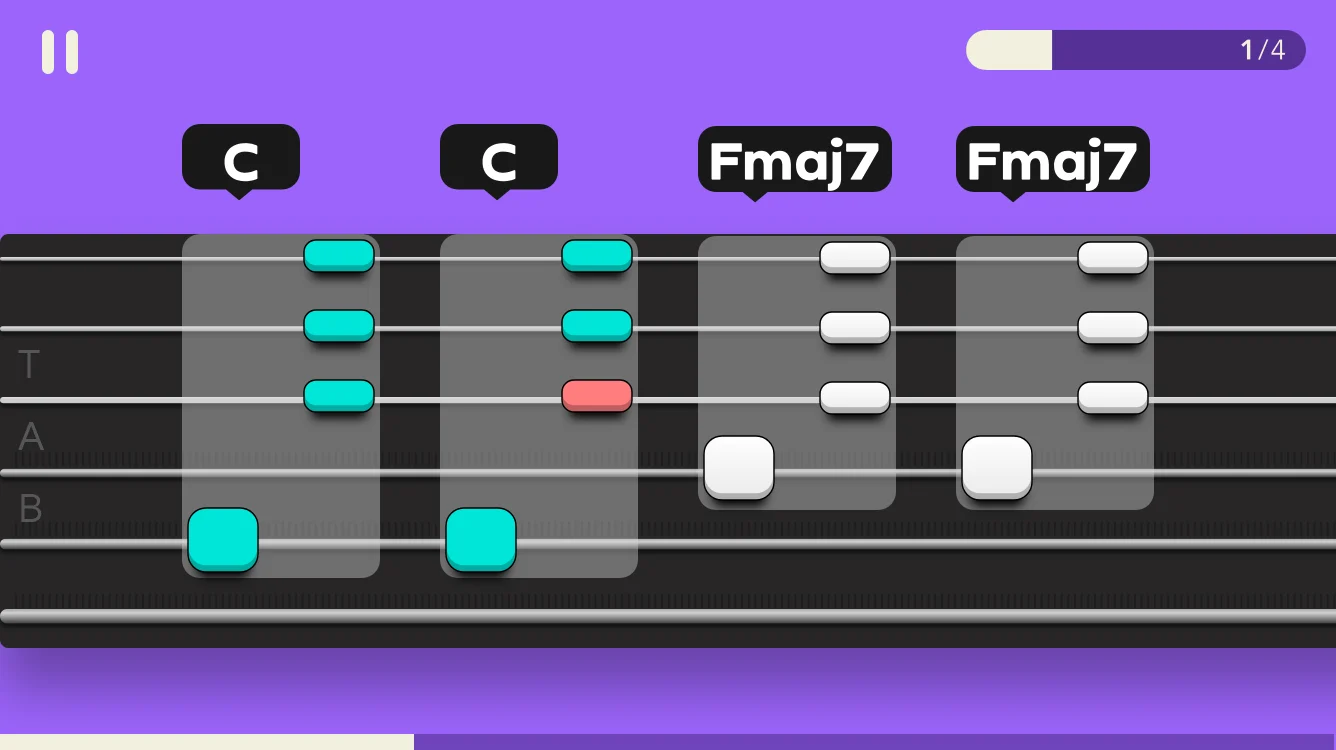
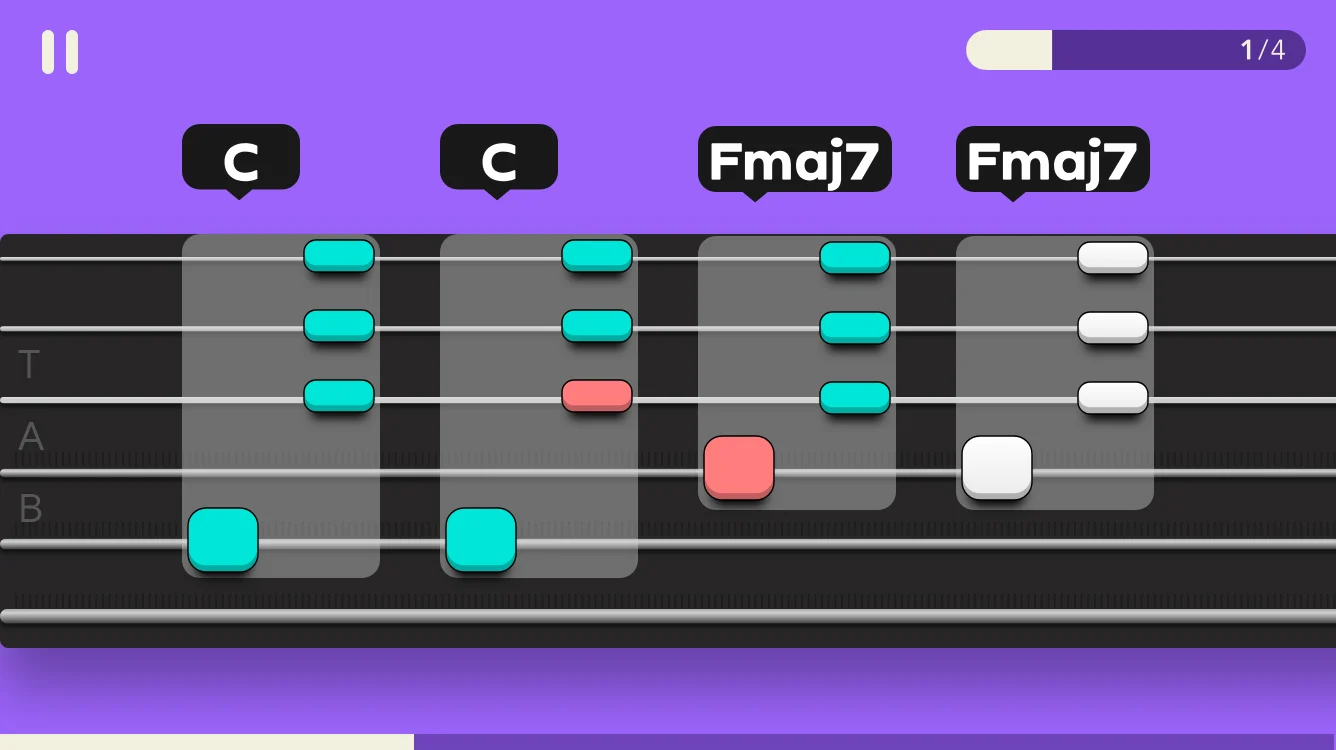
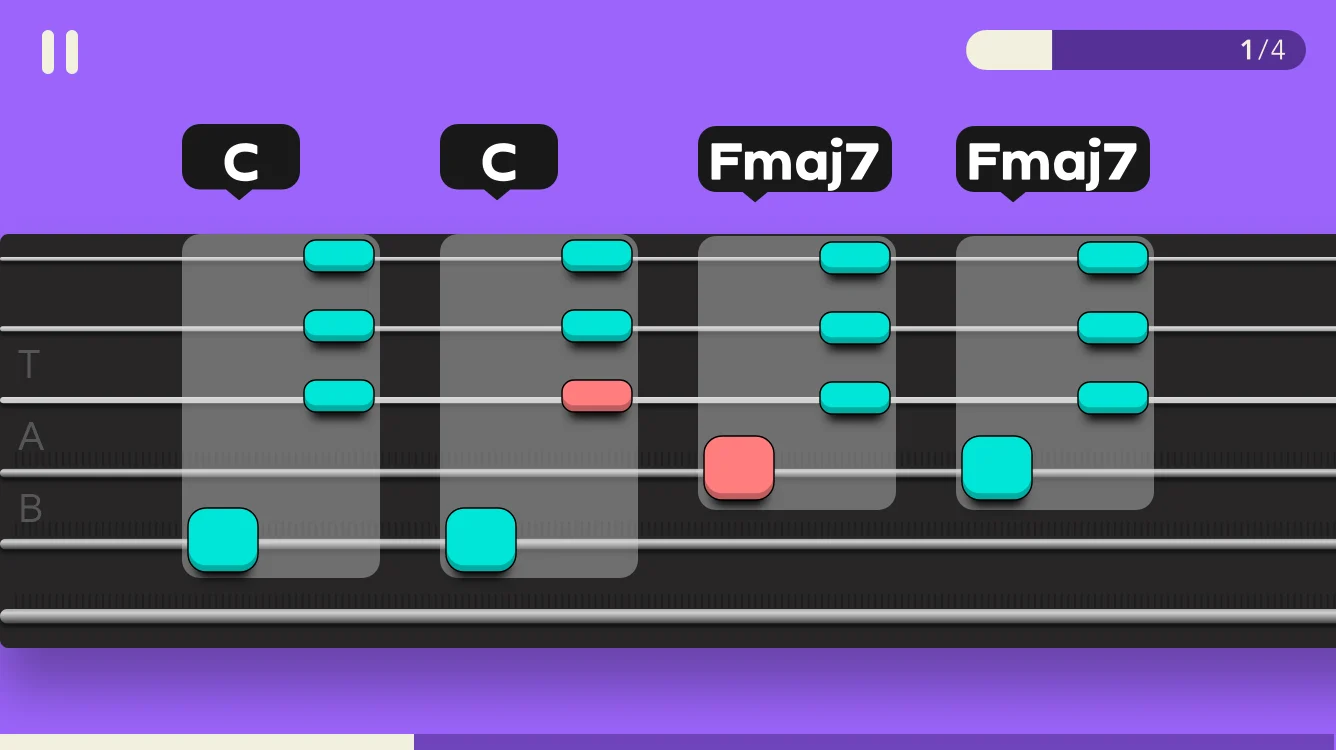
Fingerpicking songs need a different view. Notes scroll along a tab-style fretboard, grouped under their chord, and every note answers back as it’s played.
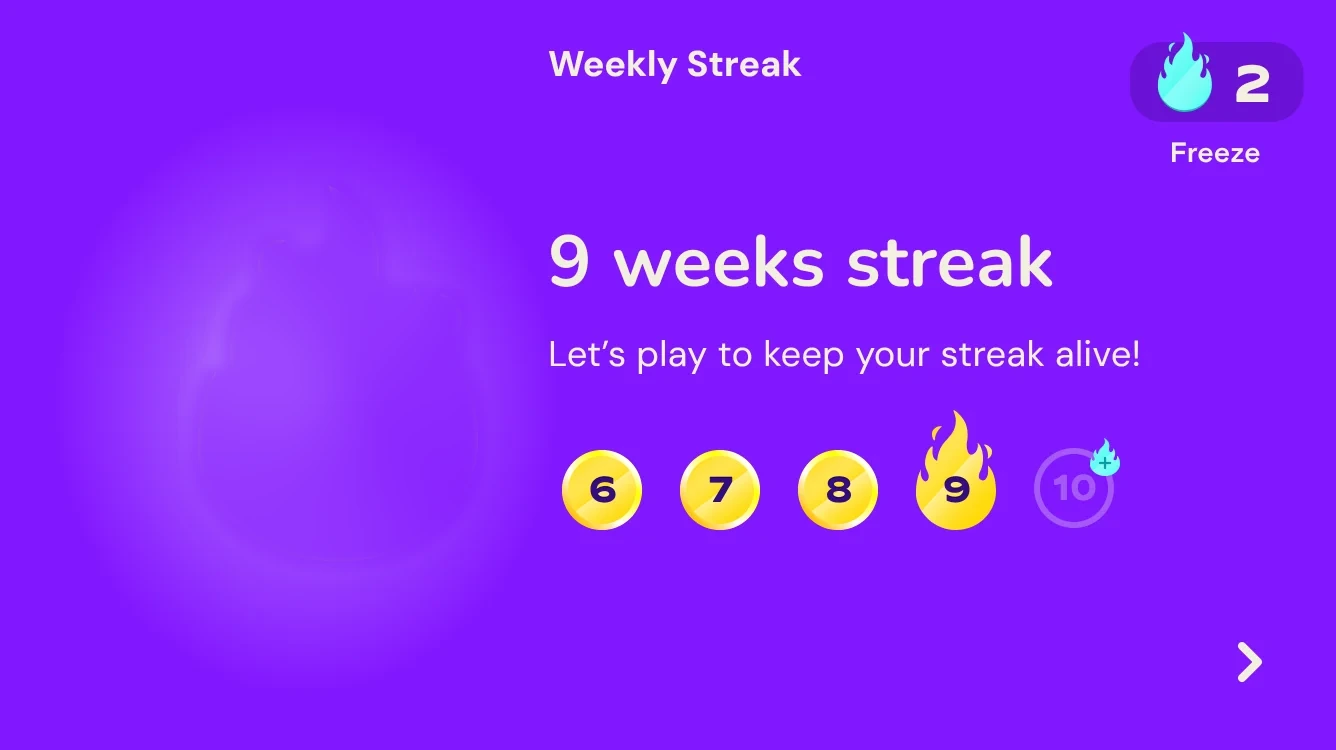
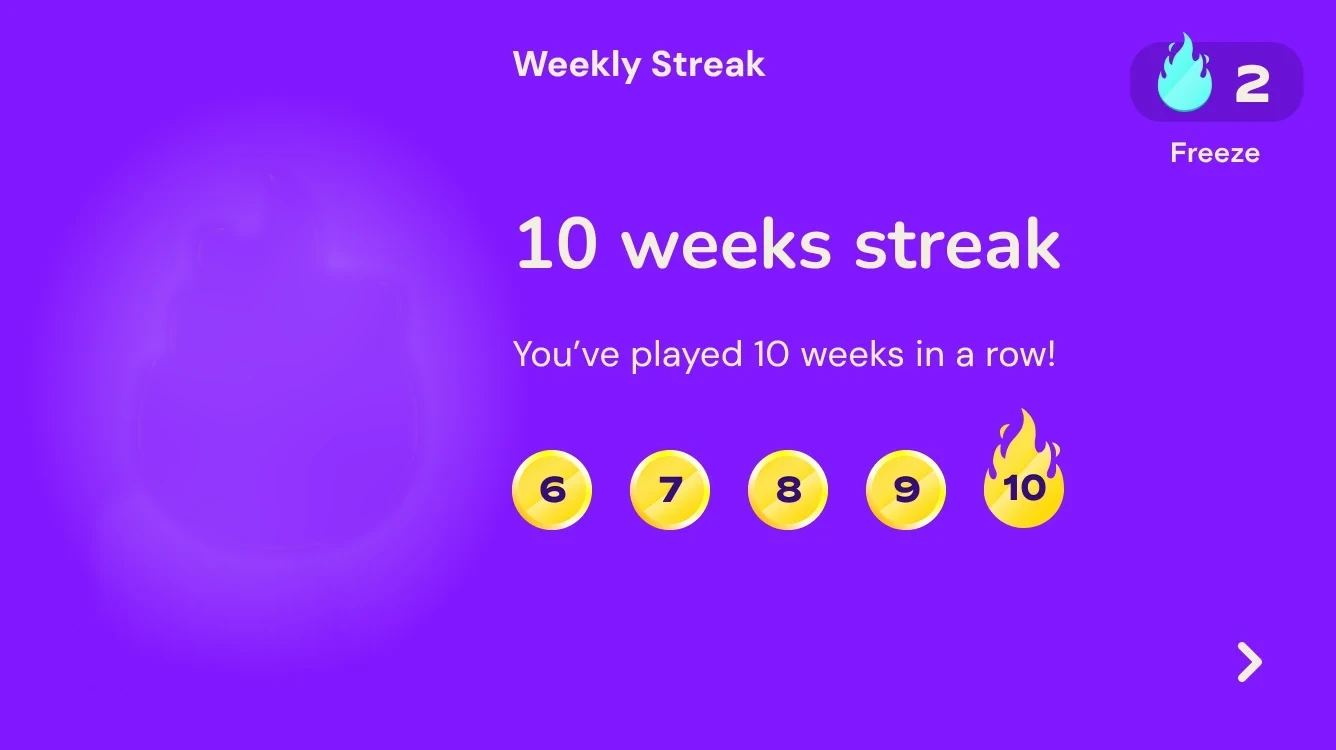
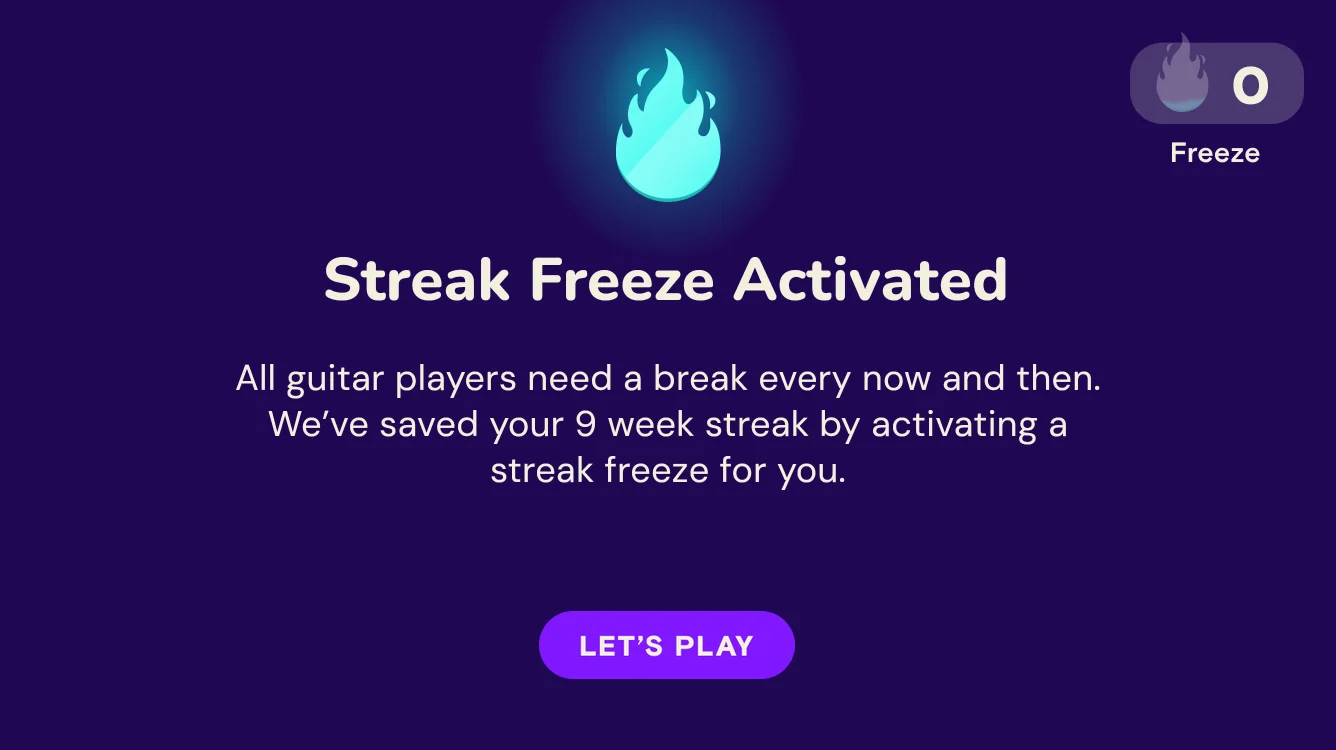
Adults learning guitar practice around work and family. A weekly streak sets a goal they can actually keep, and streak freezes protect it when life gets in the way.

Simply Guitar grew from an MVP into an app hundreds of thousands of people play and pay for, and I got to shape it the whole way, including the design system it is built on. Every part of this story answers the same question: how do we keep a beginner coming back? Quick wins in the first sessions, songs worth learning, and habit-forming loops like weekly streaks, rewards and gentle reminders that bring players back to the guitar.