











Learn the skills to draw in your own way.

Role: Founding designer, Motion designer, Design & motion systemMain platform: iPad · Secondary: iPhone

App Store App of the Day App Store Editors’ Choice App Store rating 4.7 Product Hunt #1 Product of the Day
The brief

Simply’s first step beyond music

After the success of Simply Piano, Guitar and Sing, my team and I were challenged to explore a new domain: drawing. This case study follows the research and the MVP that laid the foundation for today’s Simply Draw.

My role
Founding designer and motion designer. Built the product’s design and motion system
Platforms
iPad first, then iPhone
Scope
Research, product design, the design and motion system, and the MVP
A young woman drawing in a sketchbook next to an iPad
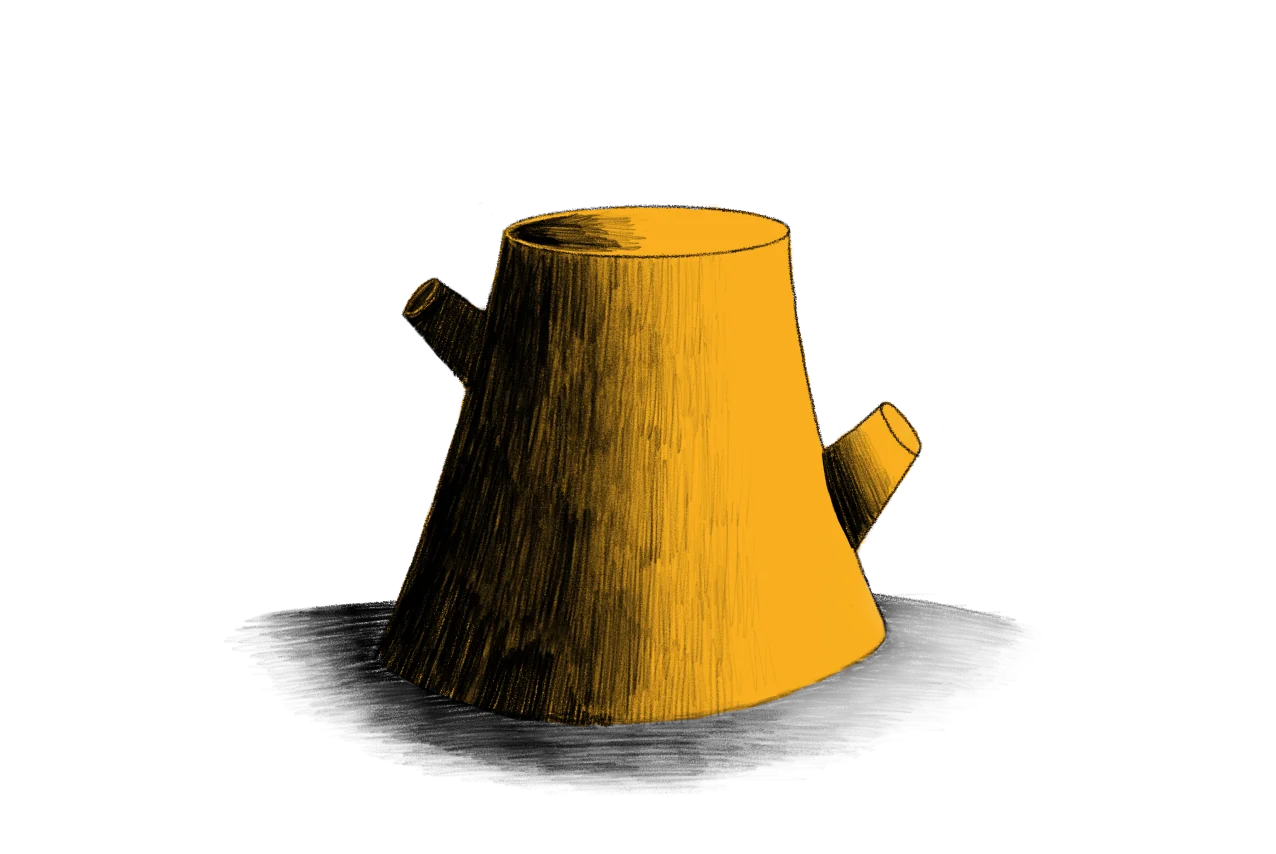
‹  Mushroom shading
The idea

The sketchbook is the canvas. The iPad is the teacher.

Our learners draw with a real pencil on real paper. The app sits beside the sketchbook: a teacher draws along on video, a reference photo stays in view, and every course ends with a finished drawing on paper.

Research

Who we designed for

Anna, 36

Marketing coordinator

Anna has always admired art and nature but never took a drawing class. She’s a busy professional looking for a structured way to learn at her own pace, on paper, while still finding her own style.

InsecureCalmTech-savvyForgetfulCreativeBusy
  • Age 25–55
  • Level Beginners and hobbyists
  • Medium Paper drawing
  • Motivation Learn techniques, express a personal style

I want the confidence to step outside with a sketchbook, and draw what I see in my own style.

Six needs that shaped the product

Each one maps to a part of the experience that follows.

  1. 1

    Need for trust

    Past bad experiences left people doubtful. To commit, they need to trust the app can lead them to success.

  2. 2

    Lack of clarity

    Learners can’t picture what their drawing journey looks like, or see their progress along it.

  3. 3

    Fragmented resources

    Most resources teach isolated skills, not a full path to capability and independence.

  4. 4

    Low confidence

    Many feel insecure about their drawing, especially women, and too shy to share their work.

  5. 5

    Finding their own style

    They want to develop a personal artistic language, not feel like they’re copying someone else.

  6. 6

    Lack of feedback

    Online courses rarely give personal feedback, so there’s no clear way to measure progress.

Hypothesis

If Simply Draw shows beginners a clear path, gives every session a tangible result, builds confidence with feedback and earns their trust, they’ll stay motivated and keep coming back.

1Onboarding

Building trust before the first line

Onboarding gets to know each learner and starts a relationship. A few light questions shape the experience, and the tone stays calm and encouraging.

Onboarding question on iPad: How old are you? Four age ranges
Onboarding question on iPad: What’s your drawing experience? From never really drawn to draw regularly
Onboarding question on iPad: What’s most important to you in your learning experience?
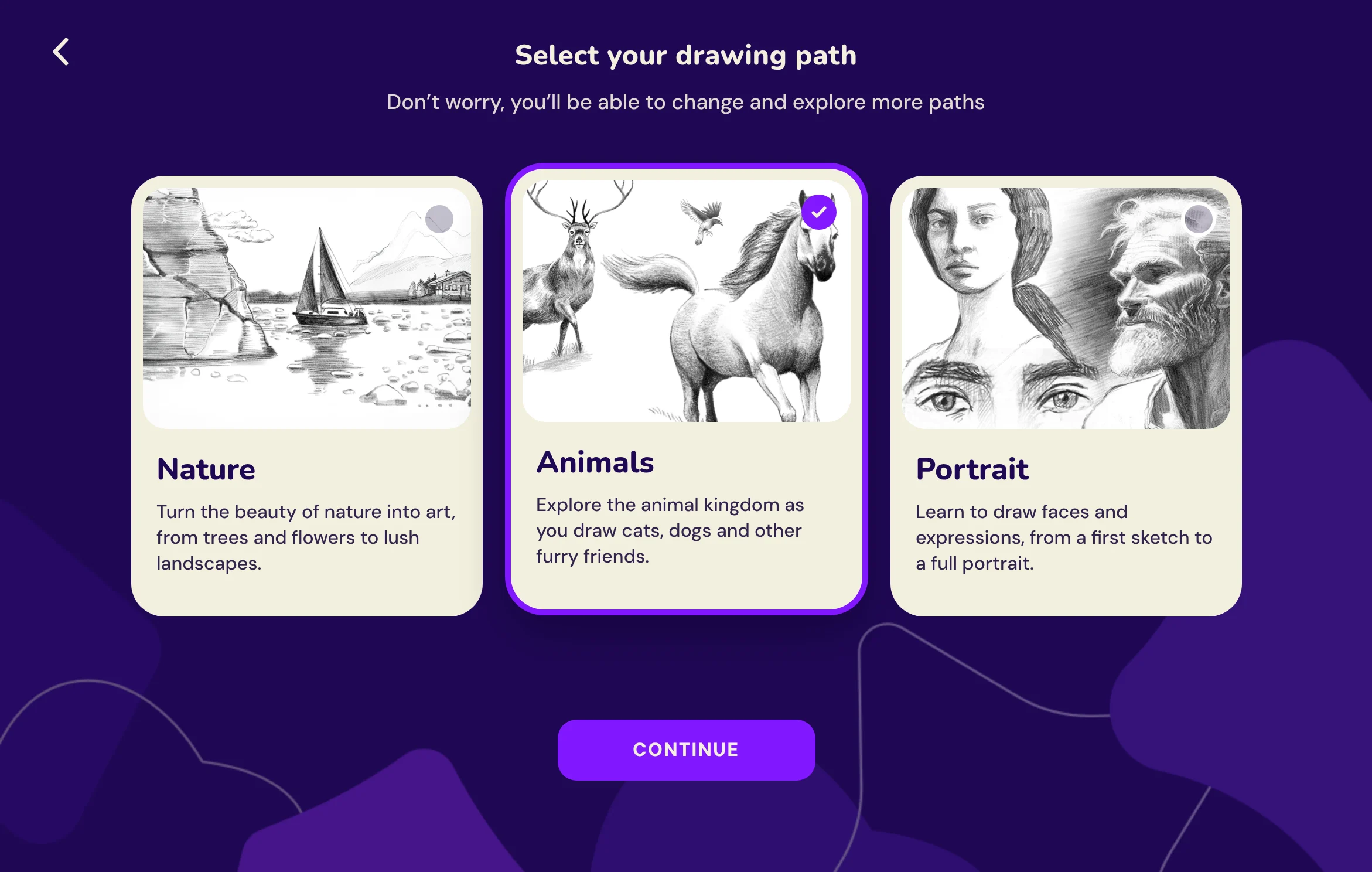
Path selection on iPad: Nature, Animals and Portrait cards side by side, Animals selected, with one Continue button
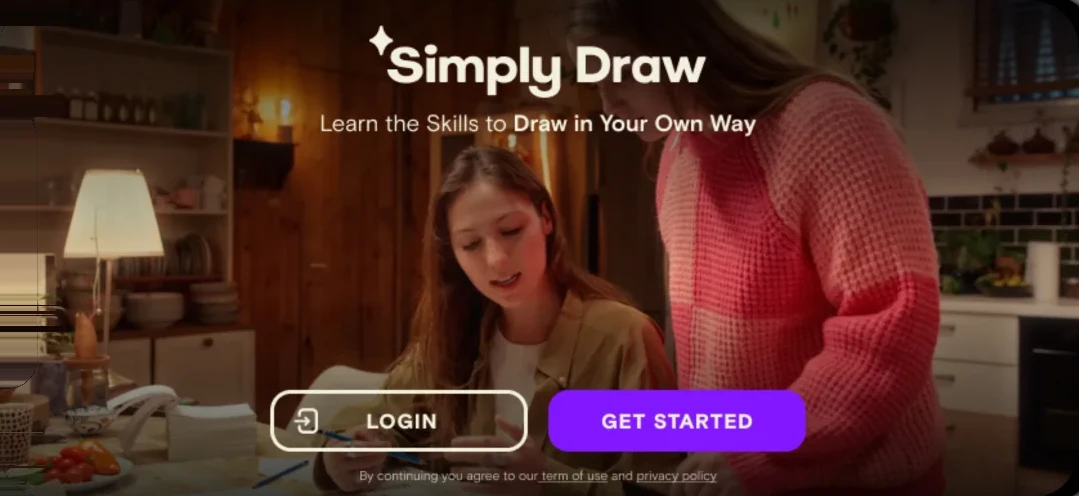
Simply Draw splash screen on iPhone: Learn the skills to draw in your own way

A warm first impression

A real, lived-in drawing moment sets the tone: calm, personal and within reach.

iPhone screen: Grab a pencil and paper, we’re getting started!

Anticipation, then paper

Many people downloaded the app without a pencil and paper at hand. So the flow opens by asking learners to grab them, in a fun, upbeat way, and the first lesson starts with everything ready on the table.

2Main page

A home built around the course map

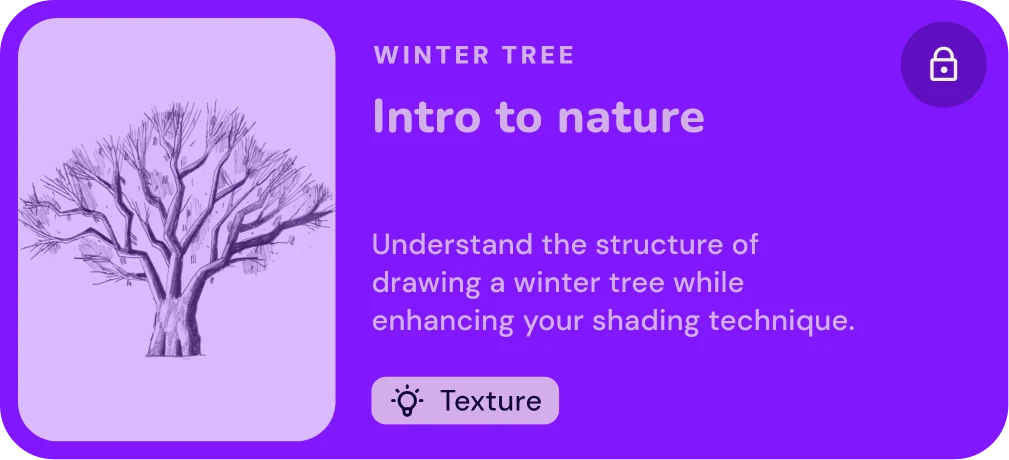
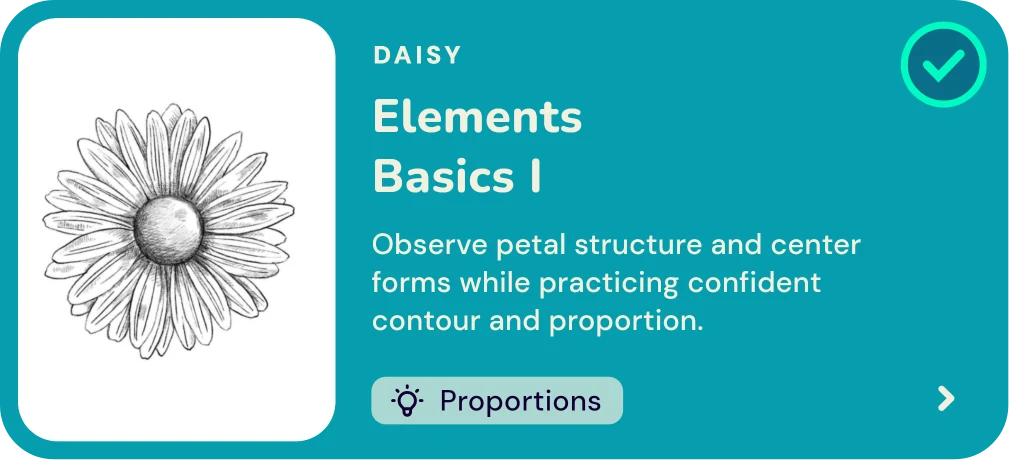
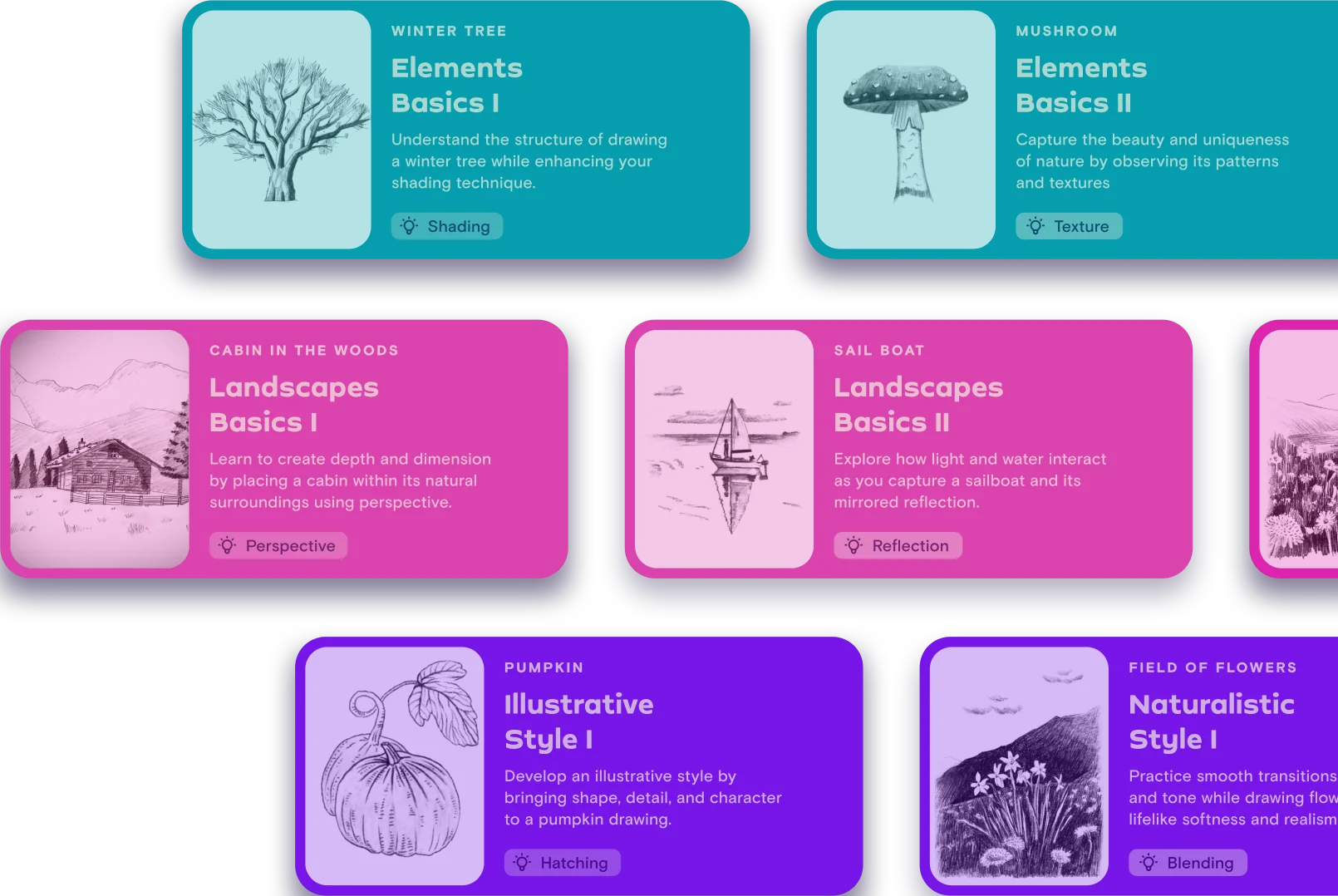
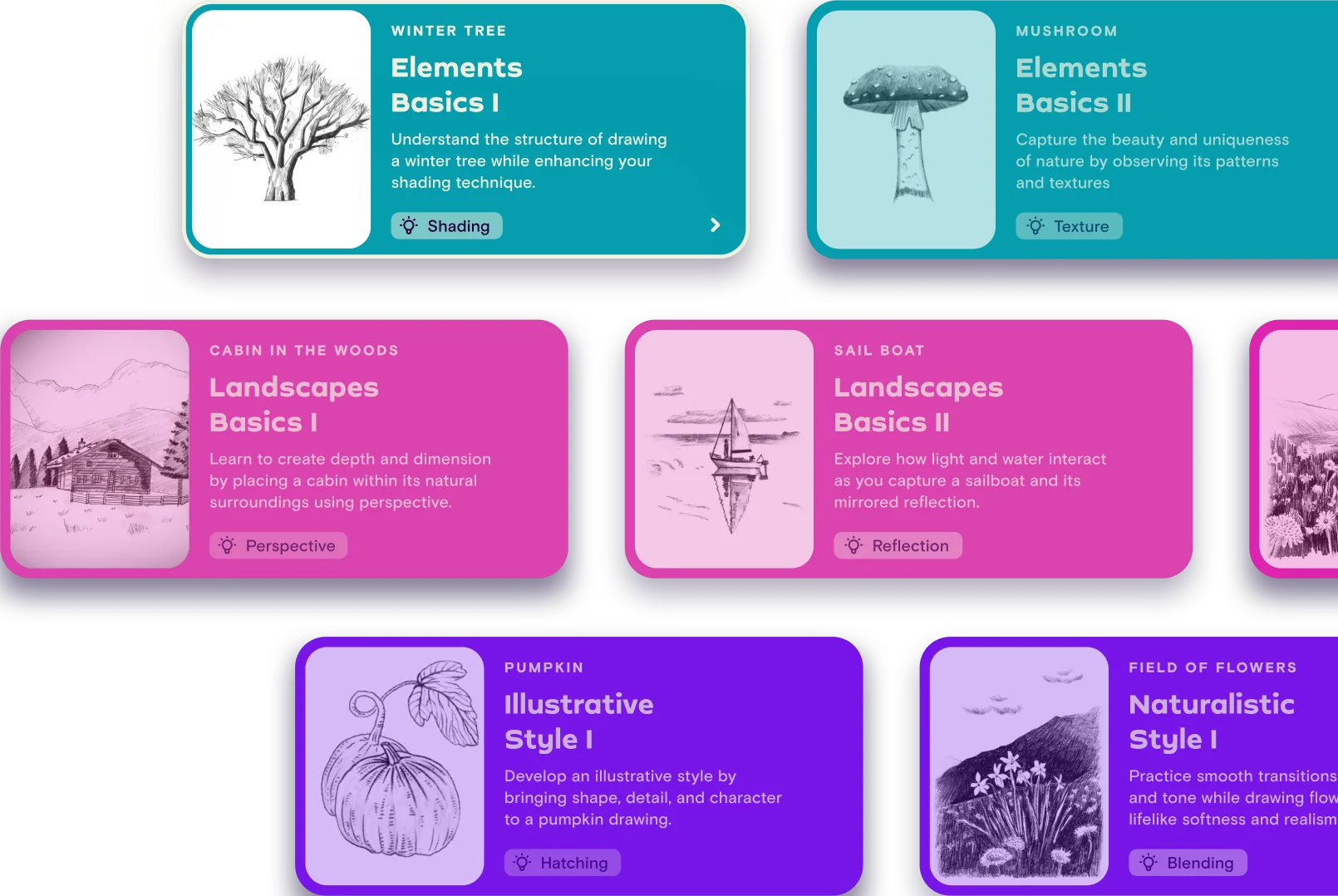
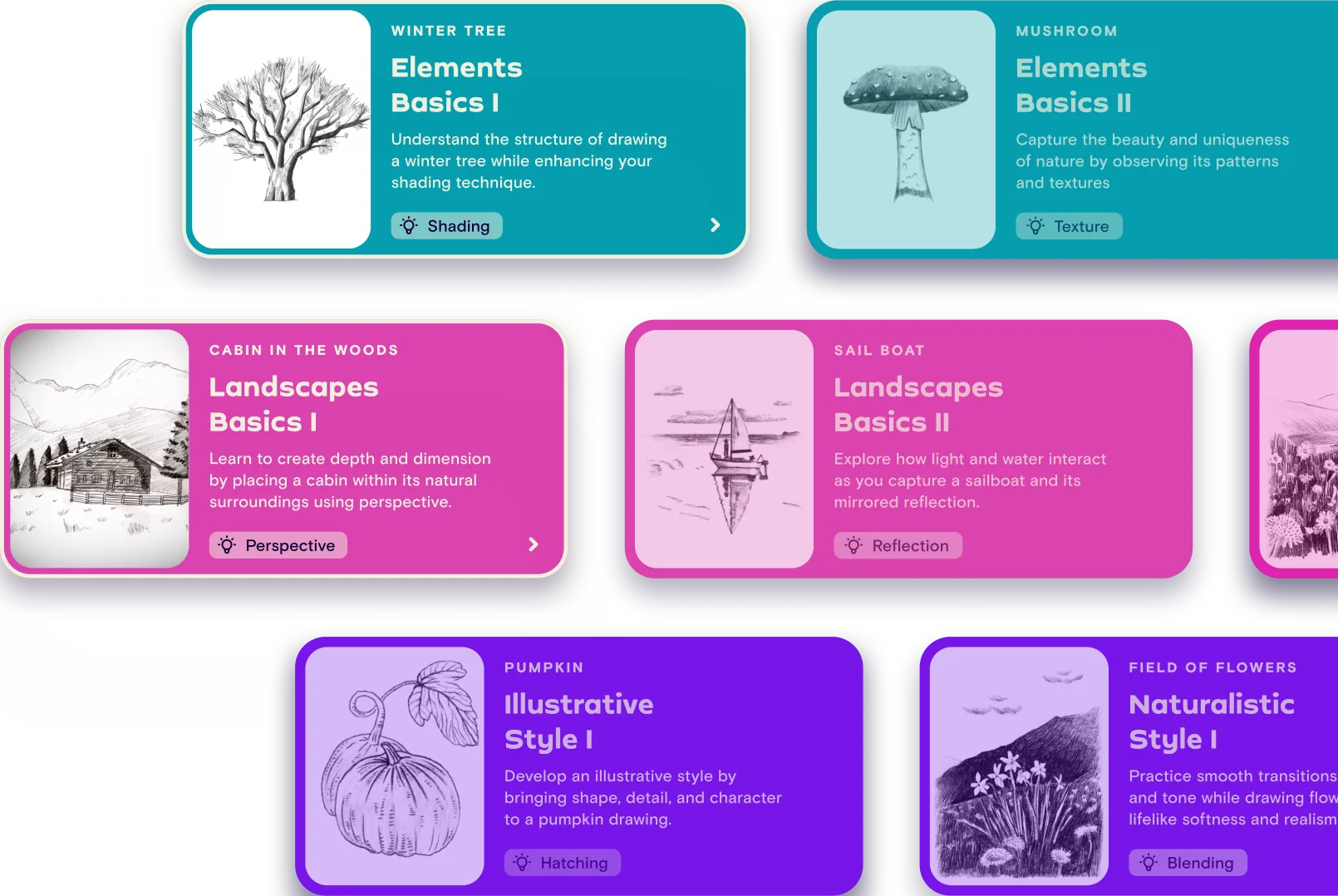
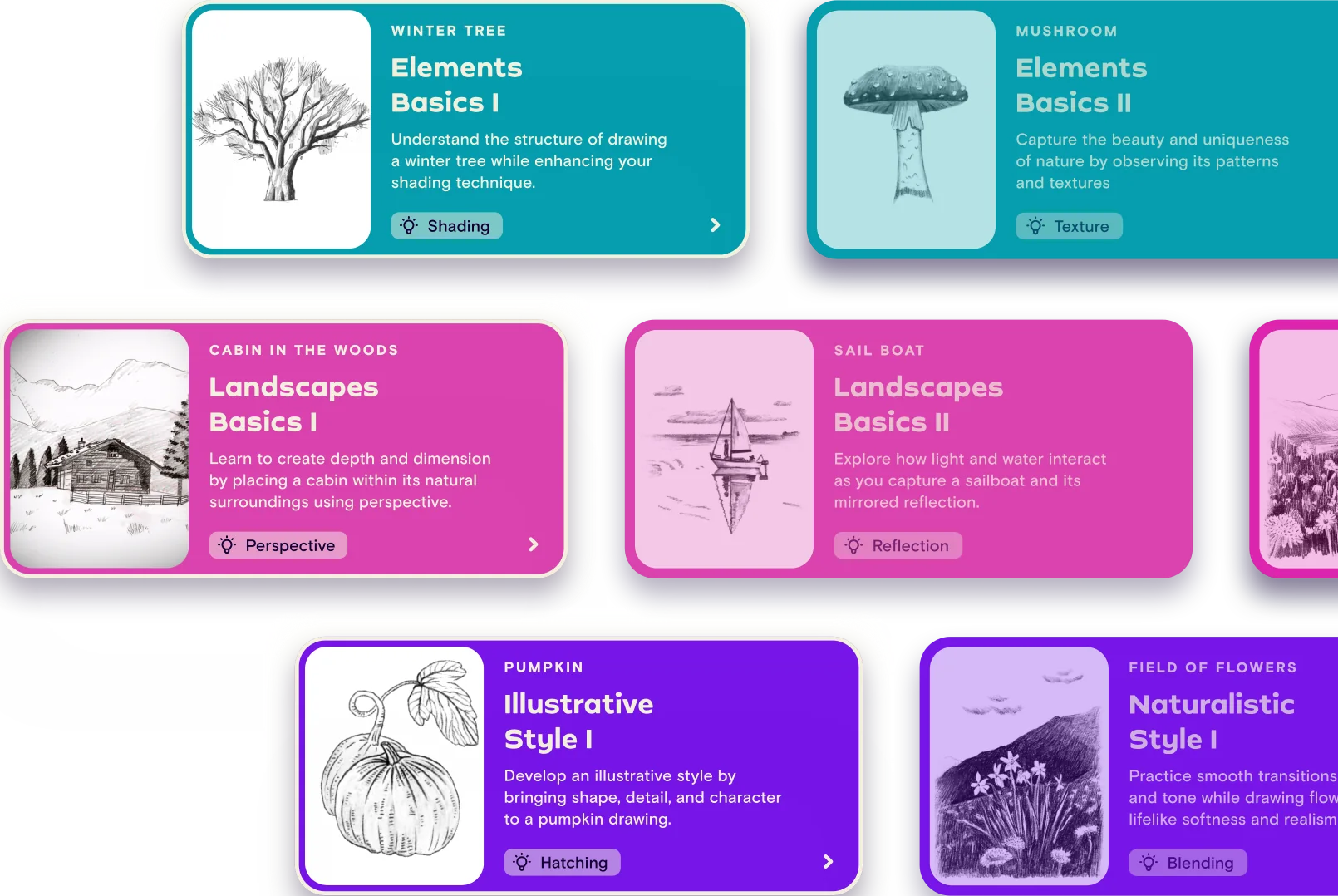
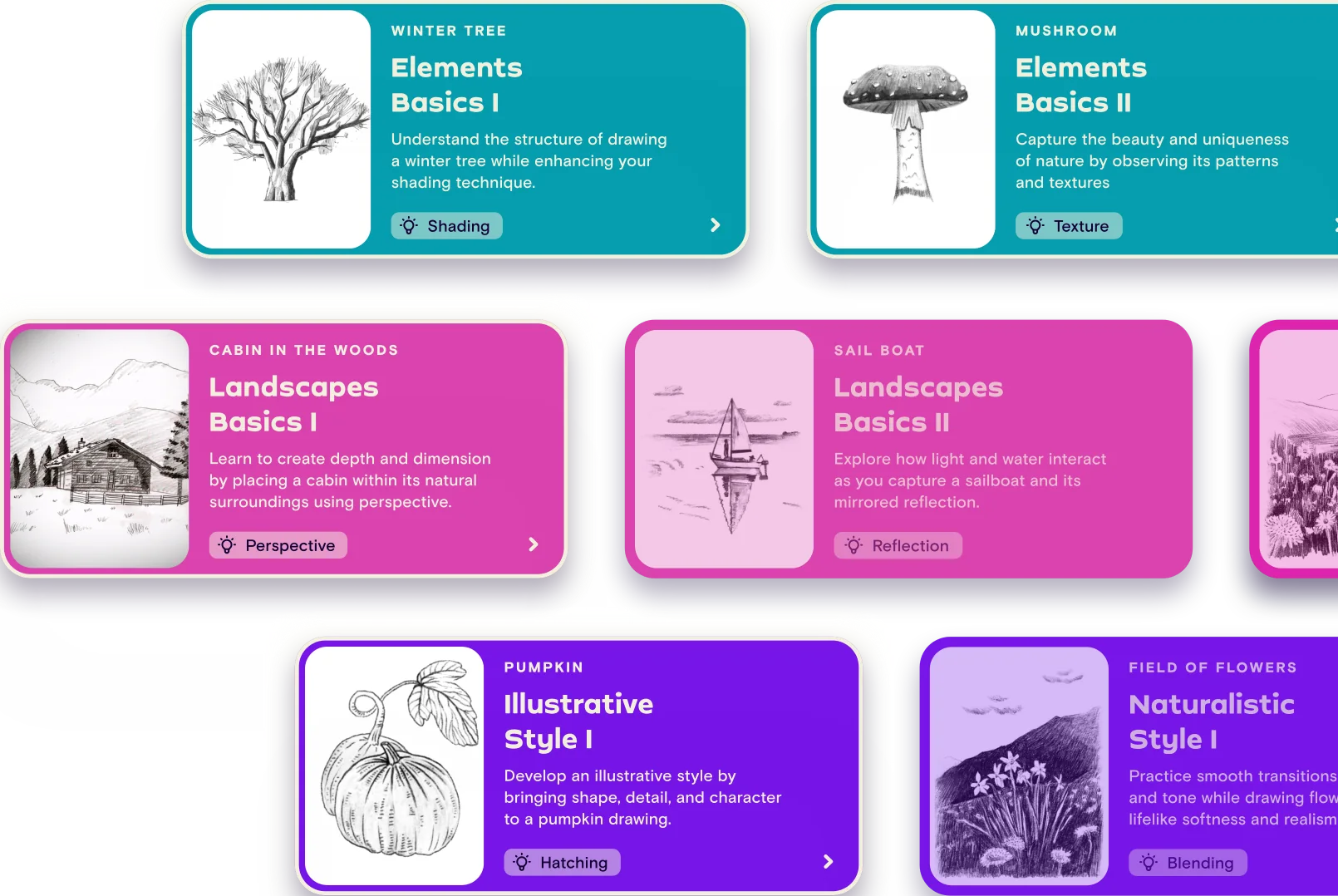
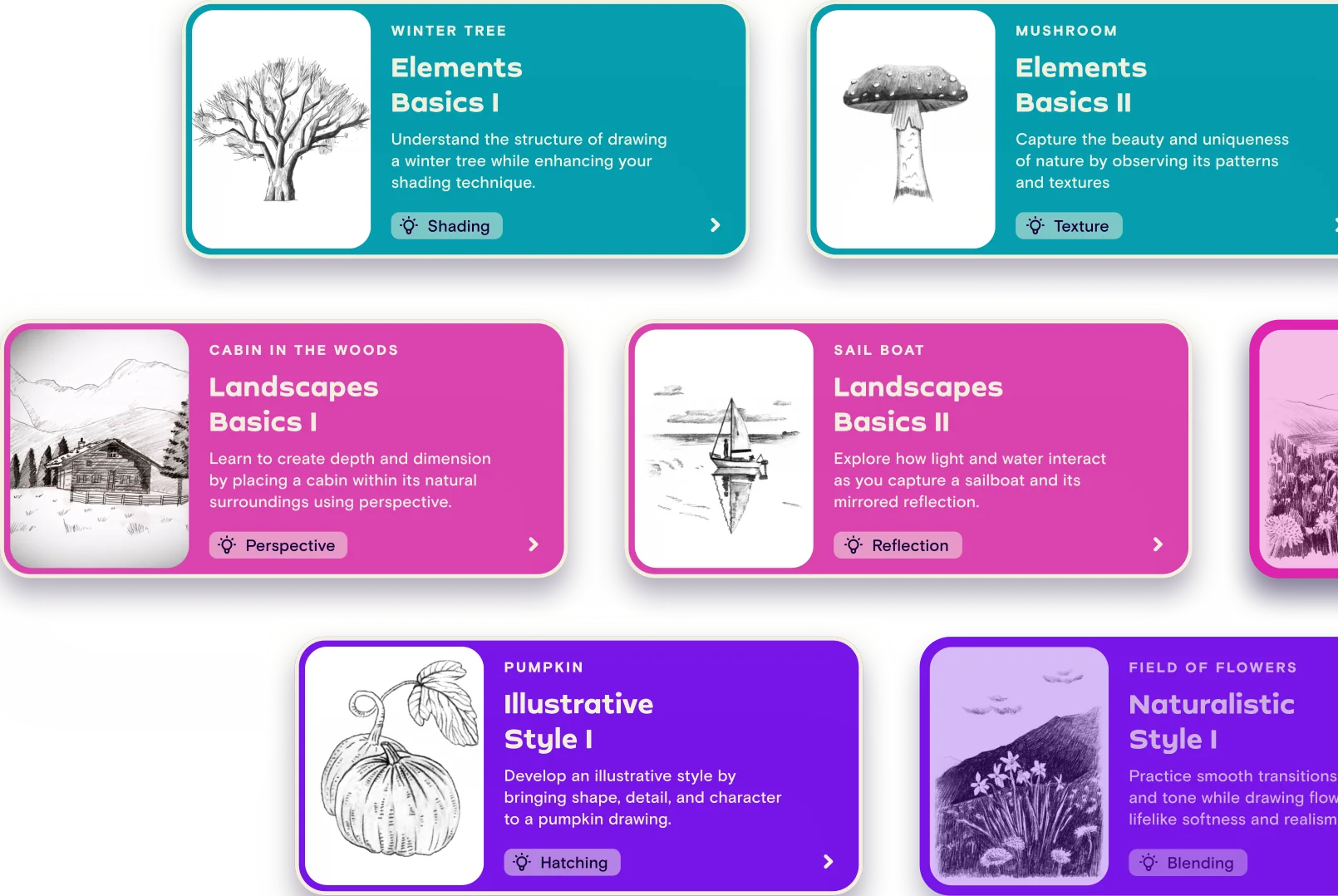
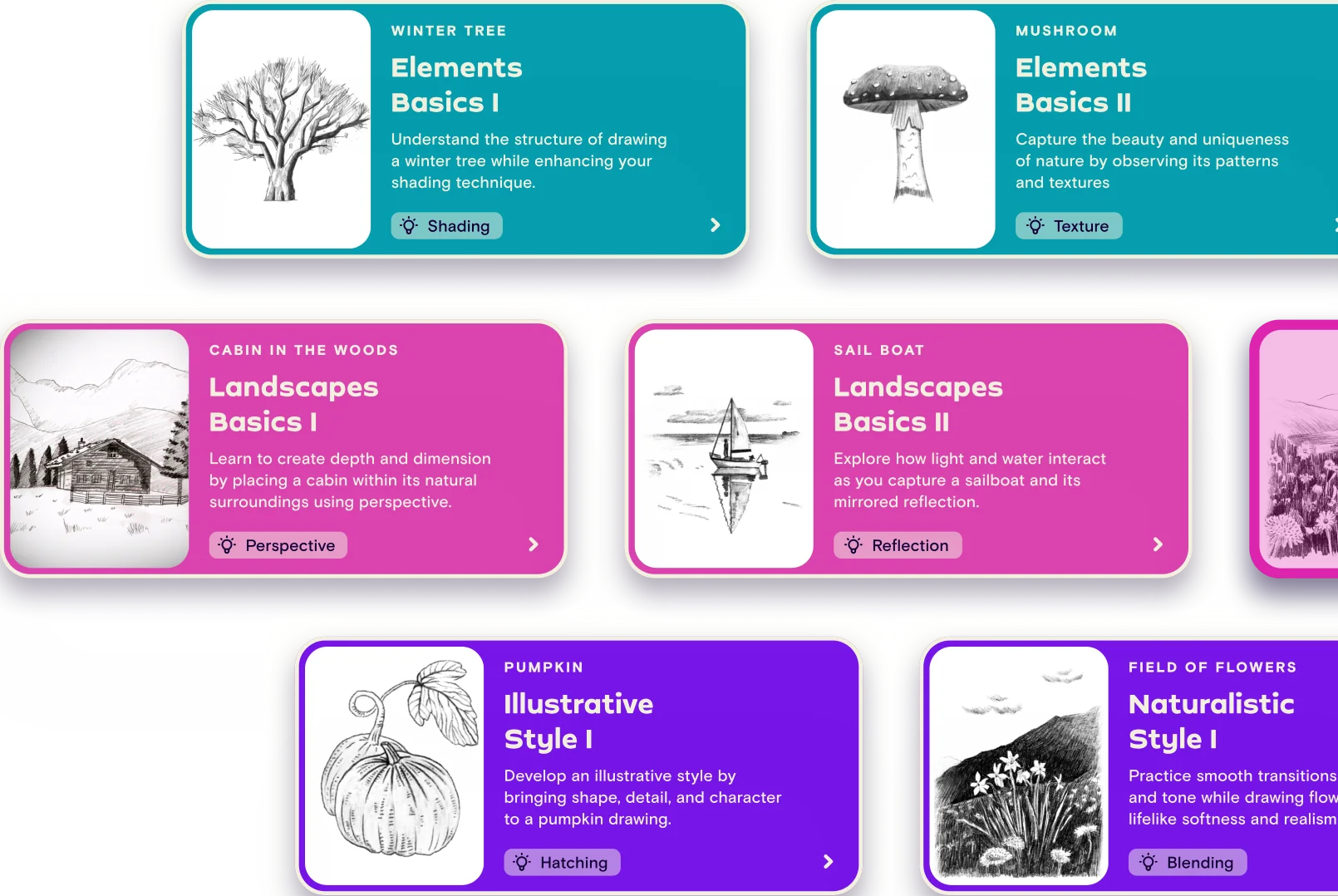
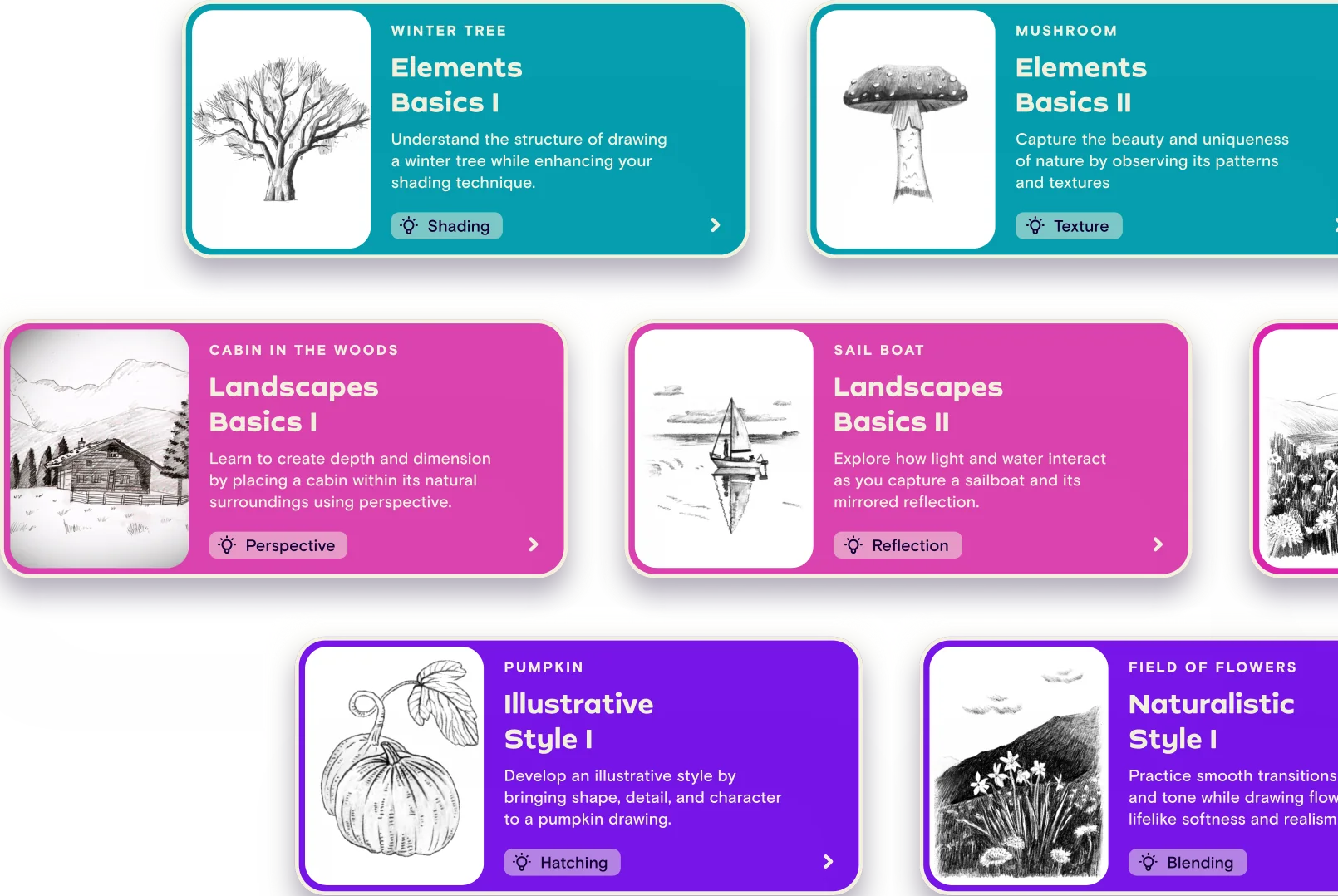
The main page is the course map. It had to visualize progress over time, support different interests and levels, feel professional and make people excited to start. The map is made of course cards, and every detail of a card does a job.

1 2 3 4 5

Zoom out, and the cards become a path

Instead of isolated tutorials, the cards line up into one map that lays out every skill in order, with drawings that grow more complex along the way. Learners can see where they’re going before they begin.

The Nature course map: Intro to Nature leads to Elements Basics, Landscapes Basics, in-depth courses and Find your own style

Scroll sideways to explore
Two tracks side by sideElements and Landscapes grow in parallel, so learners can follow what they enjoy.
Locked, not hiddenAdvanced courses stay visible and invite learners to keep going to unlock them.

A destinationThe path leads to “Find your own style”, the goal behind the whole journey.
3Course screen

Bite-sized steps with a finish line

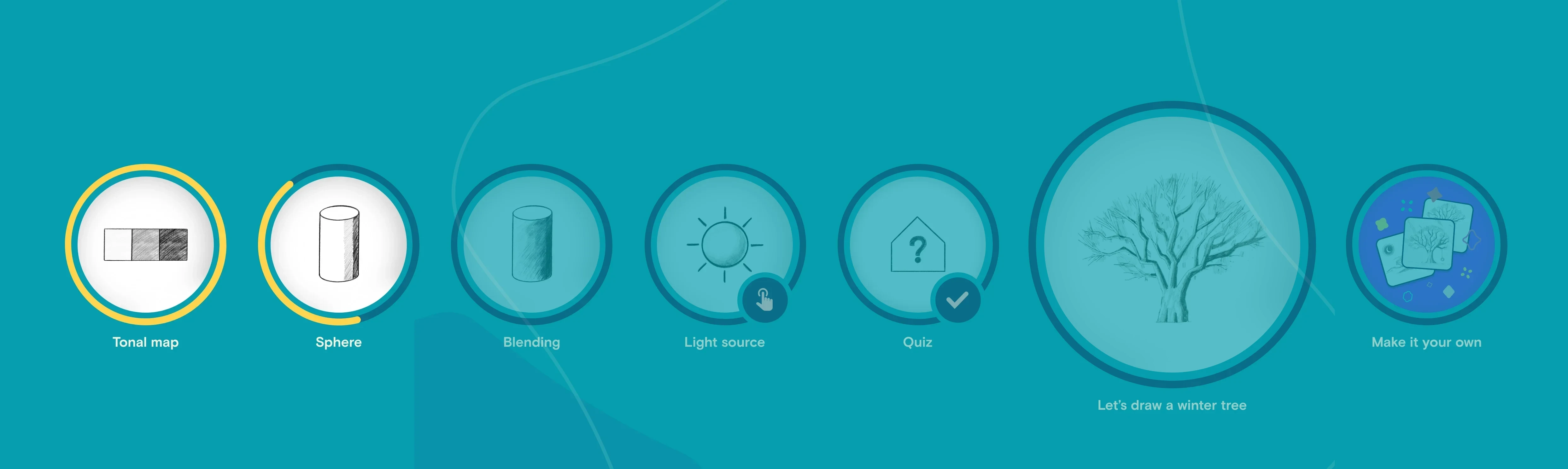
A course breaks one drawing into small, clear steps. Learners always know where they are, can jump to any part, and get a real moment of celebration when the drawing is done.

  • Lessons in bite-sized steps
  • Thumbnails and titles that show progression
  • Progress rings for self-paced learning
  • Easy navigation to any part
Course screen on iPad: Elements Basics I steps Tonal map, Sphere, Blending, Light source and Quiz, then Let’s draw a winter tree and Make it your own
Scroll sideways
4Video lesson

Draw along, then draw what you see

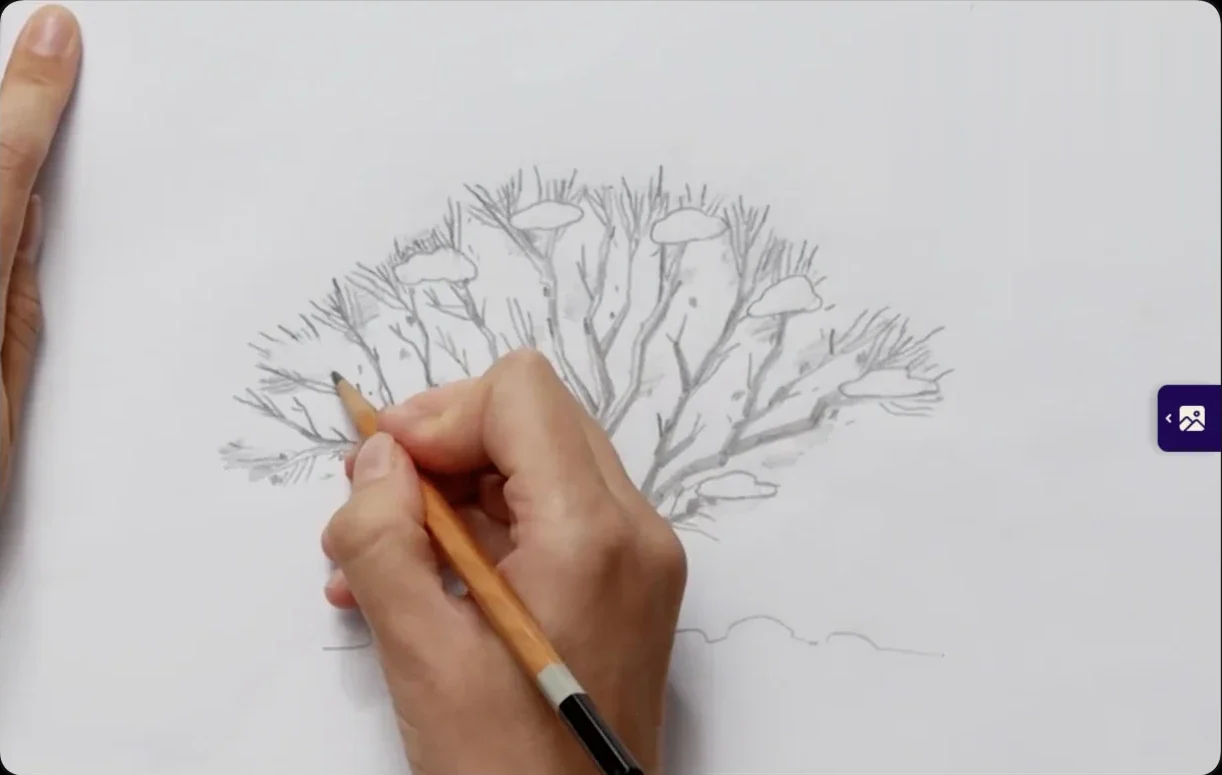
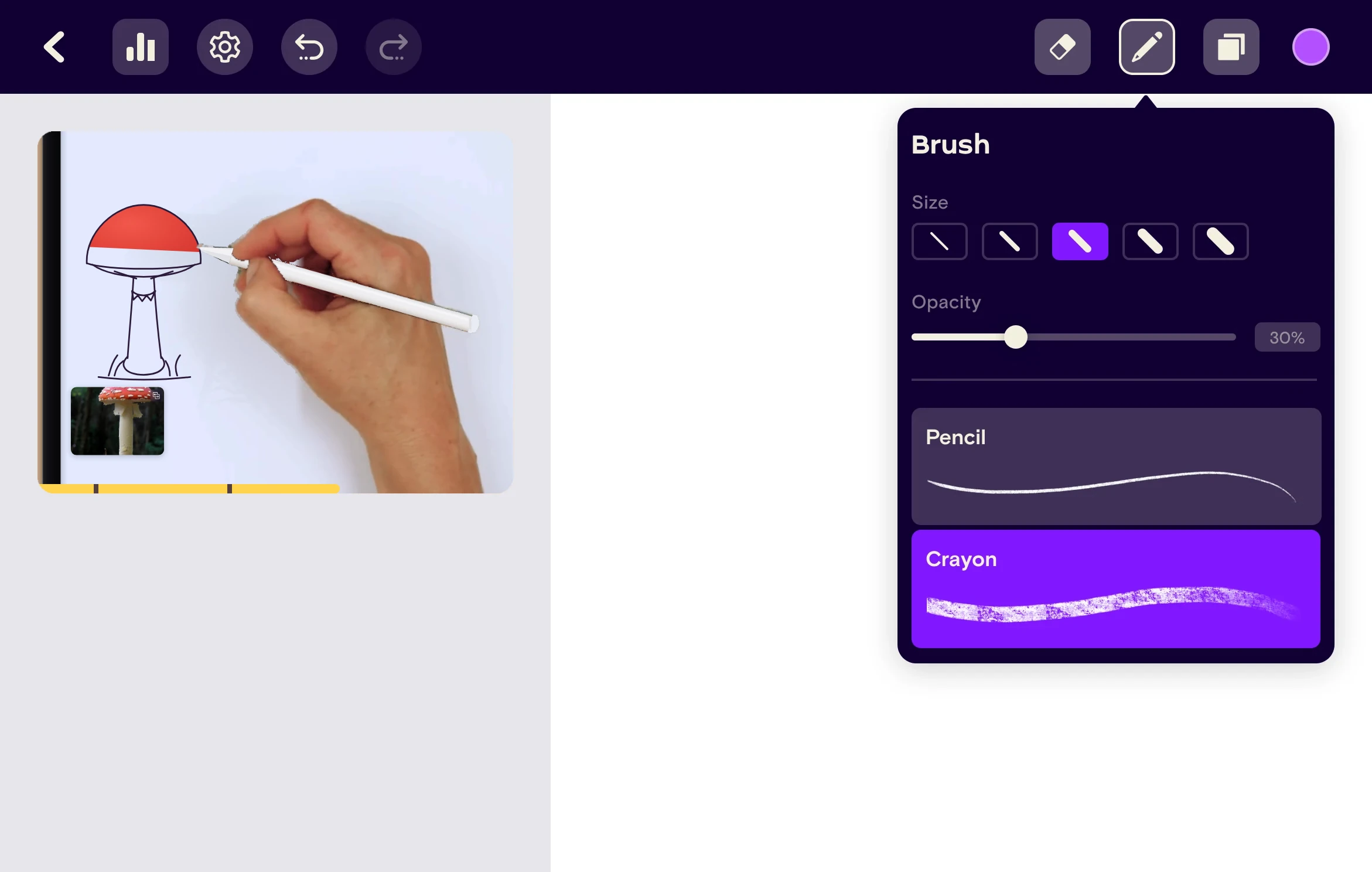
The lesson player is the heart of the app. It had to feel like a calm drawing studio, let each learner draw at their own pace, and teach them to draw from a real reference instead of copying the teacher.

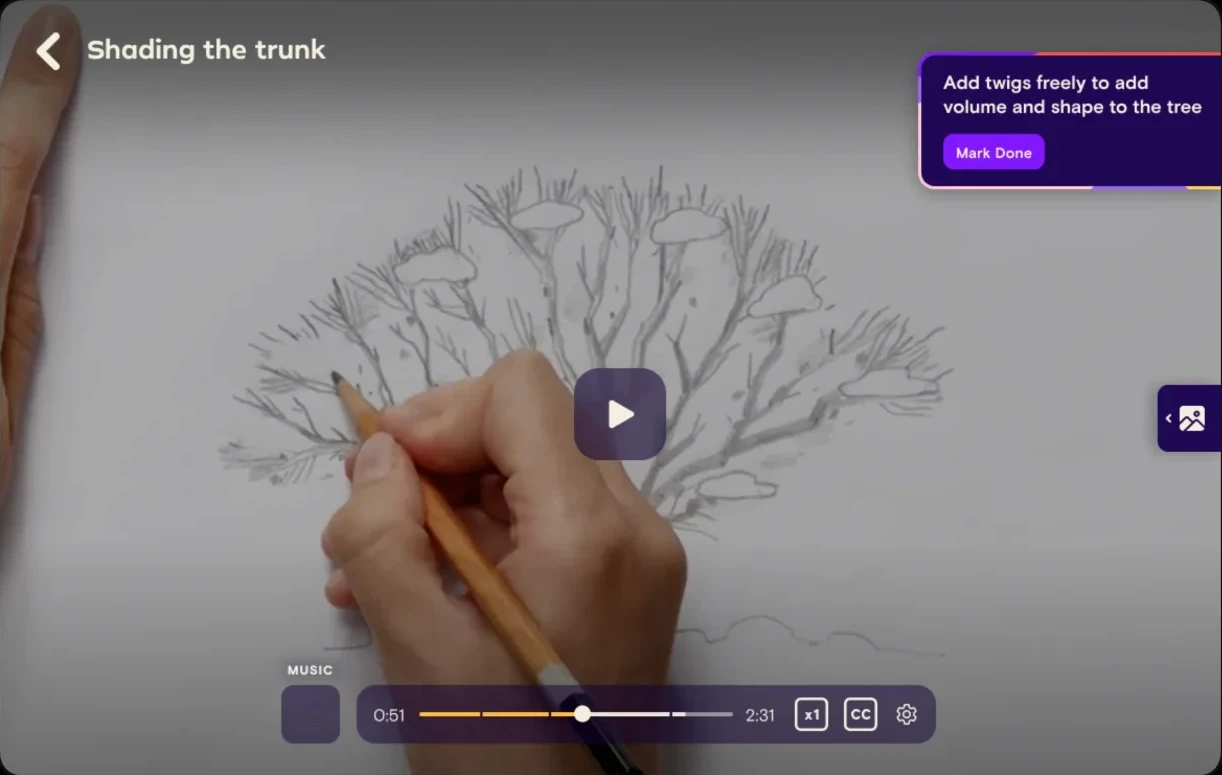
Video player on iPad: drawing a tree with a catch-up tip
Video player controls: play, music, seek bar, speed and captions
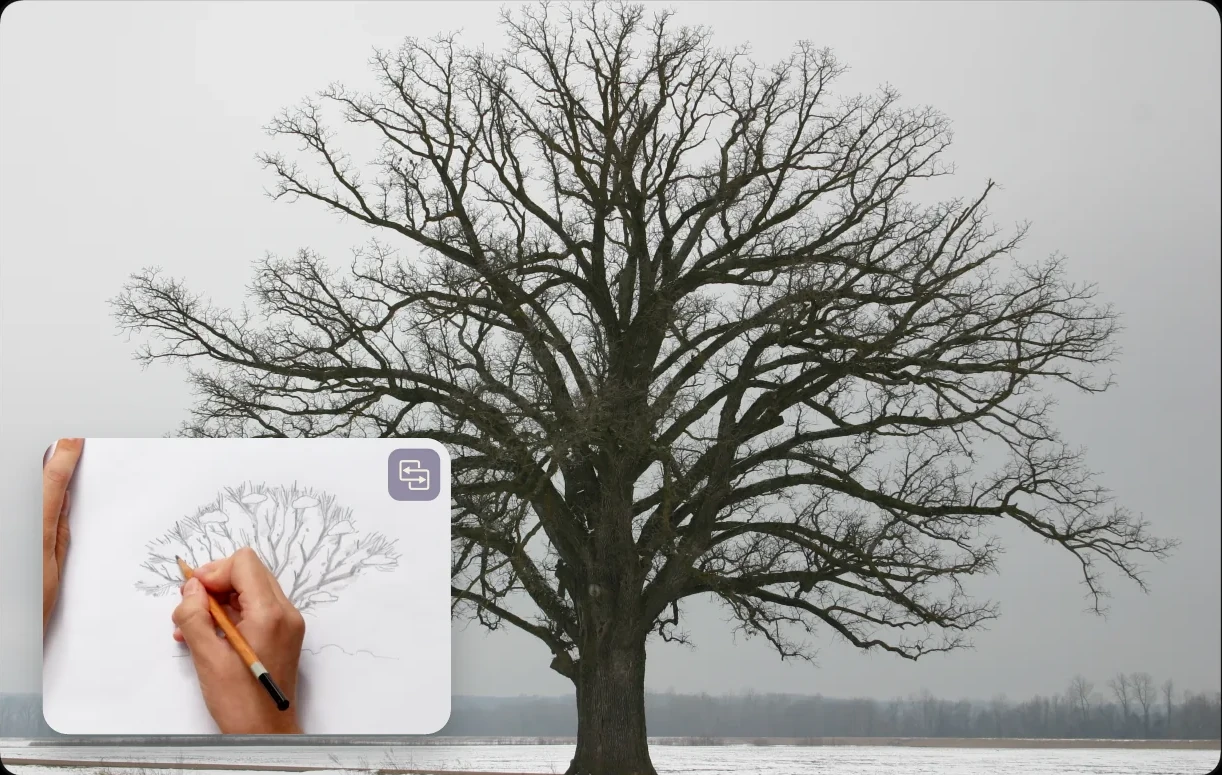
Reference mode: the tree reference photo with the drawing video in a small window
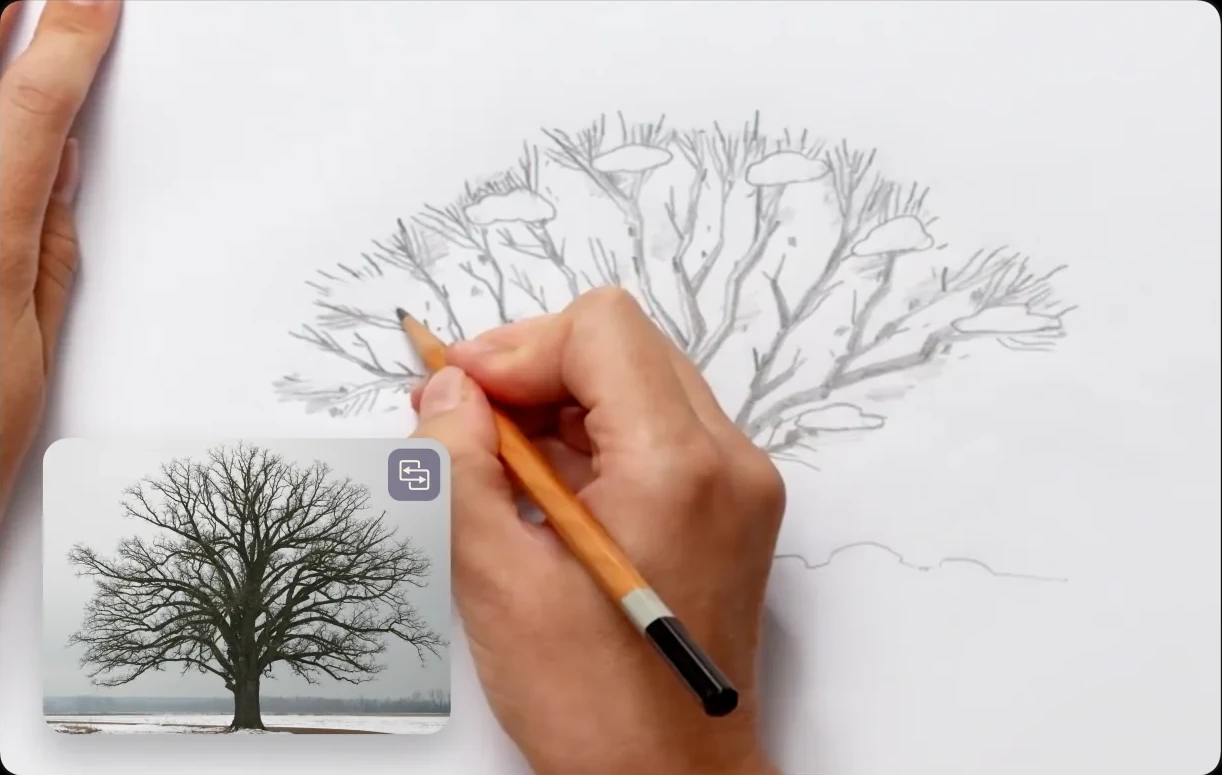
Reference mode swapped: the drawing video with the reference photo in a small window
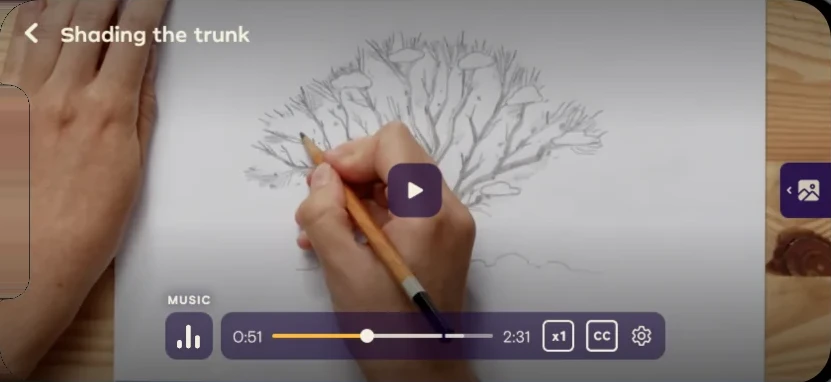
The video player on iPhone: Shading the trunk
5Interactive practice

Play with the concept, see it change

Instead of watching a concept explained on video, learners get a small game to play with it. They move the sun or the house themselves and watch the light, shadow and lines change, so lighting and perspective become something they discover, not something they’re told. A short quiz then checks what stuck, with points to earn.

Light source exercise on iPad: a tree trunk under a sun that moves along an arc
Drag the sun

Light source

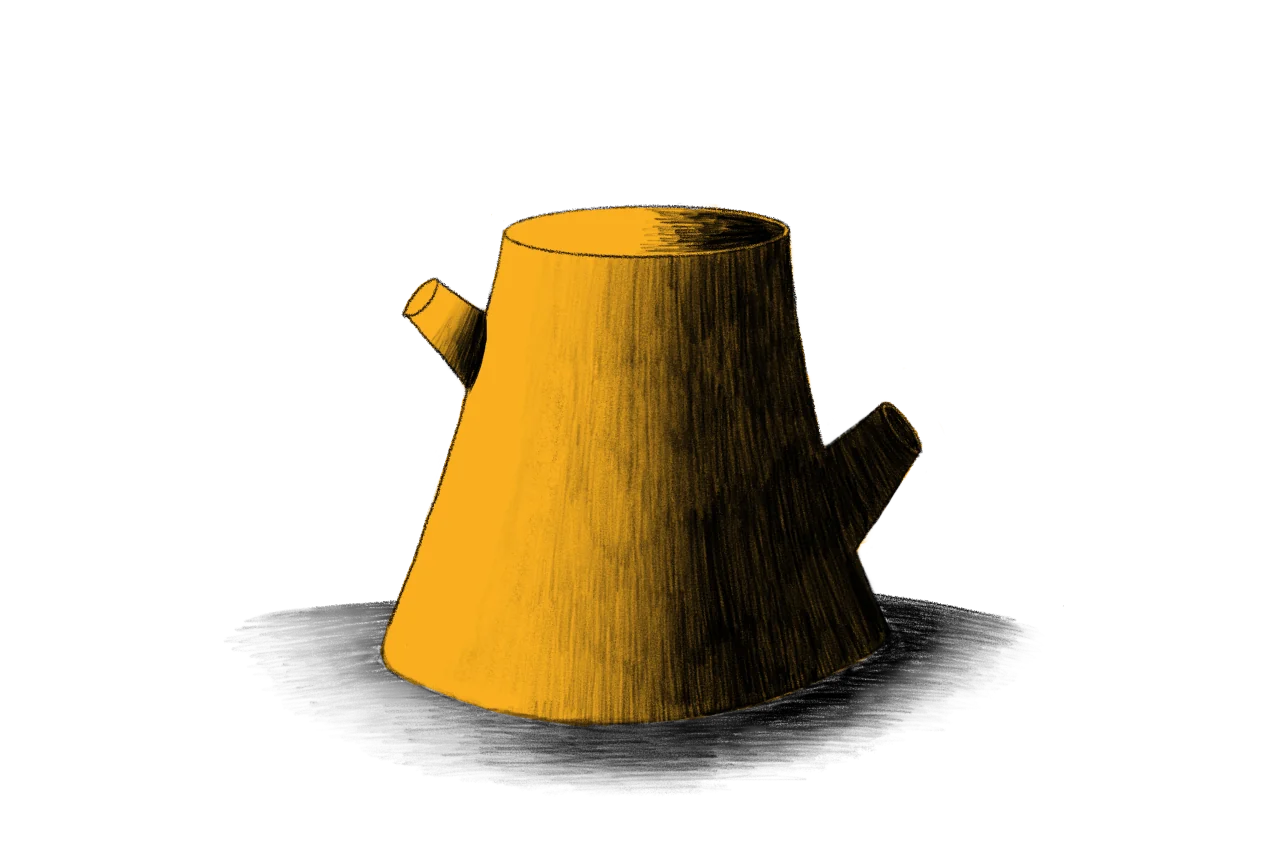
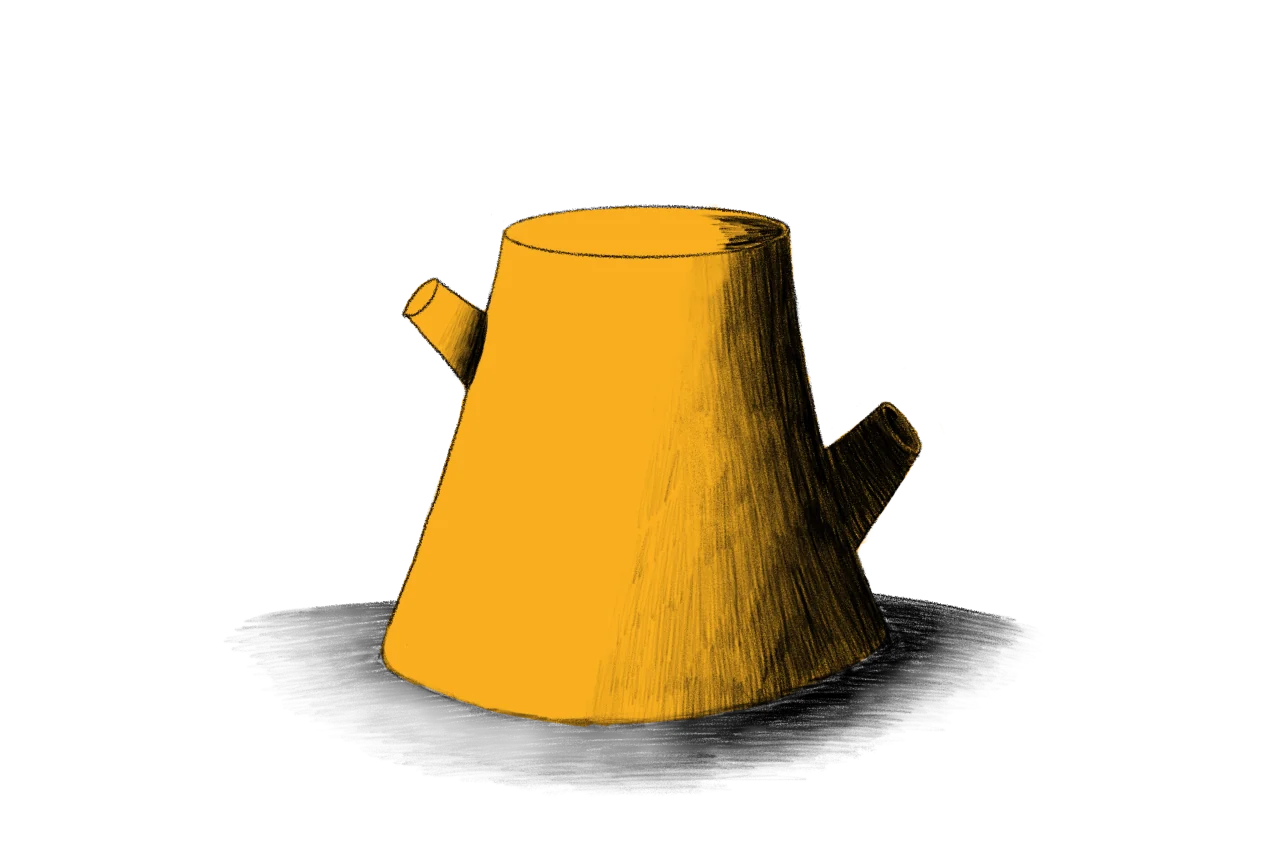
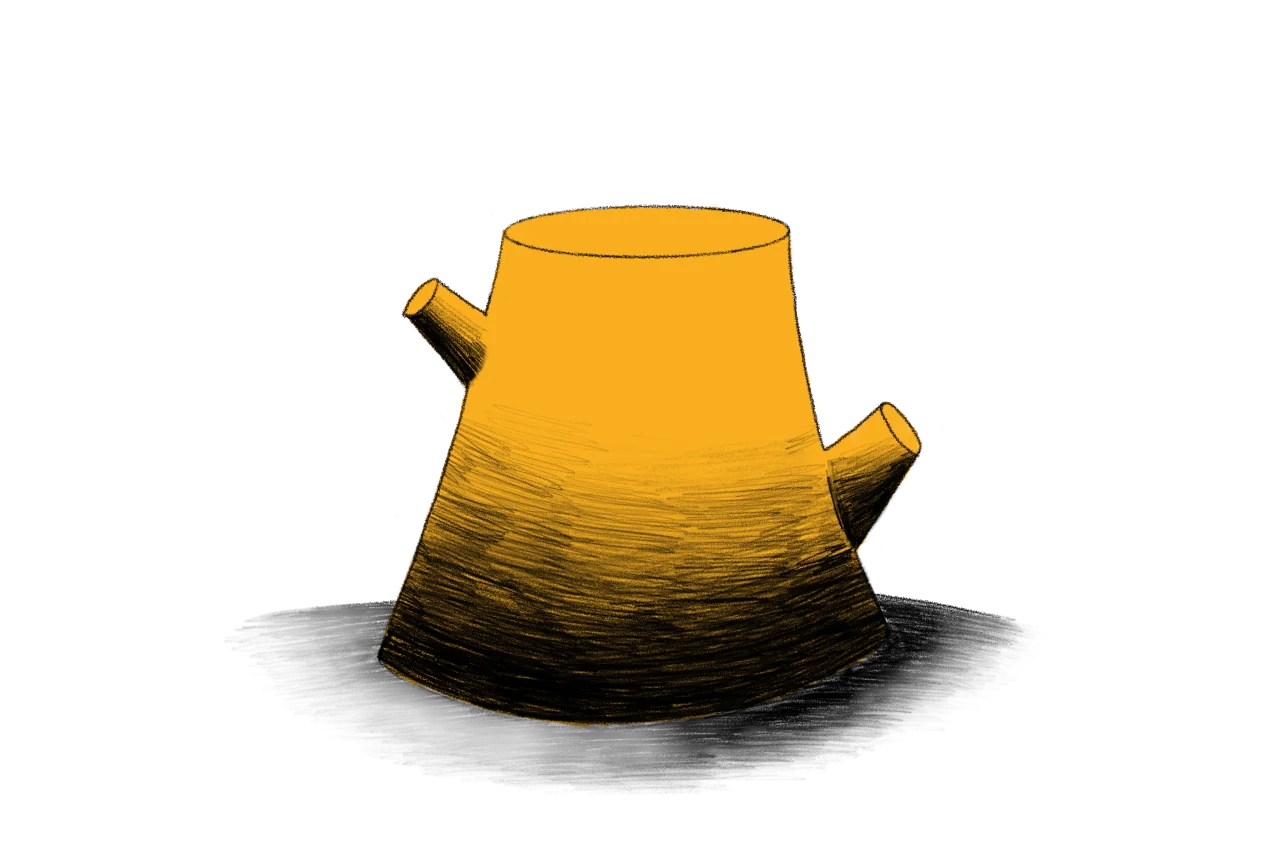
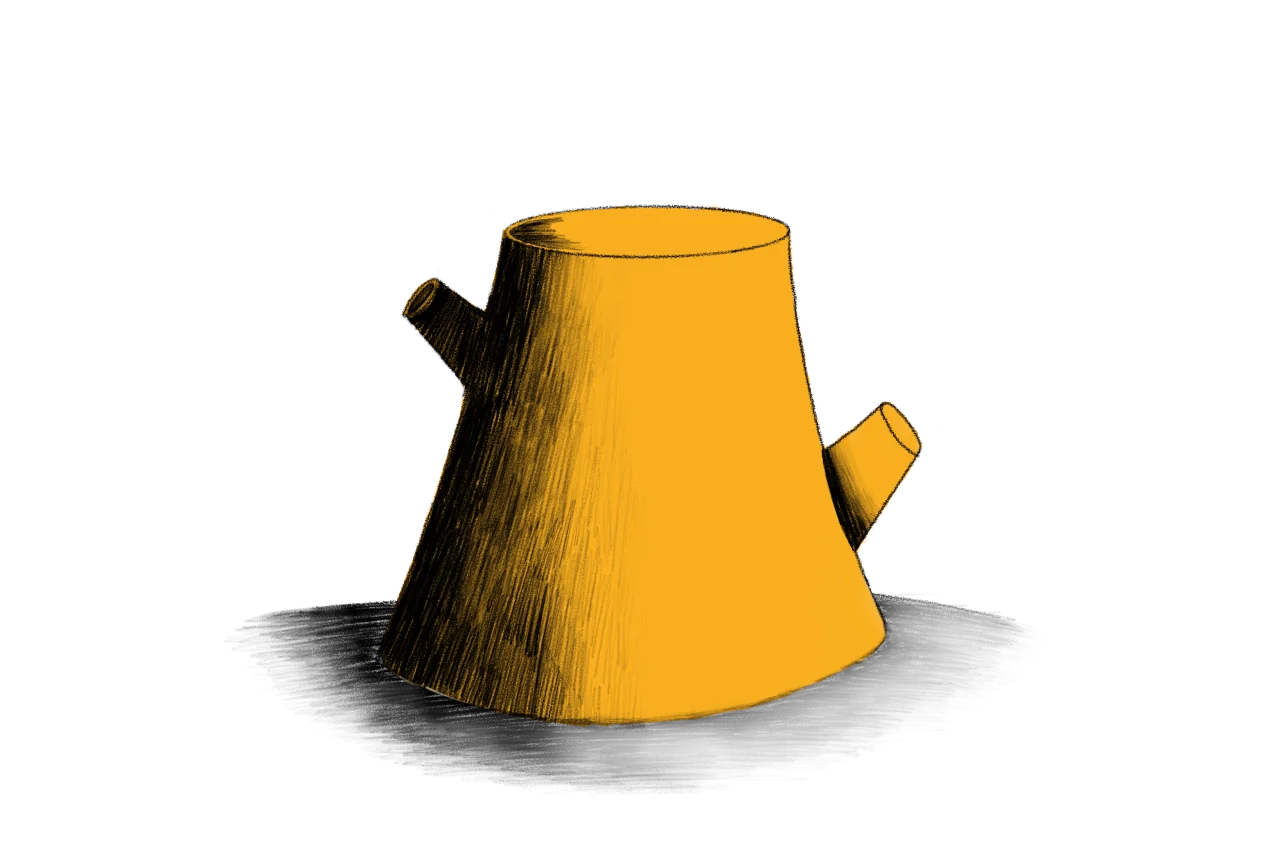
Move the sun and watch the light and shadow on the tree trunk follow it.

Perspective exercise on iPad: a house drawn in perspective, moved along the horizon line around a fixed vanishing point
Drag the house

Perspective

Move the house along the horizon and its lines keep running to the vanishing point.

Quiz opening on iPad: a Quiz bubble pops in with confetti over a big question mark, above Test your knowledge and earn points and a Start now button
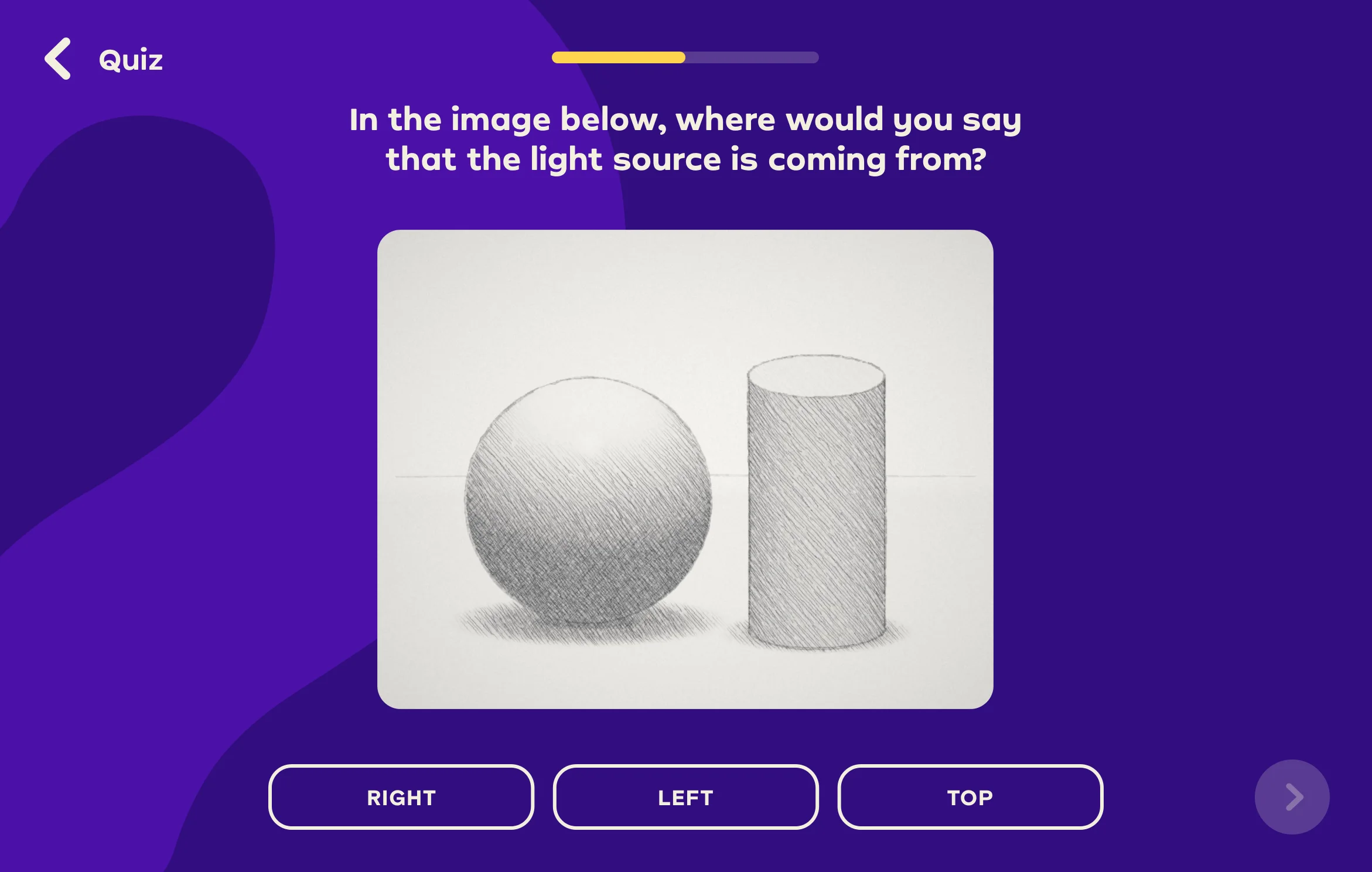
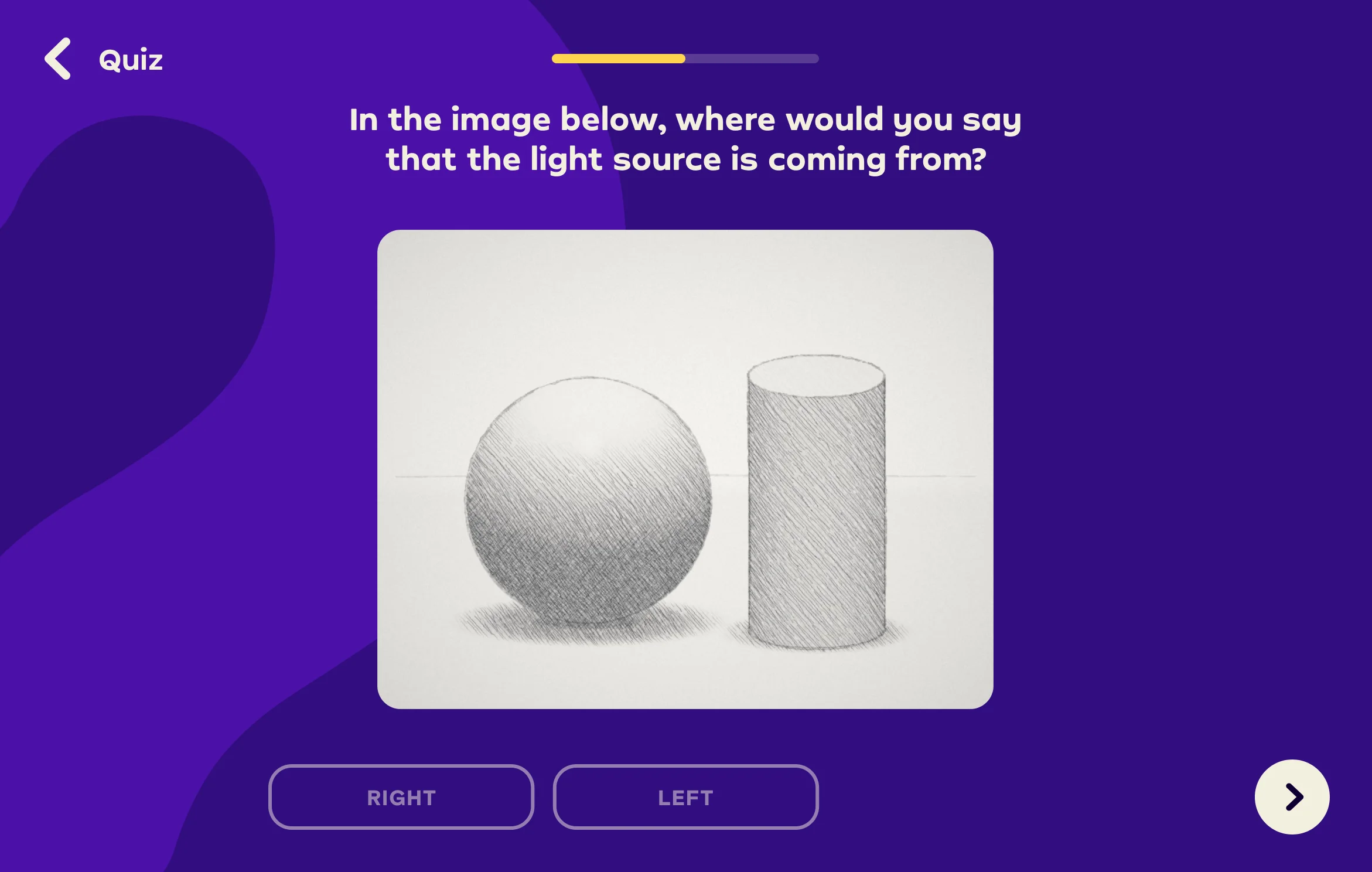
Quiz question 1 of 2: a pencil drawing of a sphere and a cylinder, asking where the light comes from, with Right, Left and Top answers
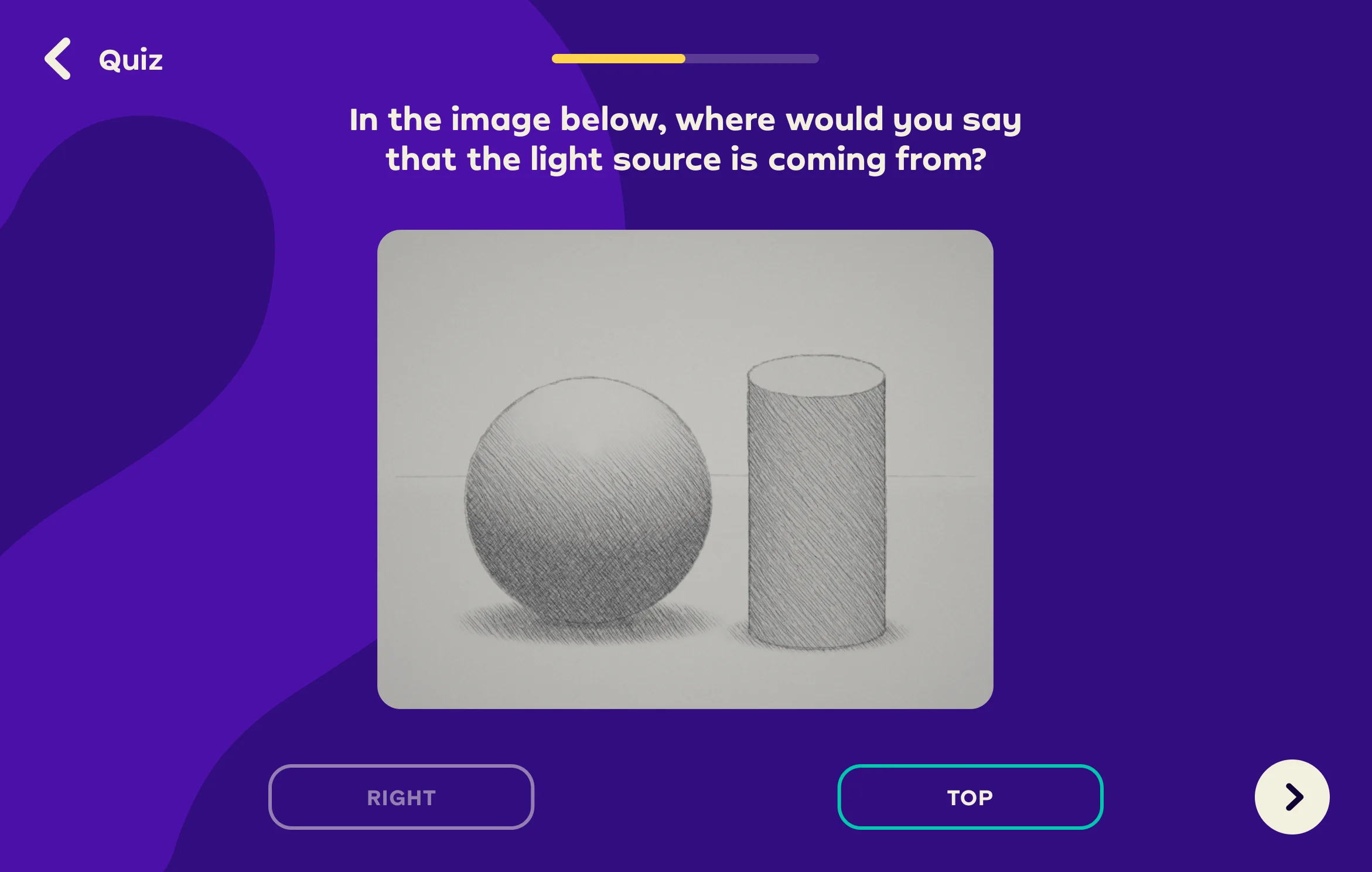
Top is correct: the answer turns green with confetti
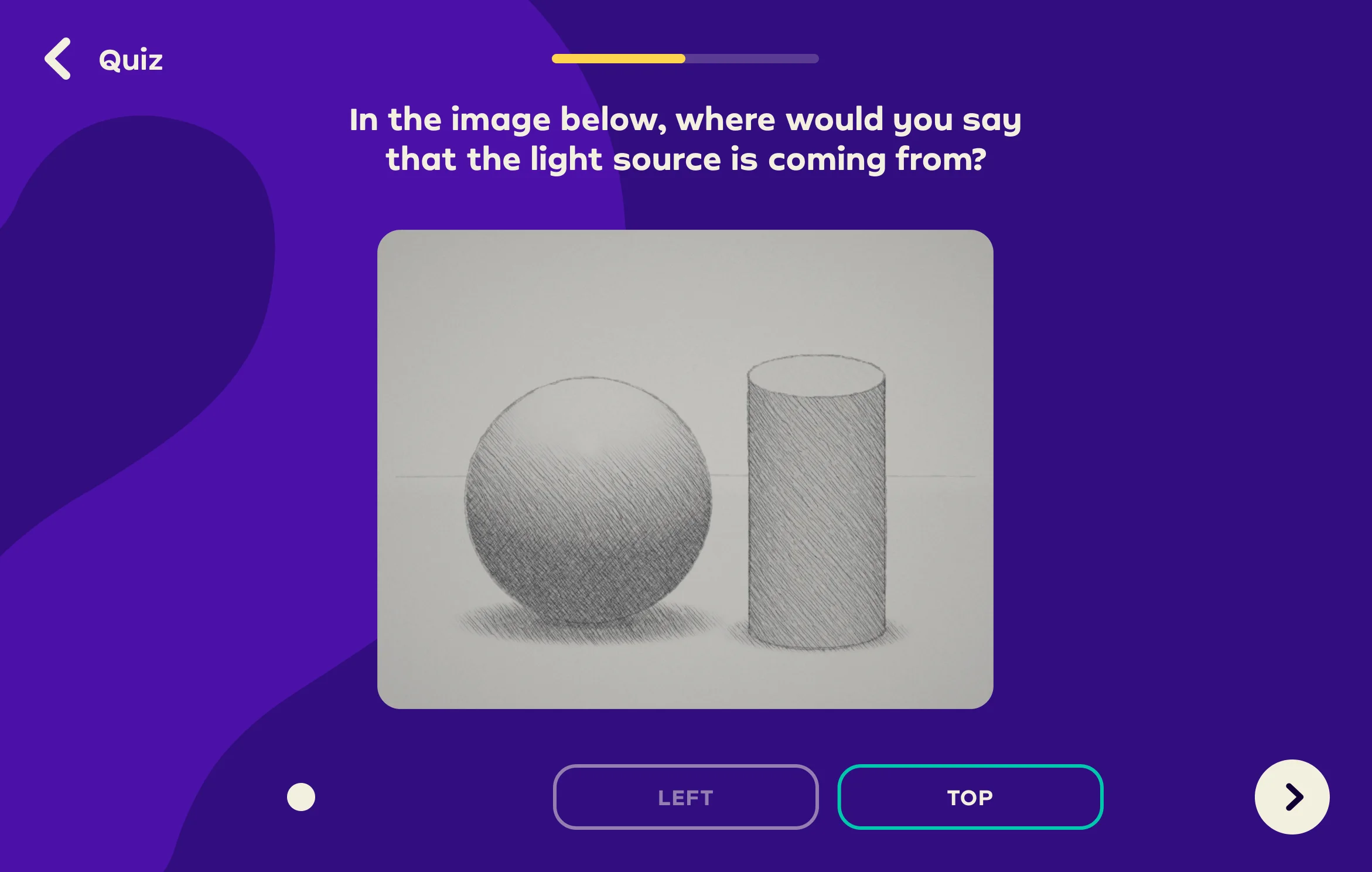
Left is wrong: the answer turns red, Top is outlined and a hint says to look at the direction of the shadow
Right is wrong: the answer turns red, Top is outlined and a hint says to look at the direction of the shadow
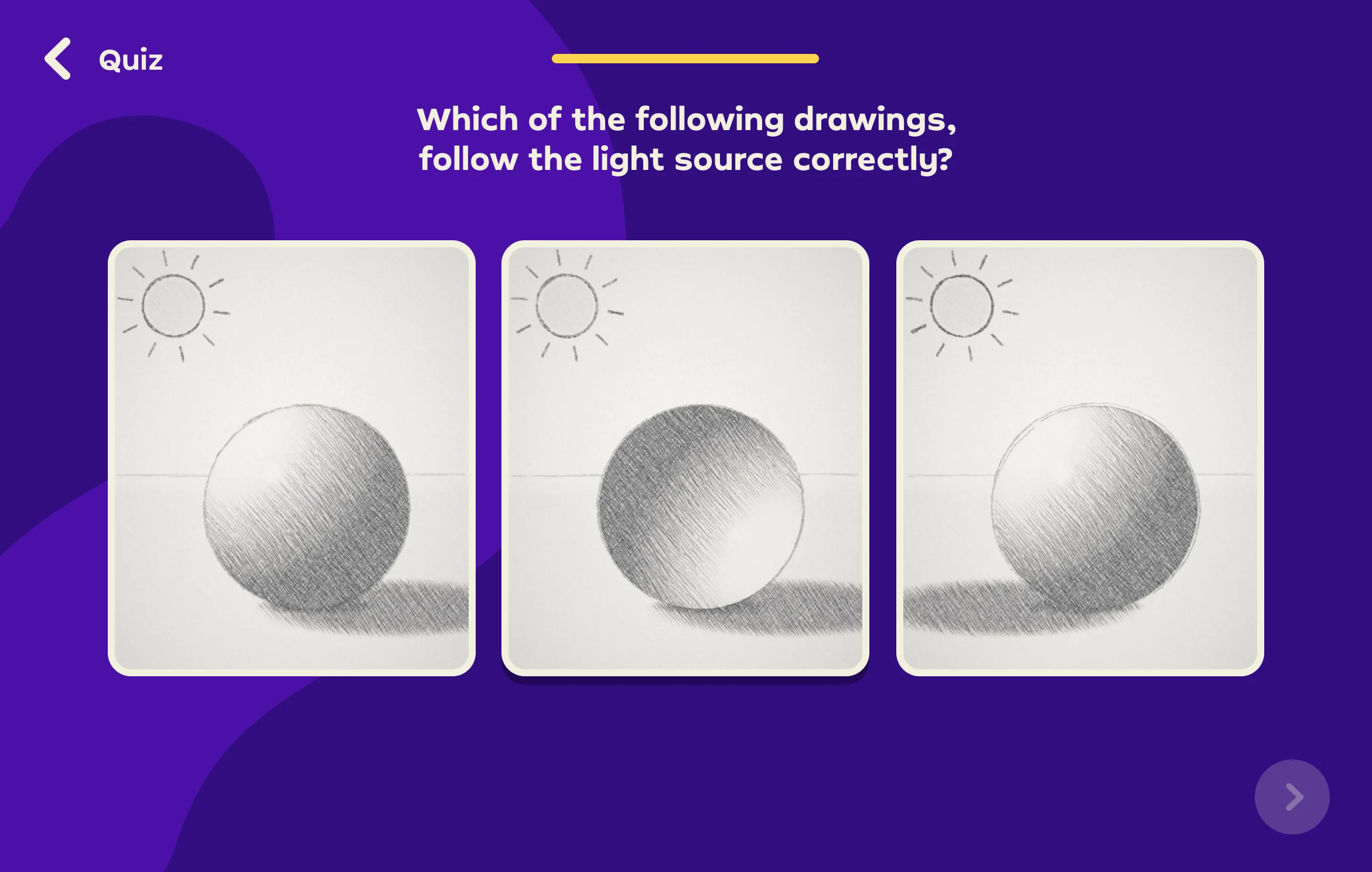
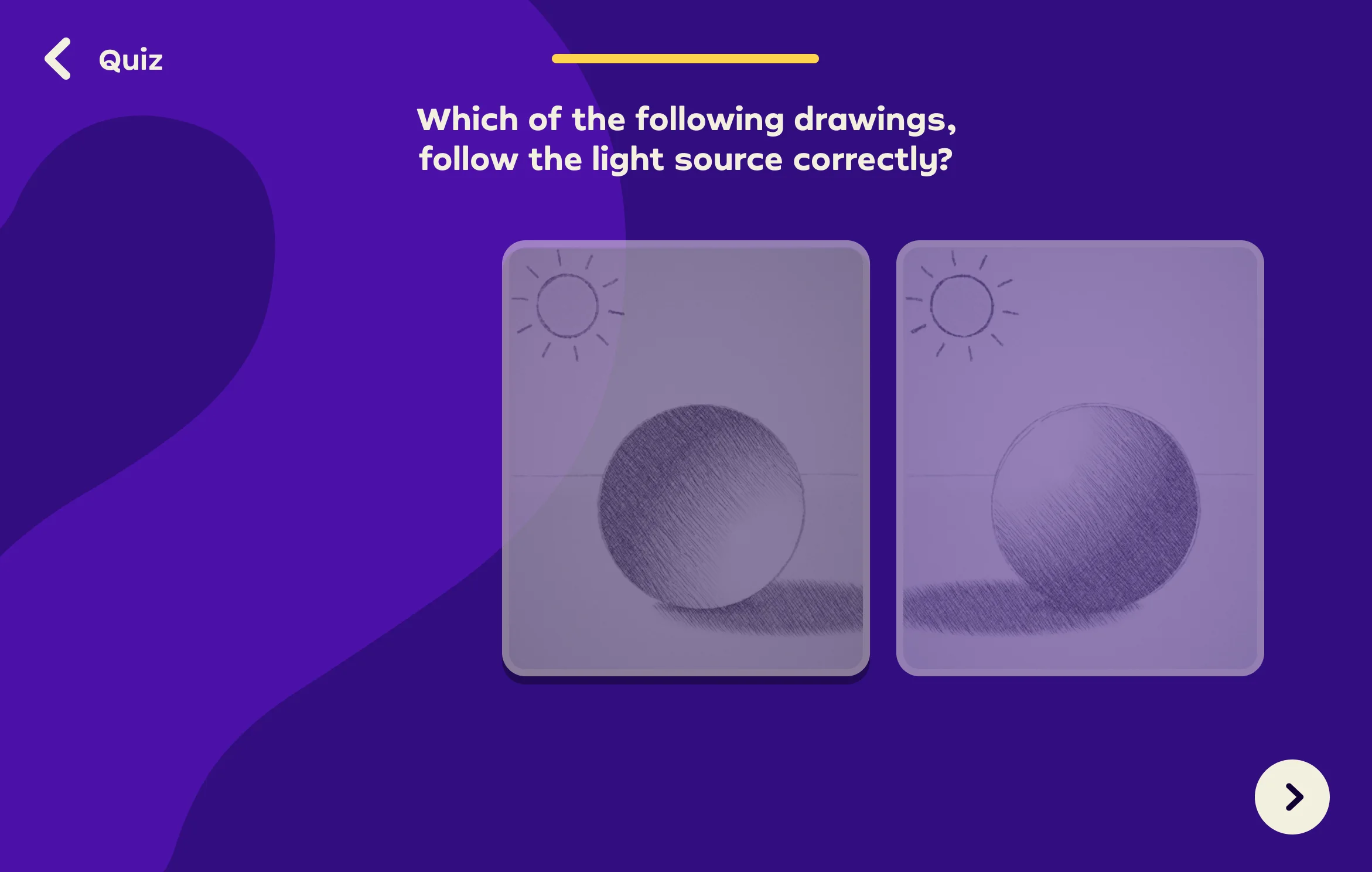
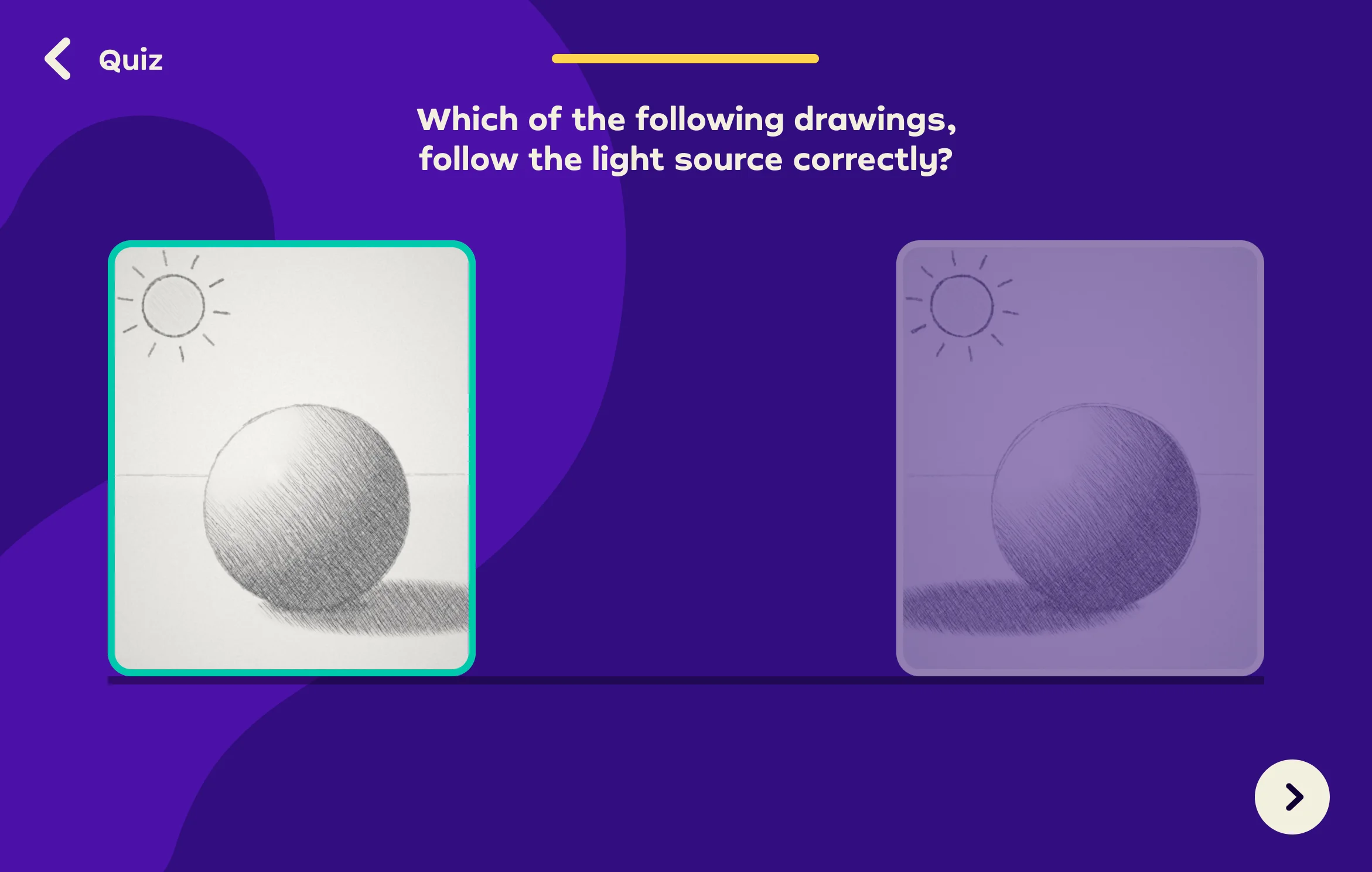
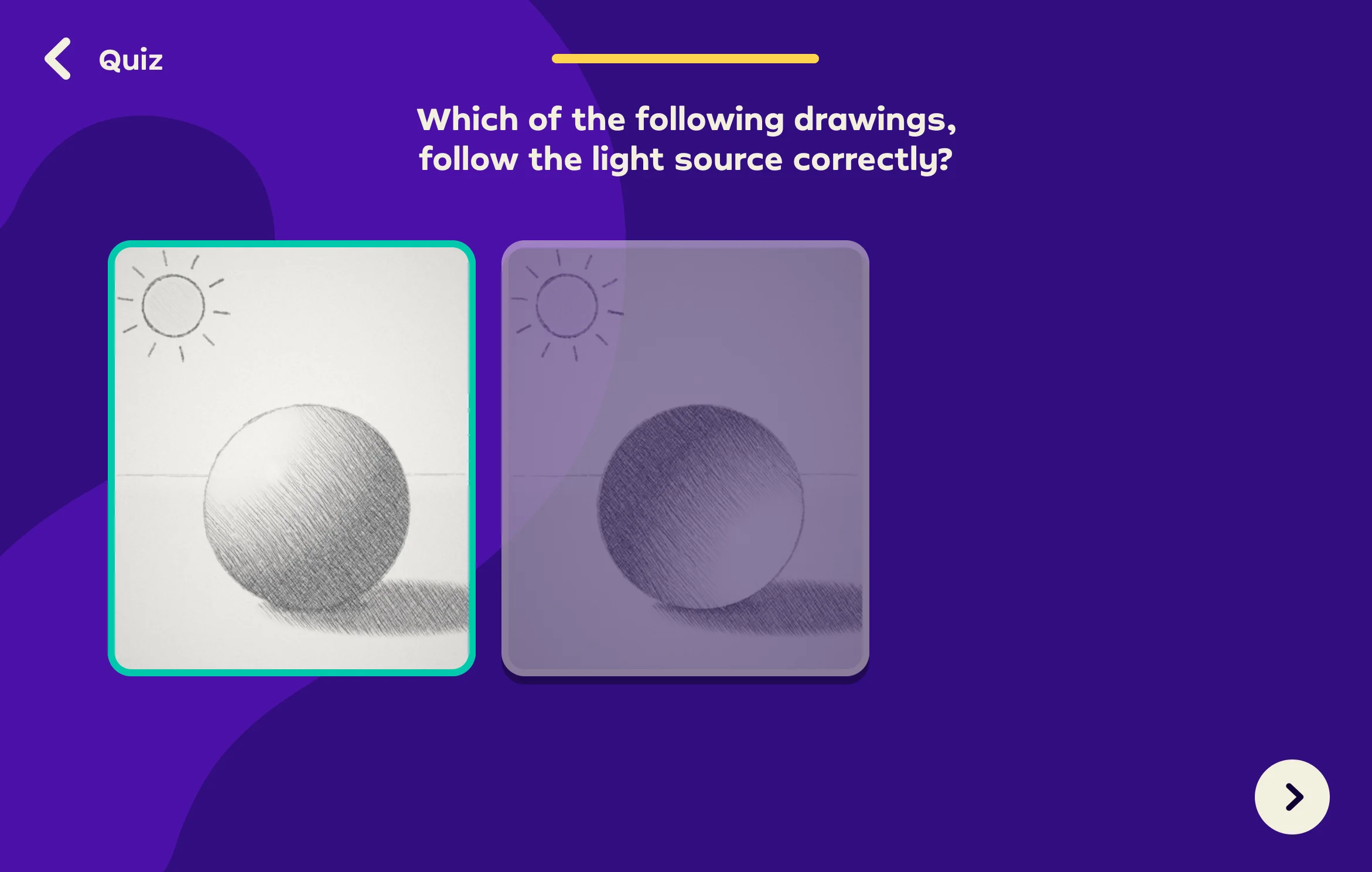
Quiz question 2 of 2: three pencil drawings of a sphere under a sun, asking which one follows the light source
Drawing A is correct: it turns green with confetti
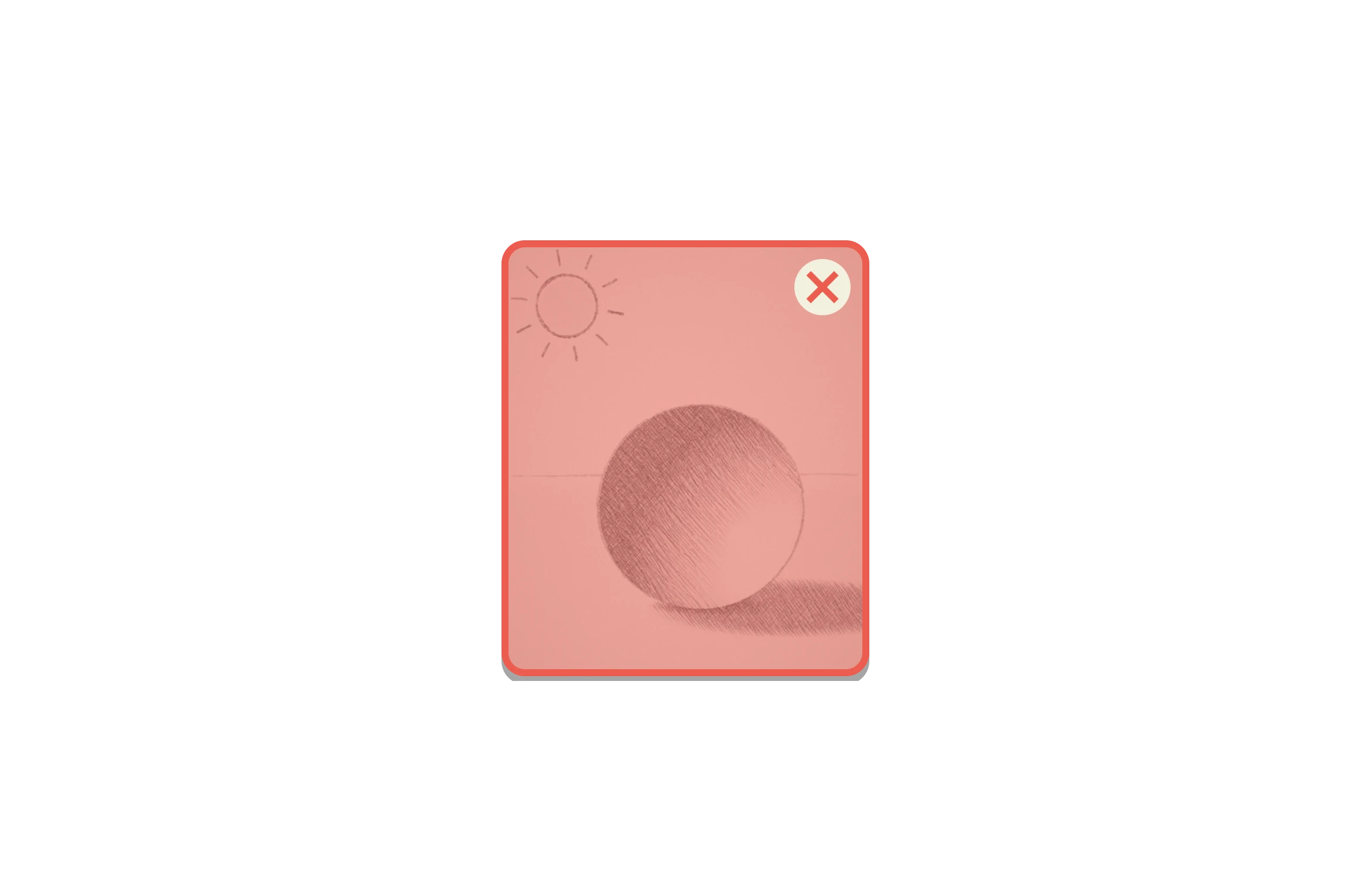
Drawing B is wrong: it turns red, A is outlined and a hint points to the shadow
Drawing C is wrong, its shadow falls toward the sun: it turns red, A is outlined and a hint points to the shadow
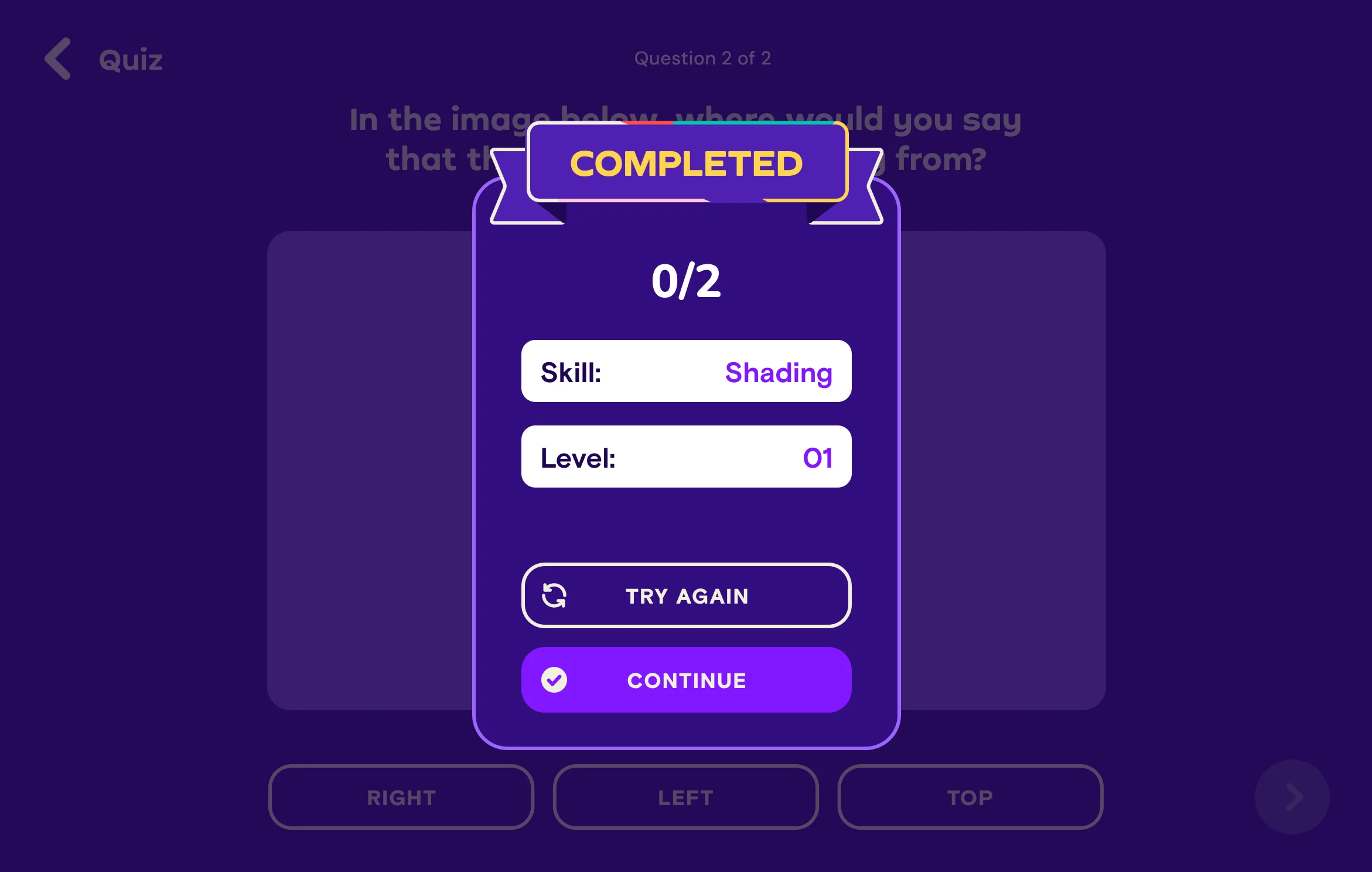
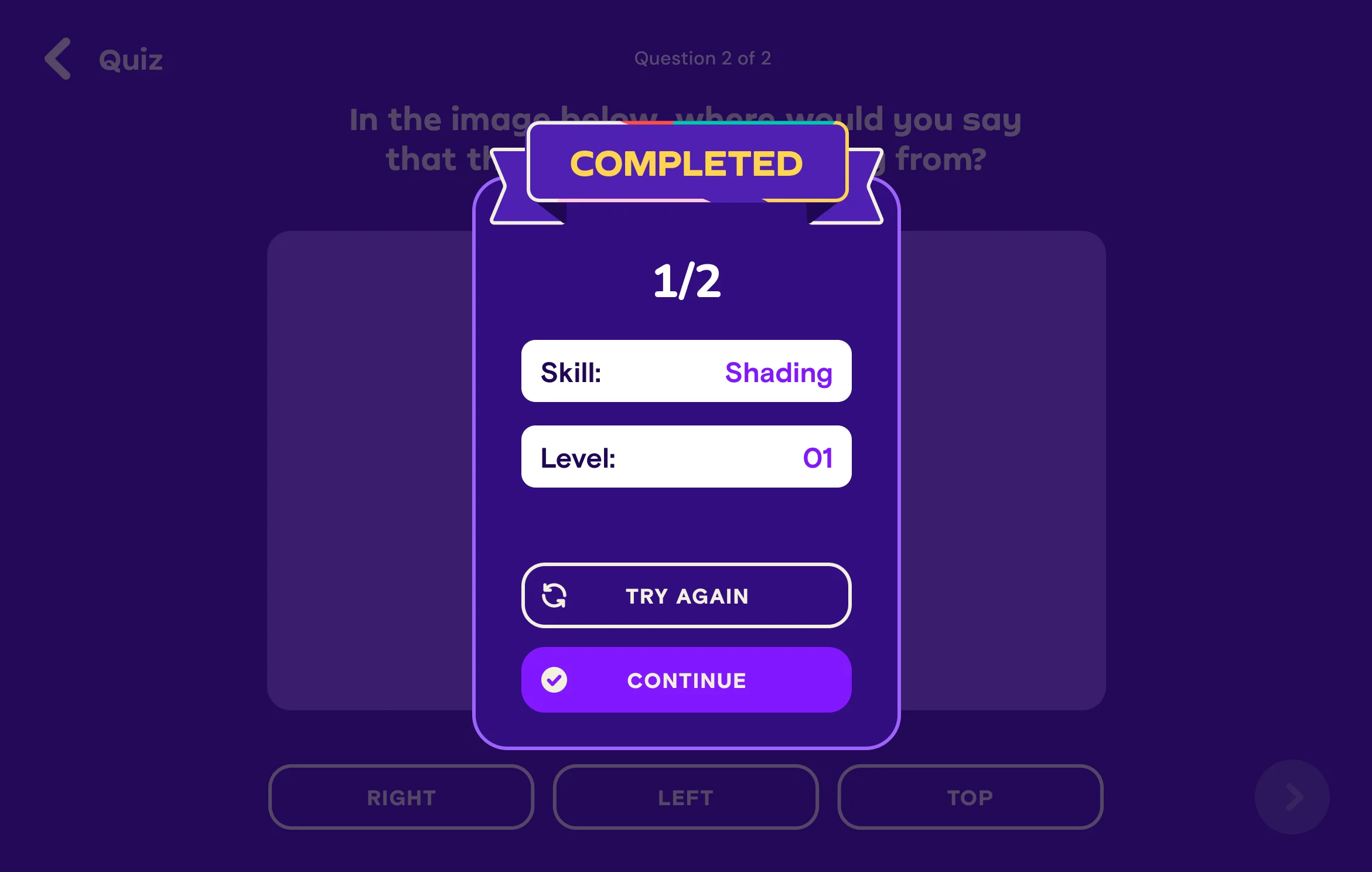
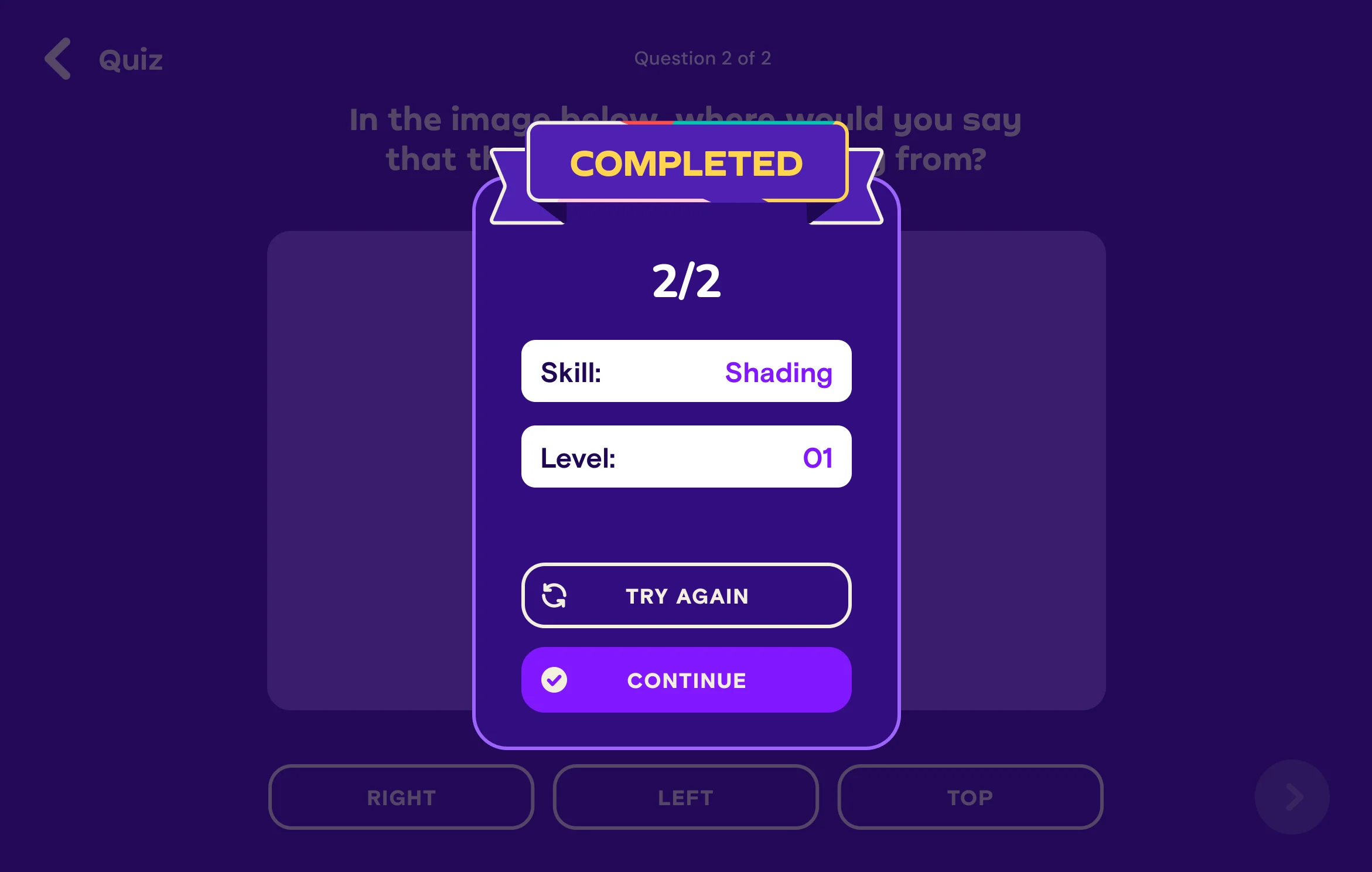
Quiz completed card: 0 of 2 right, skill Shading, level 01, with Try again and ContinueQuiz completed card: 1 of 2 right, skill Shading, level 01, with Try again and ContinueQuiz completed card: 2 of 2 right, skill Shading, level 01, with Try again and Continue
Tap Start now

Quiz

Answering a question makes a concept stick far better than watching it explained. Each short quiz asks learners to recall what they just learned and apply it to a real drawing. Instant feedback corrects a wrong idea on the spot, before it becomes a habit on paper, and the score, skill and level give a clear sense of progress that keeps them coming back.

6Journal

A journal of every finished drawing

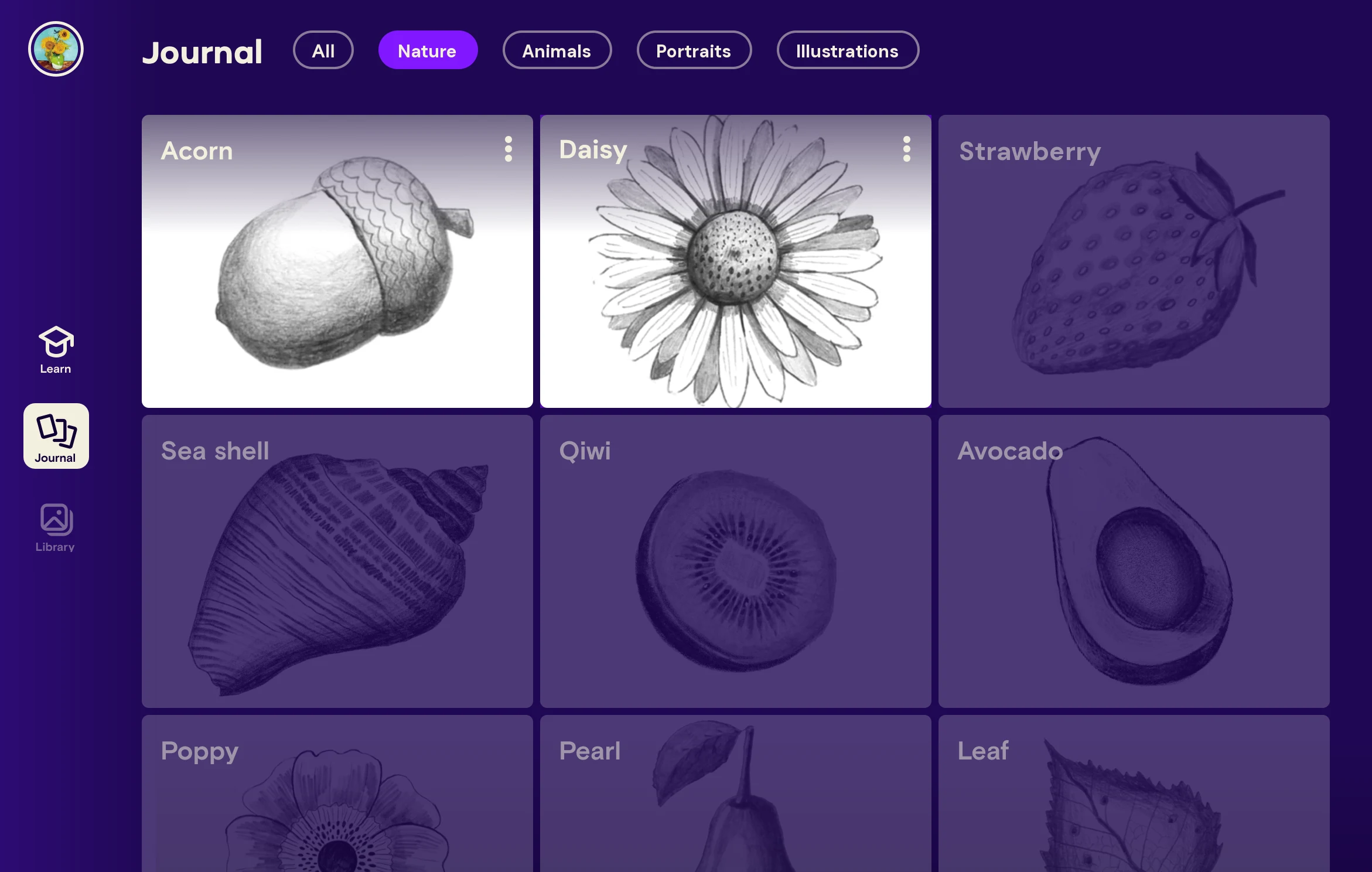
One place for every drawing a learner finishes, and for the ones still to come.

Journal on iPad: finished Acorn and Daisy drawings next to faded drawings still to come, like Strawberry, Sea shell and Avocado
  • Every finished drawing, savedFinishing a course adds the learner’s drawing to the journal, so their progress becomes a collection of their own work.
  • What’s ahead, in viewUpcoming drawings sit faded beside the finished ones, so learners always know what they’ll draw next.
Results

What the MVP taught us

Our goal was product-market fit. We measured the MVP against the goals we’d set: onboarding completion, first course engagement and completion, second session retention, and how people felt about their drawings.

82%completed onboarding
95%started the first course
87%who finished their first drawing were very happy with it
21%completed the first course
17%came back for a second session
Main insight

Users loved the professional guidance and the step-by-step experience, but session length hurt completion and retention.

The first drawing took about 1.5 hours. People pushed to finish in one sitting and got tired, and with so many steps, each one became a convenient exit point.

A surprise in who showed up

Most of the people who came to the app and stayed engaged were kids, not the adults we had designed for. Far fewer adults arrived than we expected.

Parents saw it as positive screen time and were happy to support their kids’ drawing.

A smiling boy at a table covered with his pencil sketches A father and daughter following a drawing lesson on an iPad together

What worked

  • A smooth entry. Users had an easy start and a good first impression.
  • A motivating main page. It clearly showed the journey and the skills ahead.
  • Confidence to start. The professional look and calm teacher built trust.
  • A fun, intuitive interface. Clear navigation and engaging color, sound and animation.

What held people back

  • Long sessions. A first drawing of about 1.5 hours led to fatigue.
  • Too many steps. The step-by-step approach built confidence, but the number of steps felt tedious.
  • Time to commit. The time investment was the main barrier to coming back.
What came next

MVP V2: smaller drawings, quicker wins

The MVP showed us what held learners back: long sessions, too many steps, and an audience younger than we had planned for. Only 21% completed the first course, and 17% came back for a second session. So I went back to the drawing board and simplified the lessons and the course map around one idea: get people to a finished drawing, fast, in a way that works for younger learners too.

MVP V2 course map on iPad: Animals Essentials I as a row of small drawings, a panda, a giraffe and an owl, with badges and a gift along the path. As you scroll, the path fills, each item completes, two surprise drawings unlock, then Animals Essentials II opens, followed by the Intermediate (purple) and Advanced (blue) sections
Scroll sideways
1

Simpler, outcome first

No more cards packed with text. I removed almost all text from the screen and let visuals carry the message: size, animation, movement and sound. The map is a path of the drawings learners will make, so the outcome leads.

2

Small drawings, quick wins

Less focus on skills, more on small drawings that build confidence fast. Skills come in bite-sized pieces, not as a full class.

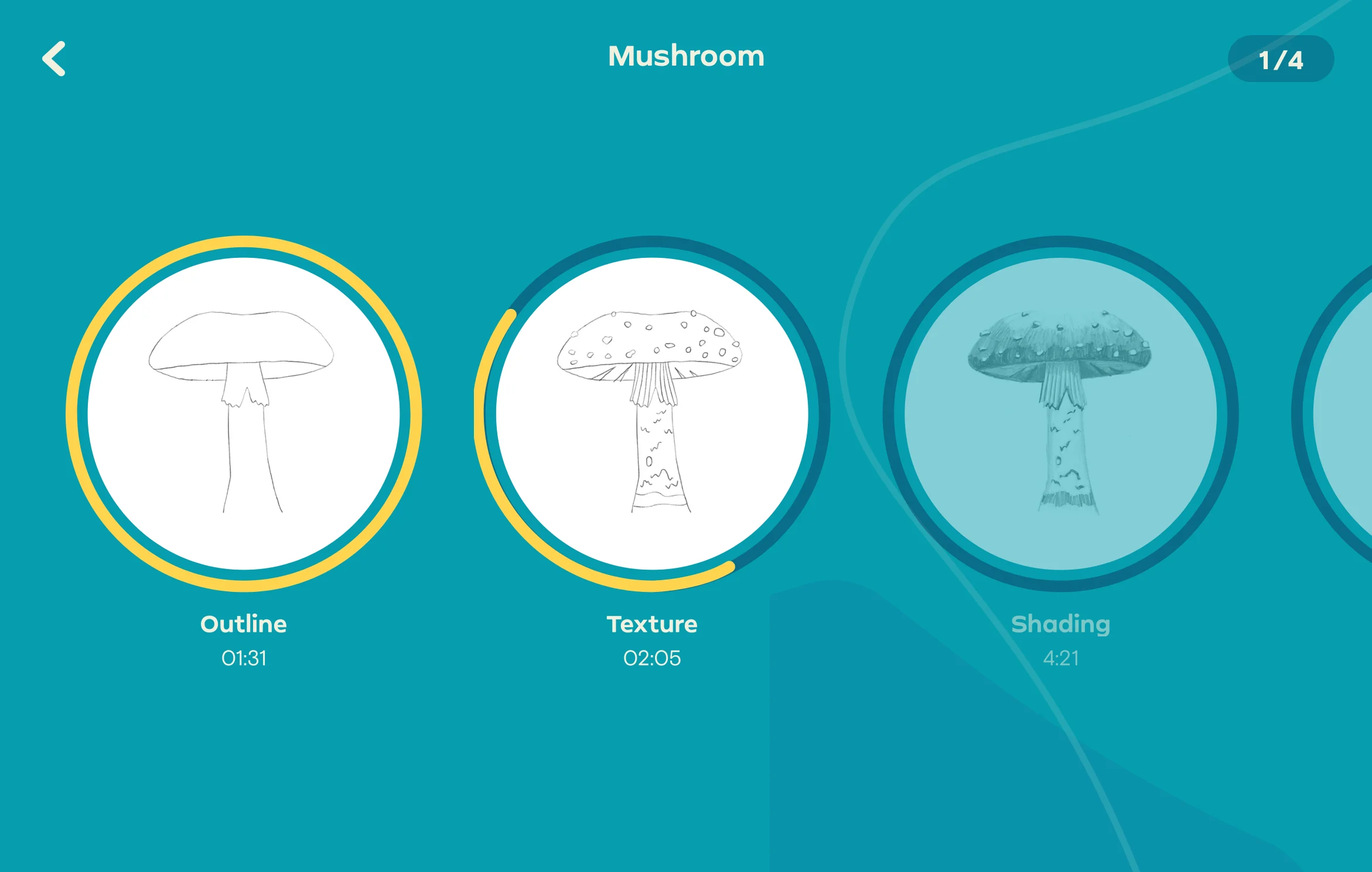
MVP V2 course screen on iPad: Mushroom, drawn in steps, Outline, Texture and Shading
3

A drawing that evolves

The course screen no longer lists skills. It follows one drawing as it grows, from outline to texture to shading, and each skill is learned along the way, right where it’s relevant.

AI feedback

Personal feedback, powered by AI

In research, people kept describing personal feedback as something they need and want on their drawing journey. Without it, they were left unsure about their abilities and their progress. In V2 we used AI to give each learner feedback on their own drawing.

Hype before the photo

The MVP taught us how hard it is to get people to photograph their drawing, especially midway. This animated story builds excitement about what the AI can do with that photo, so learners make the extra effort. It also gave us real evidence of how many users actually draw with the app.

A drawing brought to life

After a learner photographs a finished drawing, we bring it to life with a story around it. The animation highlights the parts they practiced and learned, adding to their sense of accomplishment and delight.

The result

Quicker wins kept learners coming back and made them more willing to pay

66%completed their first drawing
37%started a second drawing
29%week 2 retention
45%would be “very disappointed” to lose Simply Draw (PMF survey)
Milestone unlocked

We reached product‑market fit and started monetizing

Looking back

From a first line to a finished drawing

Simply Draw was Simply’s first step beyond music. Research gave us a clear hypothesis, and the MVP tested it with real learners. Parents saw it as positive screen time and were happy to support their kids’ drawing. Still, users, especially kids, needed a quicker sense of success and a tangible outcome to hold on to, so they would stay motivated and feel they were on the right track. Kids have less patience for a long road to success, so the simpler V2 is built on smaller, quicker wins.

NextCase study 03 03 Simply Draw CanvasDrawing with a digital pen iPad · Creative tool
Simply